
Living Room · Nursery & Kids
High Chair
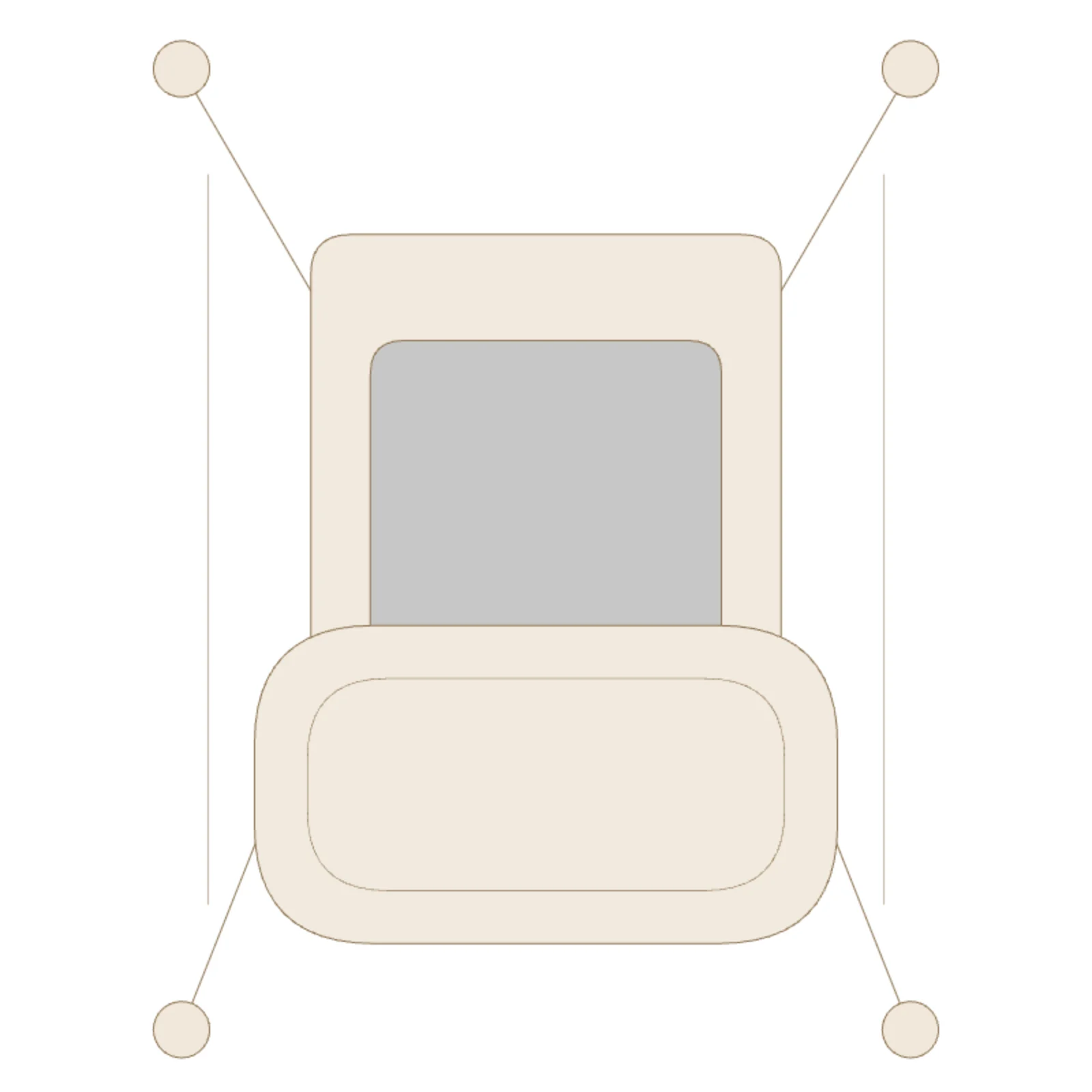
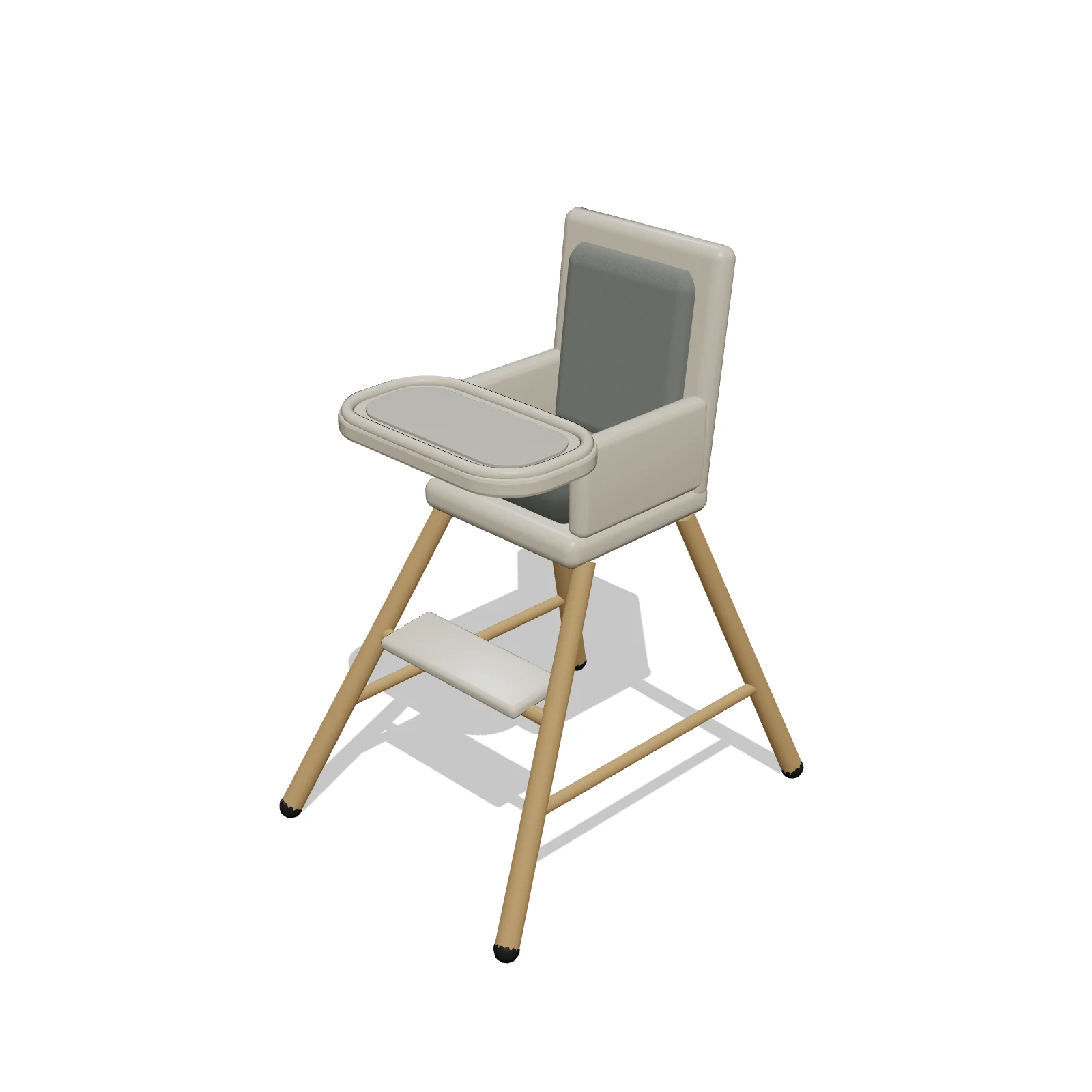
Width 24″Depth 31″Height 40″Shape rectangle
Overview
A high chair seats a baby or toddler at table height for meals, with a tray and footrest. It is placed at the end or corner of a dining table, or by the kitchen island.
Sizing & placement
It is 24 inches wide, 31 inches deep and 40 inches tall. Leave space around it to pull it out and lift the child in and out.
Where it works
Dining rooms, kitchens and nurseries. Find it under Nursery & Kids in Furnish on the Dining Room, Kitchen and Bedroom tabs, or search "high chair" or "feeding chair".
Specifications
| Width | 24 in |
|---|---|
| Depth | 31 in |
| Height | 40 in |
| Shape | rectangle |
| Size class | small |
| Room types | dining-room, kitchen, bedroom |
| Default color | #F3F1EC |
Configurable options
- Color — any hex value
Frequently asked questions
- How big is the high chair?
- 24 inches wide, 31 inches deep and 40 inches tall.
- Can I change its color?
- Yes. Select it and use Color in its panel: tap a preset swatch or pick any custom color.
More nursery & kids
Related guides
Place the High Chair in your own floor plan
Open RoomSketch3DIncluded with RoomSketch3D — $19.99 one-time purchase, the full catalog included. No subscription.