
Help & Tutorials
Everything you need to get the most out of RoomSketch3D — from drawing your first floor plan to walking through a fully furnished room in 3D. Search, pick a topic, or start with the basics.
Browse by topic
Getting Started
Create your account, draw your first room, and learn your way around the editor in a few minutes.
22 articlesDesign Ideas
Furnish a specific corner of your home — a reading nook, a game room, a walk-in closet, a hot-tub deck. Each guide names the exact catalog items to place in your floor plan, the plan to arrange them, and the 3D view to judge it.
62 articlesBuilding Your Floor Plan
Build your whole floor plan — walls, doors, windows, stairs, fireplaces, and balconies; set wall and ceiling heights; lay per-room flooring; and stack multiple floors into a complete home.
34 articlesFurnishing Your Space
Browse real-world items, place and arrange them, add custom pieces, and check what actually fits.
19 articlesViewing in 3D
Step inside your home: switch to 3D, orbit it, walk through it room by room, jump between rooms with the beacons, and toggle the ceiling.
4 articlesSmart Flow Check
Catch traffic, clearance, and door-swing problems before they happen — and learn how to fix them.
3 articlesSaving, Sharing & Exporting
Auto-save and sync across devices, manage your designs, export 2D images and 3D models, and share a link.
11 articlesMobile & AR Scanning
Use RoomSketch3D on iPhone, iPad, and Android — including measuring a room by walking it with AR.
4 articlesAccount & Billing
Buying, licenses, restoring purchases, account changes, and privacy.
7 articlesTroubleshooting
Fixing problems: a design that won't save, missing designs after signing in, a black screen or frozen canvas, connection errors, and slow or interrupted 3D.
4 articlesWall Fixtures: Doors, Windows & More
The complete guide to every wall fixture — door types (hinged, French, sliding, pocket, barn), window types (fixed, sliding, bay, corner bay), fireplaces, balconies, railings, and stairs. What each one is, when to use it, and how to add it in RoomSketch3D.
41 articlesStandard Dimensions & Clearances
Standard sizes for sofas, tables, beds, desks, kitchen islands, vanities — plus the clearances around them. The reference you'll come back to every time you ask 'what size is a…'
21 articlesRoom Planning Guides
Per-room layout playbooks: living rooms, bedrooms, kitchens (galley, L, U, one-wall, island), bathrooms, dining, home office, home gym, garage, studio, and outdoor patios.
25 articlesFloor Plan Reference
Glossary of floor-planning terms, symbols library, how to read a floor plan, and the difference between a floor plan, a blueprint, and an elevation.
6 articlesPopular guides
Take the guided tour of the editor
Let the app walk you through every panel, tool, and menu on a sample apartment — the best first five minutes in RoomSketch3D.
Seven ways to start a floor plan
Dimensions, custom shapes, floor plan images with AI, room photos, AR scan, templates, backups — pick the right starting point.
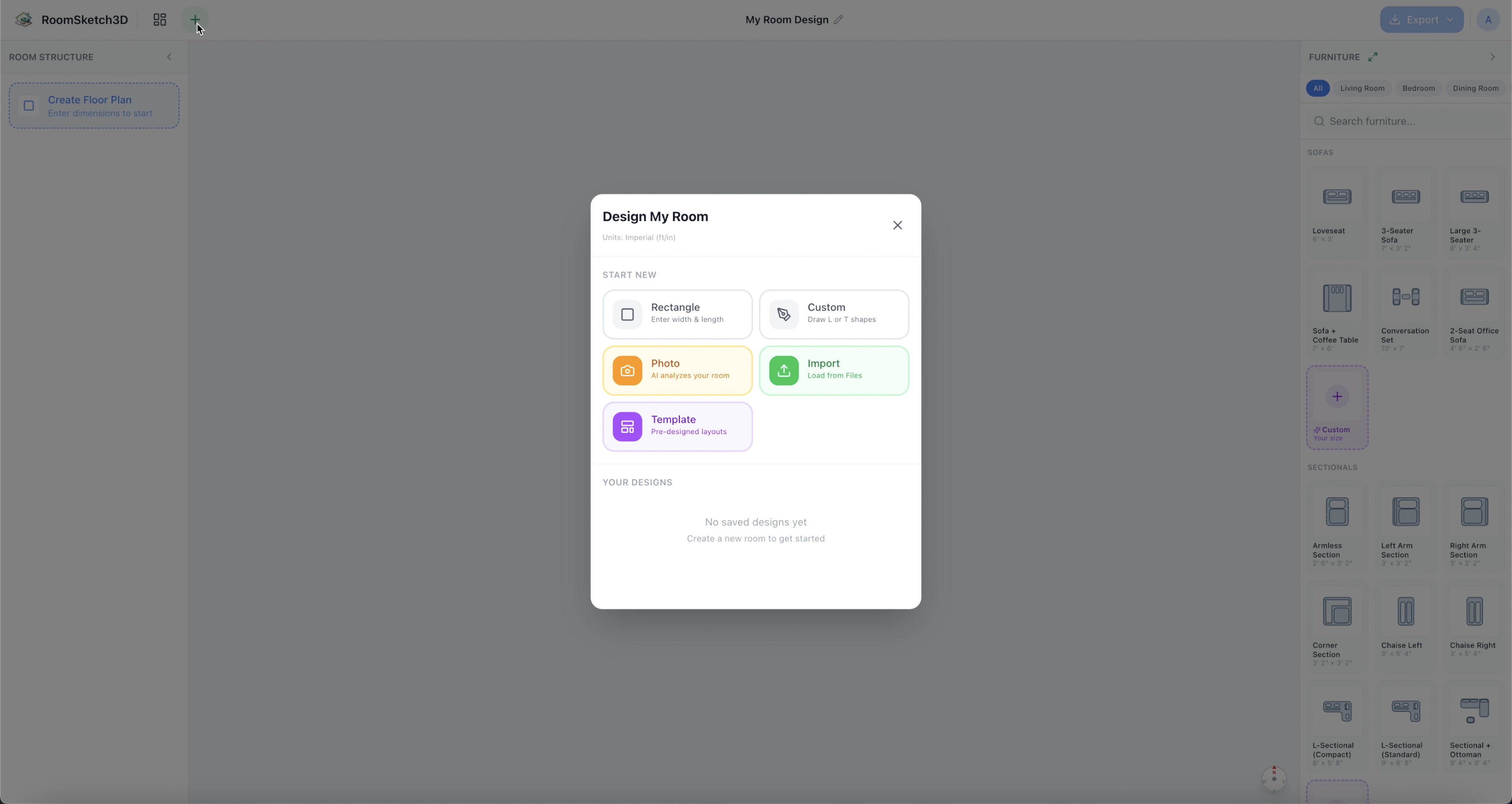
How to create a rectangular floor plan
Set up a basic rectangular room with accurate measurements in feet or meters — about a minute.
Complete walkthrough: draw a room, furnish it, and view it in 3D
The complete tour: blank canvas → furnished room → 3D walkthrough, in a few minutes.
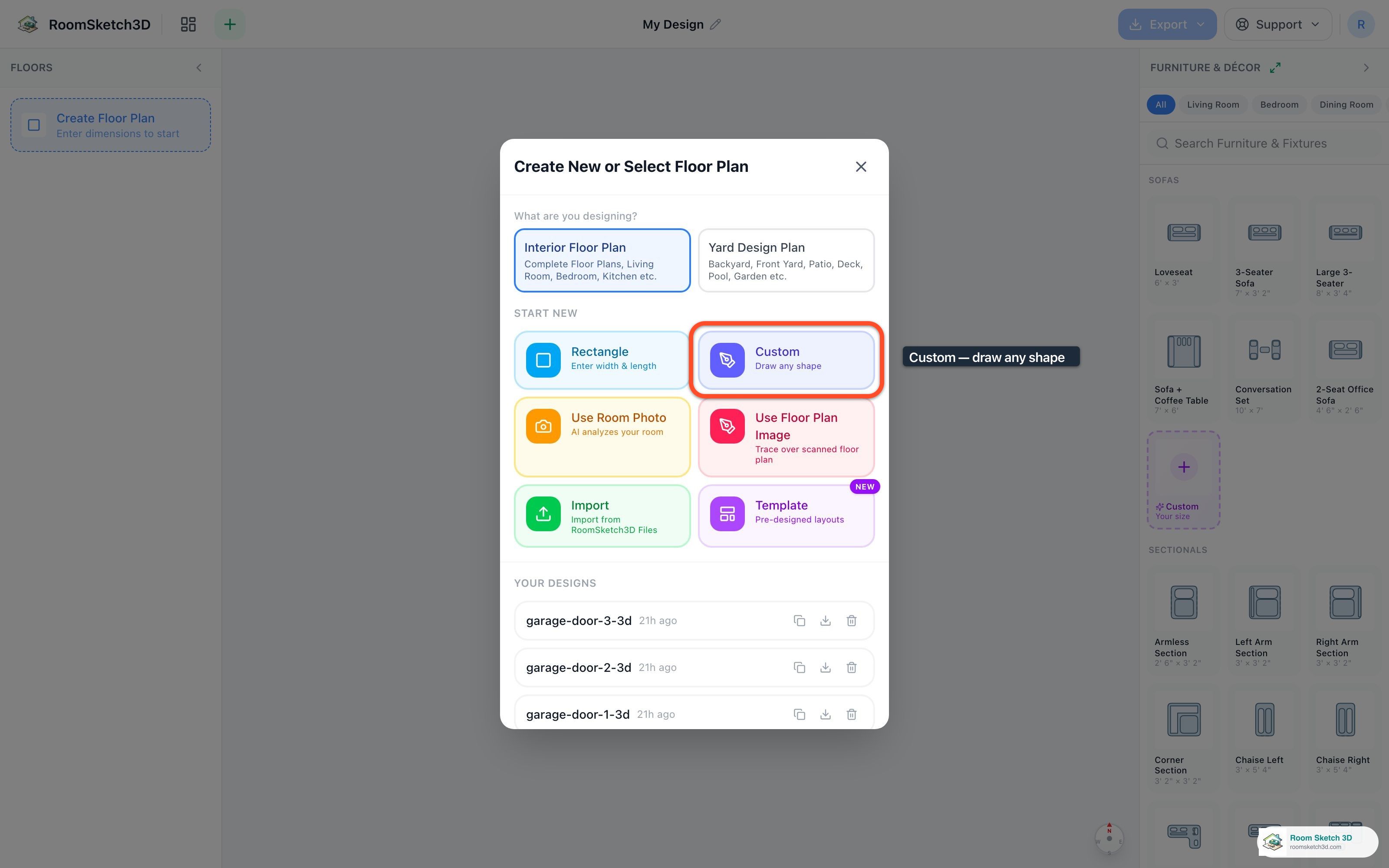
Drawing a custom-shaped room
Pick a preset or draw your own — six starting shapes plus a freehand corner-placement editor.
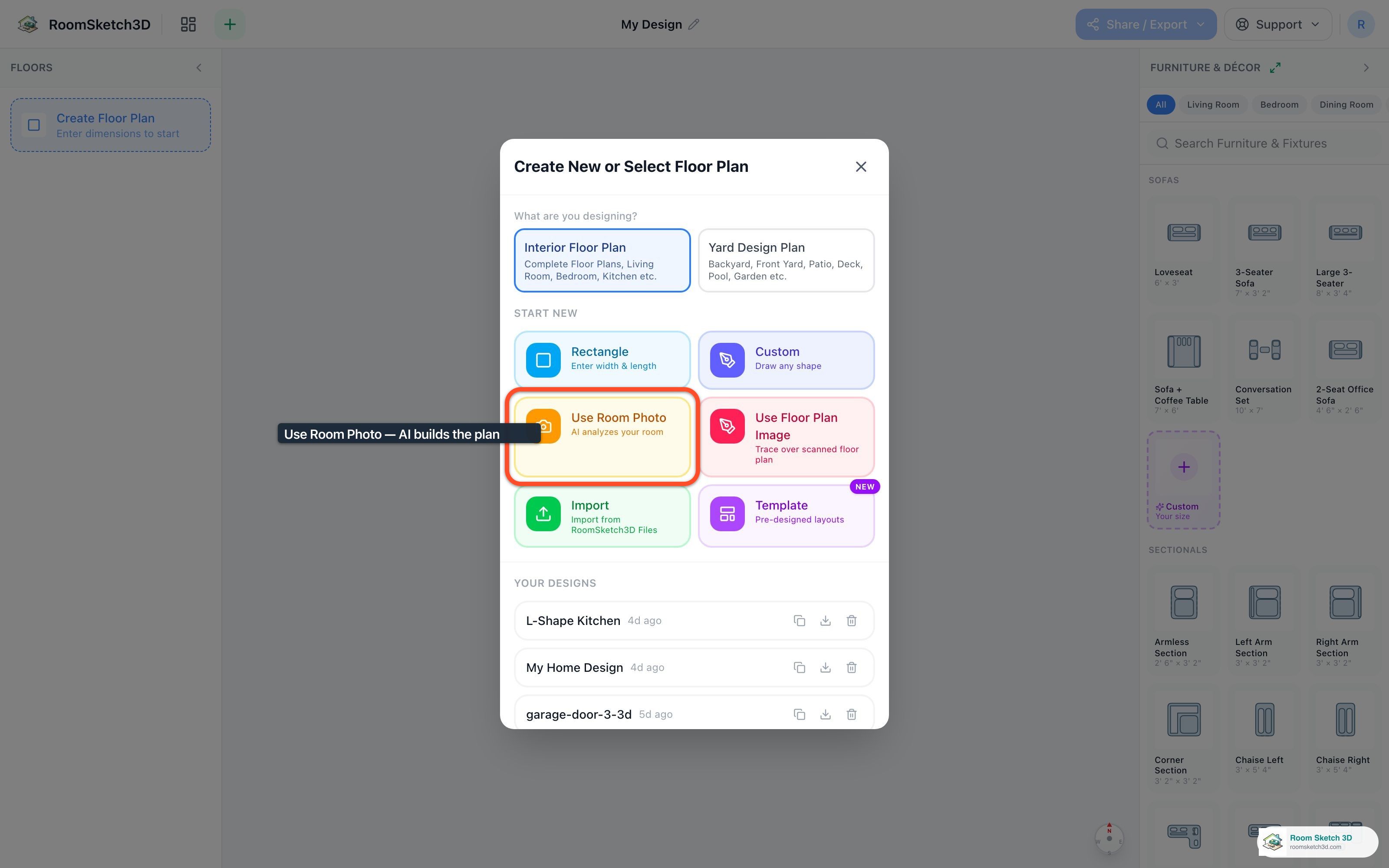
Creating a floor plan from a room photo
Pick a photo of your room; AI builds an approximate floor plan — walls, dimensions, furniture — in ~30 seconds.
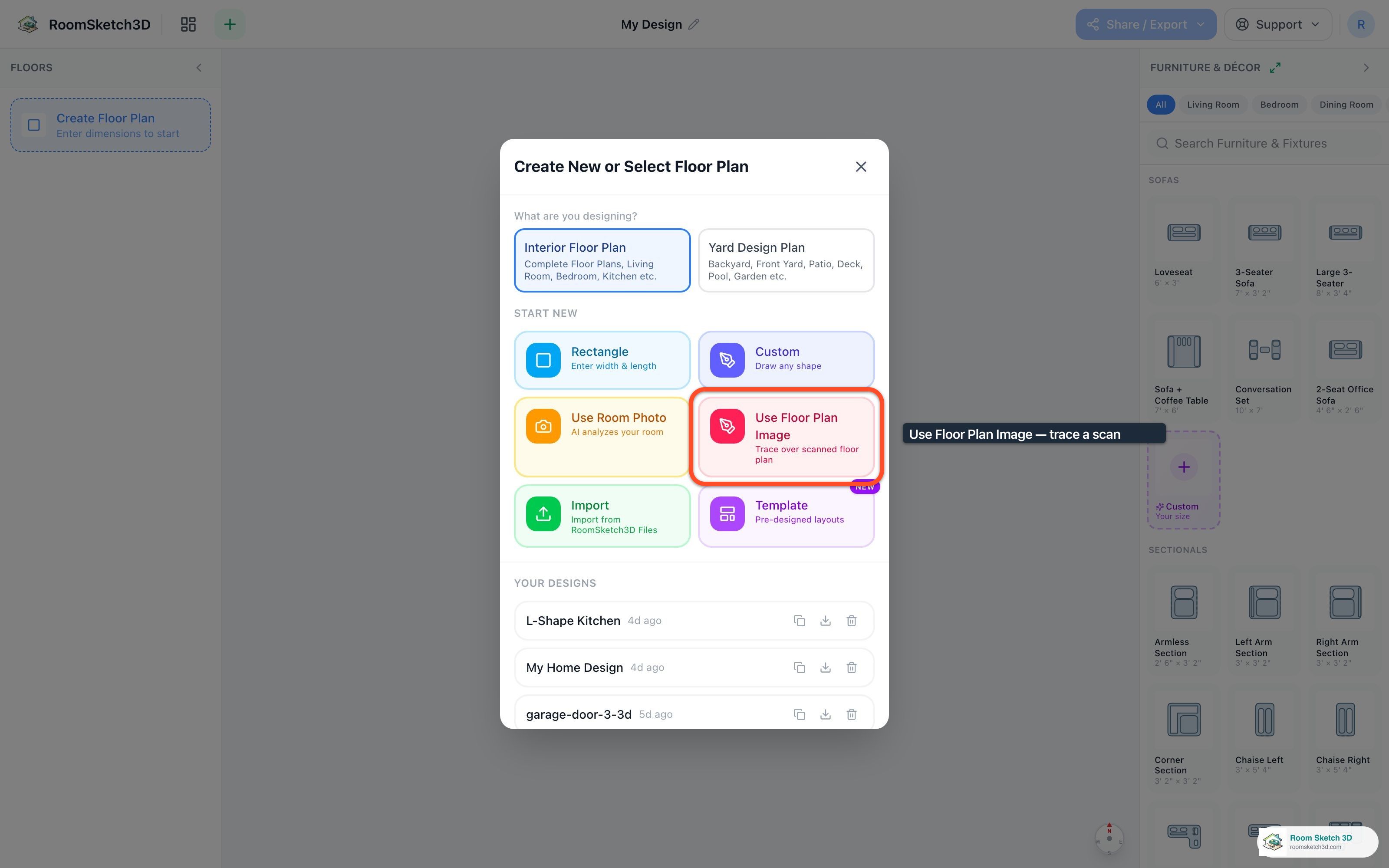
Importing and tracing an existing floor plan
Import an existing floor-plan image and trace over it to recreate it digitally.
Modifying exterior walls and your plan outline
Split walls, add extensions, remove walls, switch styles like glass or pony walls, and set exact wall dimensions.
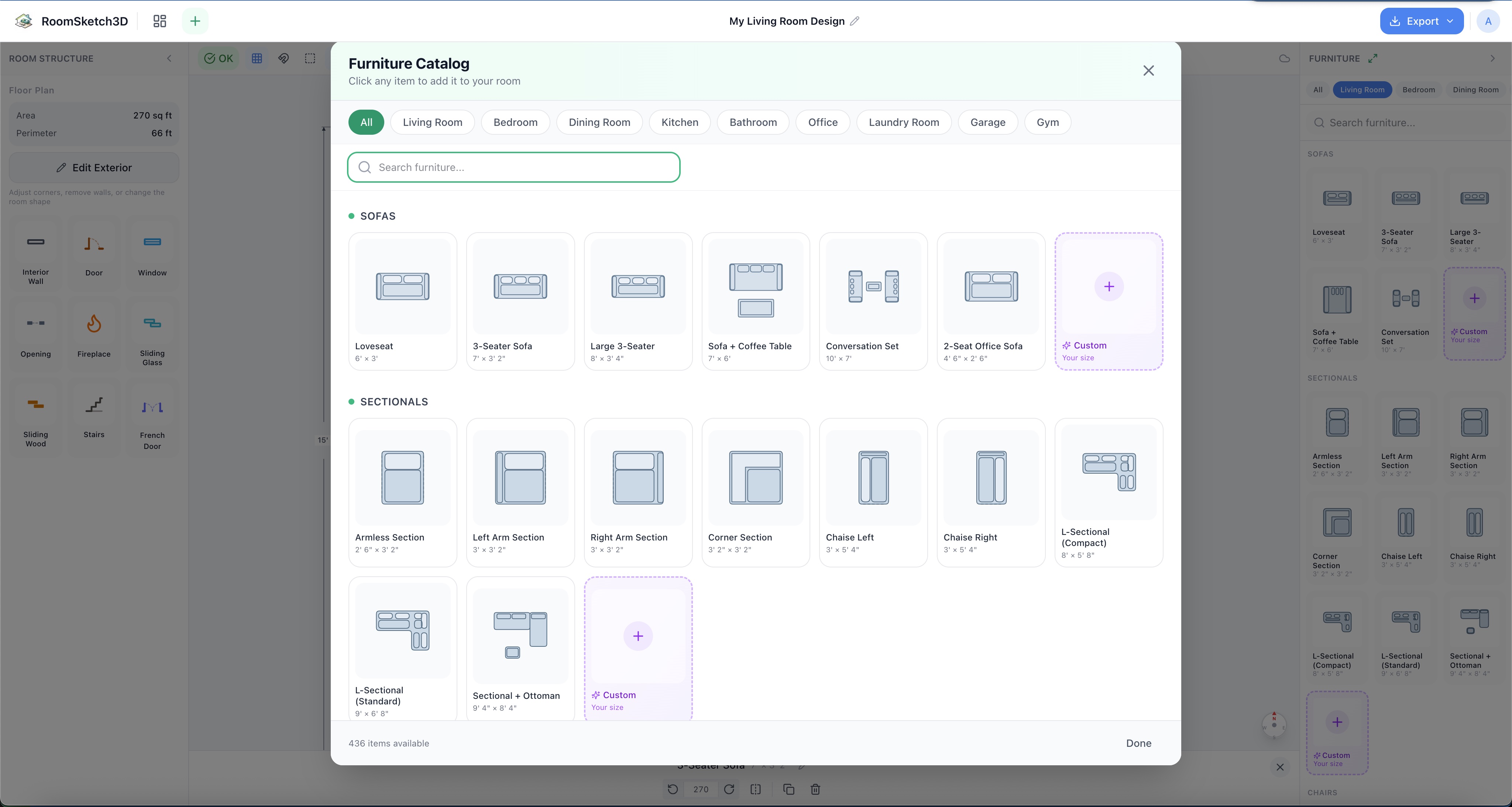
Adding, moving, and arranging furniture
Add, drag, rotate, and layer furniture — the core moves of arranging a room.
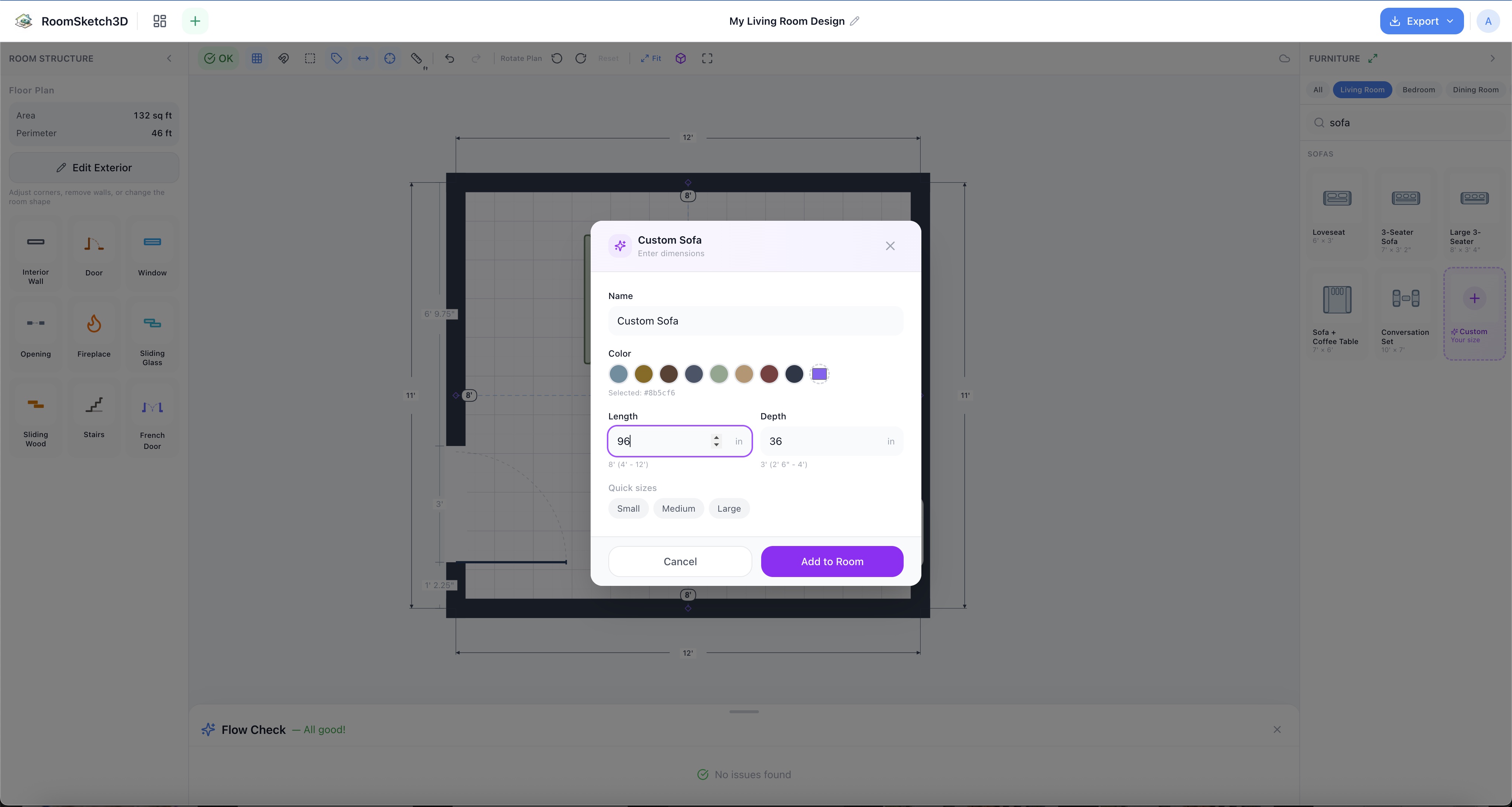
Will it fit? Checking before you buy or move
Measure it, place it to scale, let Flow Check flag the tight spots, see it in 3D — know whether it fits before you commit.
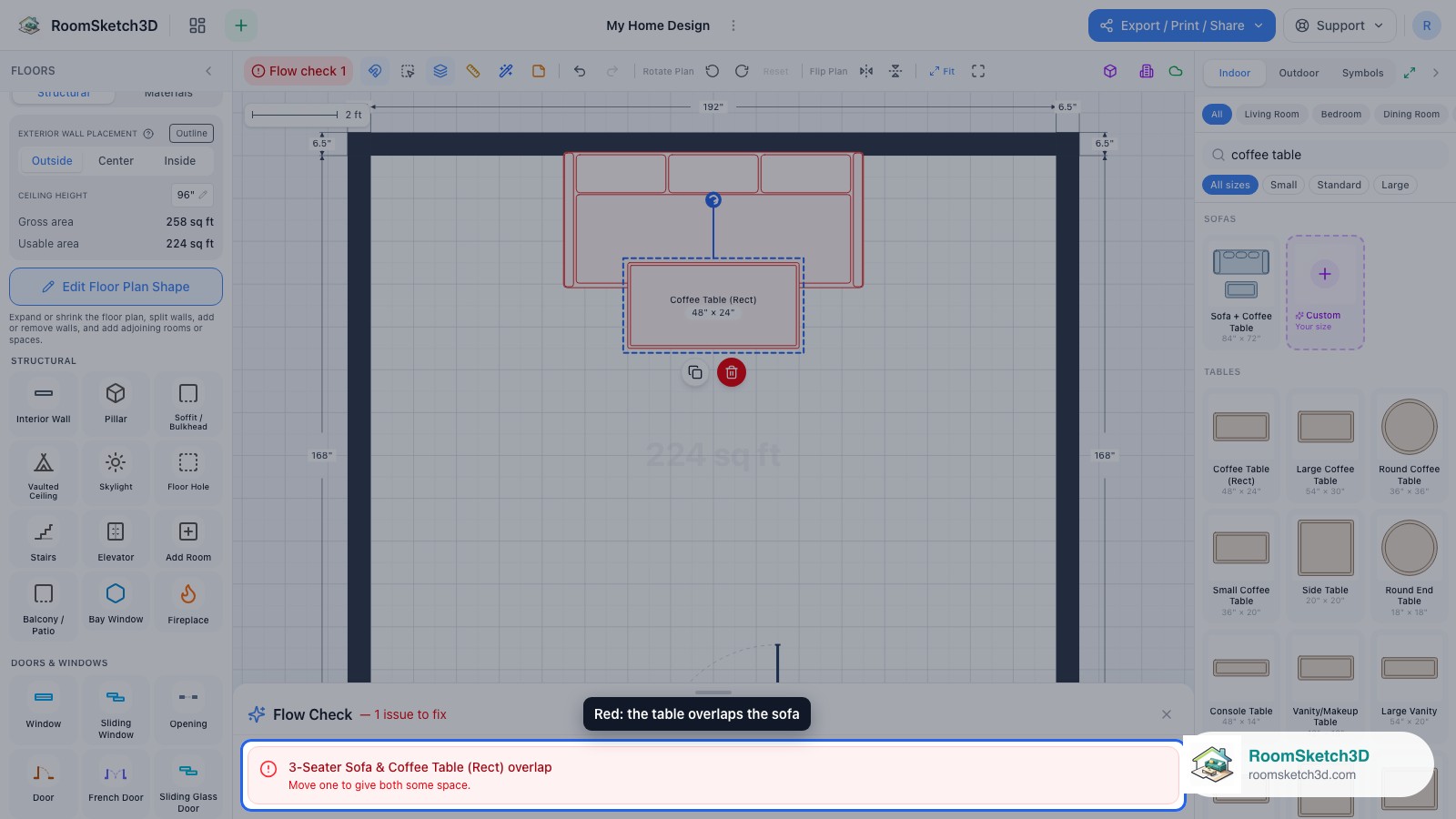
Furniture spacing and clearance best practices
Walkway widths, seating gaps, table distances, door clearances — the rules of thumb.
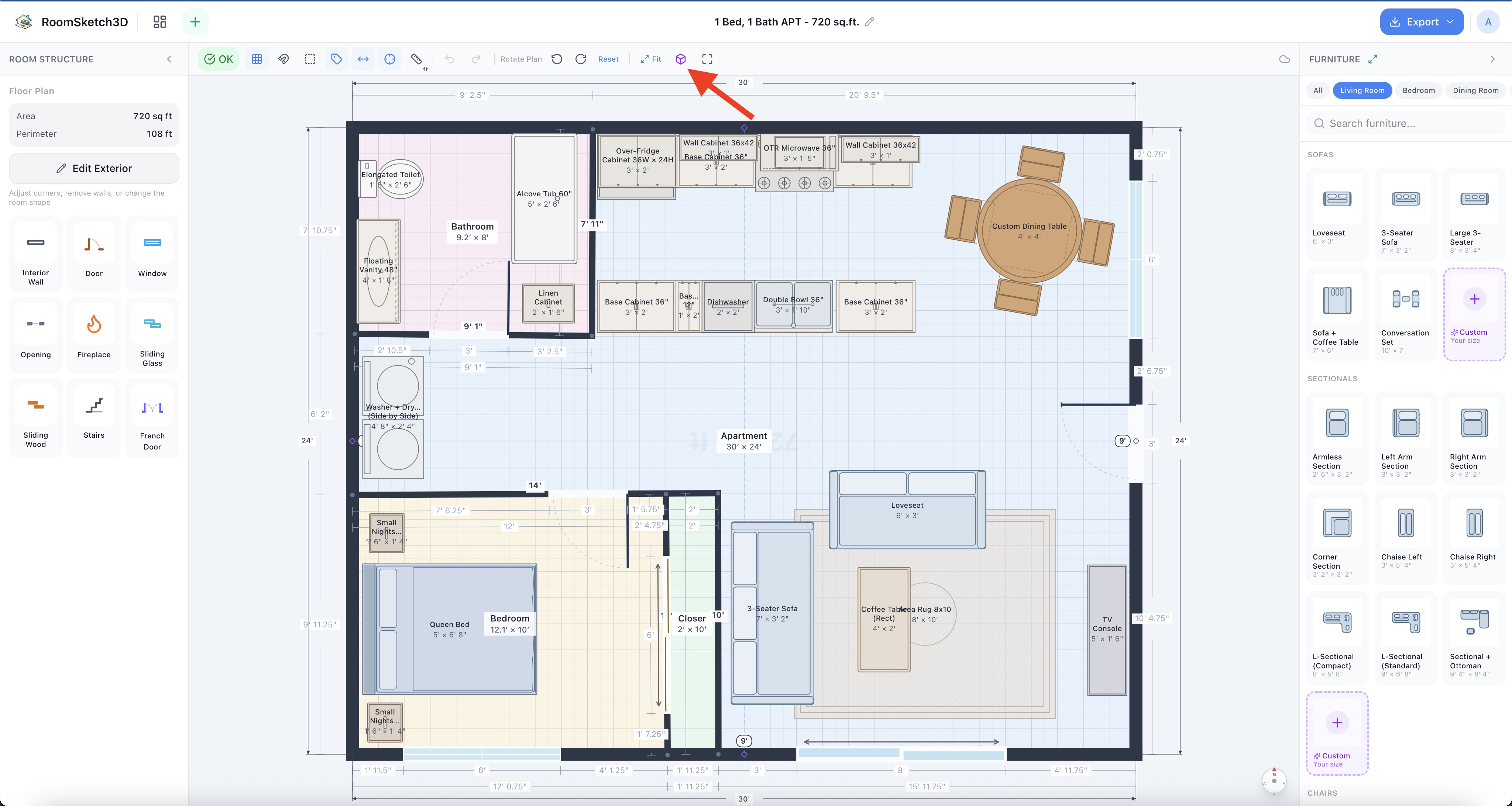
Switching to 3D and walking through your home
One click: 2D floor plan → 3D walkthrough. Orbit it, walk it with W/A/S/D, jump between rooms.
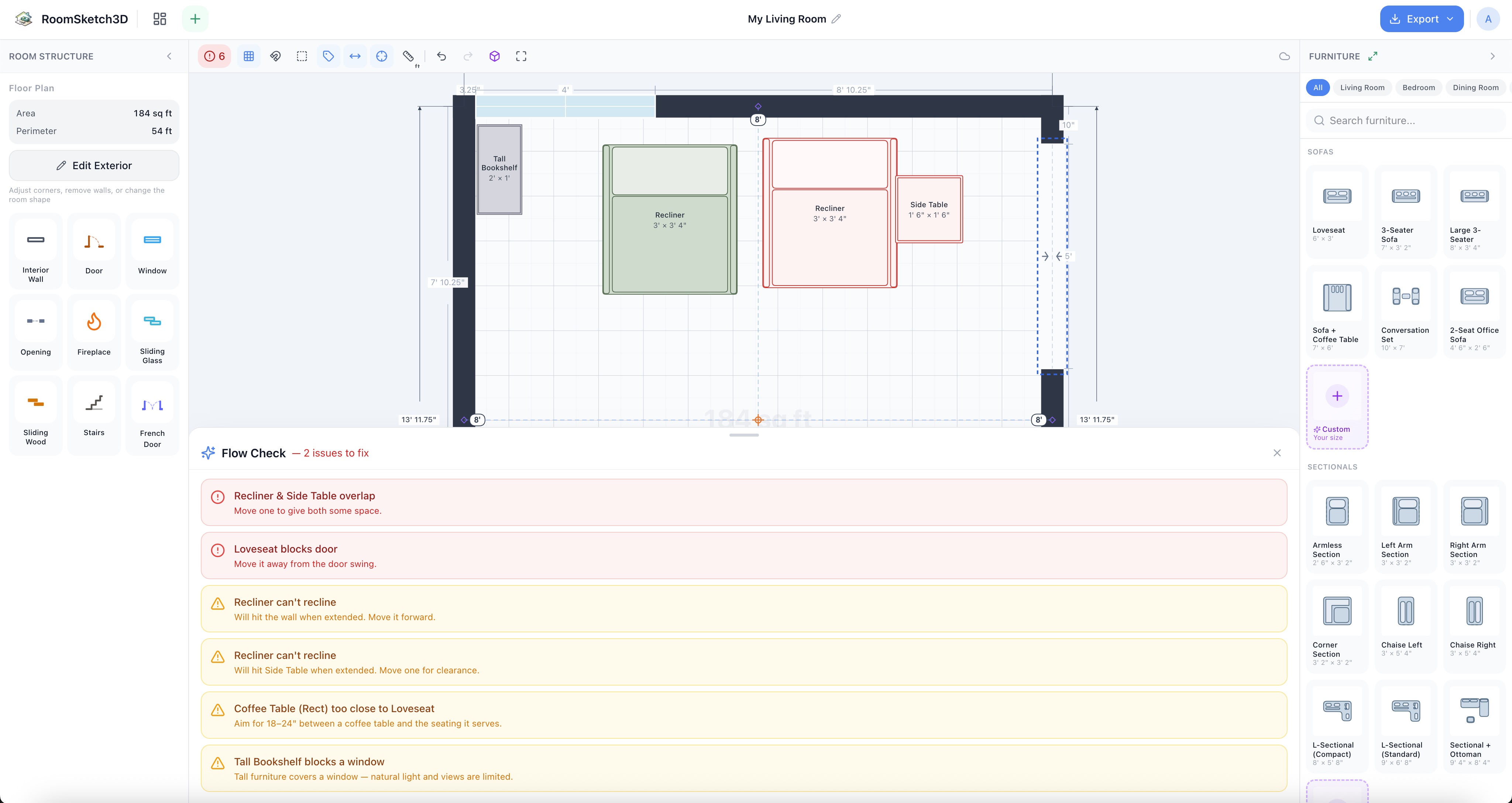
What is Smart Flow Check?
The always-on analyzer that flags overlaps, recliner clearance, blocked door swings, tight walkways, and more.
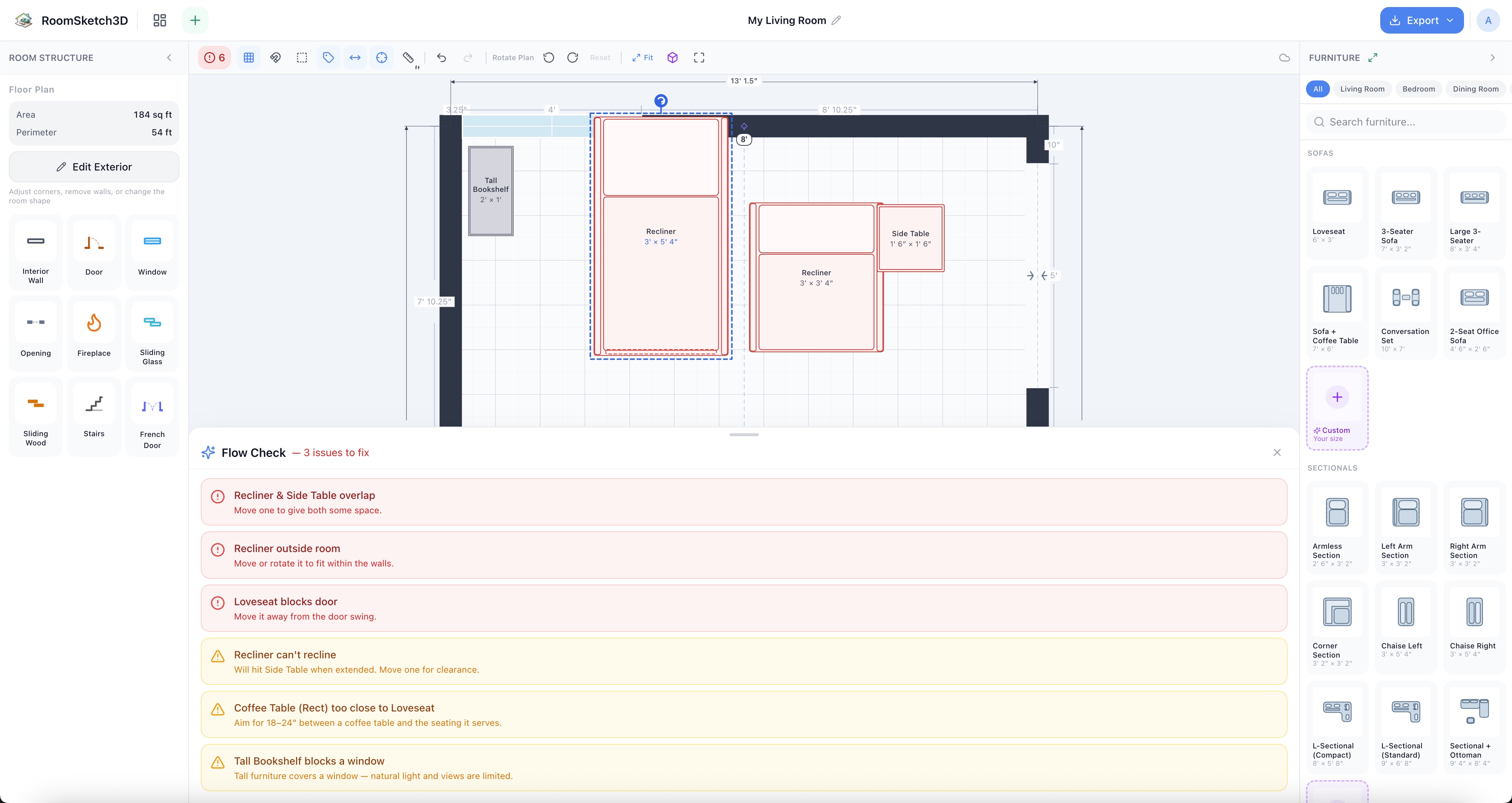
Fixing a cramped layout: a worked example
Before & after: a too-tight room goes from red to all-clear without changing a single wall.
Measure your room by walking it: AR scan on iPhone
Walk the room with your iPhone camera; RoomSketch3D builds the floor plan for you.
Door types in floor plans
Hinged, French, sliding (glass + wood), pocket, barn, Dutch, bifold, accordion, pivot — what each is and when to use it.
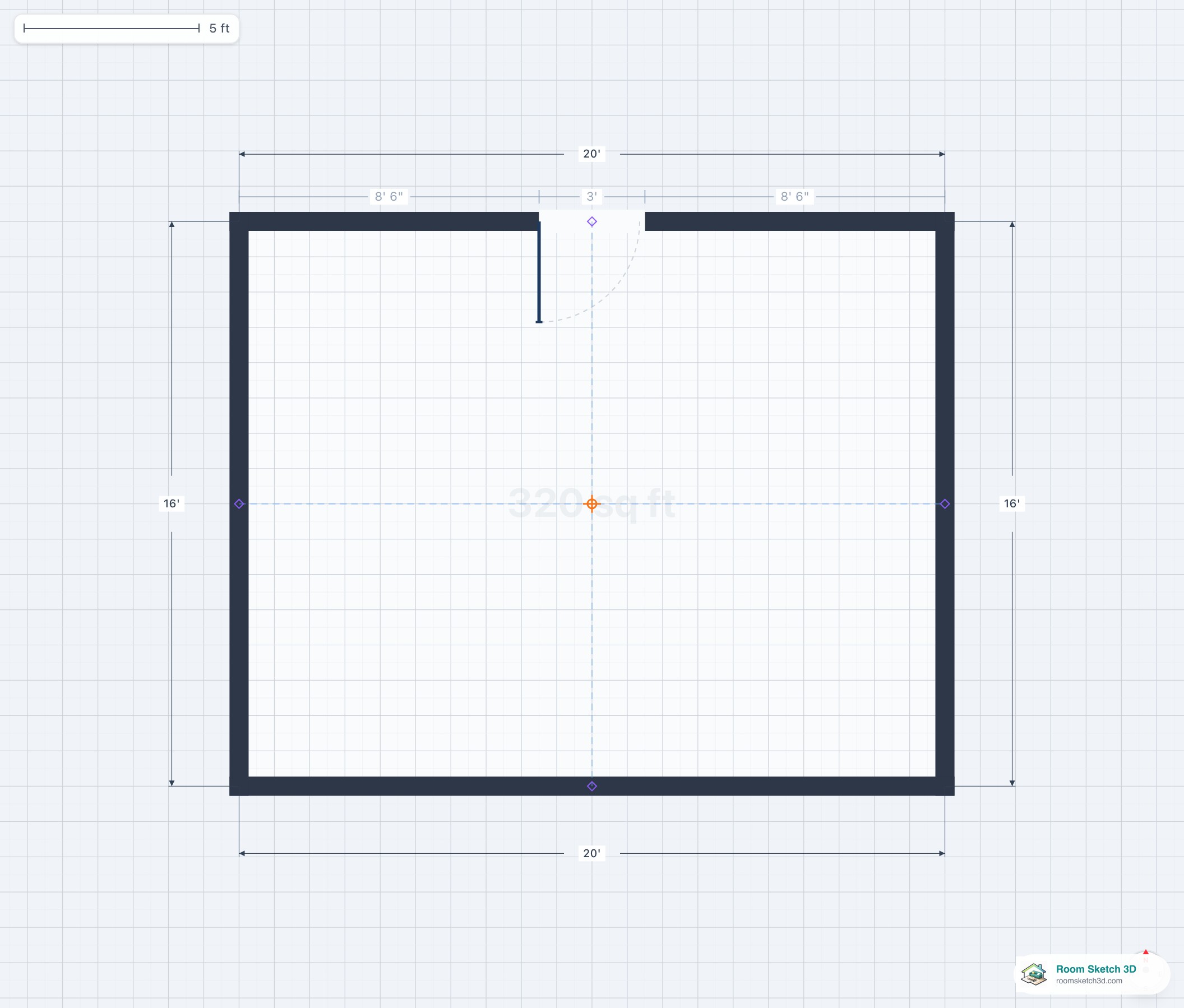
Hinged (swing) doors
The complete reference for the most common door type — history, mechanism, sizes, hardware, code, cost.
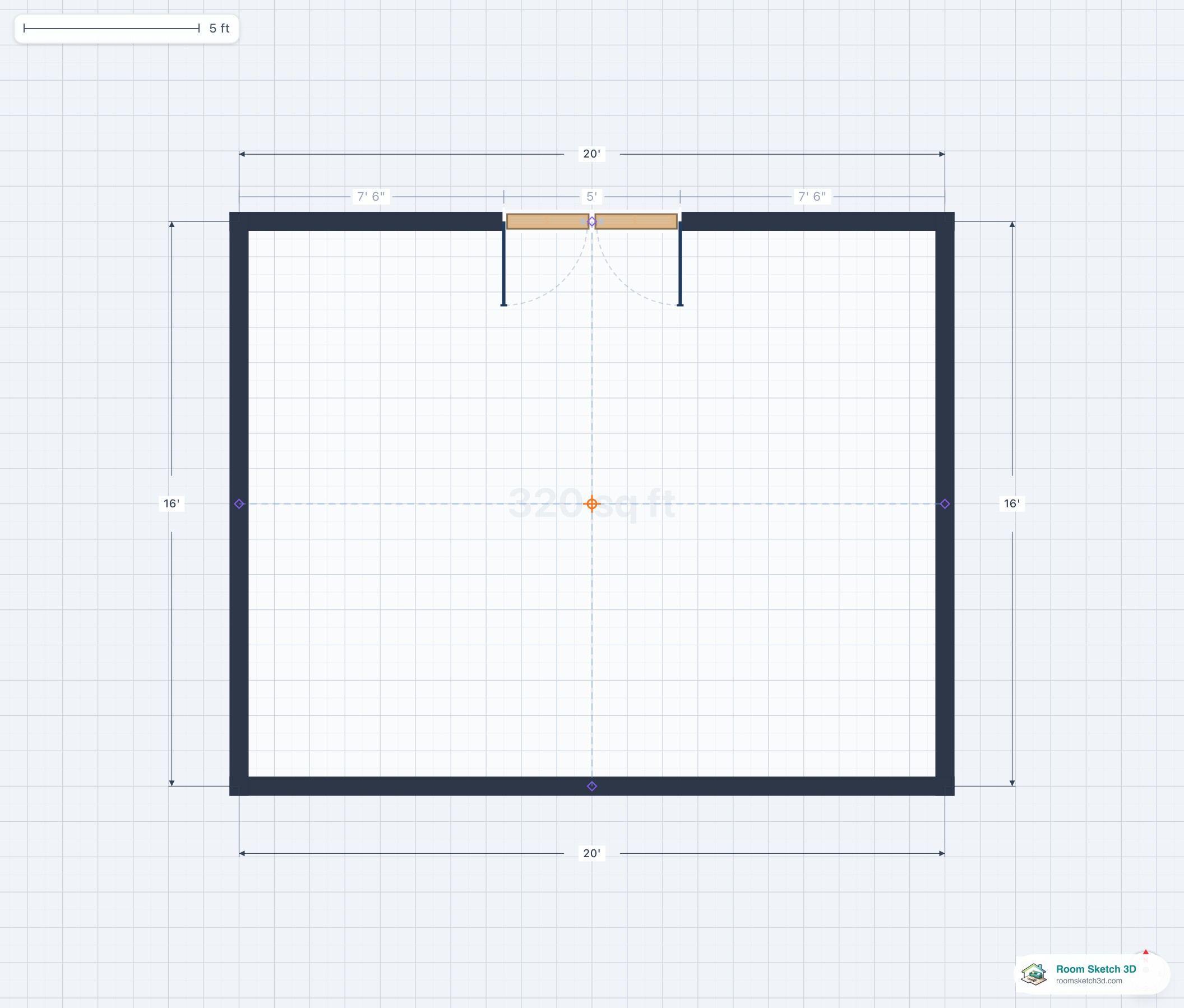
French doors
Paired hinged doors — formal, wide, almost always glass. History, sizes, glazing, hardware, cost.
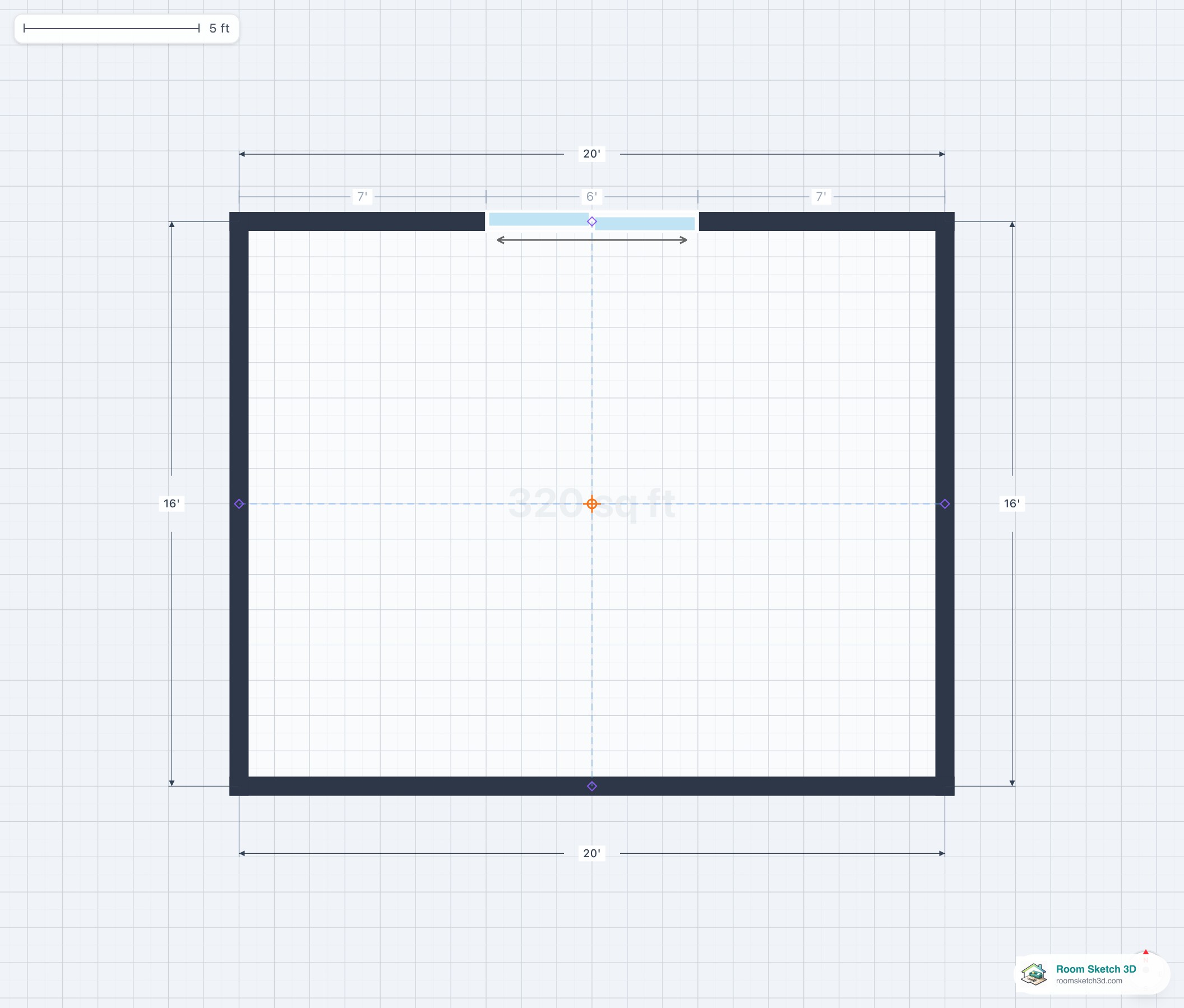
Sliding glass doors
Patio glass doors — configurations, sizes, glazing, hardware. The complete reference.
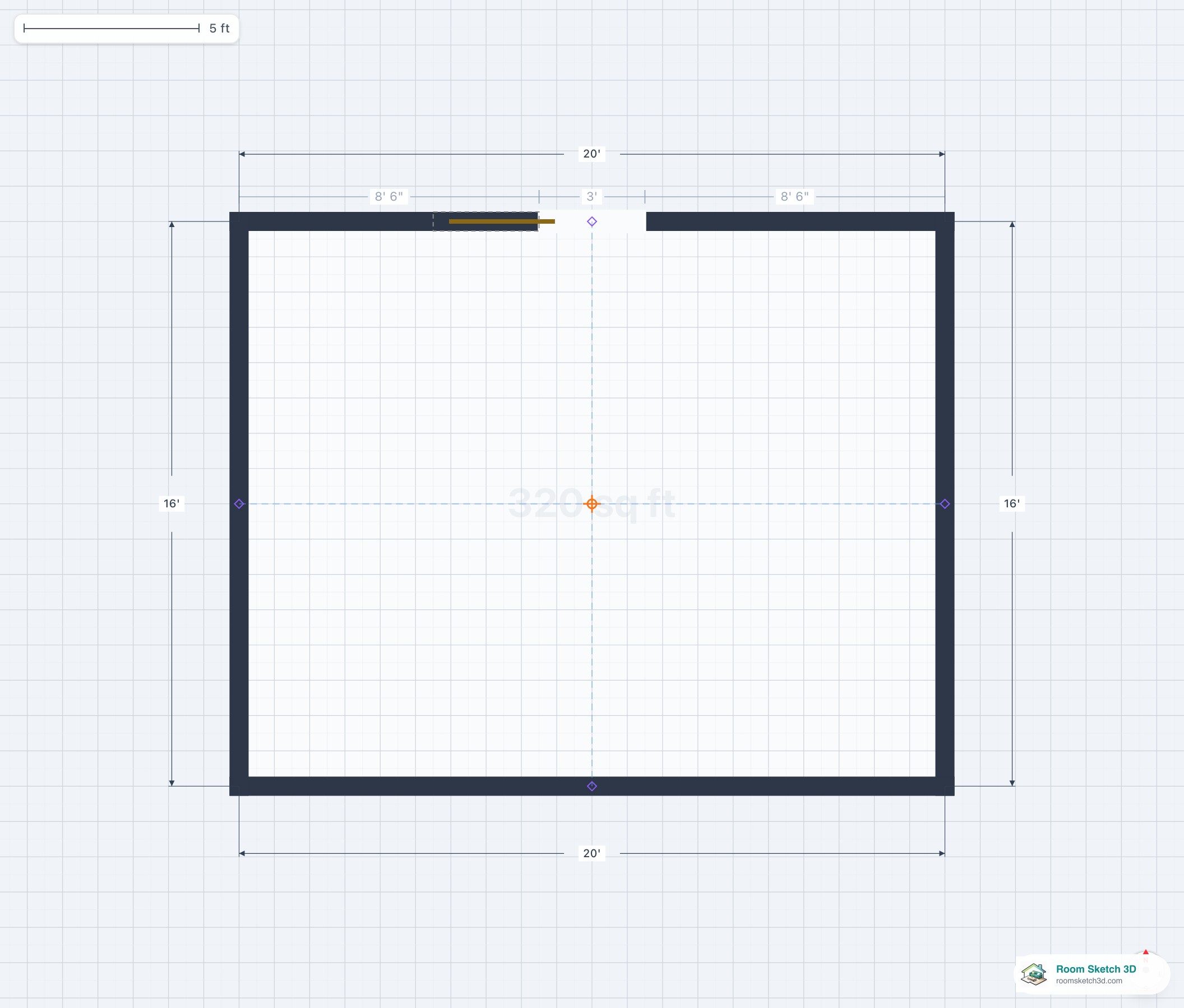
Pocket doors
Doors that disappear into the wall — the complete reference.
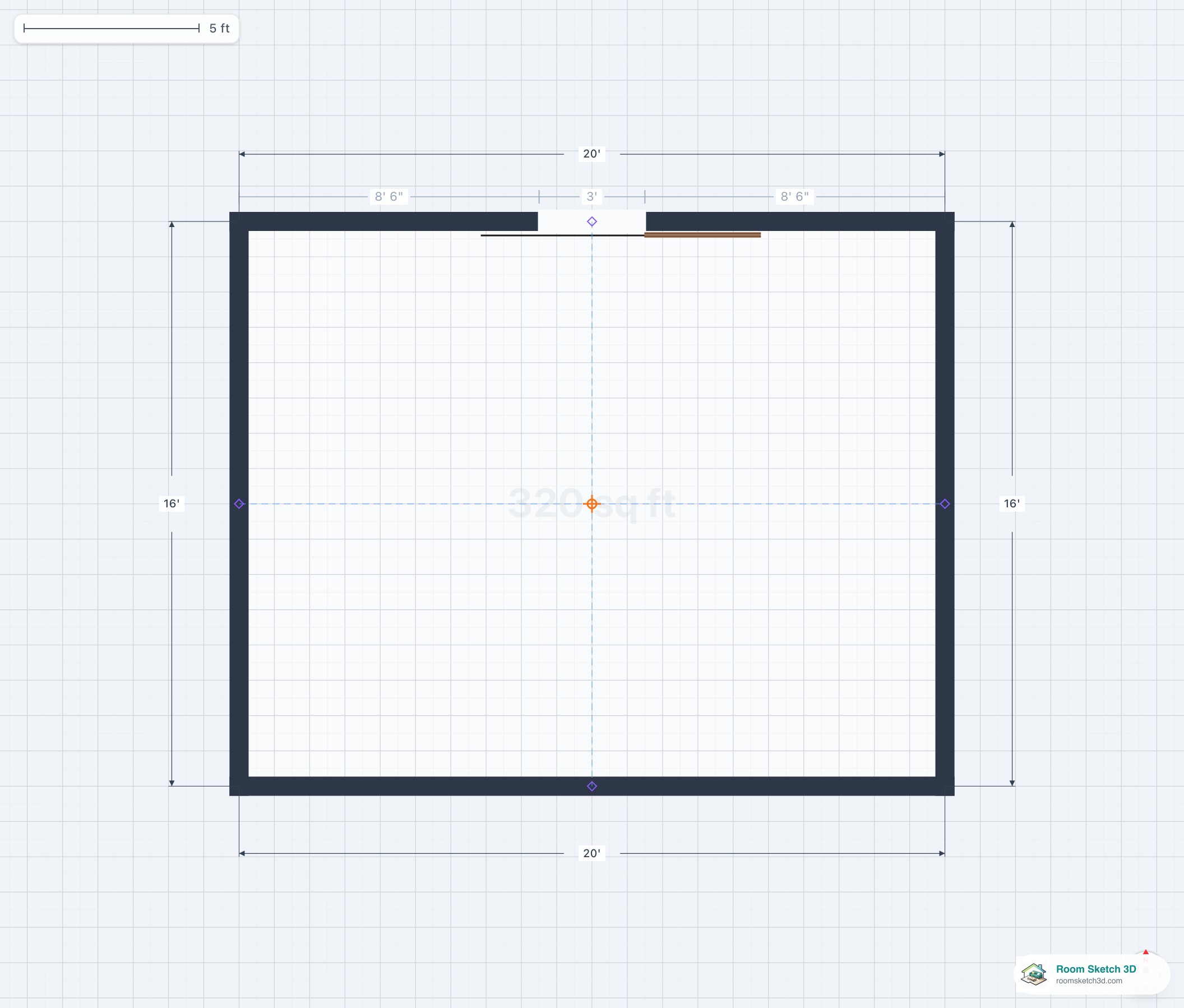
Barn doors
Surface-mount sliding doors — the complete reference.
Pocket door vs barn door — the definitive comparison
Direct comparison: pocket disappears, barn is visible. When each wins.
French doors vs sliding glass doors — the definitive comparison
French vs sliding glass — every dimension compared.
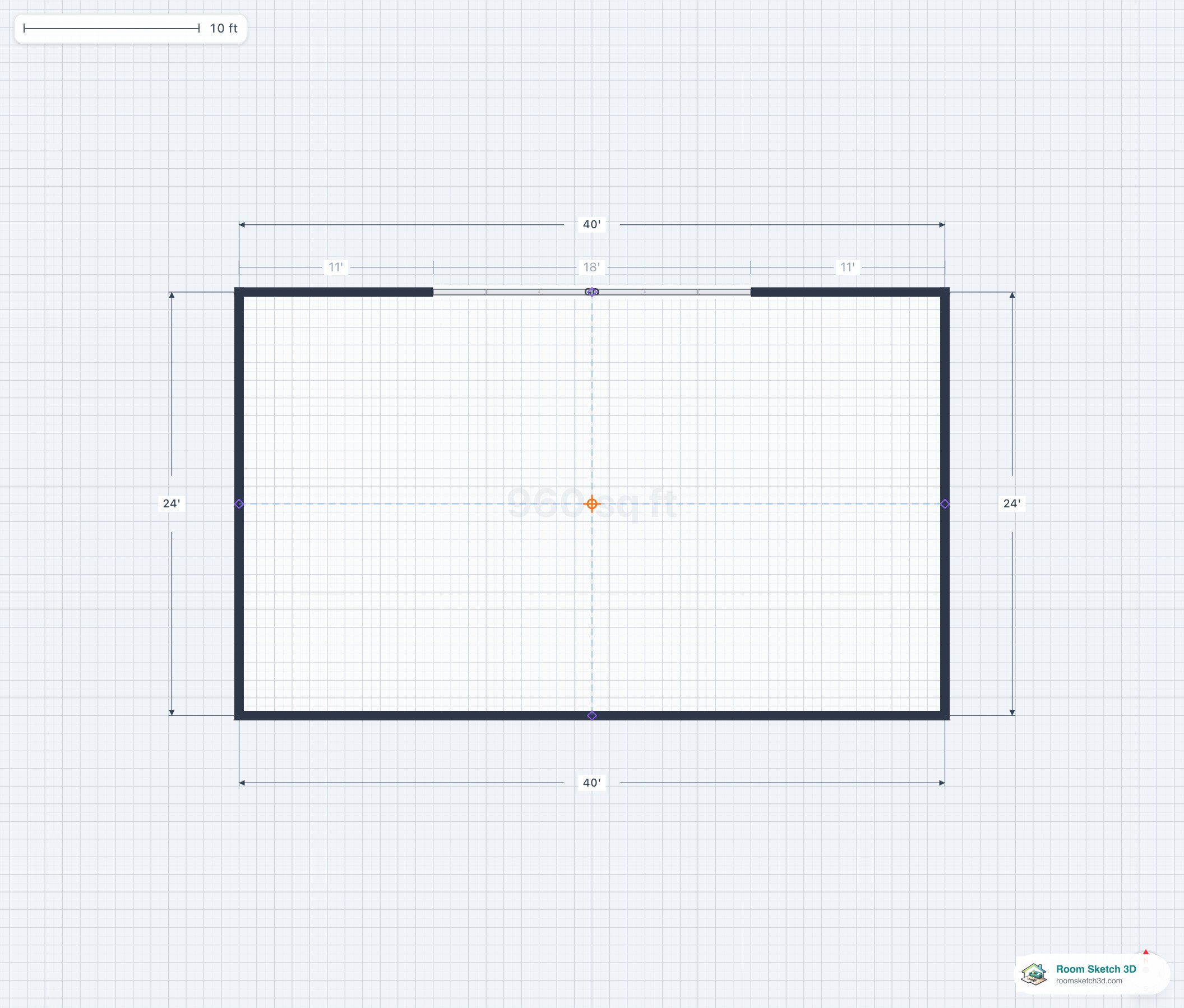
Garage doors
Single, double, triple — sizes and where they go.
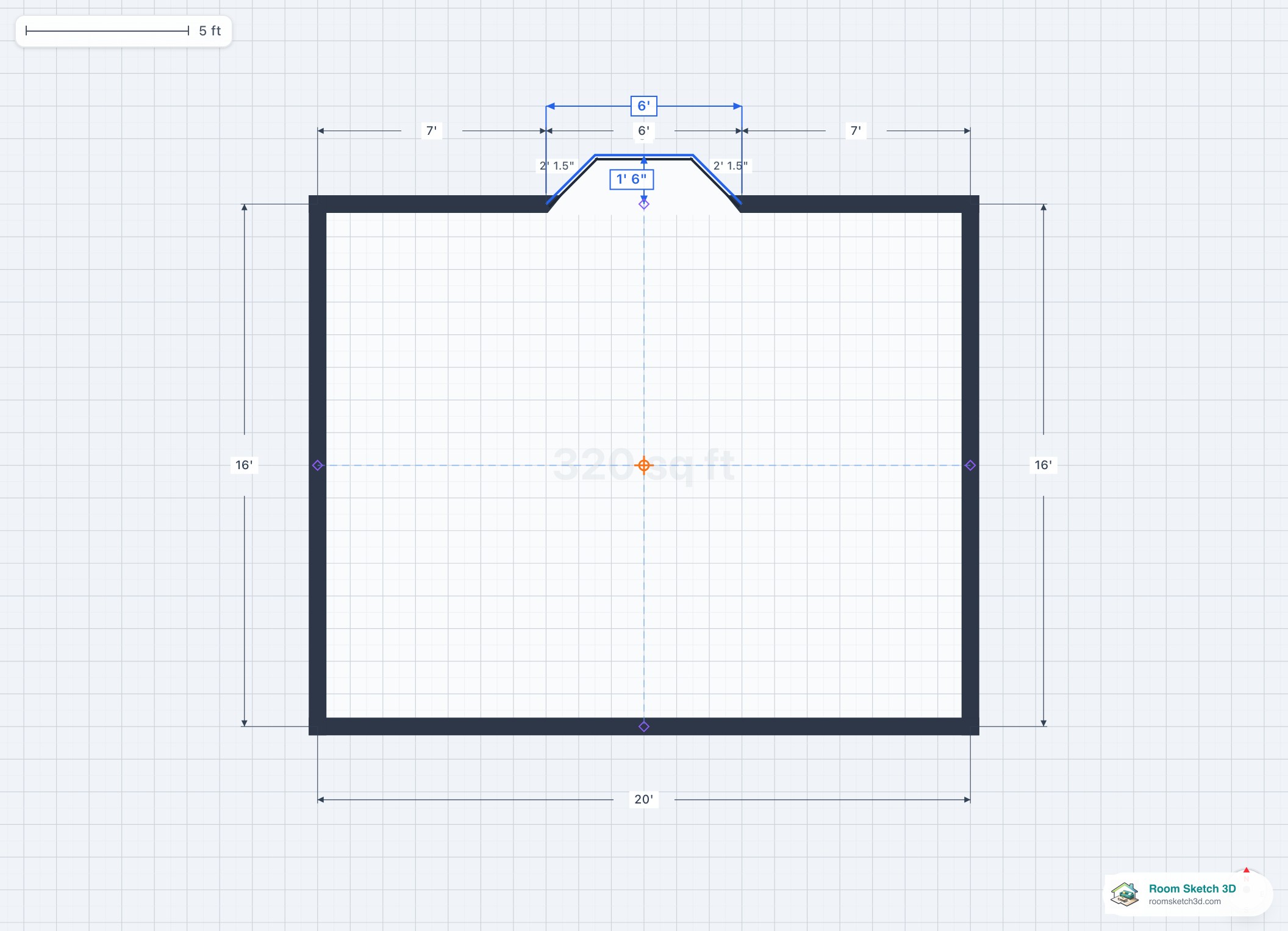
Bay windows
Three styles, two structural types, every dimension. The definitive bay window guide.
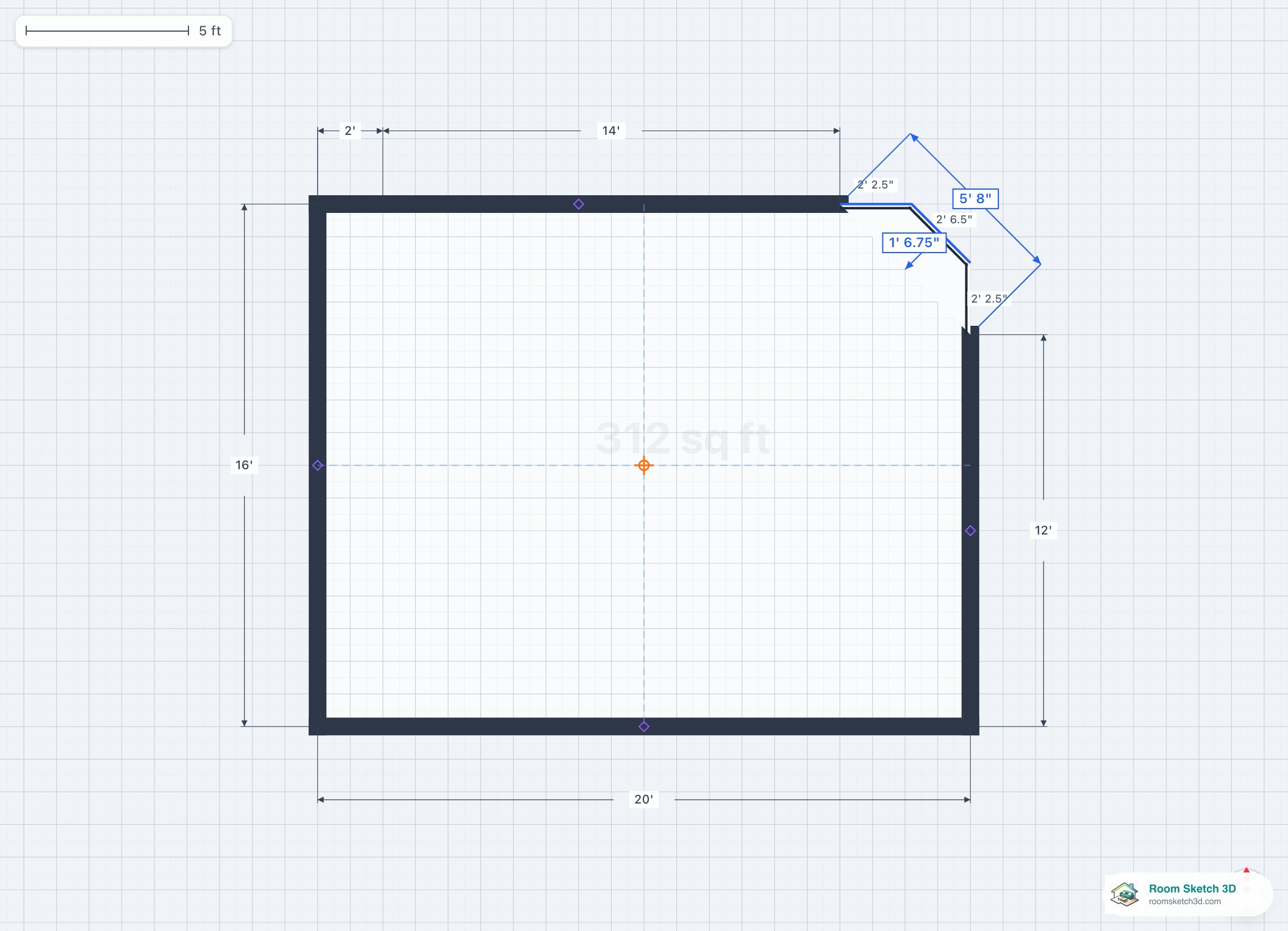
Corner bay windows
Two-wall bay windows wrapping a building corner — full reference.
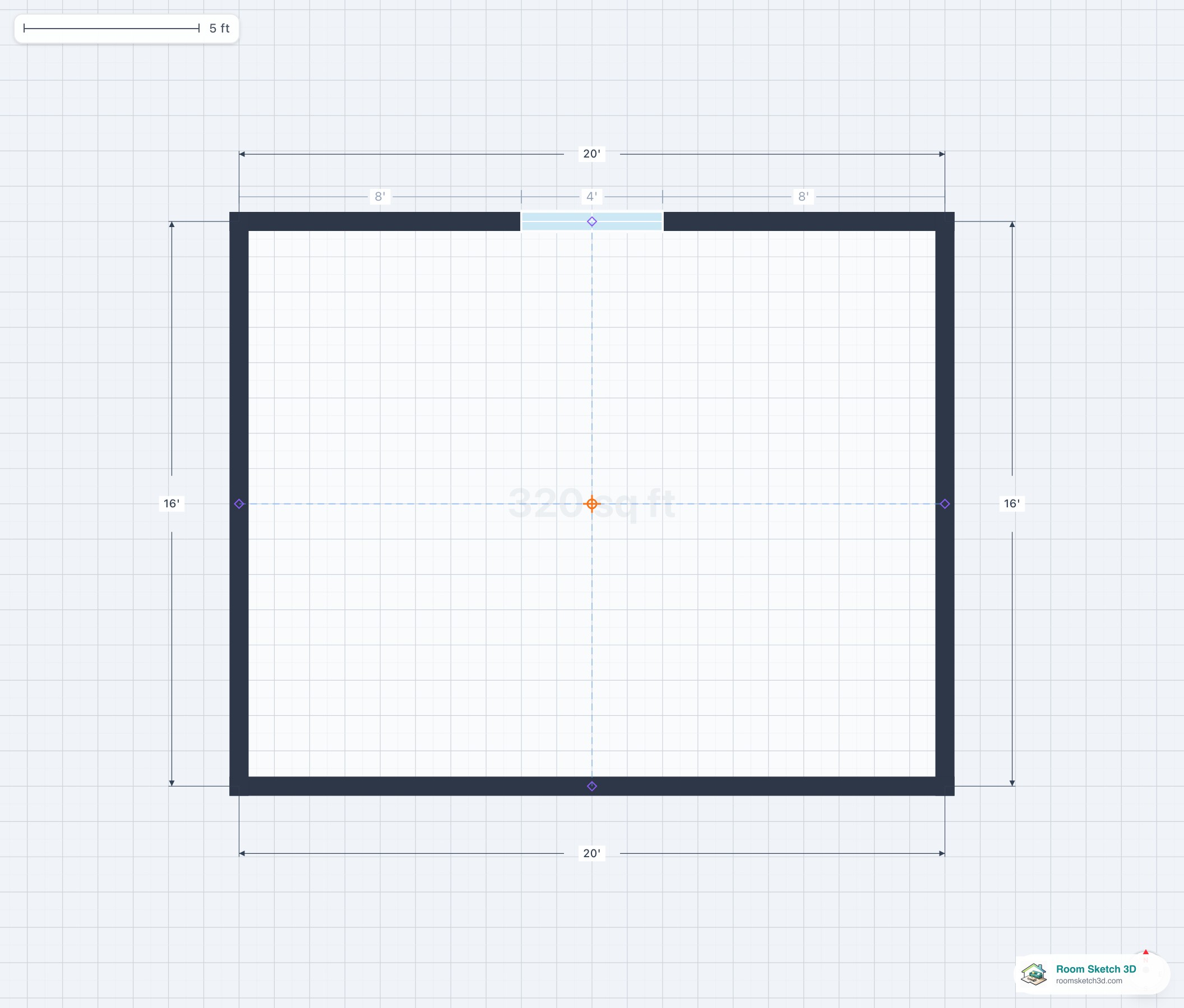
Window types
Fixed, double-hung, casement, awning, sliding, bay, bow, transom — what each is and when to use it.
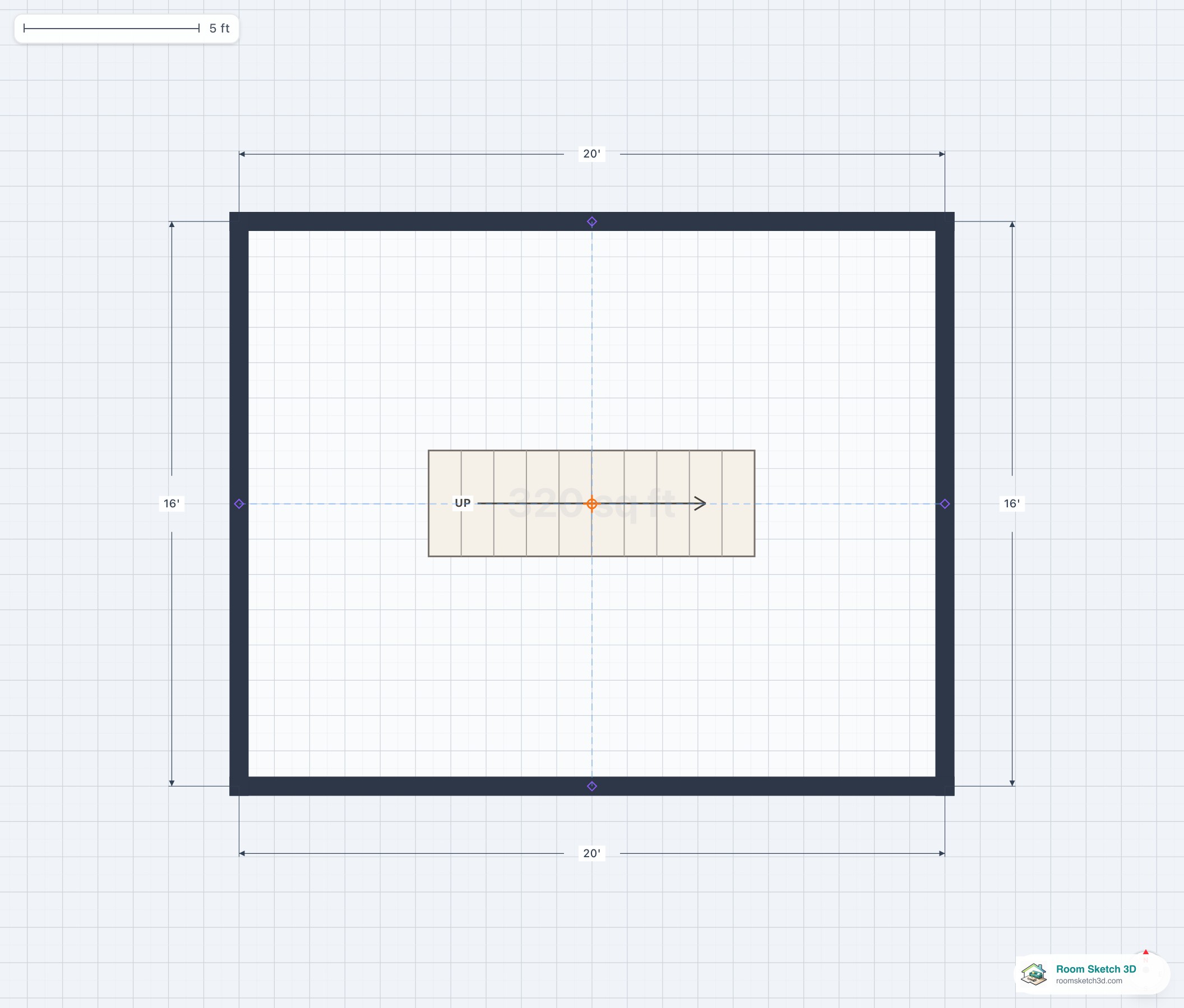
Staircase types
Straight, L, U, winder, spiral, curved, monumental — every staircase type.
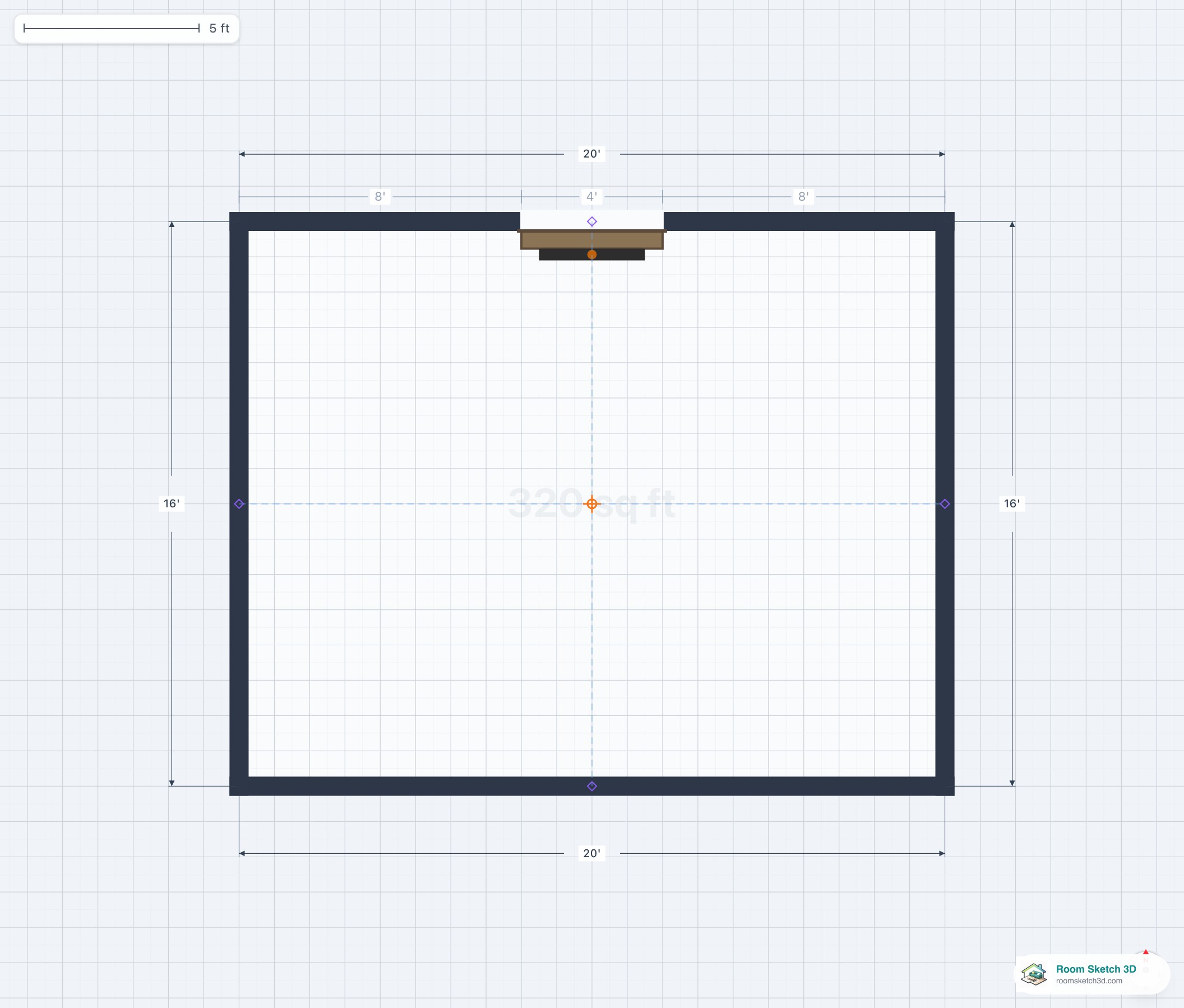
Fireplace types
Wood, gas, electric, ethanol; wall, corner, dual — every fireplace type.
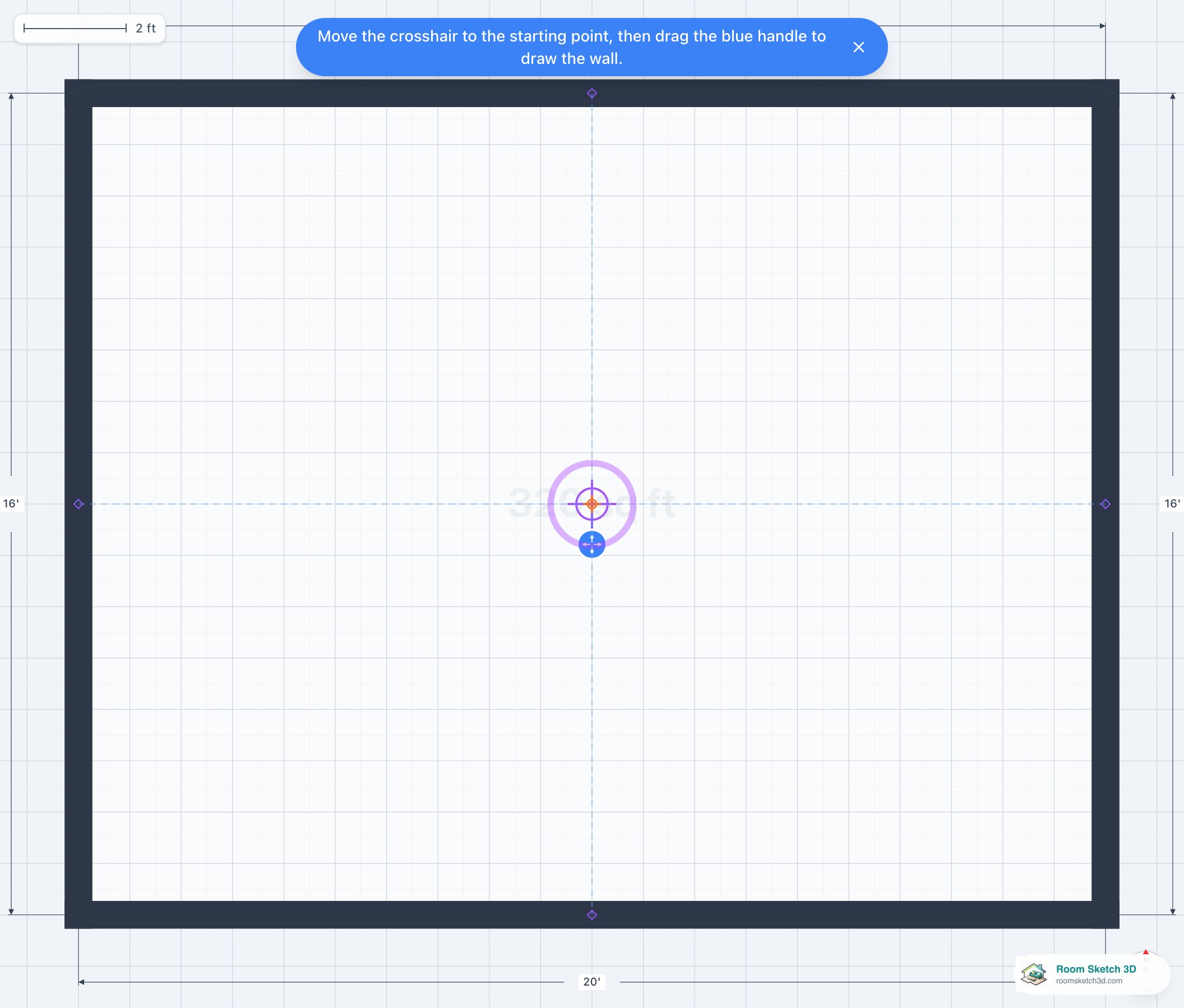
Drawing interior walls
Cross-hair + pull-handle workflow, five styles, and where openings go.
Corner fireplaces
Diagonal corner fireplaces — when they work and how to size them.
Stair riser and tread standards
Standard residential riser, tread, and the formulas behind them.
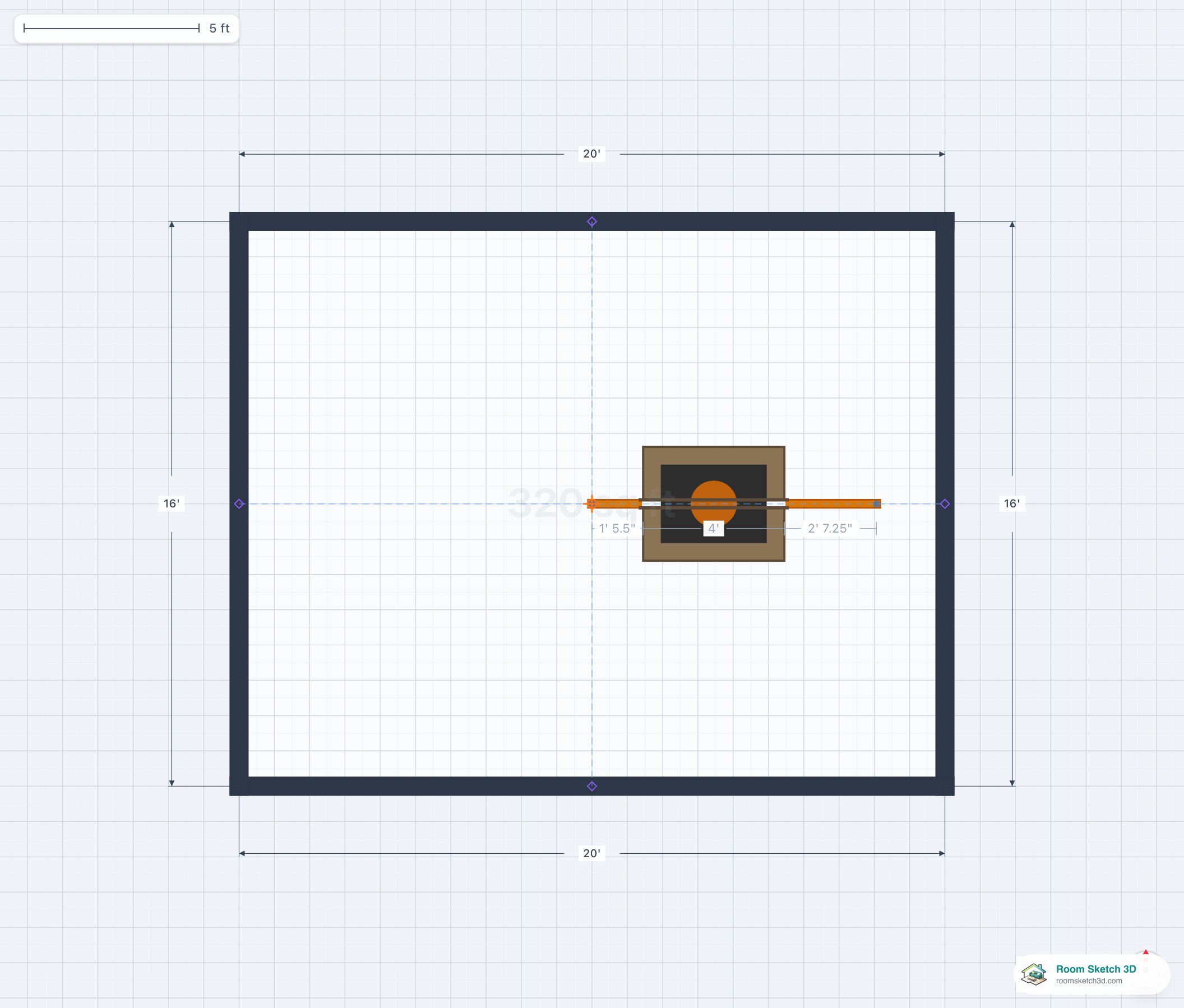
Dual / double-sided fireplaces
See-through fireplaces — when they work and how.
Straight vs L-shape vs U-shape staircases
Direct comparison: straight, L, U, spiral.
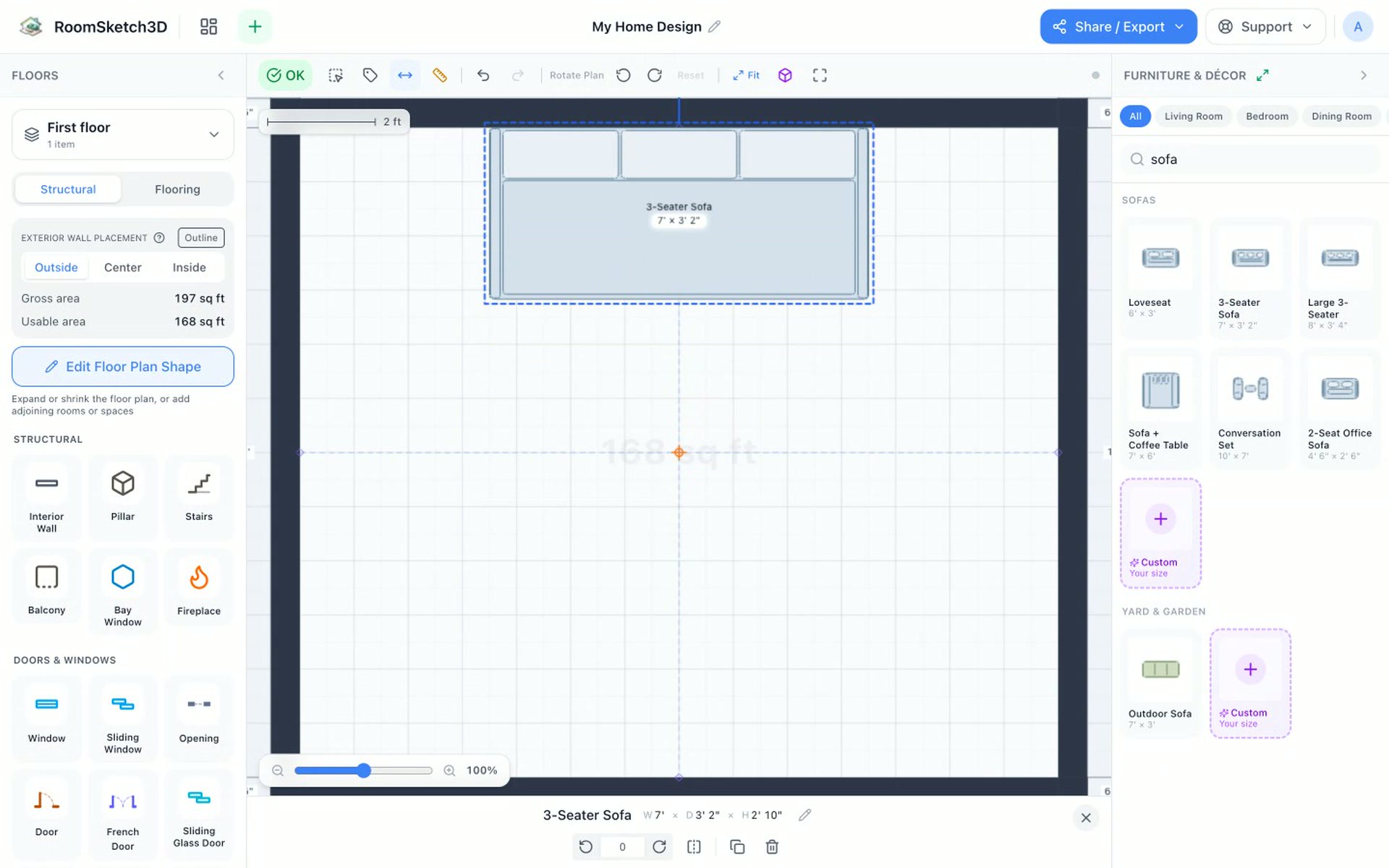
Sofa and loveseat dimensions
Sofa and loveseat sizes by seat count — full reference.
Dining table sizes
Dining tables 2 to 12 seats — widths, lengths, room sizes.
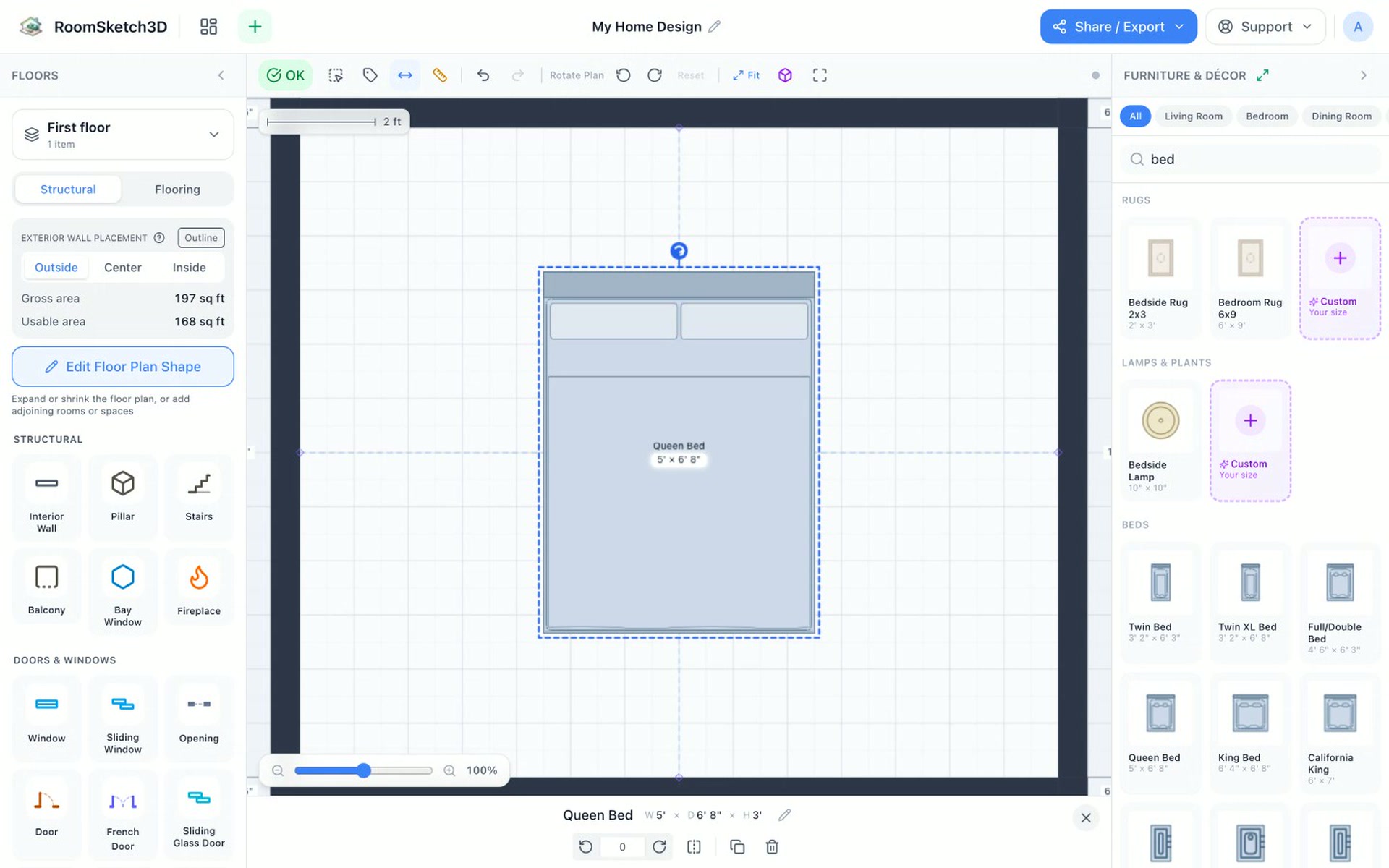
Bed and mattress sizes
Twin to Cal-King mattress sizes and bedroom sizing.
Sectional sofa dimensions
L-shape, U-shape, chaise — standard sectional sizes.
Kitchen counter and island dimensions
Counter and island sizes and clearances.
Bathroom vanity dimensions
Single and double vanity sizes; heights and depths.
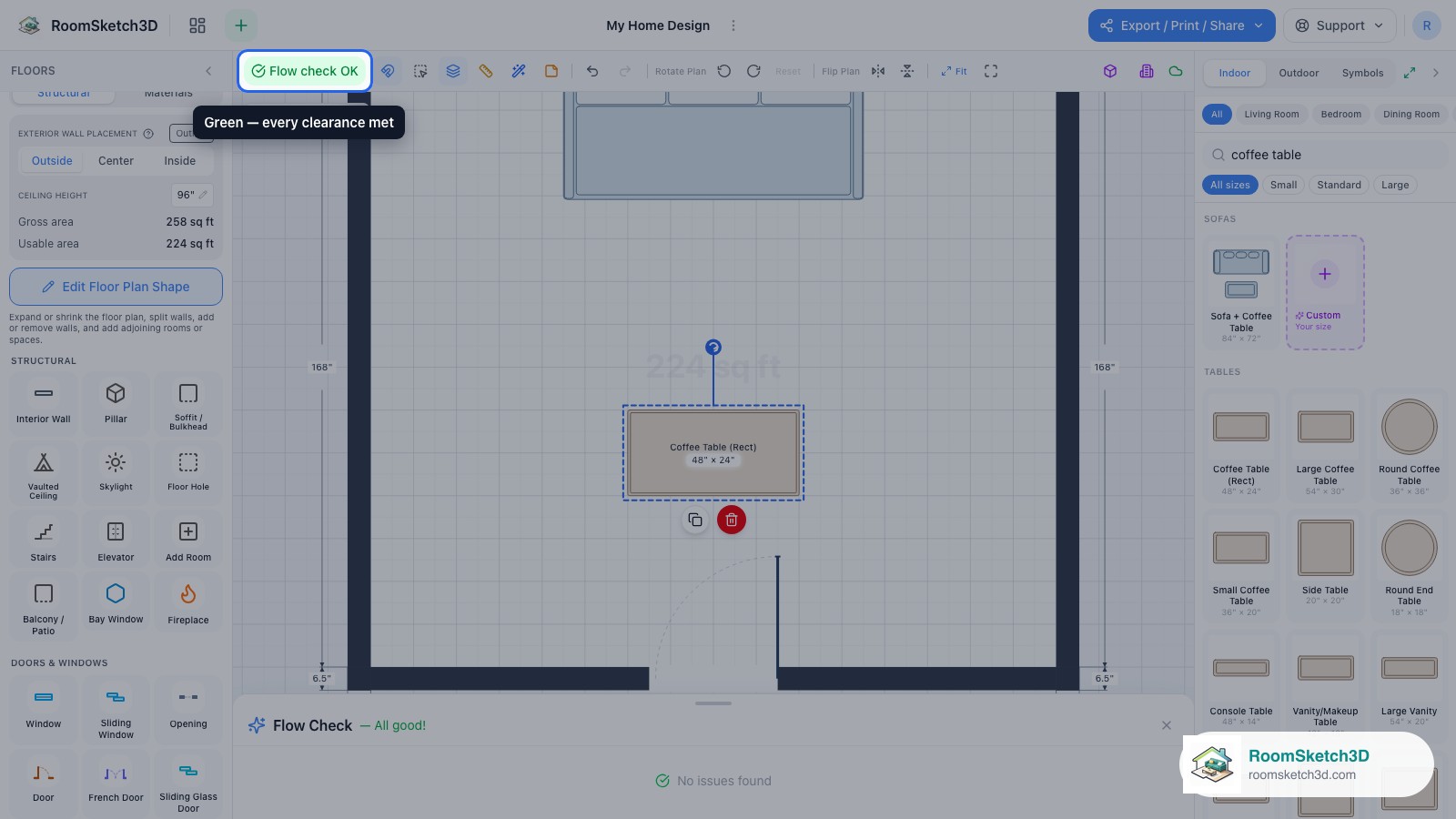
Furniture clearance and walkway standards
All standard clearances and walkway widths.
Standard room sizes
Minimum, average, and generous room sizes by type.
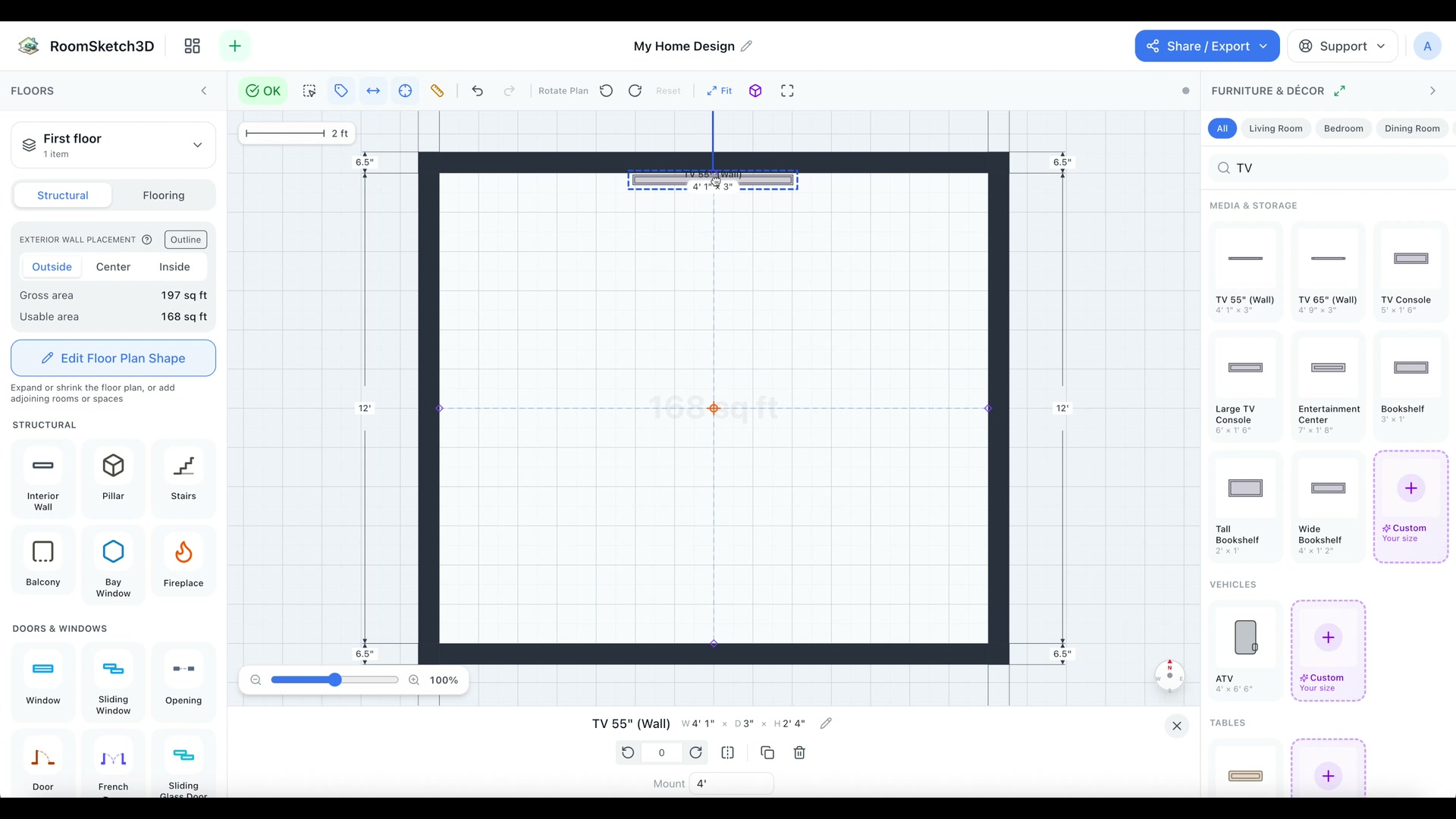
TV mounting and viewing distance
TV viewing distance and mounting heights.
Kitchen work triangle
The 1940s rule that still defines kitchen layout.
Living room layout
Three layouts and the rules behind them.
Master bedroom layout
Bed placement, nightstands, dresser, seating, en-suite integration.
Bathroom layout and clearances
Fixture clearances, layouts, code — for every bathroom type.
Galley kitchen layout
Two-counter parallel kitchen — efficient, narrow, fast.
L-shape kitchen layout
Corner kitchen — open, flexible, pairs well with islands.
U-shape kitchen
Three-sided kitchen — maximum counter, single cook.
Kitchen island placement
Sizing and placing the kitchen island.
Home office layout
Desk, chair, storage, video backdrop.
Dining room layout
Dining room arrangement and clearances.
Home gym layout
Equipment placement and the floor area you actually need.
Small living room layouts
Layouts for 10×12 and 12×14 living rooms.
Open-concept living room layouts
How to zone an open living-dining-kitchen.
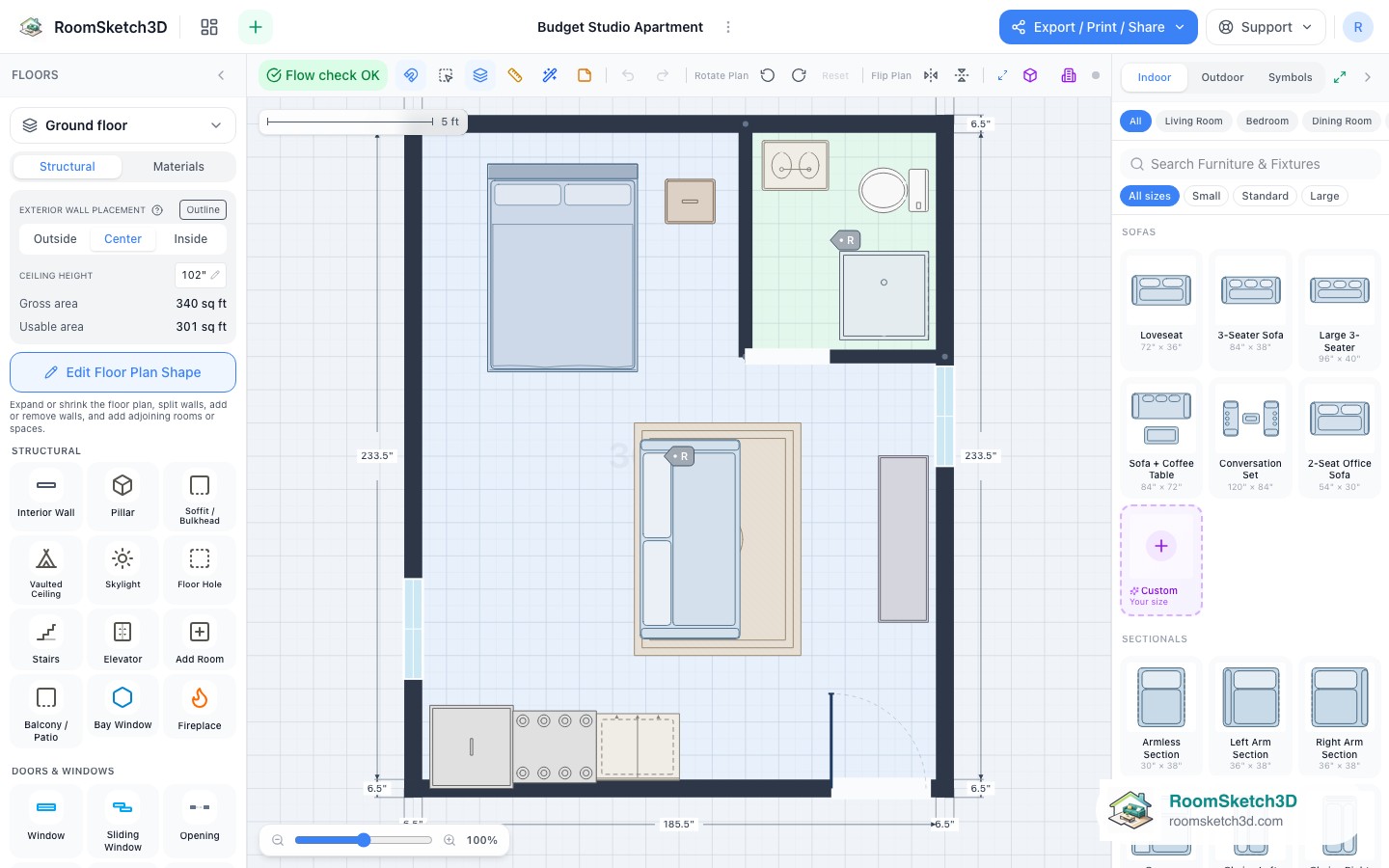
Studio apartment layout
How to zone a studio without walls.
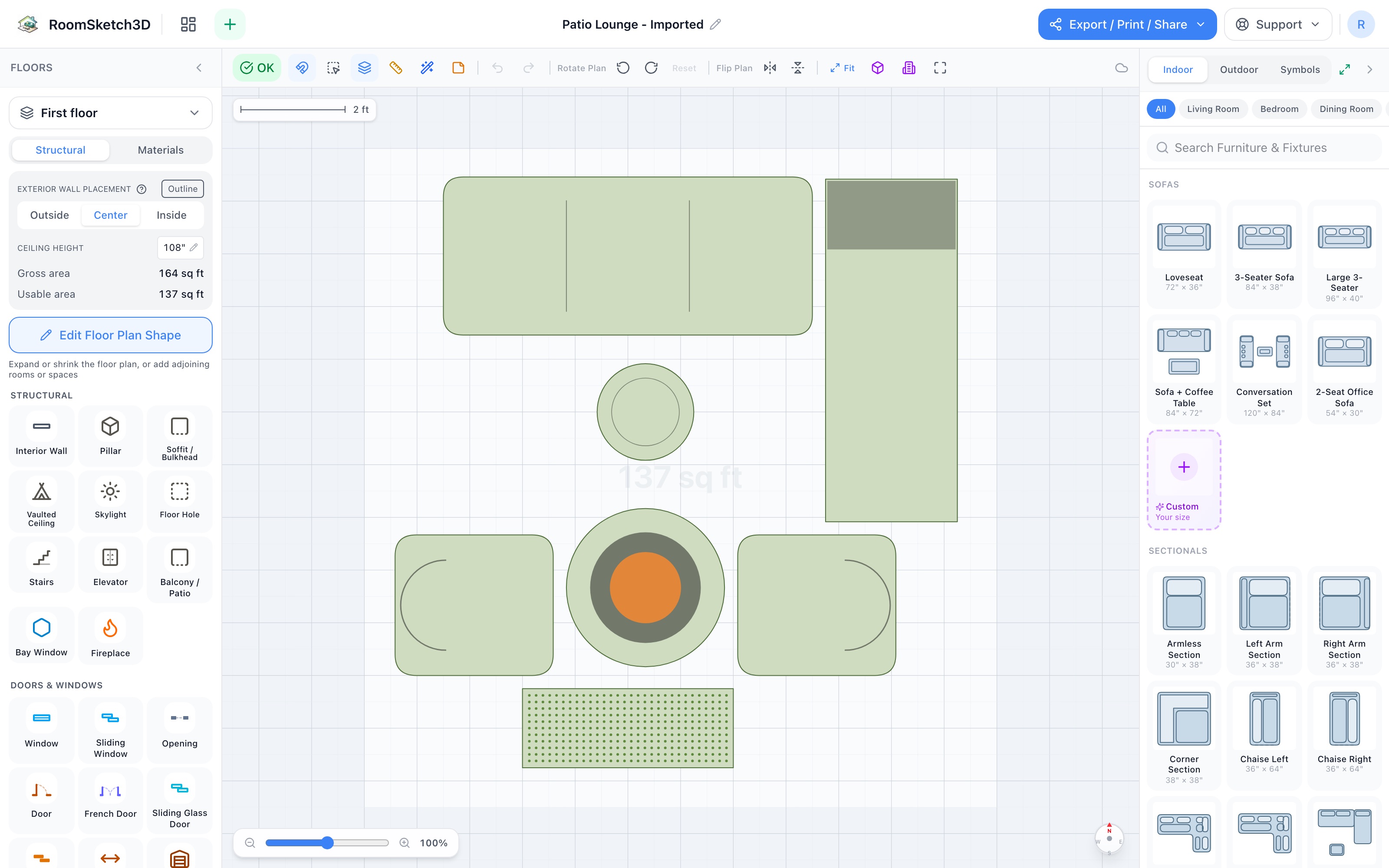
Outdoor patio and yard layout
Outdoor seating, dining, kitchen, fire pit zones.
Floor planning glossary — A to Z
A–Z reference of every term used in our help pages.
Floor plan symbols
Electrical, plumbing, HVAC symbols — quick reference.
How to read a floor plan
Beginner's guide to interpreting any floor plan.
Floor plan vs blueprint vs elevation
What each term means and when each is used.
How to measure a room accurately
Tape, laser, or AR — accurate room measurement.
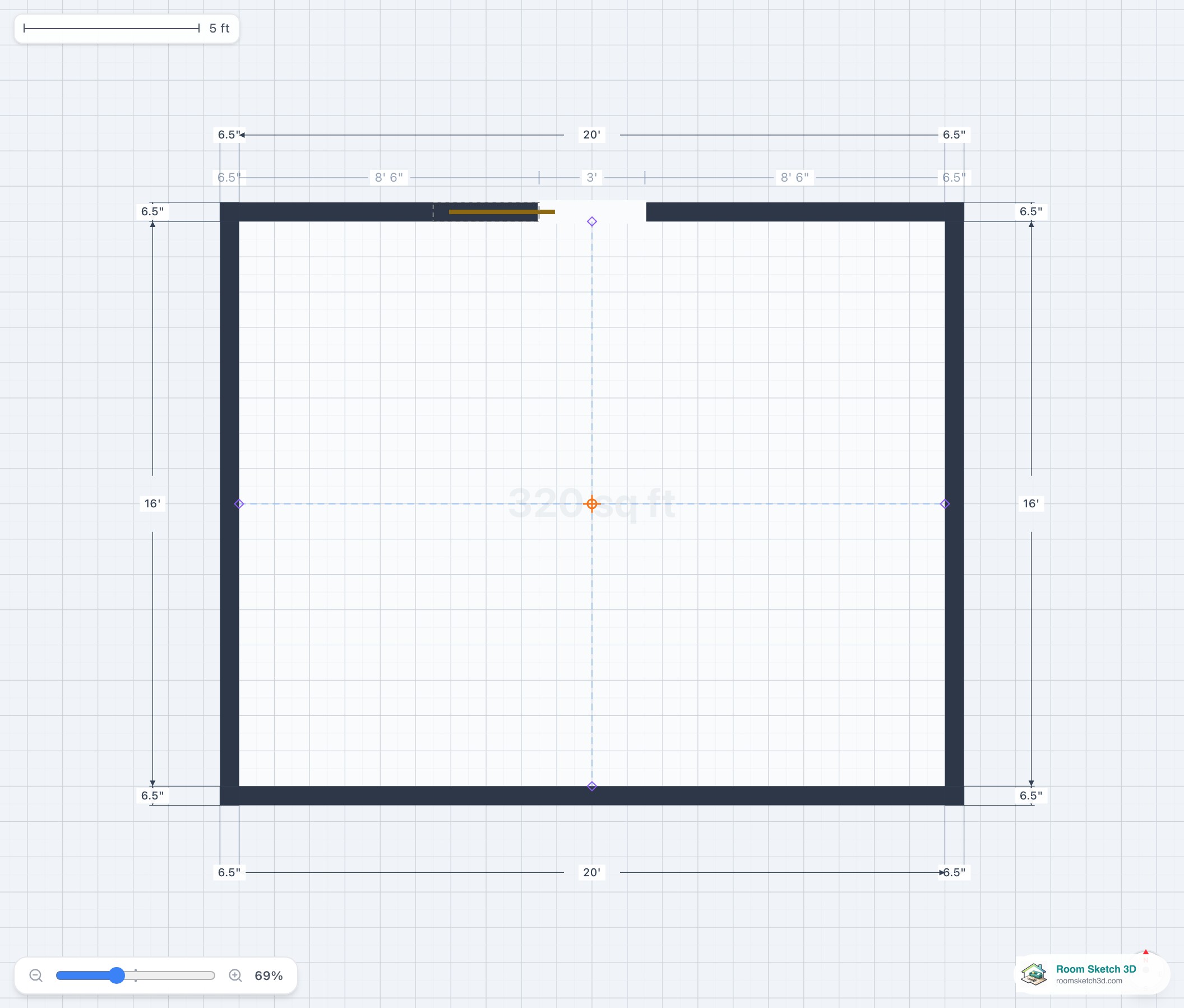
Adding pocket and barn doors
Place pocket and barn doors — zero swing arc.
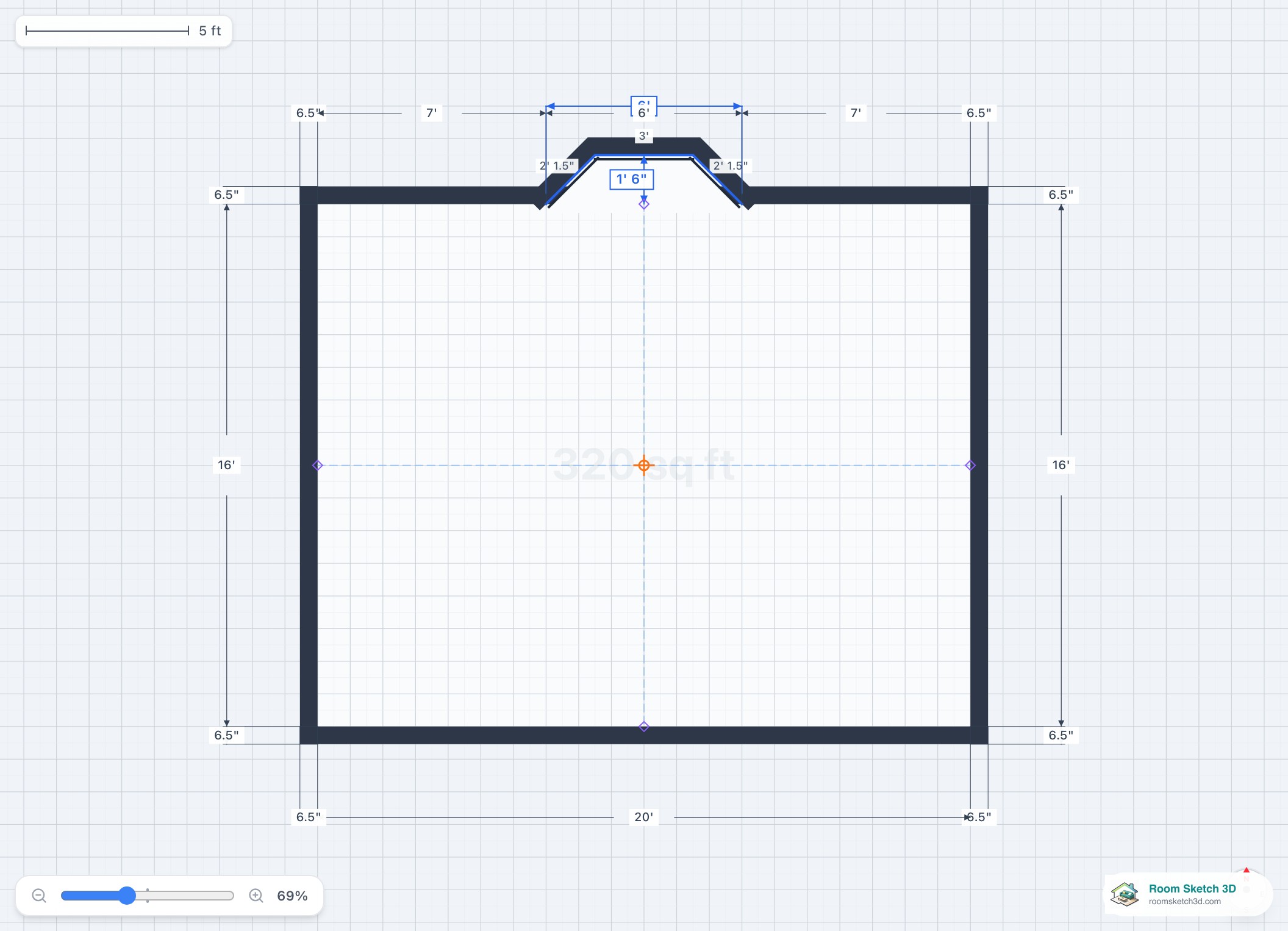
Adding bay and corner bay windows
Bay and corner bay windows — placement and sizing.
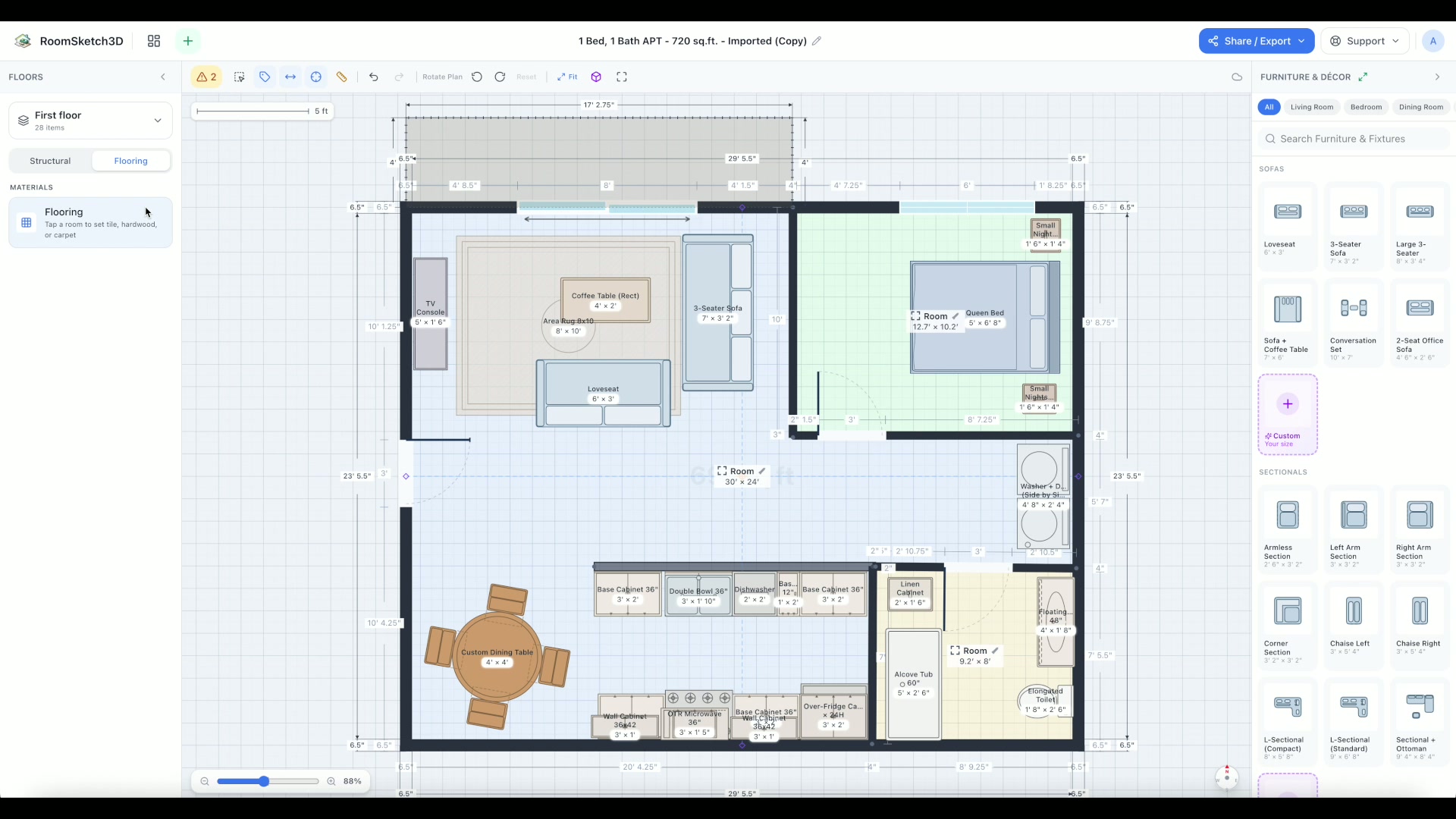
Setting per-room flooring
Tile, hardwood, or carpet — set the floor per room and tune it in 3D.
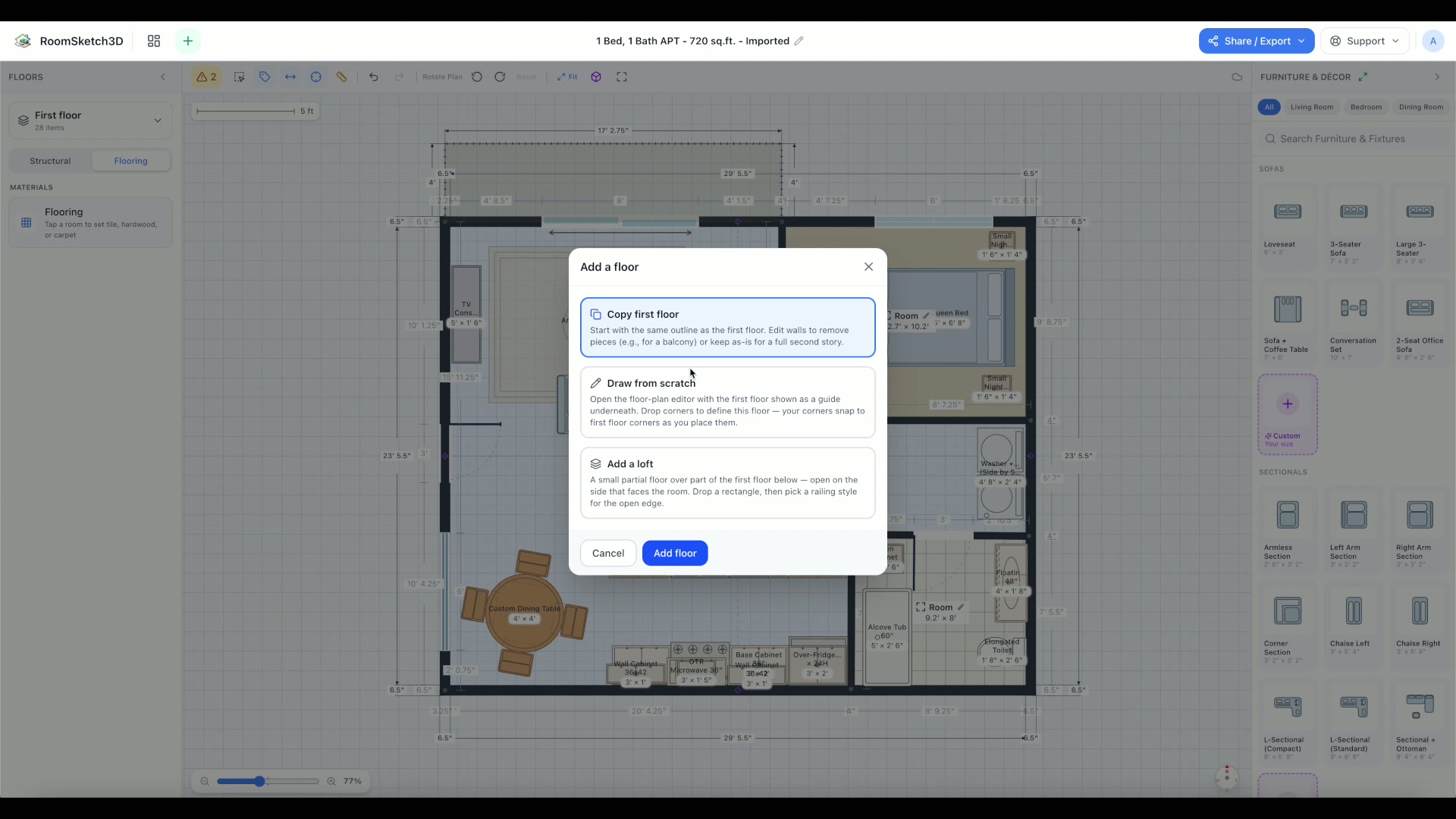
Building a multi-story floor plan
Two-story homes, lofts, basements — stacked floors connected by stairs.
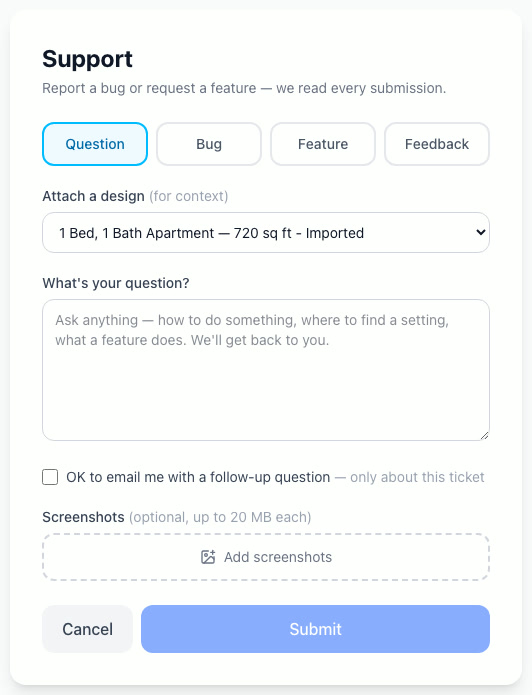
Getting help & support
Ask, report a bug, request a feature, or give feedback — we read every message.
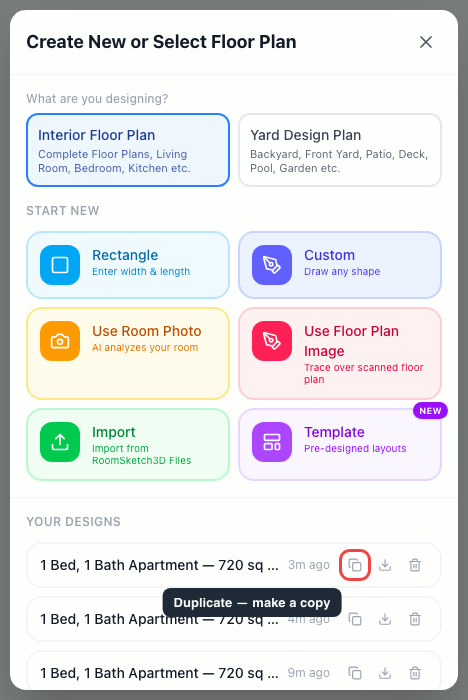
Duplicate or copy a floor plan
Copy a design to explore versions and variations, risk-free.
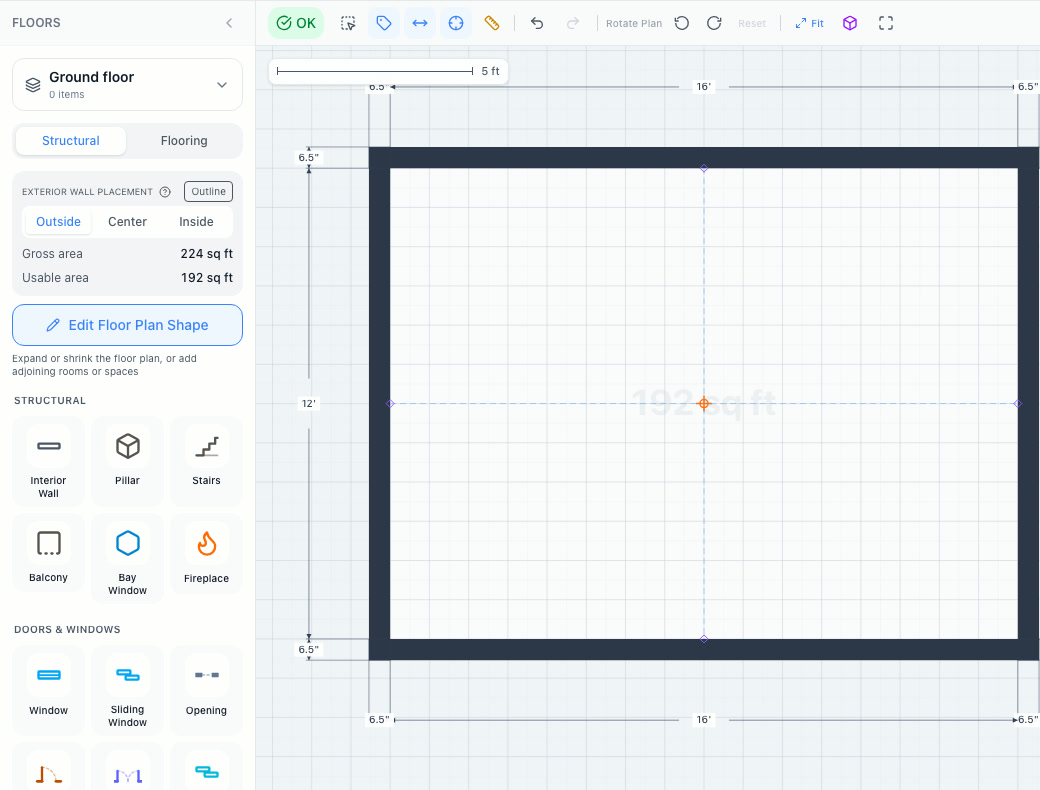
Exterior wall placement (Outside, Center, Inside)
Outside, Center, Inside — where walls sit vs your outline, and how it changes Gross & Usable area.
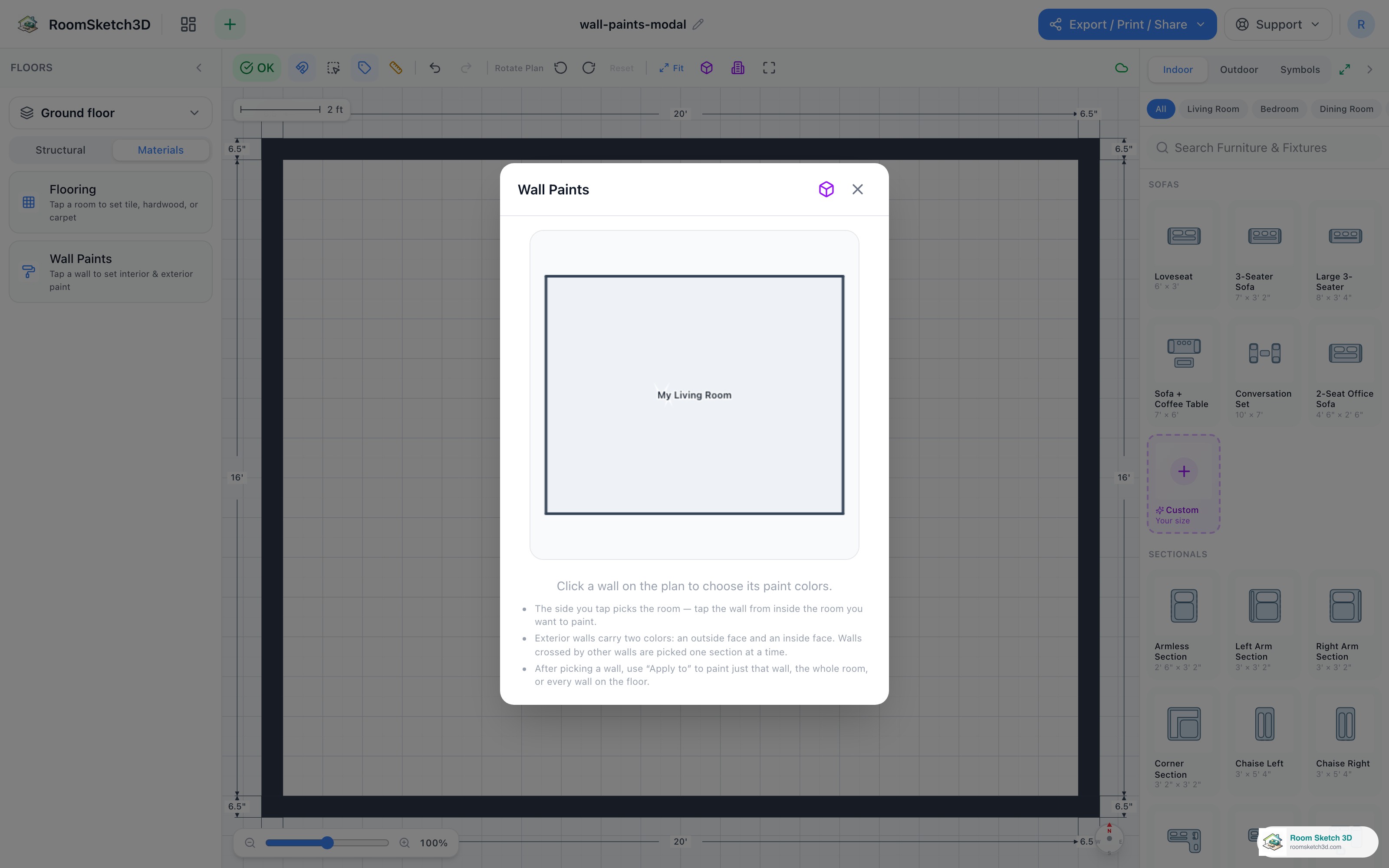
Painting your walls — colors for every wall face
Real brand paint colors on any wall — per wall, per room, or whole floor.
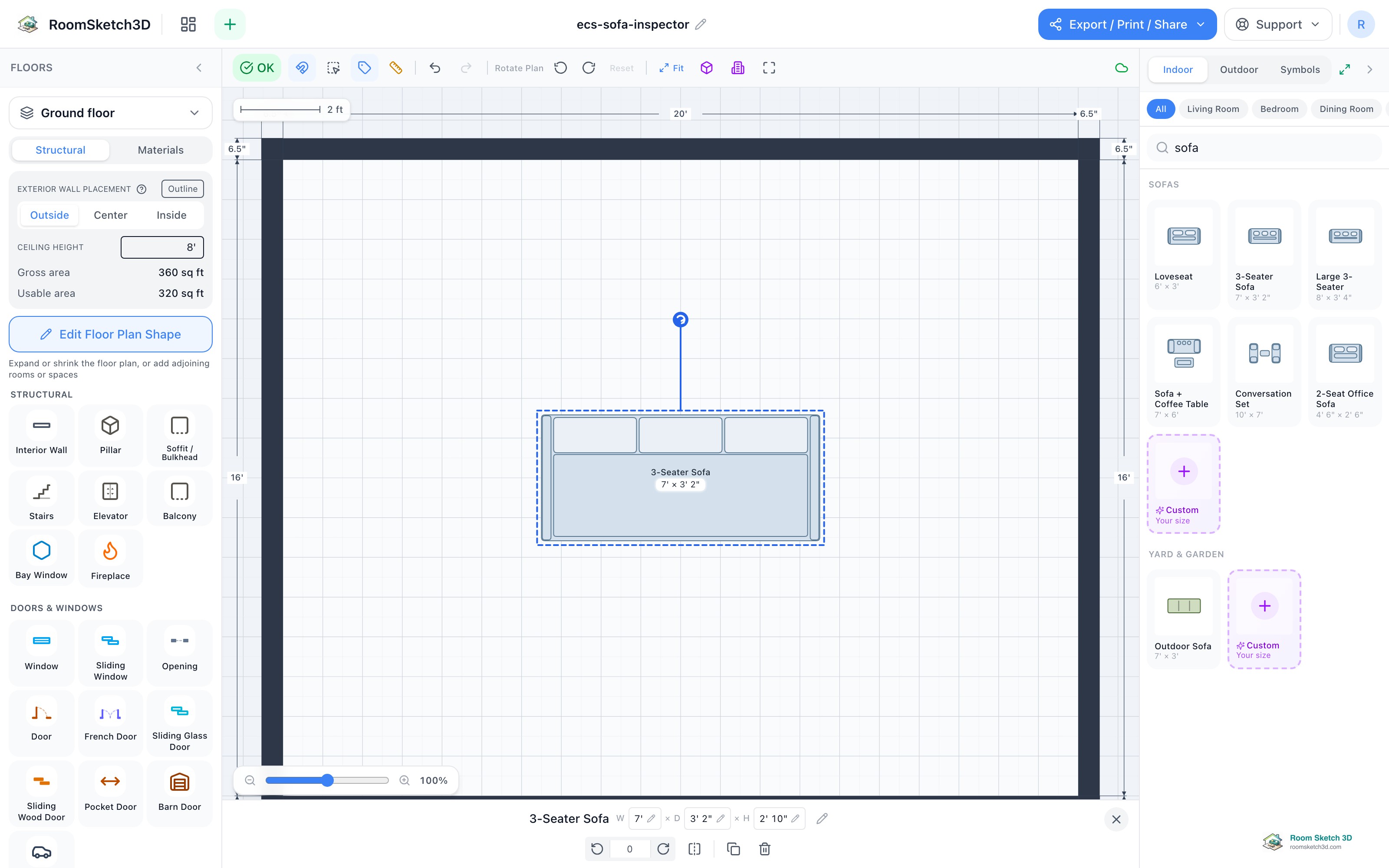
Exact sizes for anything — furniture, windows, doors, fireplaces
Type real measurements for any piece or fixture — no preset limits.
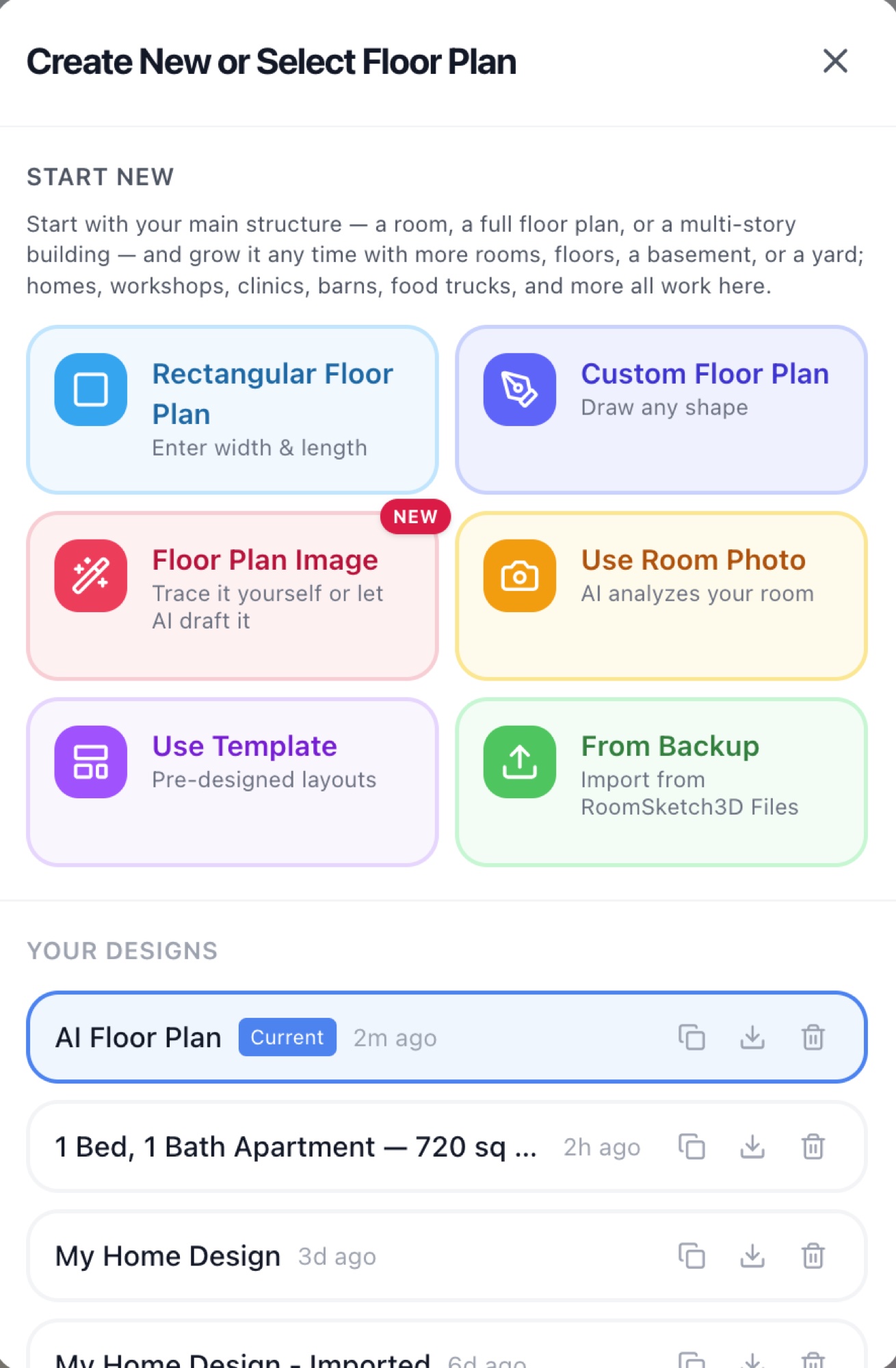
Importing a floor plan with AI tracing
Upload a floor-plan image and let AI draft the walls, doors, and windows for you to review.
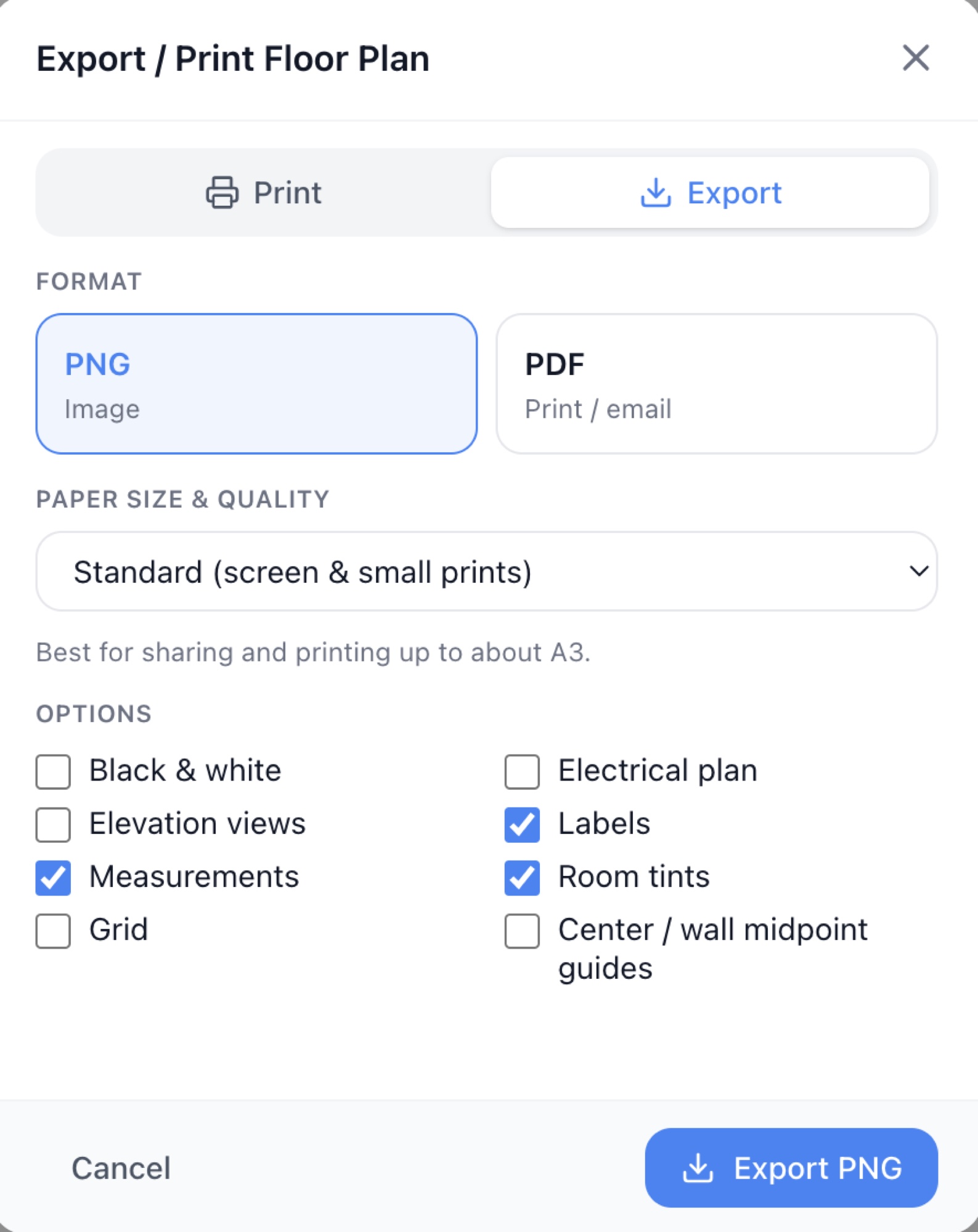
Export, print & share — every option explained
PNG, vector PDF, print, AutoCAD DXF, 3D GLB, JSON backup, and public links — all in one guide.
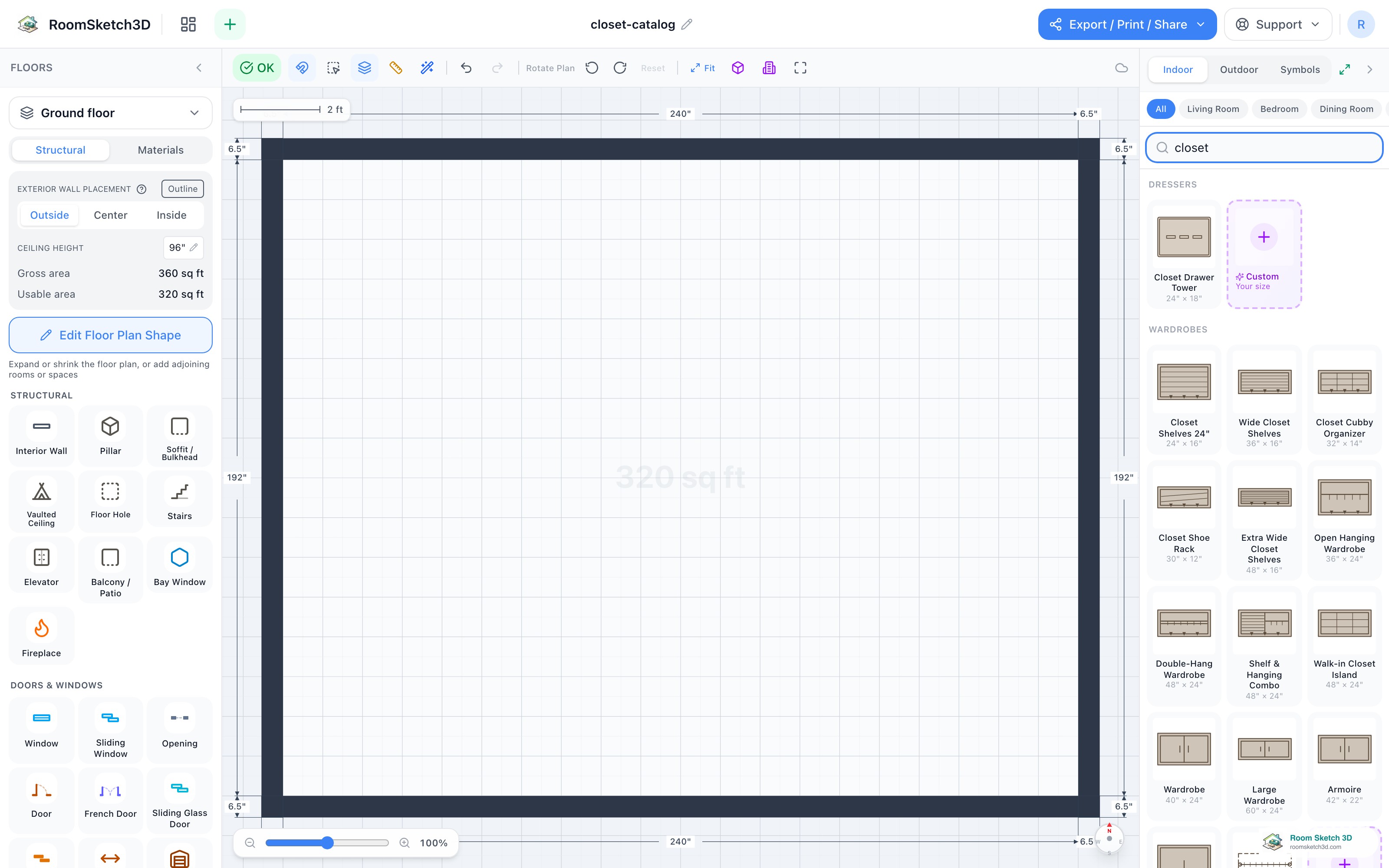
Design your closet — bay by bay, the way you'll build it
Build a closet bay by bay — hanging, shelves, drawers, shoe racks, and cubbies.
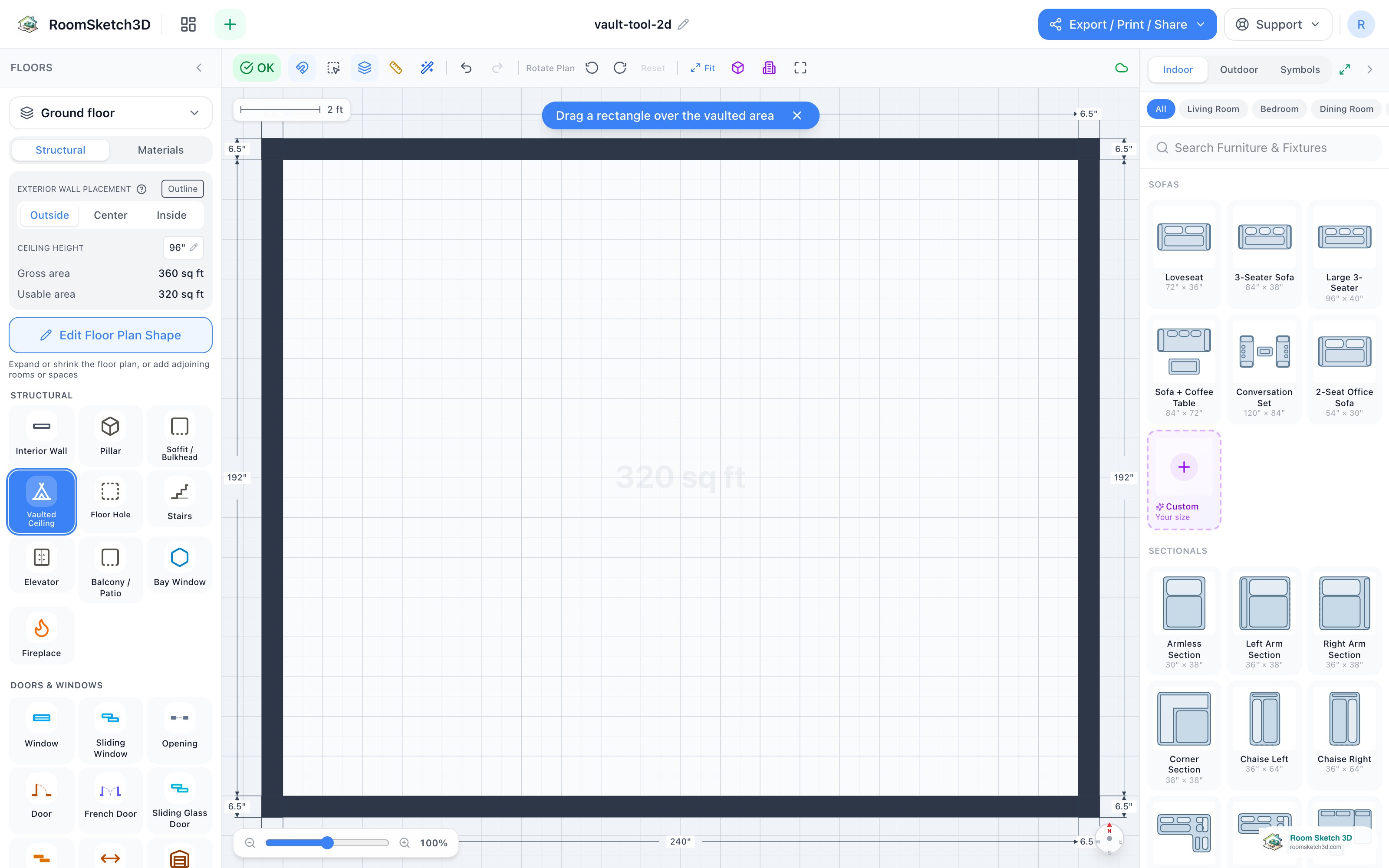
Vaulted ceilings — cathedral, single-slope, and pyramid
Cathedral, single-slope & pyramid ceilings — drawn on the plan, rendered in 3D.
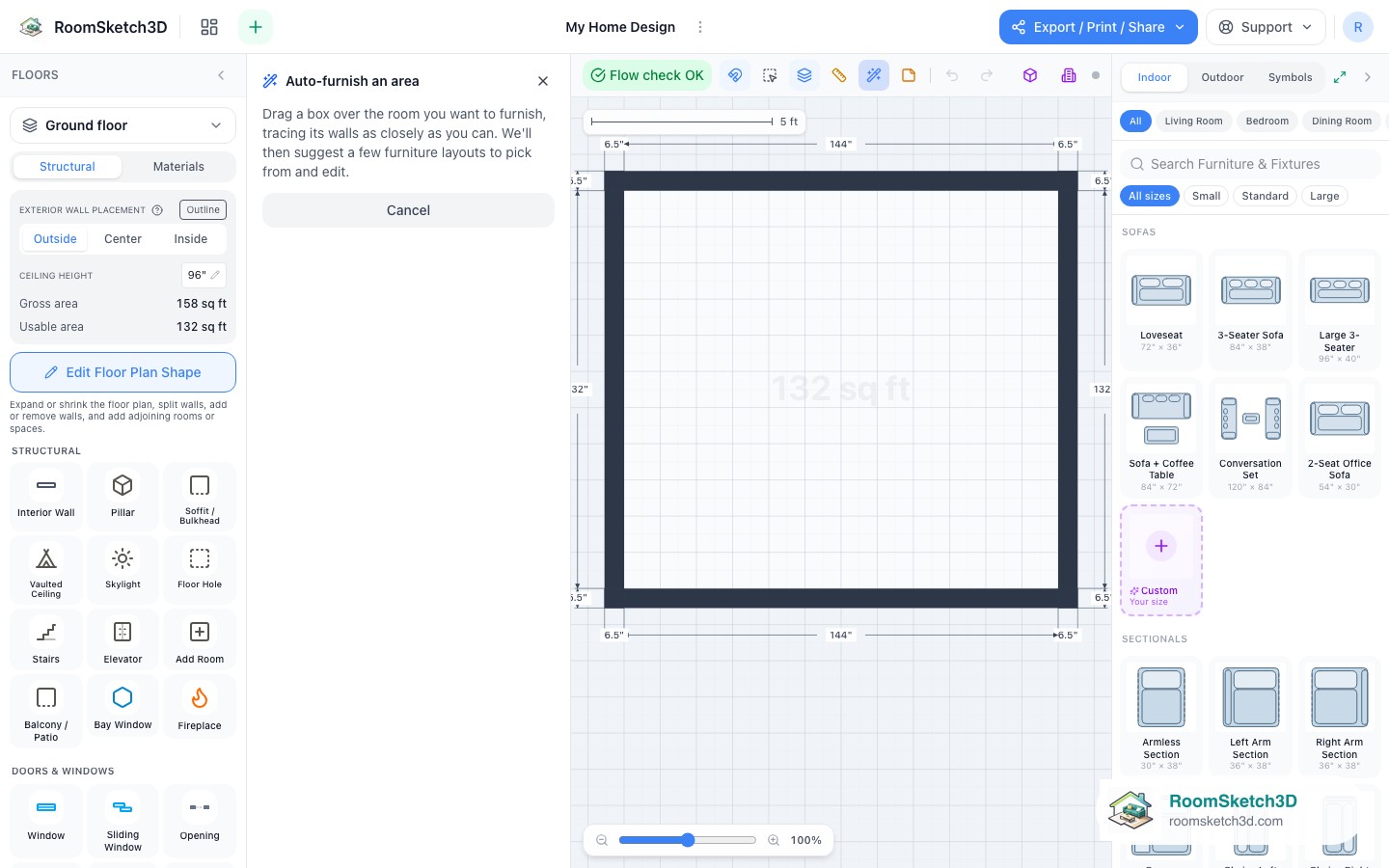
Auto-furnish — 62 design ideas you can pick from and edit
Draw a box and pick from 62 fit-ranked design ideas — or a whole-room layout — then edit.
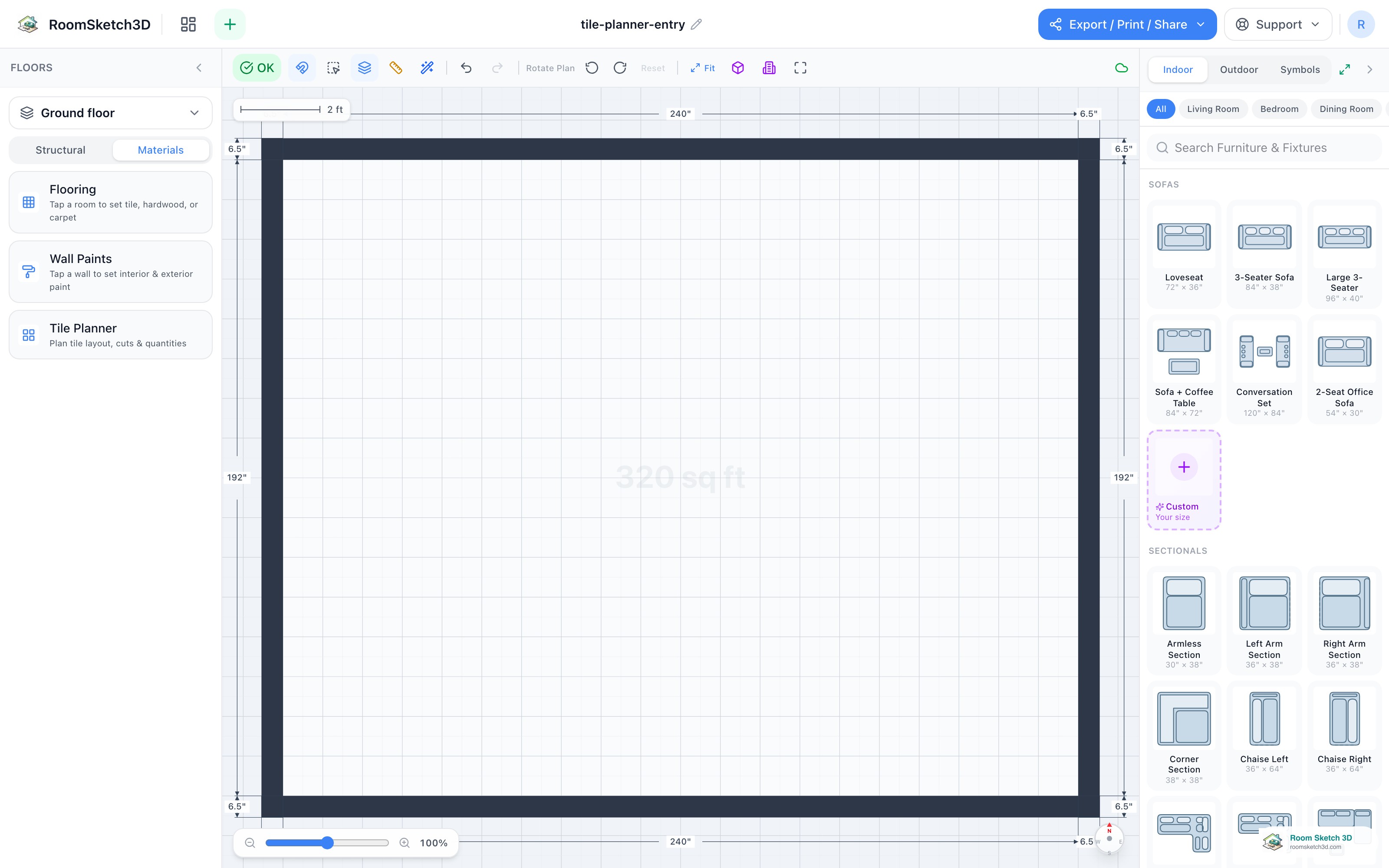
Floor Tile Layout Planner — see the cuts and count the boxes
Plan a real tile layout — cuts, waste, and boxes to buy.
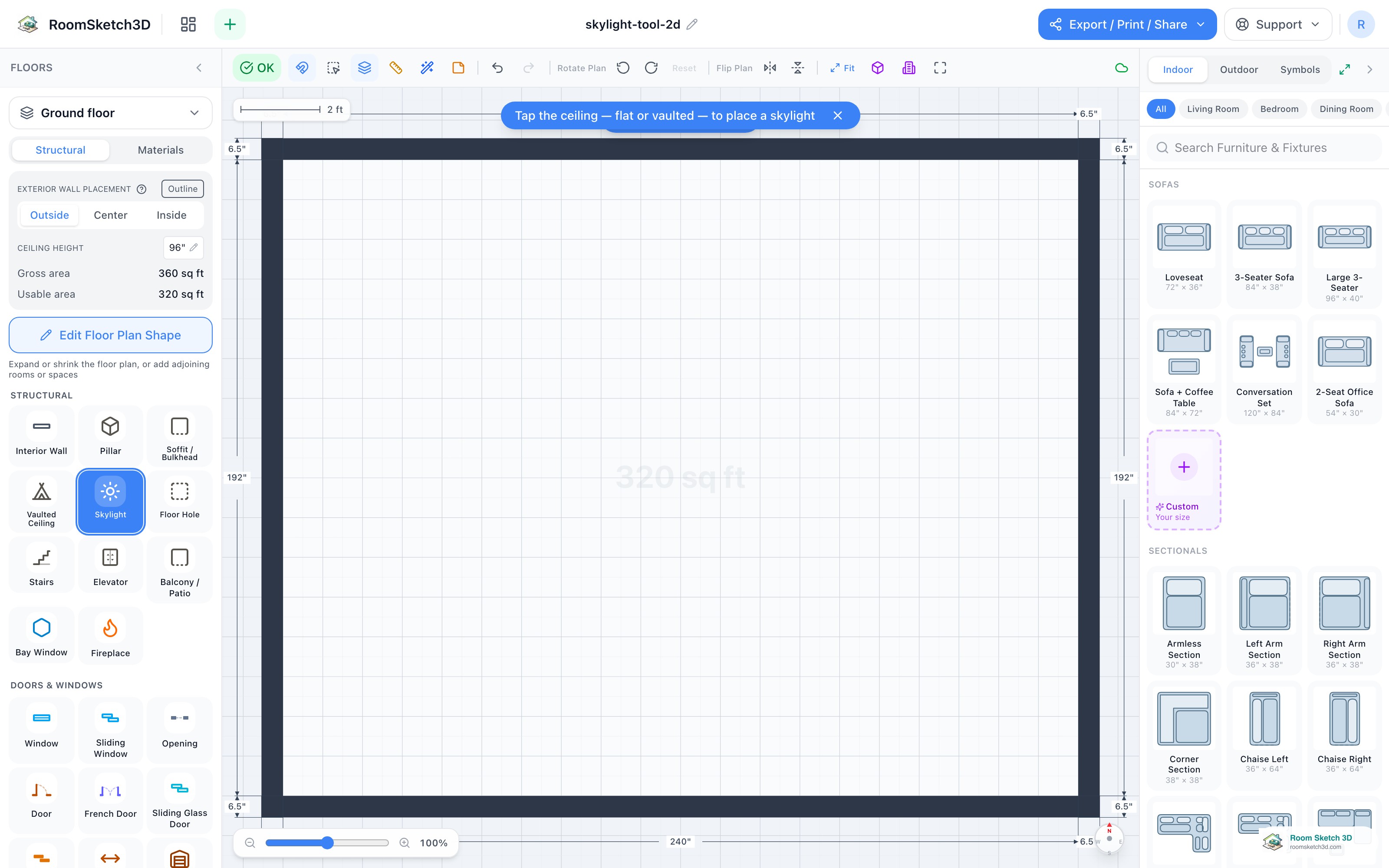
Add a skylight — daylight in a flat or vaulted ceiling
Tap the ceiling — flat or vaulted — to drop a skylight and see the daylight in 3D.
Change the color, fabric, or finish of any piece
Recolor any piece from the inspector's Color row — swatches or a custom color — plus fabric and cabinet finishes.
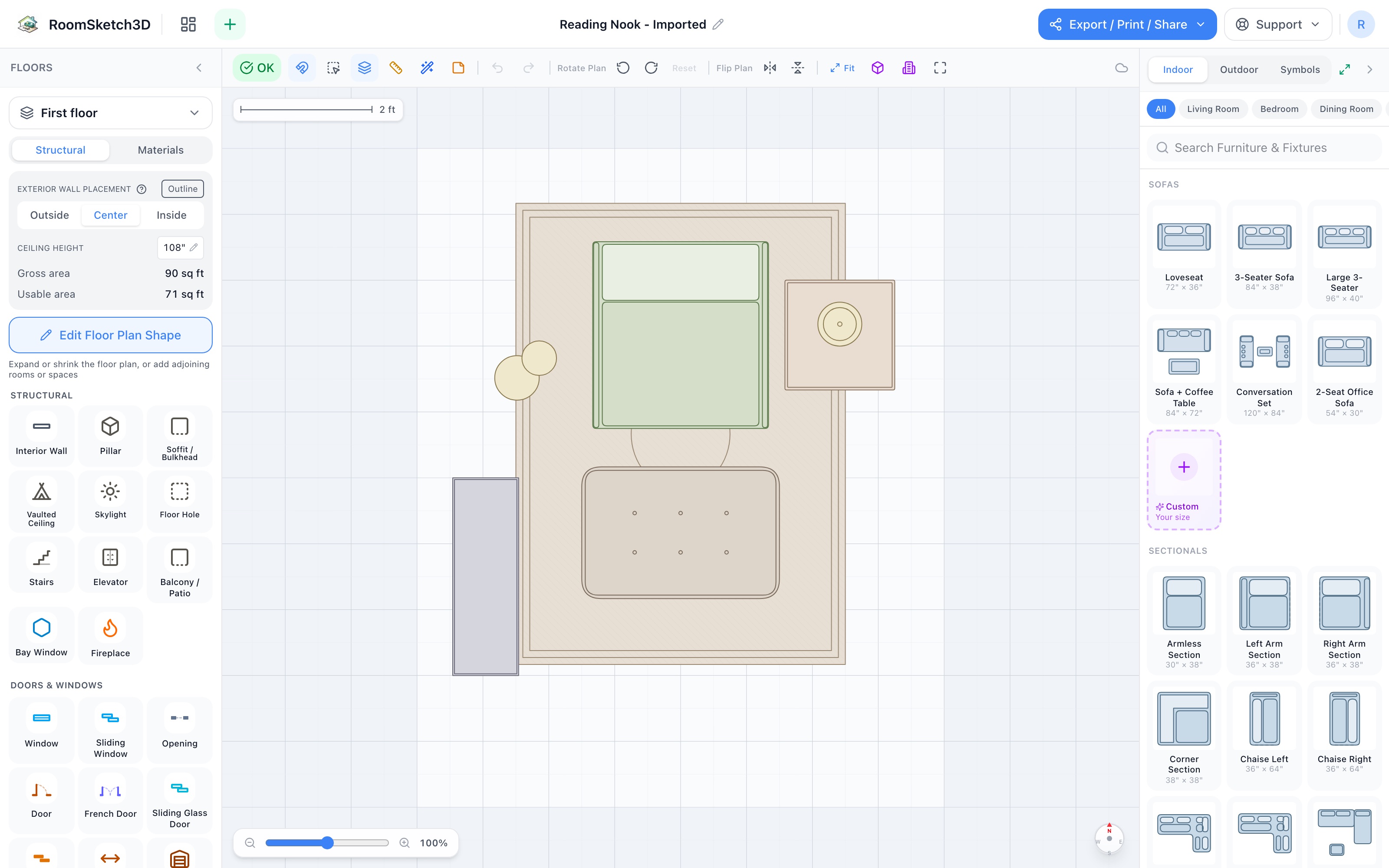
Design a reading nook — seven pieces, one cozy corner
Rug, chair, ottoman, two lamps, a side table, and a bookshelf — a nook in 30 sq ft.
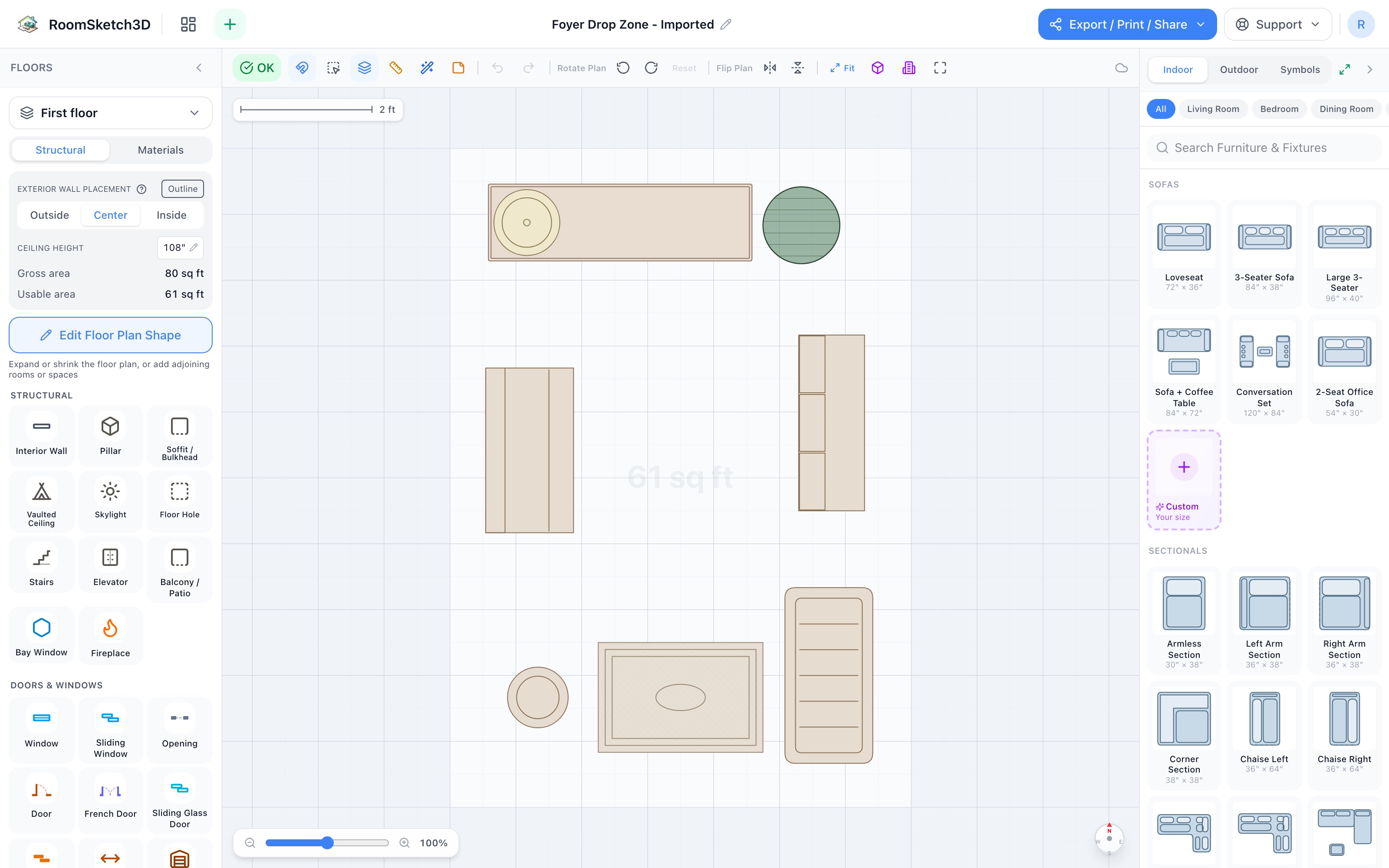
Design a foyer drop zone — everything lands in the first six feet
Console, hall tree, shoe cabinet, umbrella stand, boot tray, mat, lamp & plant — 7×10.
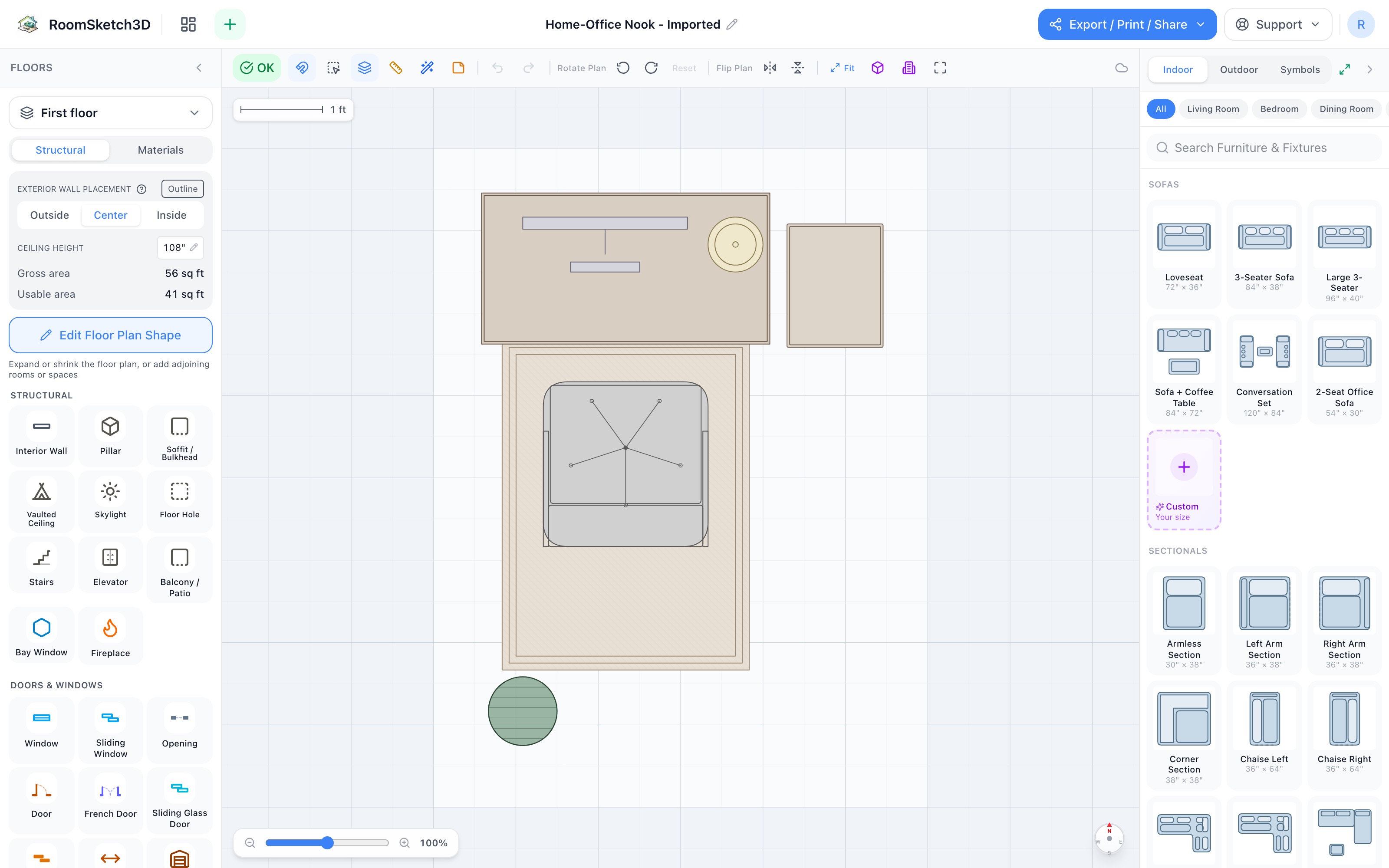
Design a home-office nook — a real workstation in six by eight
Writing desk, monitor, chair on a mat, slim cabinet & plant — a workstation in 6×8.
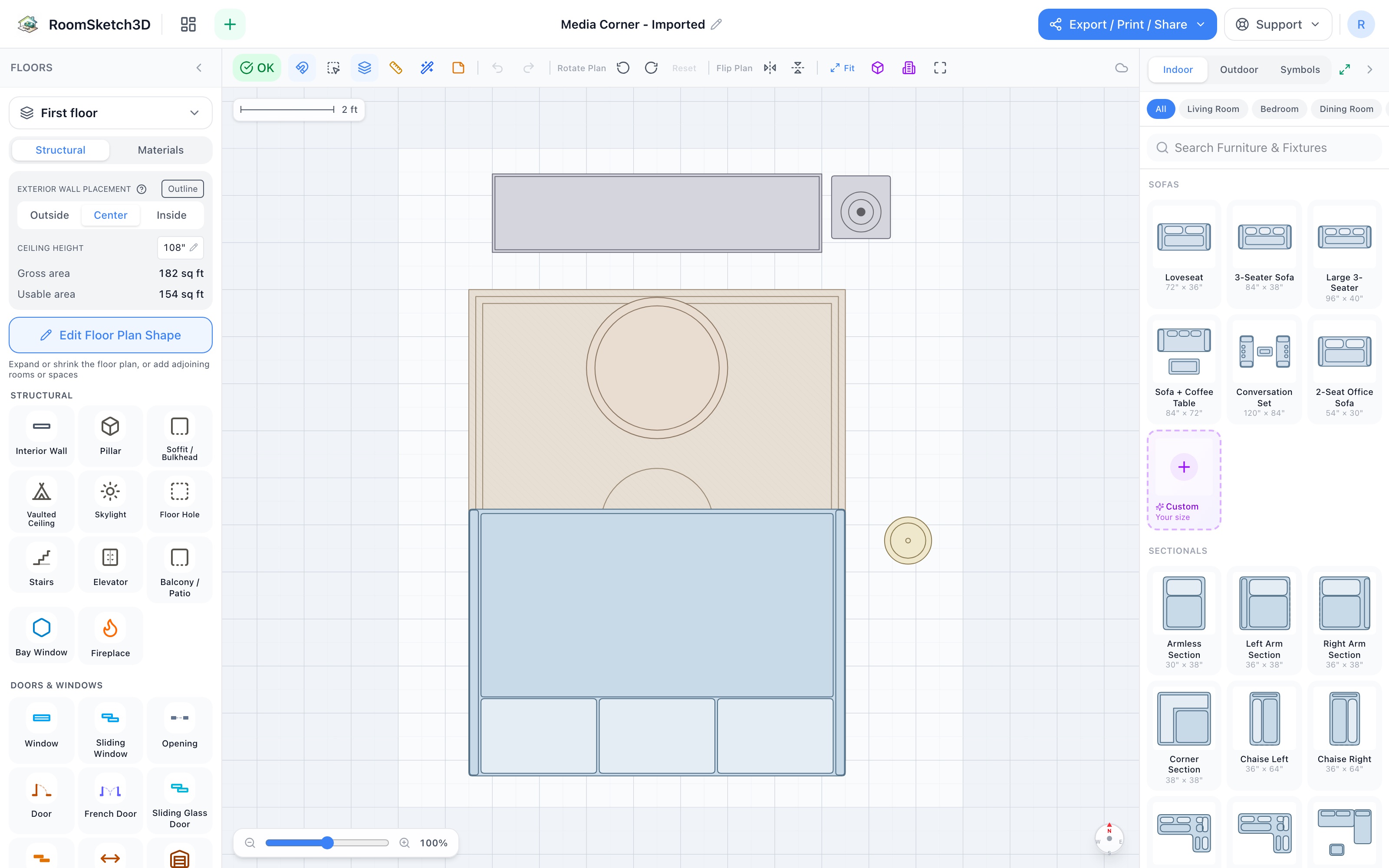
Design a media corner — movie night, properly set up
Entertainment center, L-sectional, coffee table, sub & floor lamp — 12×14 of movie night.
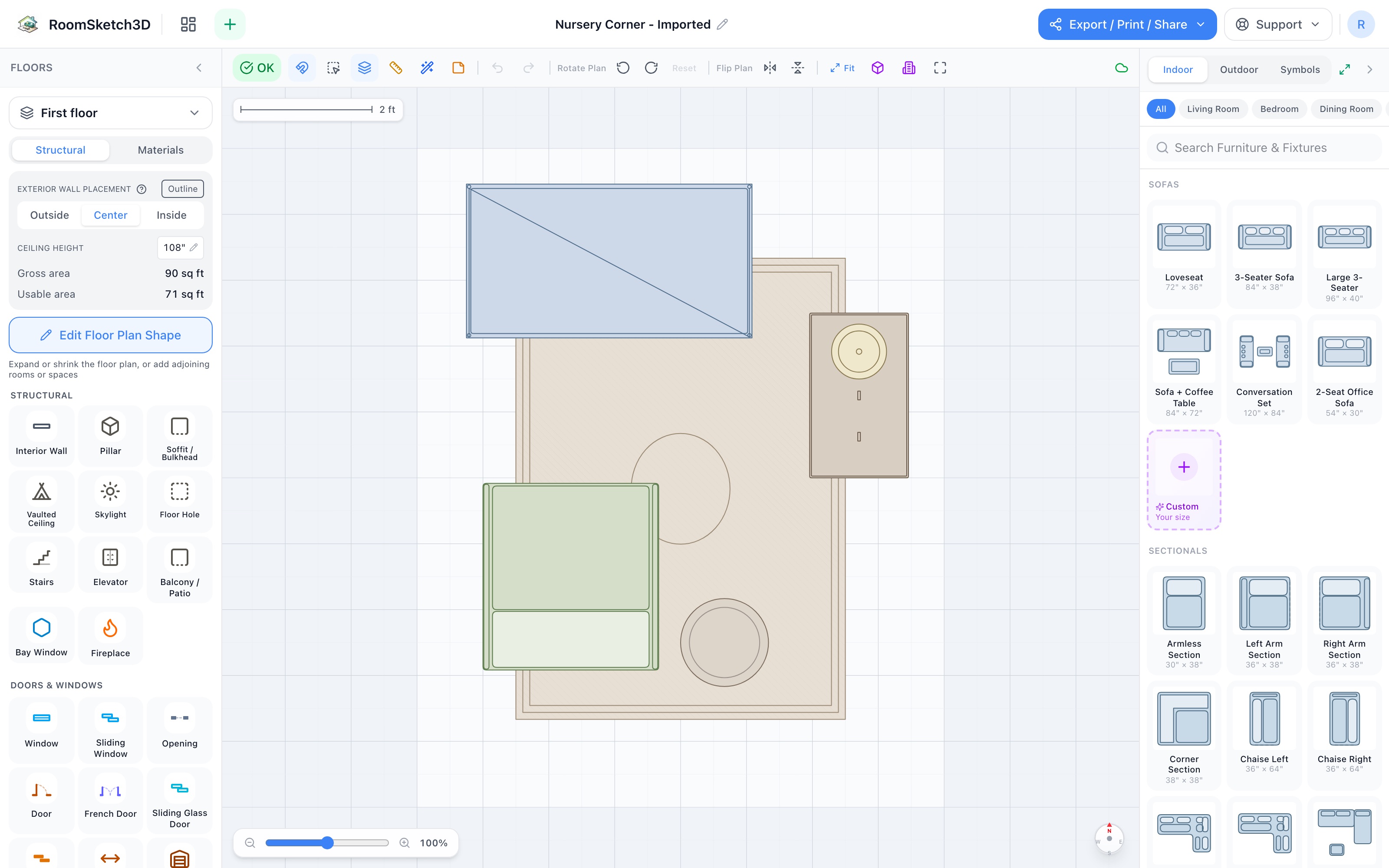
Design a nursery corner — built for 3 a.m.
Crib, the 3 a.m. chair, dresser-as-changing-station, lamp & toy basket — 8×10.
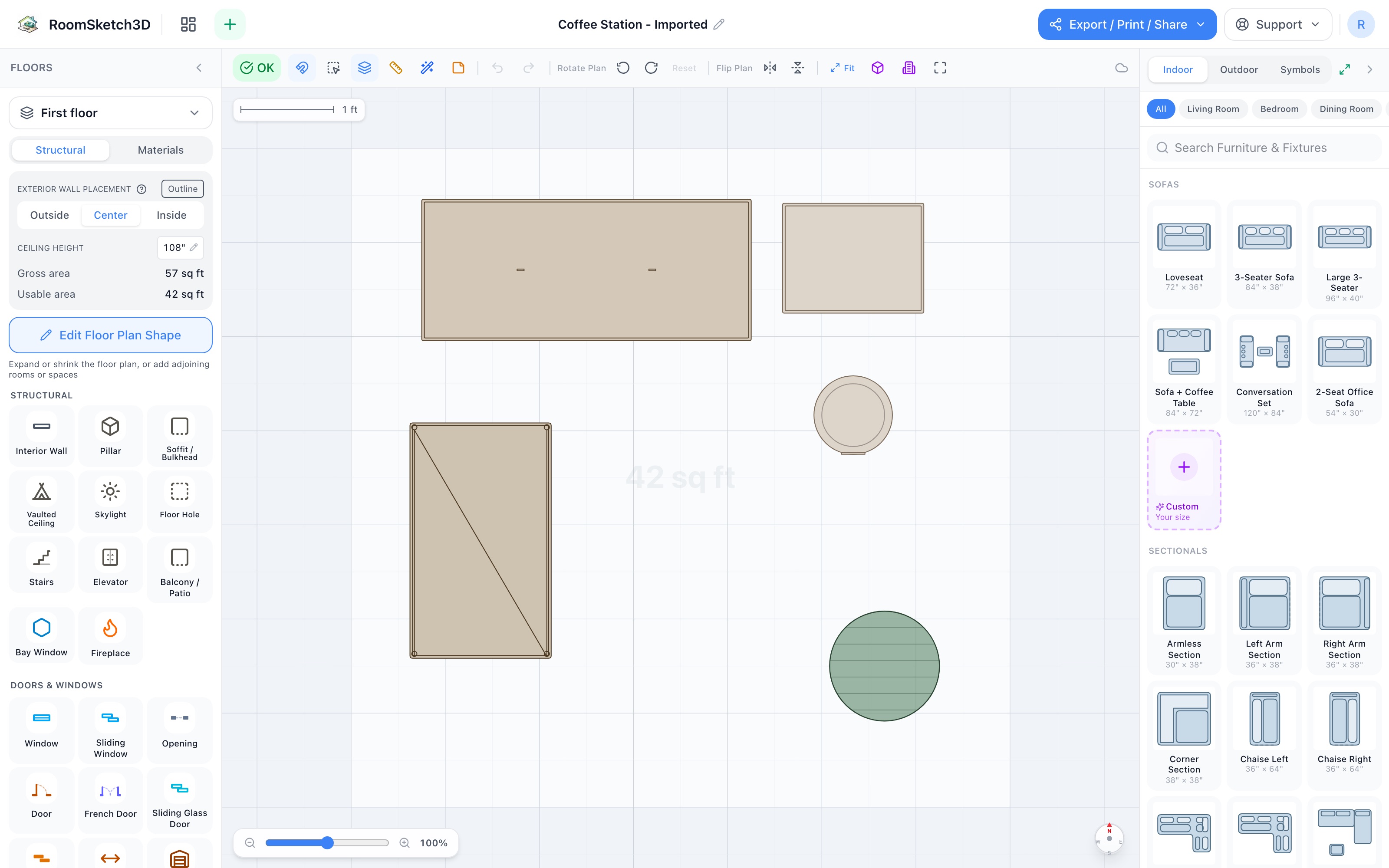
Design a home coffee station — five pieces in seven by seven feet
Buffet counter, mug cabinet, bar cart, step trash, and a plant — a café in 49 sq ft.
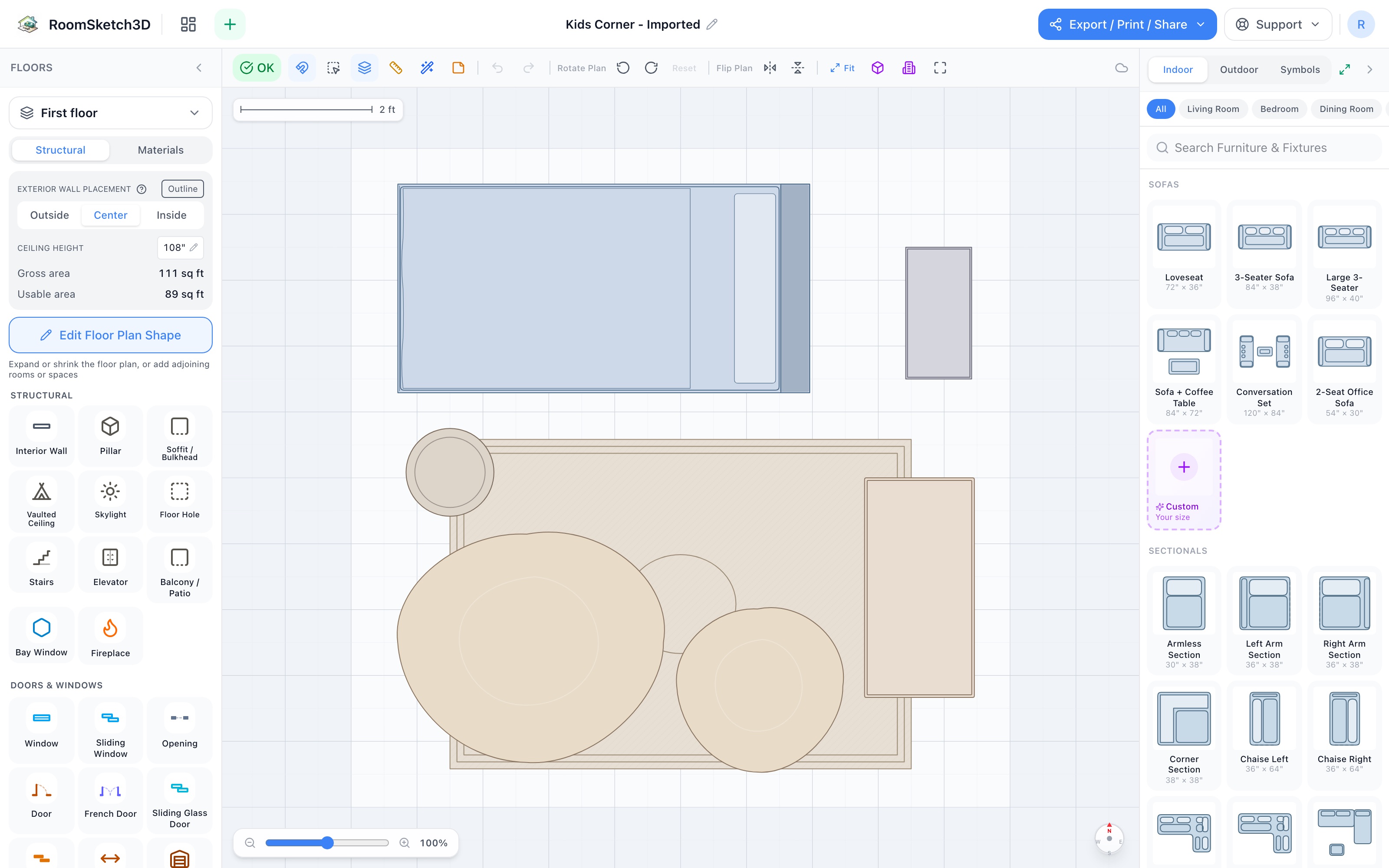
Design a kids corner — sleep, homework, and the reading pile
Twin bed, bookshelf + desk, two bean bags, and the sweep basket — 10×10.
Design a patio lounge — a conversation circle around the fire
Sofa, fire pit, two Adirondacks, a lounger & a planter — a conversation circle in 12×12.5.
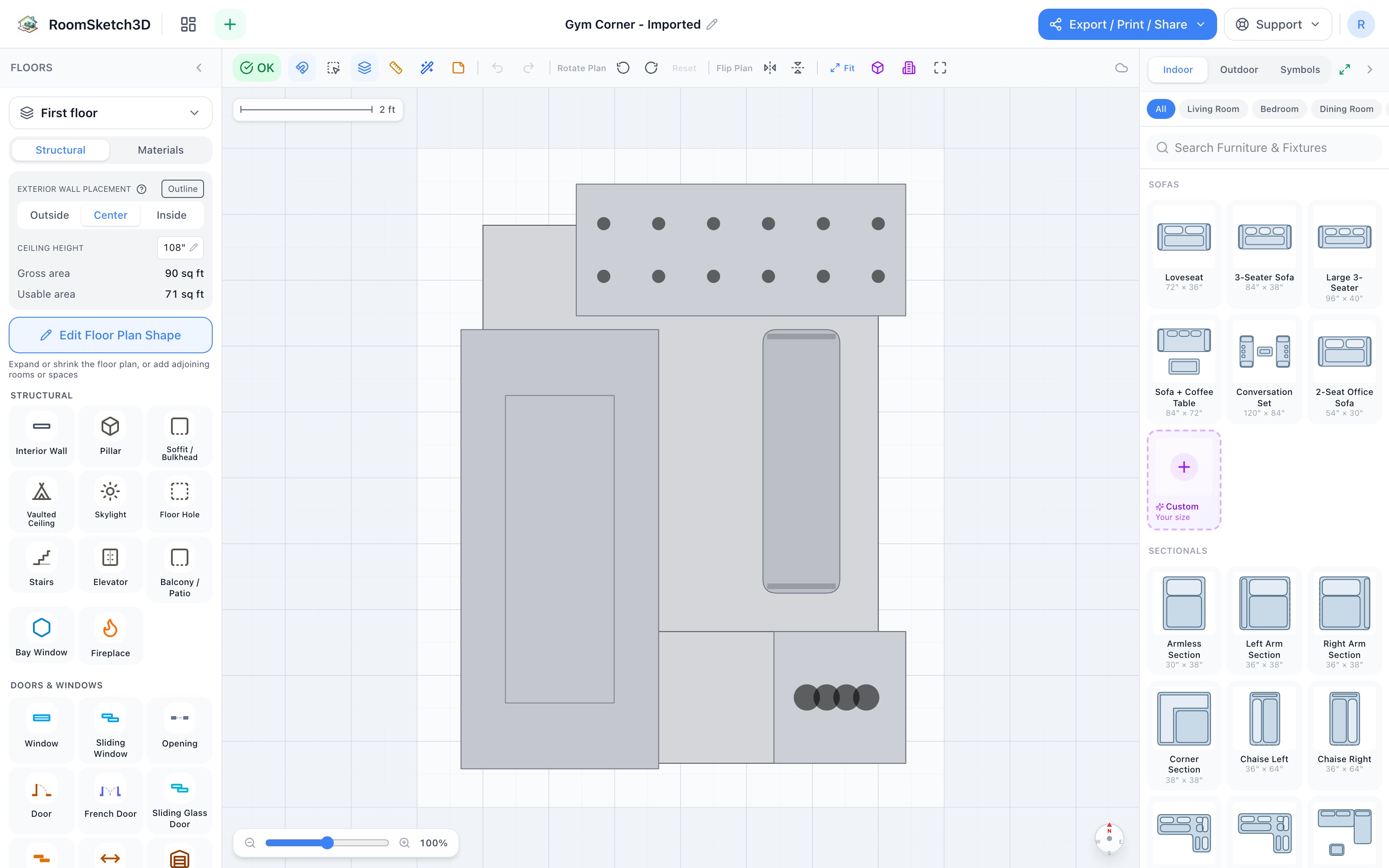
Design a home gym corner — cardio, weights, and a stretch zone in eight by ten
Stall mat, treadmill, dumbbell rack, bench, yoga mat & vertical stand — a gym in 8×10.
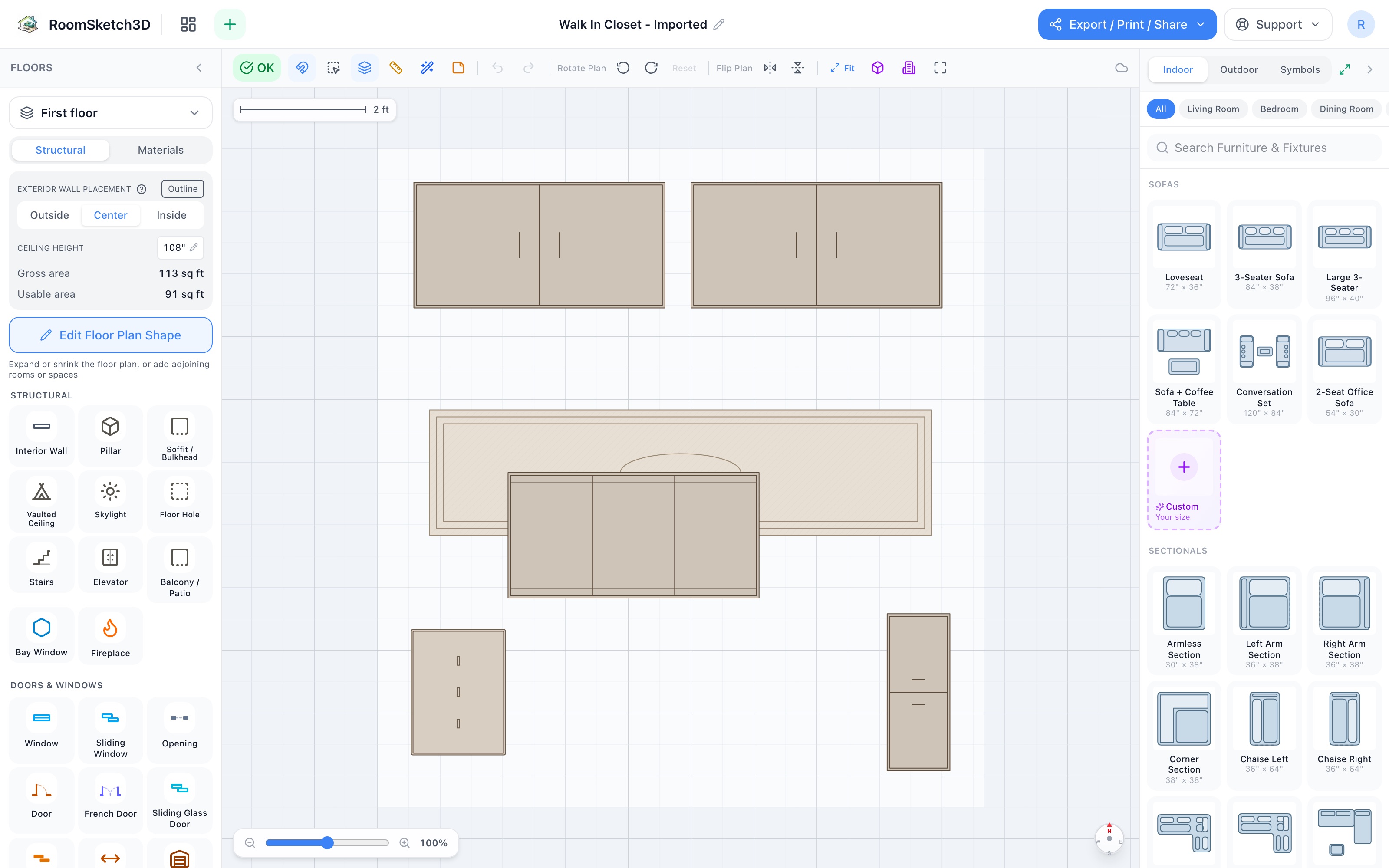
Design a walk-in closet — hanging on the far wall, island in the middle
Two hanging systems, a dressing island, shoe rack, drawer tower, and a runner — 10×10.5.
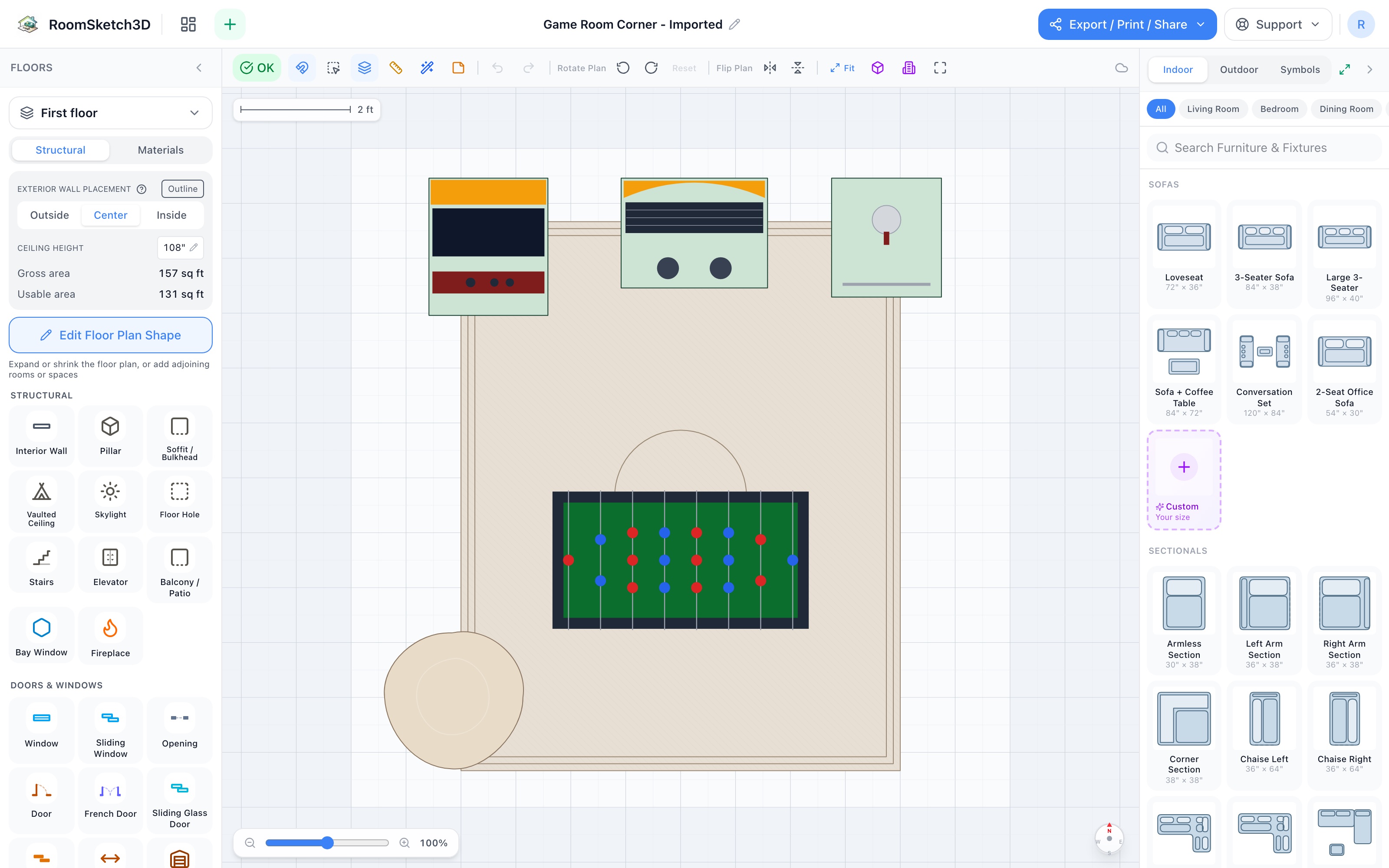
Design a game room corner — a home arcade in 12×12
Arcade cabinet, jukebox, kegerator, foosball centre stage, and a bean bag — an arcade in 12×12.
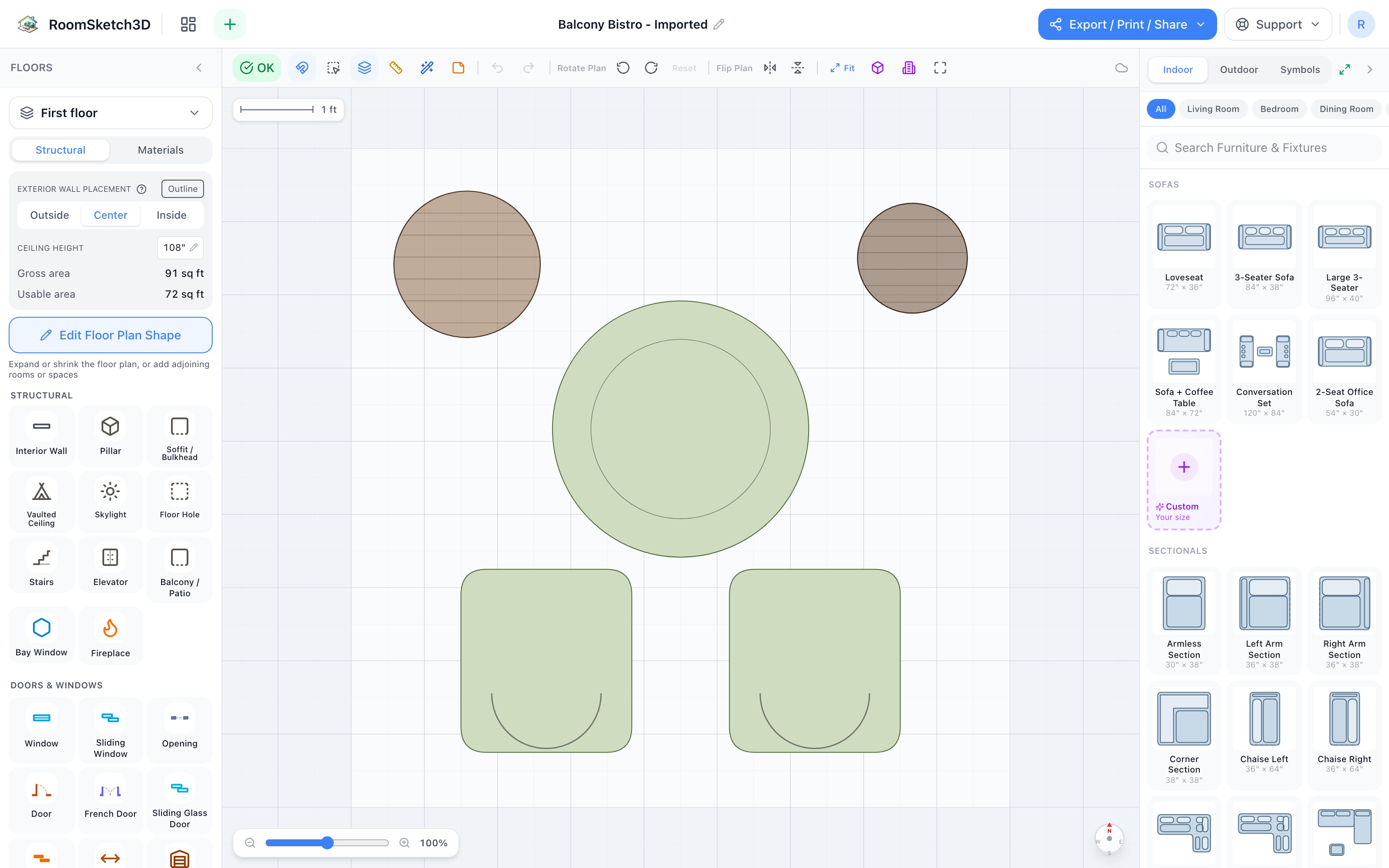
Design a balcony bistro — a table for two and the birds
Round patio table, two chairs, a planter & a bird feeder — coffee for two in 9×8.
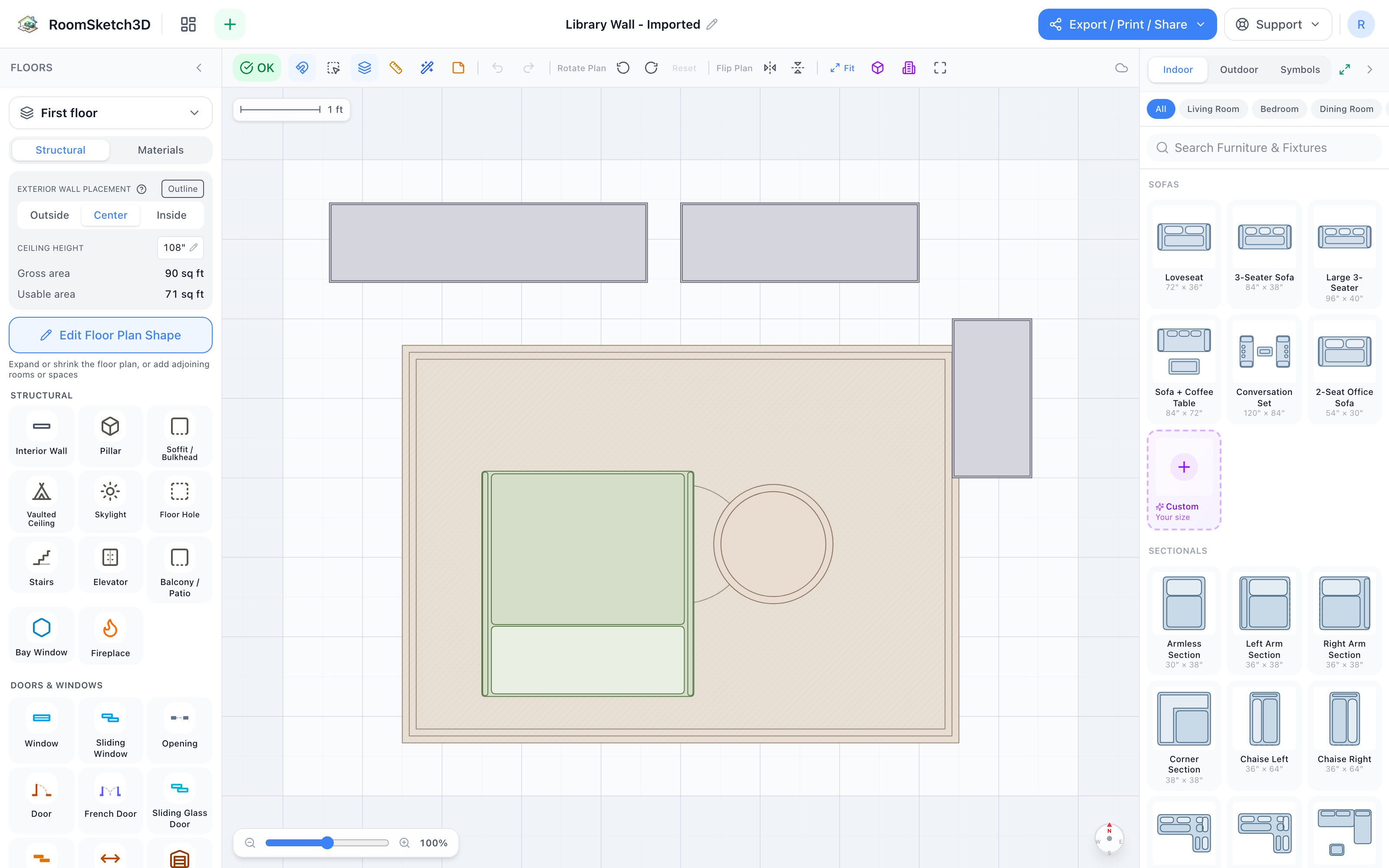
Design a library wall — three bookcases in a run
Wide, standard, and tall bookshelves in an L, a chair facing the books — a library in 10×8.
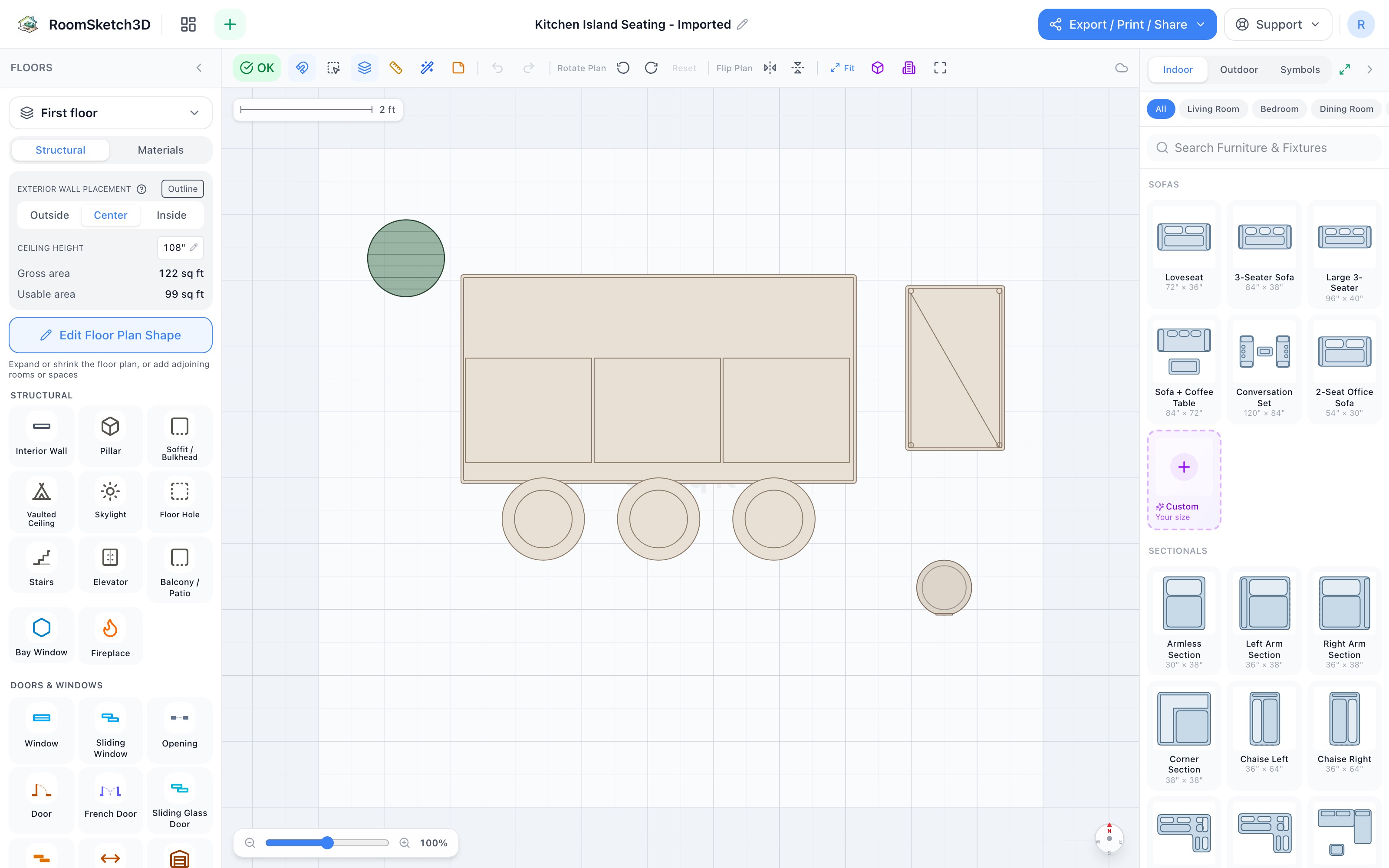
Design kitchen island seating — the counter everyone ends up at
Island + 3 stools, rolling cart, step trash & a plant — 11×10 of the kitchen's social side.
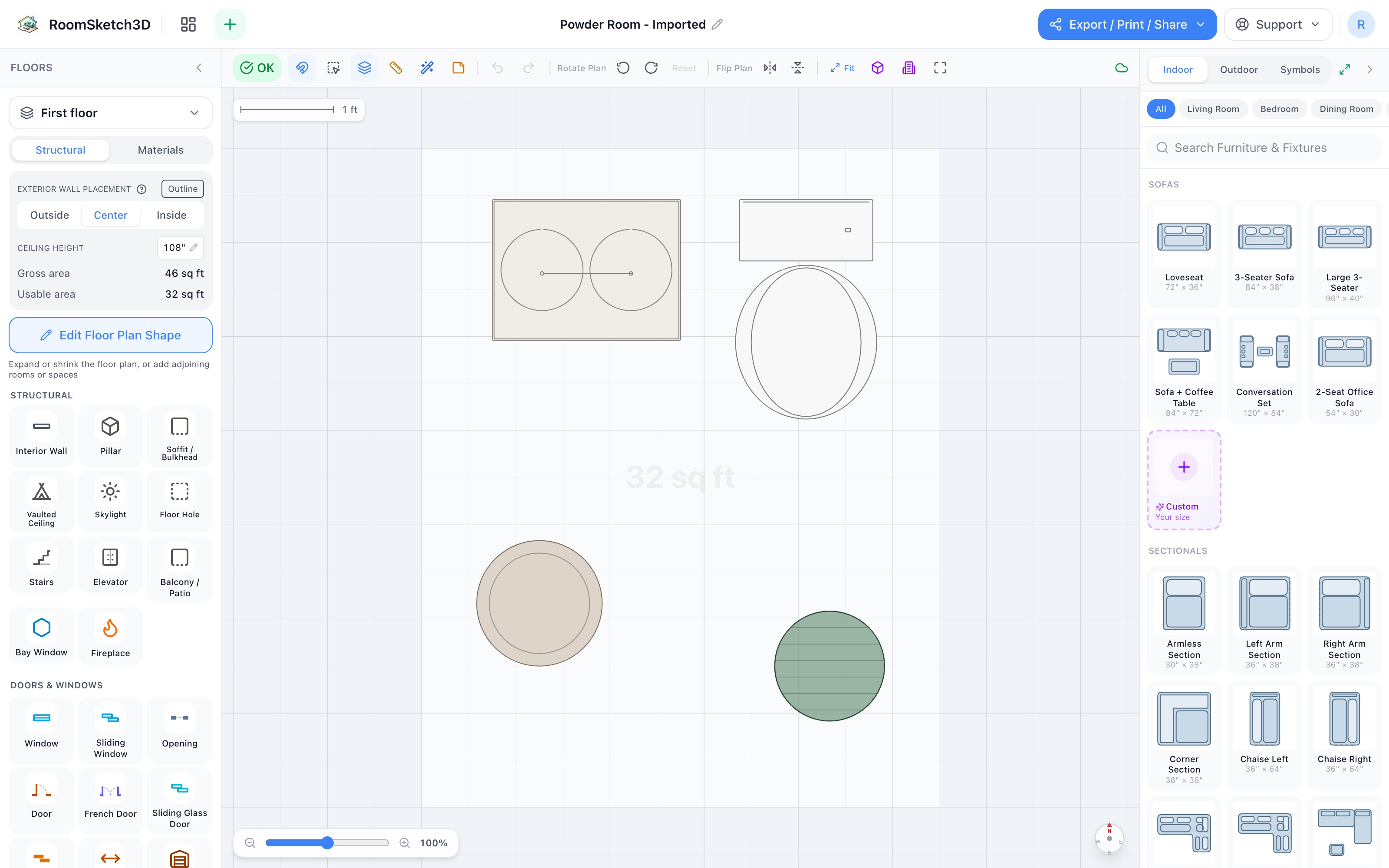
Design a powder room — four pieces, real elbow room
A 24″ vanity, toilet, basket, and plant — a guest-ready half bath in 5.5×7 ft.
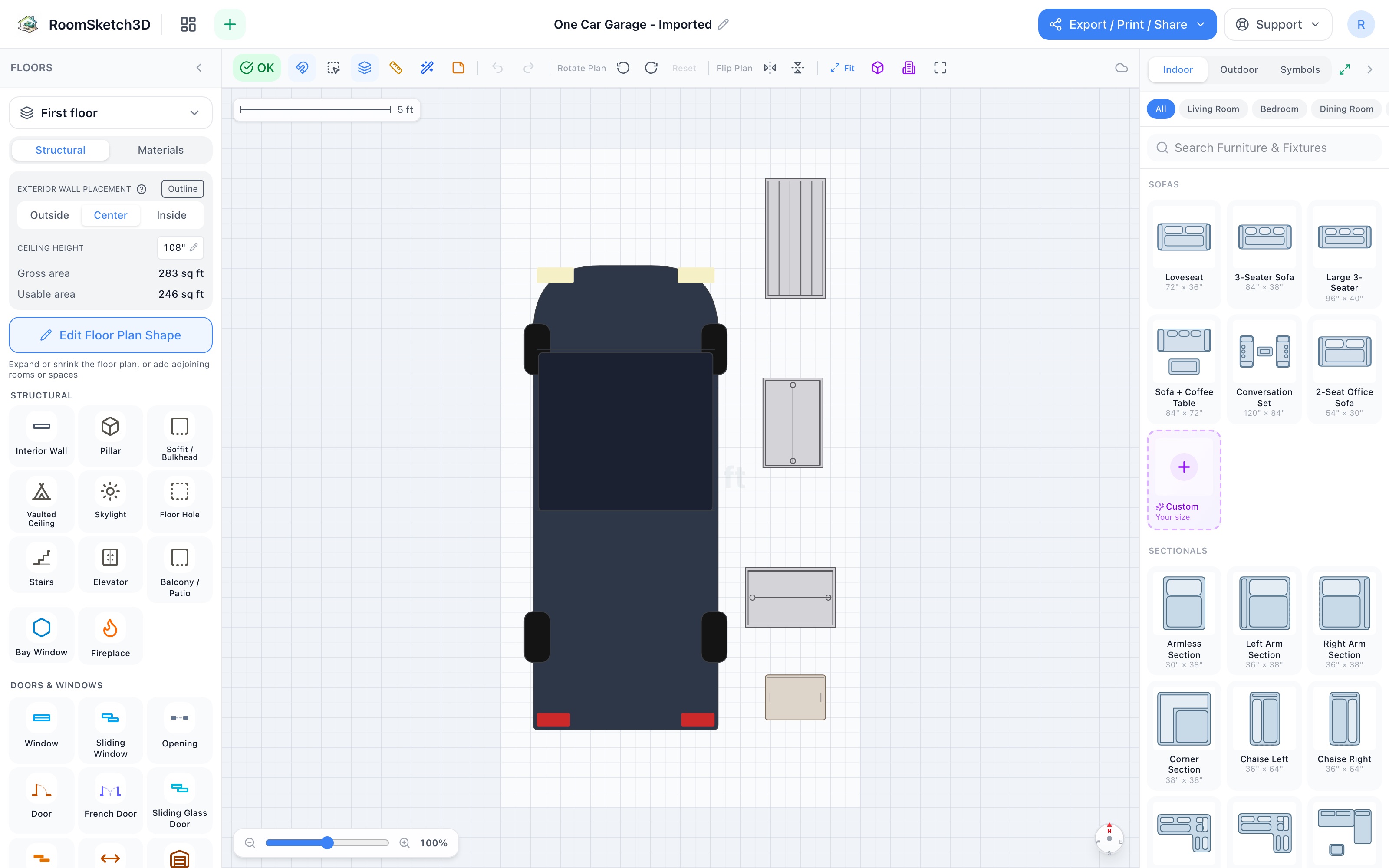
Design a one-car garage — park the car first, then keep the stuff
The Sedan parked with door clearance + a shelf, cabinet, bin & tote down the free side — 12×22.
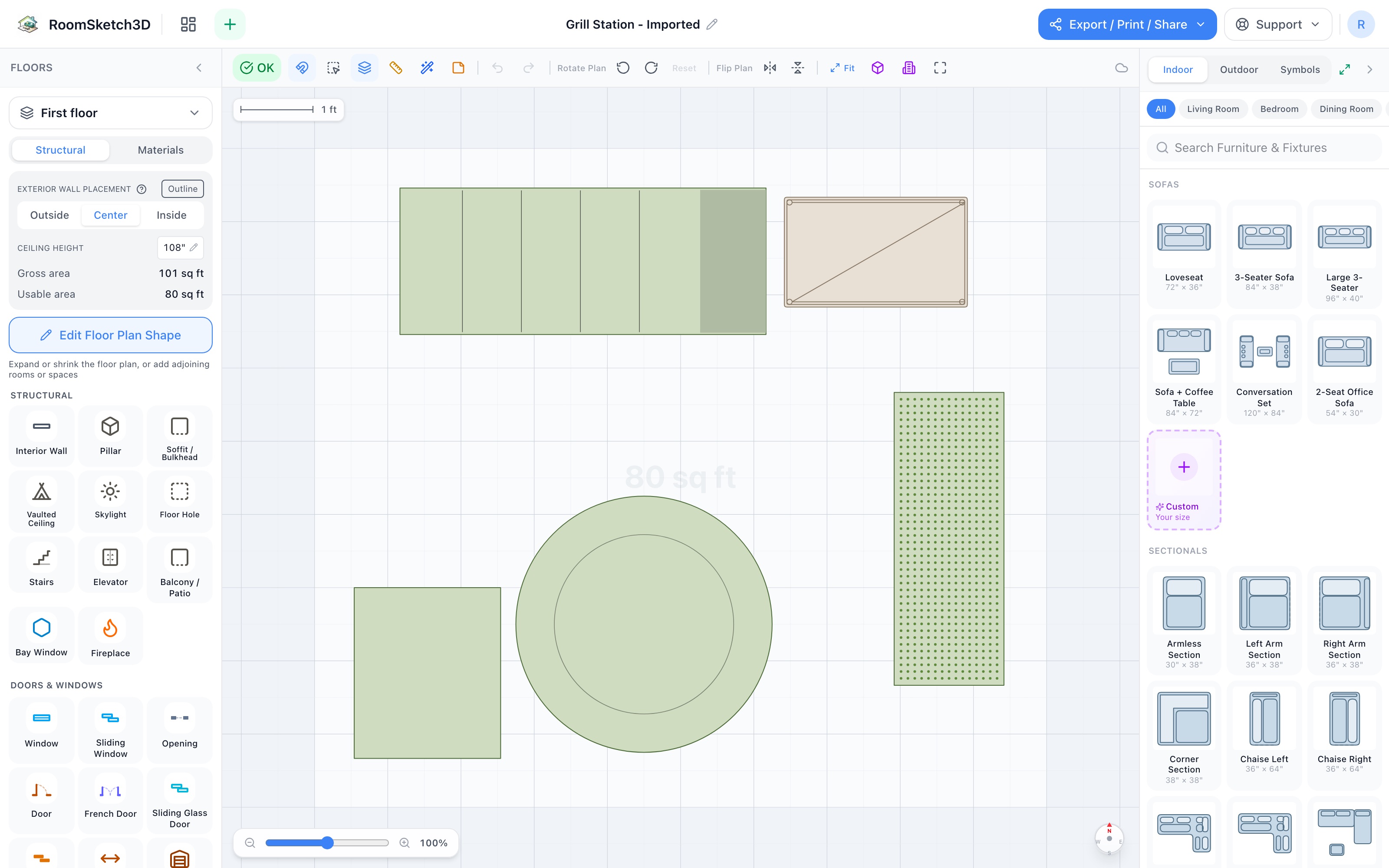
Design a grill station — a working edge, a cook zone, and a serving table
Grill, prep cart, round table, garbage cart & a herb planter — a cook zone in 10×9.
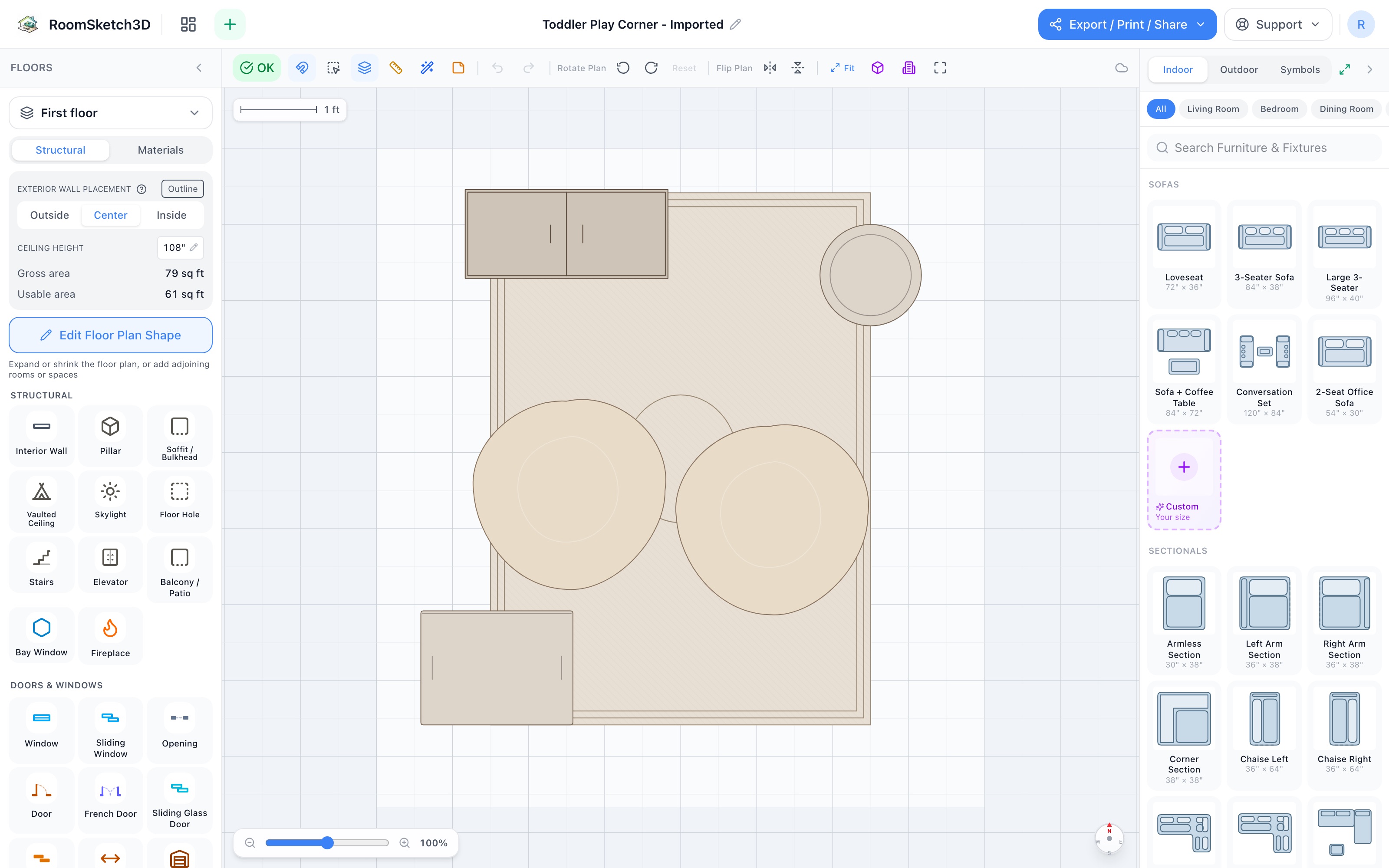
Design a toddler play corner — built for the two-minute sweep
Kid-height cubby, the 5×7 play rug, two bean bags, basket + tote — 8×8.5.
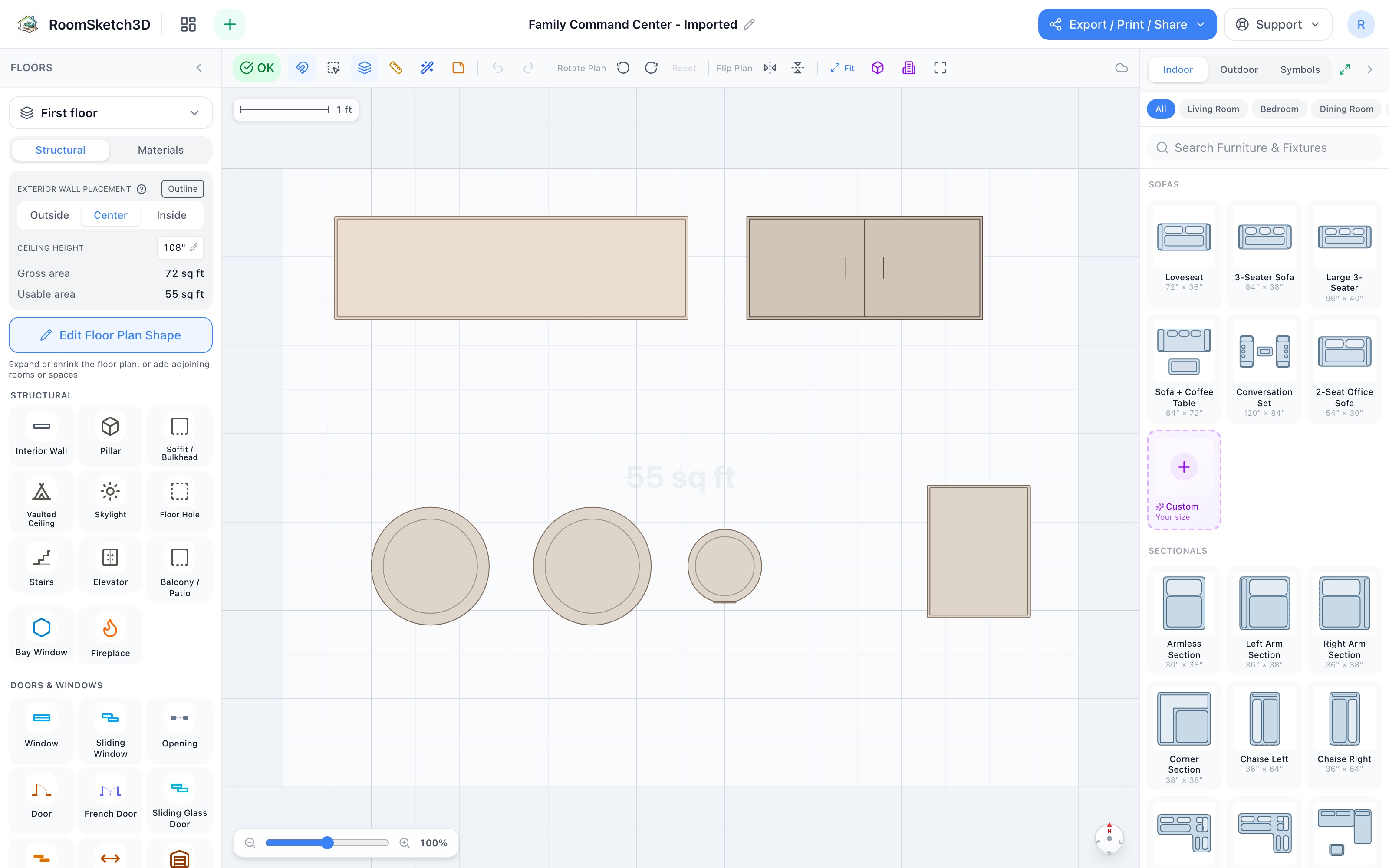
Build a family command center — one wall where the chaos lands
Console drop surface, one cubby per person, keeper cabinet, two bins, a trash can — 9×7.
Ready to design your room?
One-time purchase. Web, iOS, and Android. No subscription, ever.
Open RoomSketch3DOne-time purchase. No subscription ever.