
Office · Classroom & Meeting
Interactive Display on Stand

Overview
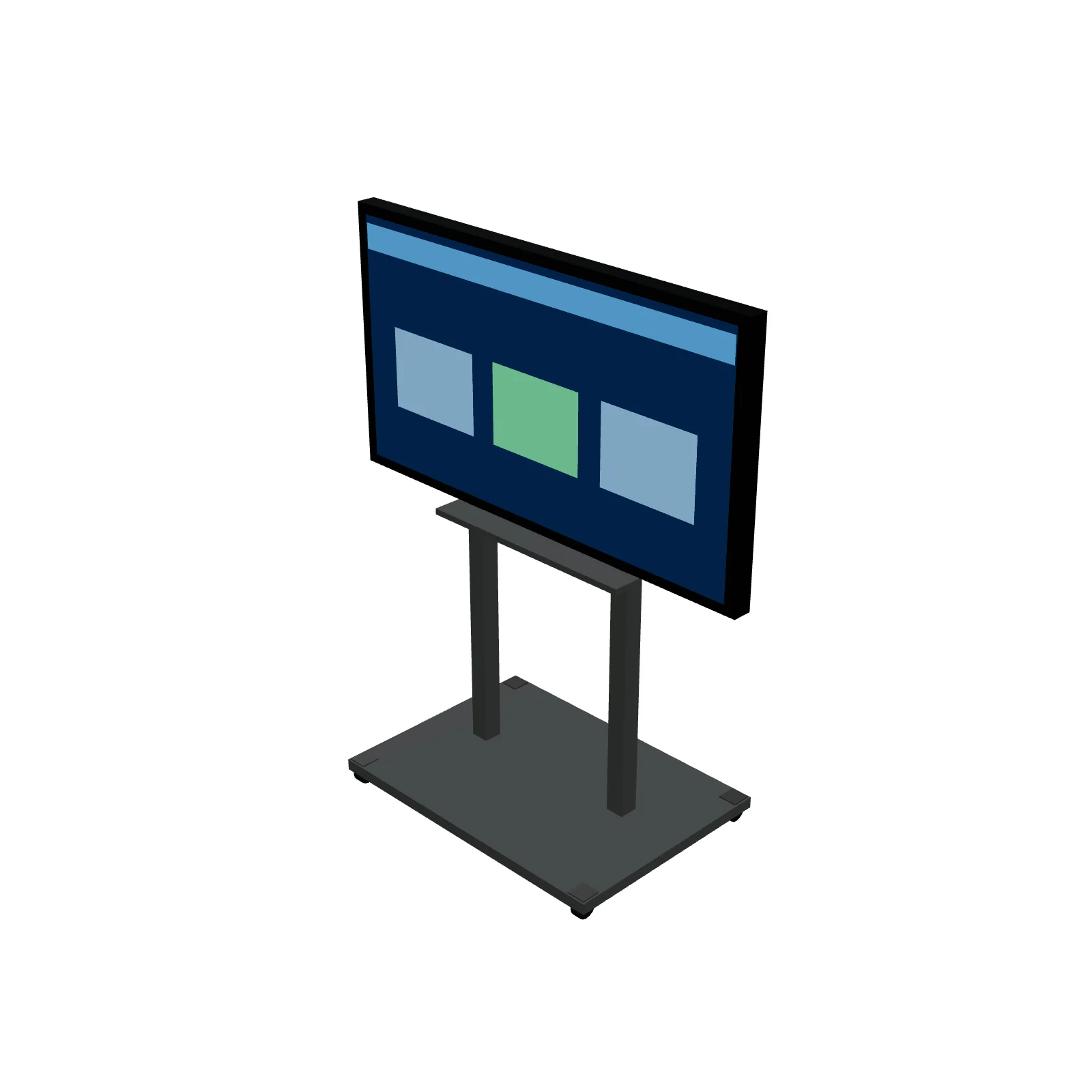
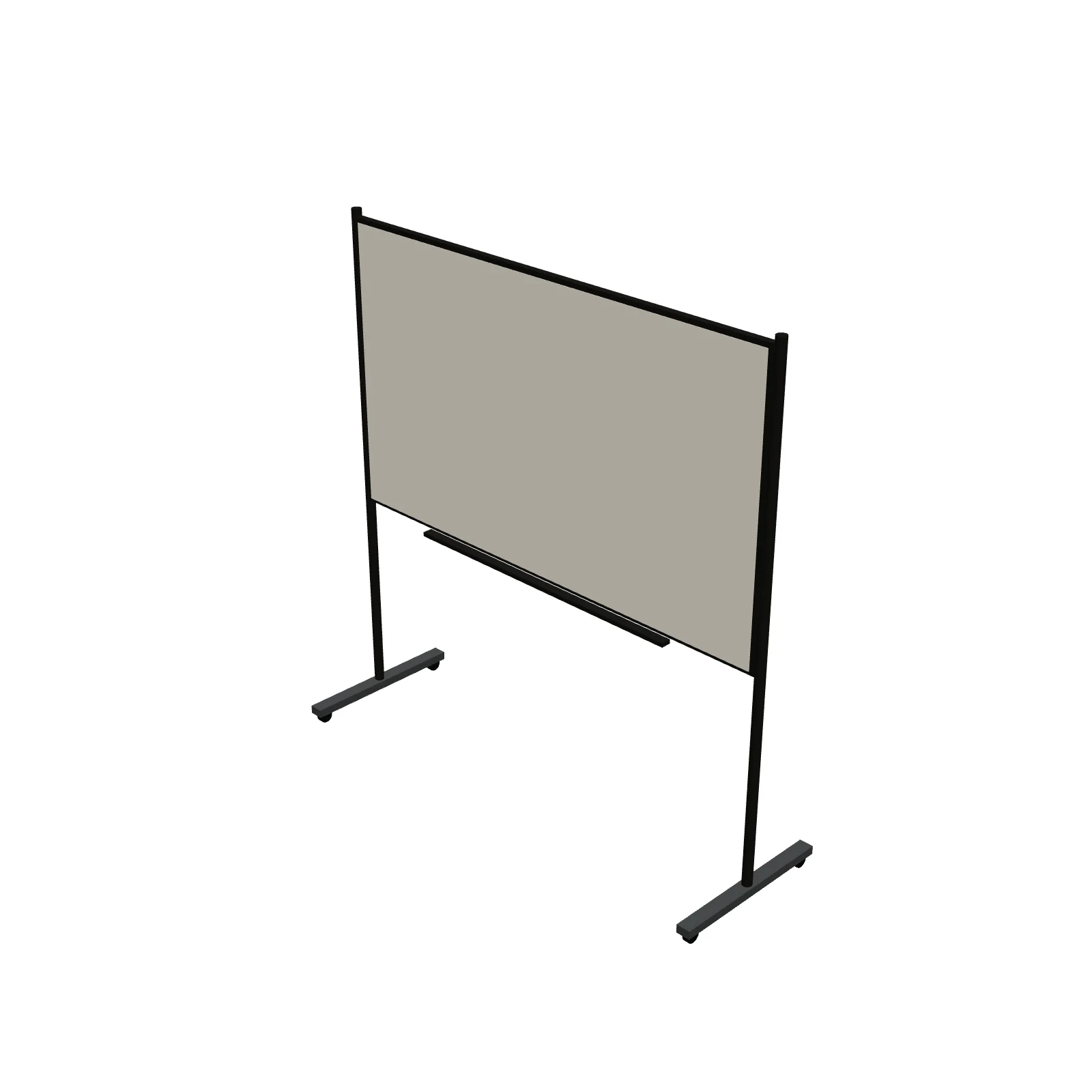
A large touch display on a mobile stand: a wide black screen on two steel posts, a small tray under the screen and a base on four casters. Schools and offices use it as a rolling interactive whiteboard or video conferencing screen that can move between rooms.
Sizing & placement
It is 60 inches wide, 30 inches deep and 72 inches (6 ft) tall (about 152 × 76 × 183 cm). It stands on the floor on its caster base. For viewing, many planners keep the front row several feet back from a screen this size, and leave a clear path to roll the cart to a doorway; check that your doors are wide enough for the base.
Where it works
Classrooms, meeting and conference rooms, training rooms and huddle spaces. It is in the Classroom & Meeting section of the Office tab in Furnish; search "interactive display", "touch display" or "tv cart".
Specifications
| Width | 60 in |
|---|---|
| Depth | 30 in |
| Height | 72 in |
| Shape | rectangle |
| Size class | standard |
| Room types | office |
| Default color | #1B1F24 |
Featured in Design Ideas
- Plan a classroom, training room or meeting room
Student desks, training tables, whiteboards, projector, screen and auditorium rows: arrangements, aisle spacing, screen distance and a worked classroom.
Configurable options
- Color — any hex value
Frequently asked questions
- How big is the interactive display on stand?
- It is 60 inches wide, 30 inches deep and 72 inches tall (about 152 × 76 × 183 cm).
- Can I make the screen bigger?
- Yes. Increase its width and height in the tray and the screen grows with it.
More classroom & meeting
Related guides
Place the Interactive Display on Stand in your own floor plan
Open RoomSketch3DIncluded with RoomSketch3D — $19.99 one-time purchase, the full catalog included. No subscription.