
Medical & Lab · Lab Equipment
Slide Printer
Overview
A slide printer prints labels or codes directly onto glass microscope slides so every slide matches its case. Histology labs place it at the microtome or sectioning bench.
Sizing & placement
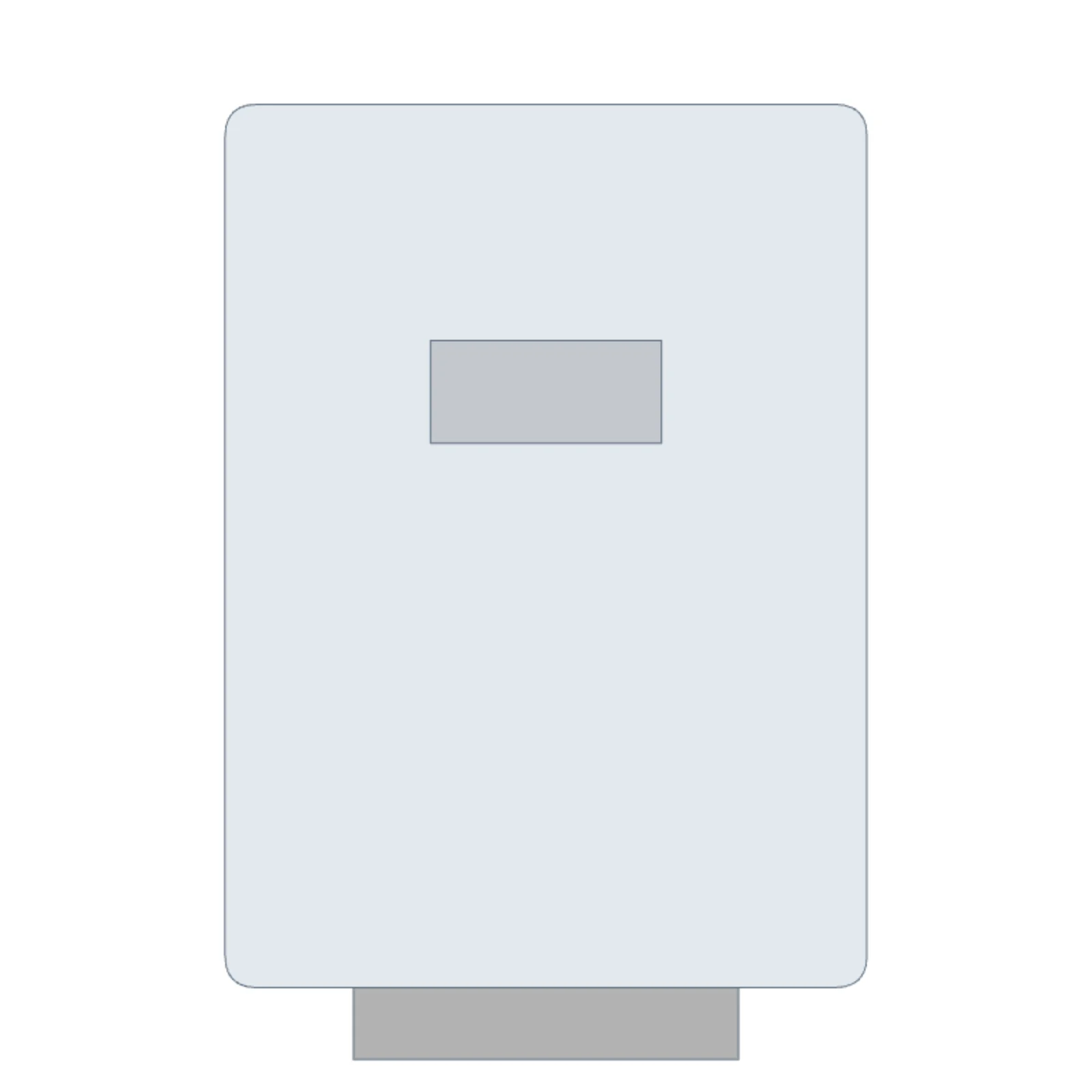
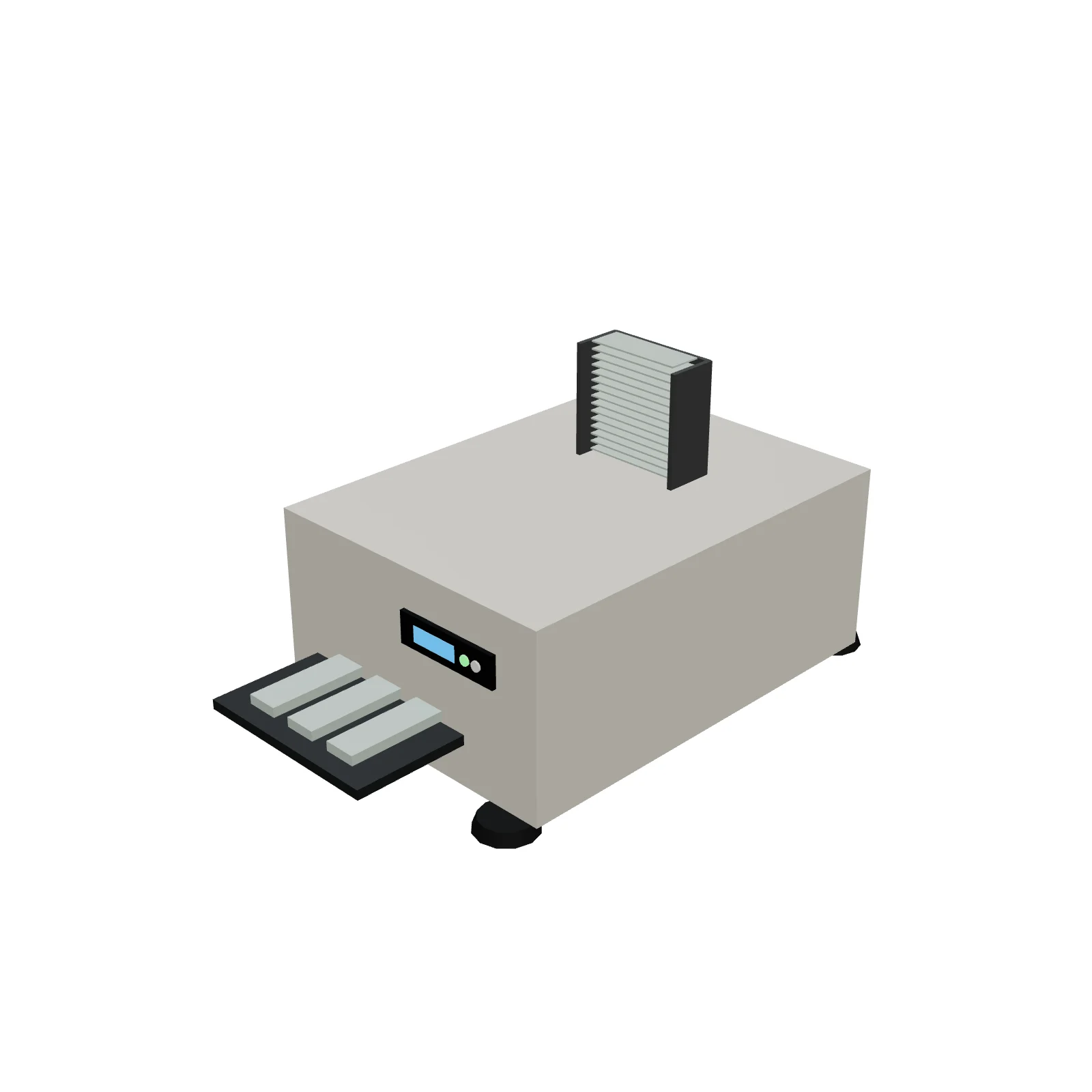
It is 10 inches wide, 16 inches deep and 10 inches tall (about 25 × 41 × 25 cm). It sits on top of the piece you drop it on, such as a lab bench, desk, table or cabinet; in a biosafety cabinet or fume hood it rests on the work surface inside. The 3D model has a slide magazine on top, an output tray at the front with printed slides and a small readout. Place it within reach of the microtome so slides are printed as blocks are cut.
Where it works
Histology and pathology labs. It is in the Lab Equipment section of the Medical & Lab tab in Furnish; search "slide printer", "slide labeler" or "microscope slides".
Specifications
| Width | 10 in |
|---|---|
| Depth | 16 in |
| Height | 10 in |
| Shape | rectangle |
| Size class | small |
| Room types | medical |
| Default color | #EEF1F4 |
Featured in Design Ideas
- Plan a medical clinic, lab or dental office layout
Seven furnished medical and lab plans plus 153 generic lab, clinic and dental pieces: analyzers, a full histology bench line, blood bank, microbiology and PCR instruments, sharps containers, exam and procedure gear, dental sterilization. Check clearances, walk it in 3D.
Configurable options
- Color — any hex value
Frequently asked questions
- How big is the slide printer?
- It is 10 inches wide, 16 inches deep and 10 inches tall (about 25 × 41 × 25 cm).
- Can I put it on a bench next to the microtome?
- Yes. Drop it on the same bench and it sits on top in 2D and 3D.
More lab equipment
Related guides
Place the Slide Printer in your own floor plan
Open RoomSketch3DIncluded with RoomSketch3D — $19.99 one-time purchase, the full catalog included. No subscription.