
Viewing in 3D
Step inside your home: switch to 3D, orbit it, walk through it room by room, jump between rooms with the beacons, and toggle the ceiling.
Guides in Viewing in 3D
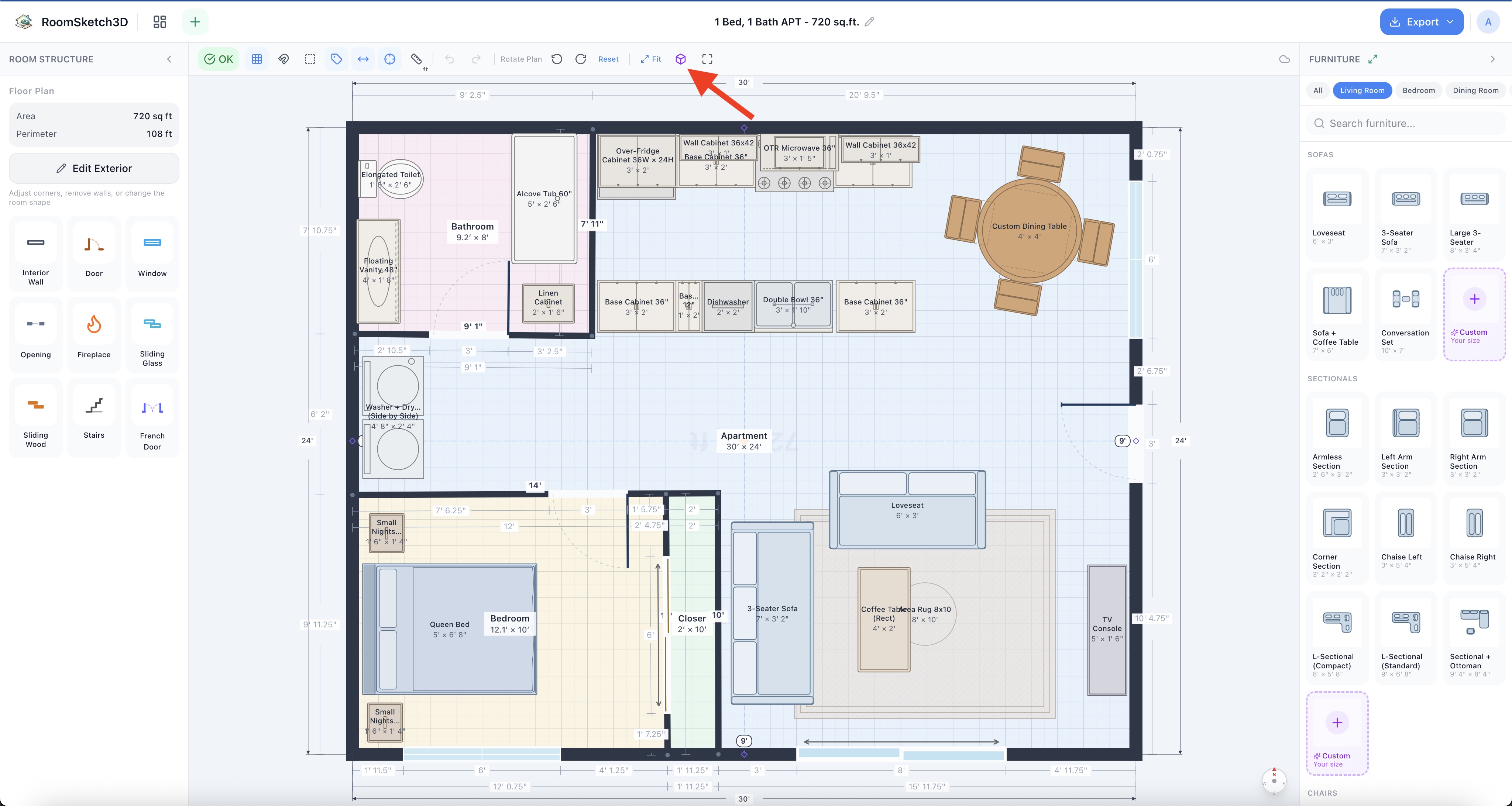
Switching to 3D and walking through your home
One click: 2D floor plan → 3D walkthrough. Orbit it, walk it with W/A/S/D, jump between rooms.
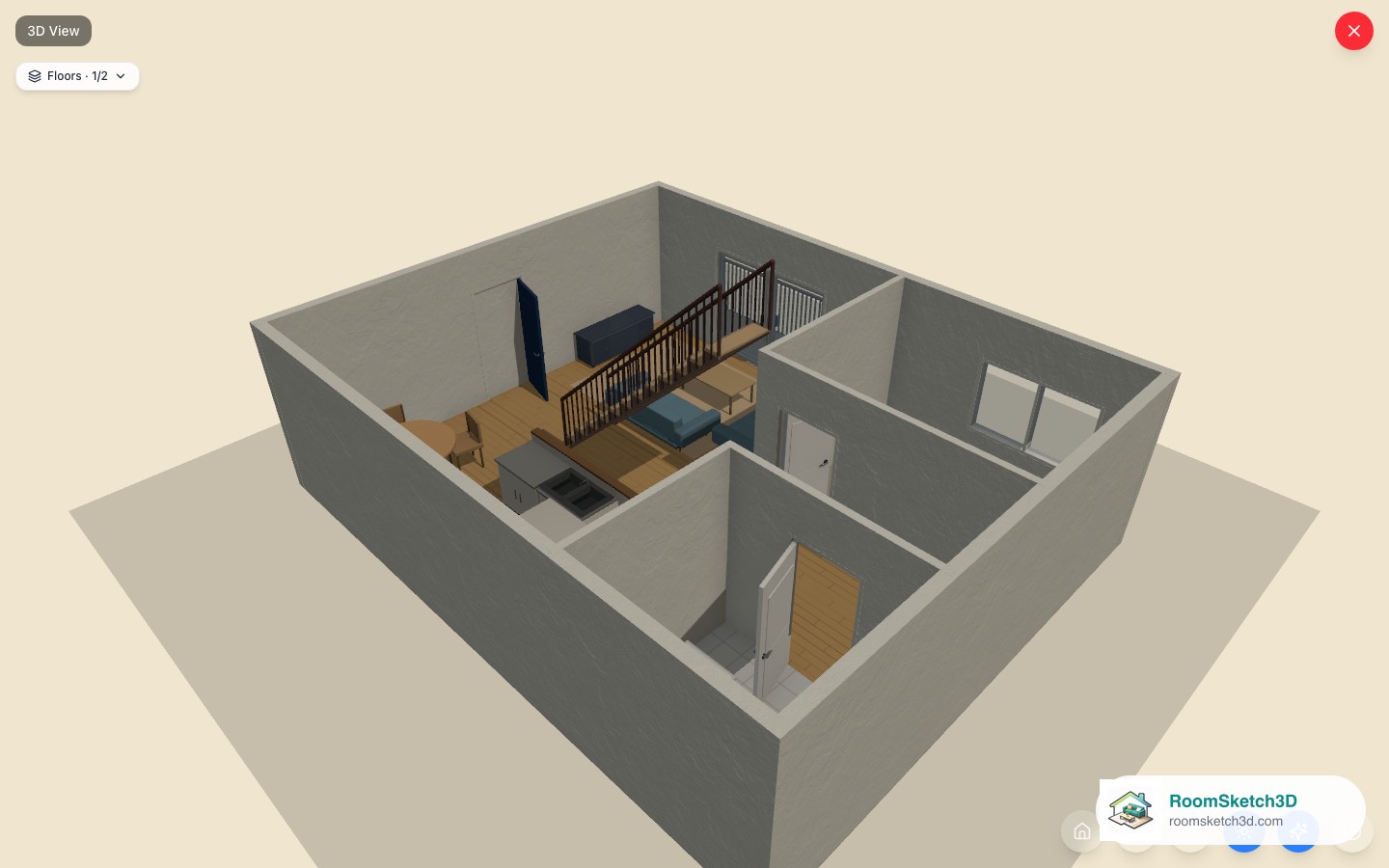
3D camera controls
Rotate, pan, zoom, reset, and toggle the ceiling in the 3D view.
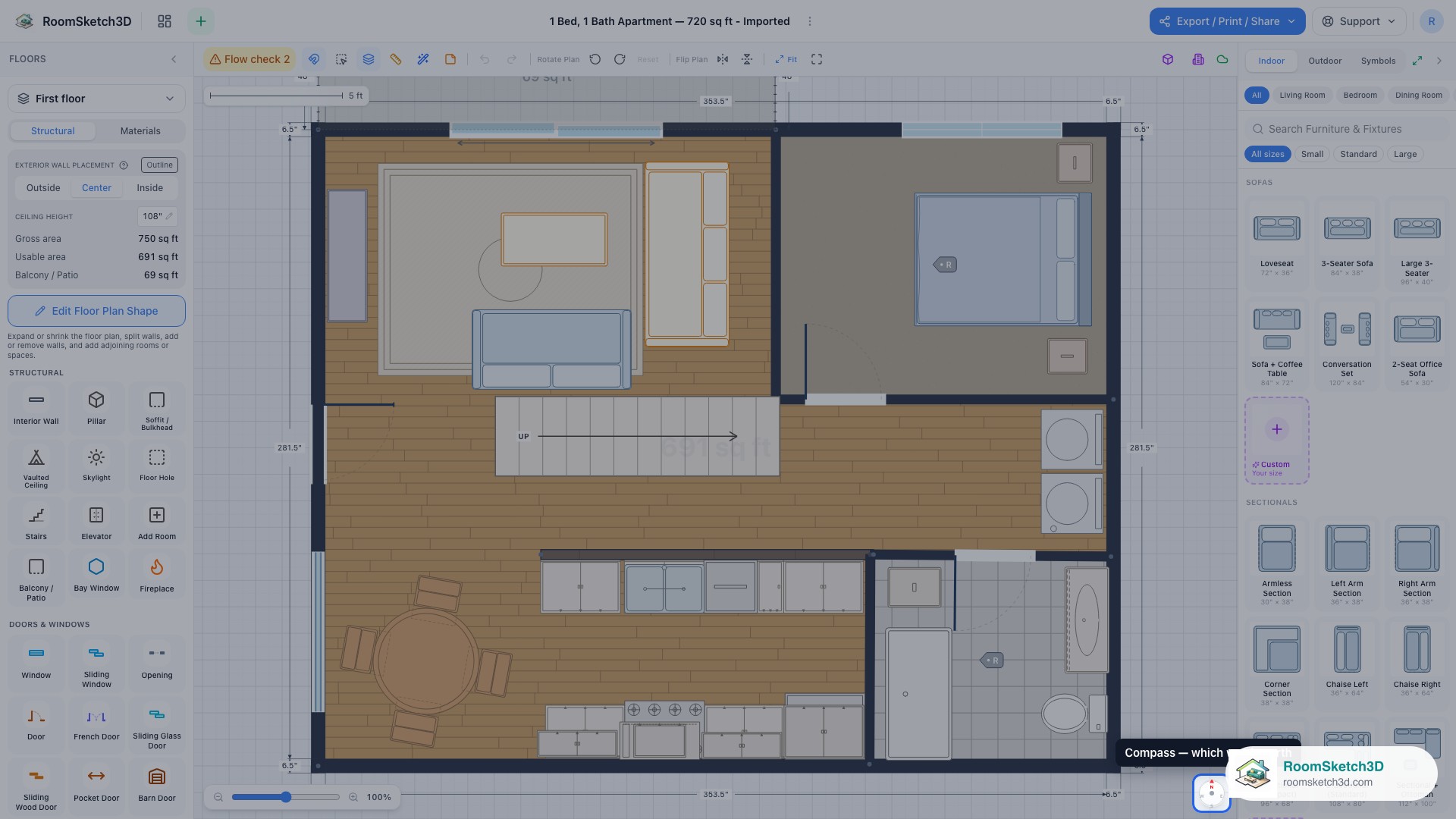
Using the compass and beacons in 3D
Set north on the plan, then jump into any room in the 3D walk-through.
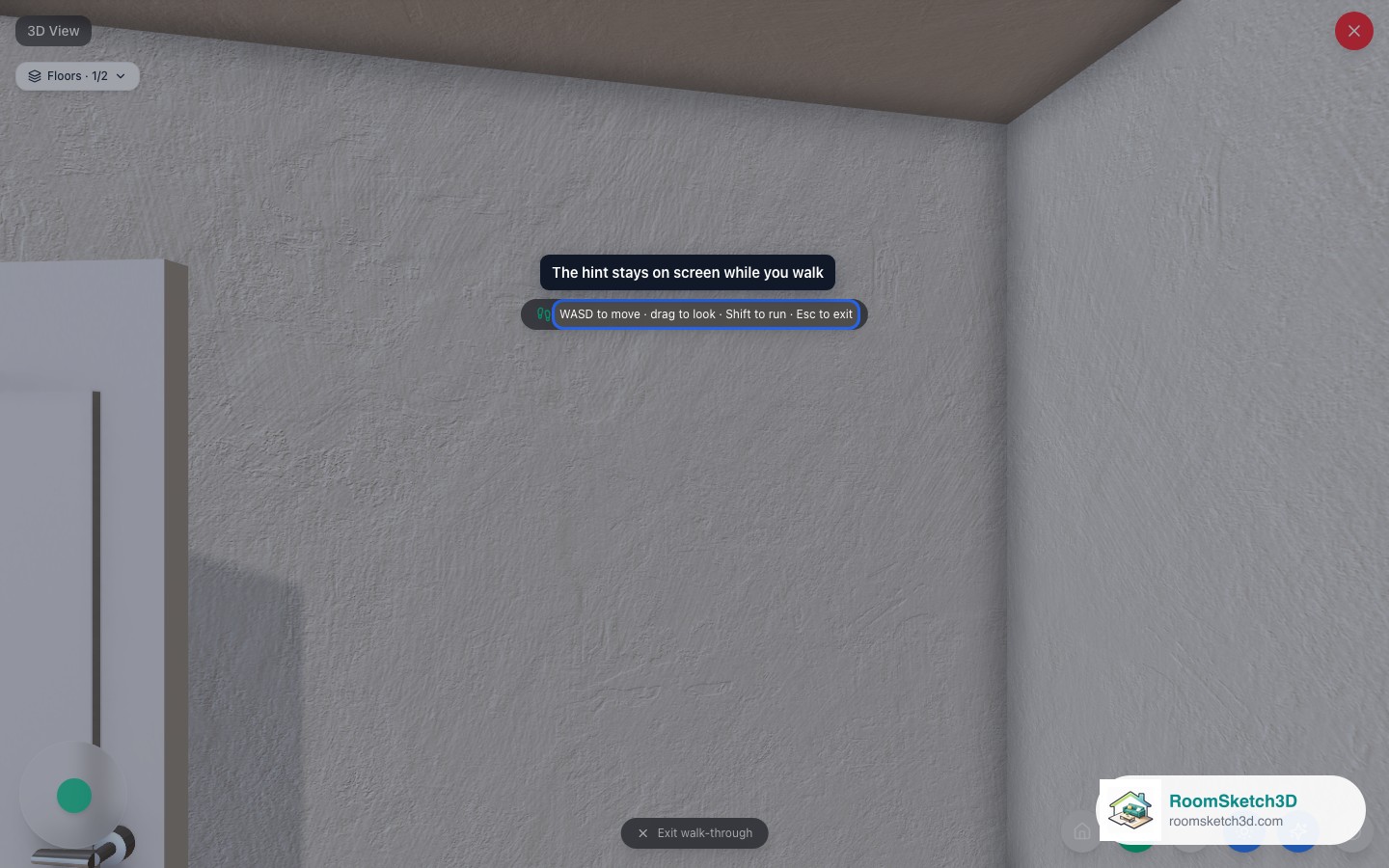
Walk mode in 3D
First-person walkthrough in 3D.
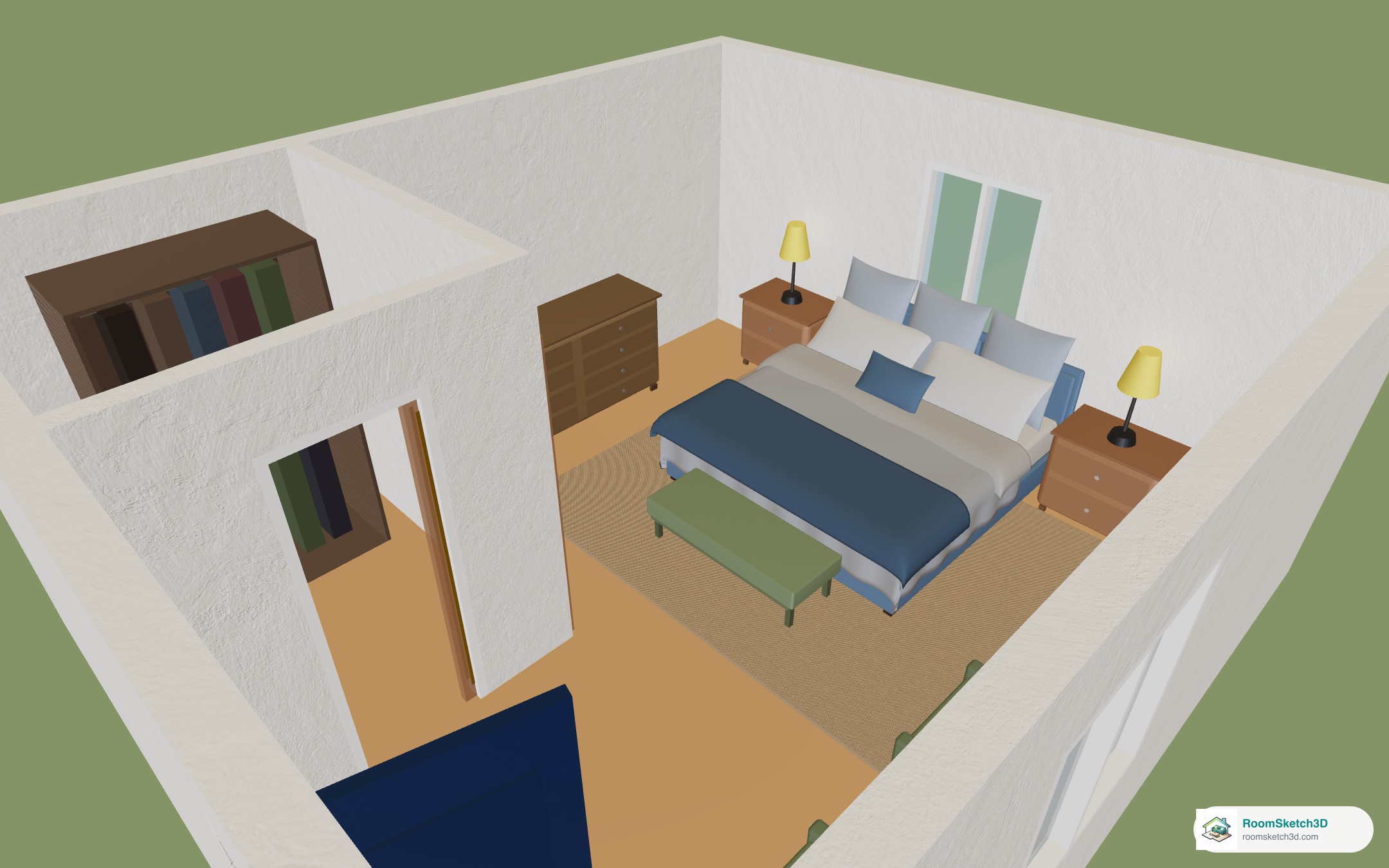
Save a plain picture of your 3D view — no AI, no credits
One tap on Save image keeps a plain picture of your 3D room: a PNG on a computer, straight to Photos on a phone. No AI, no credits.
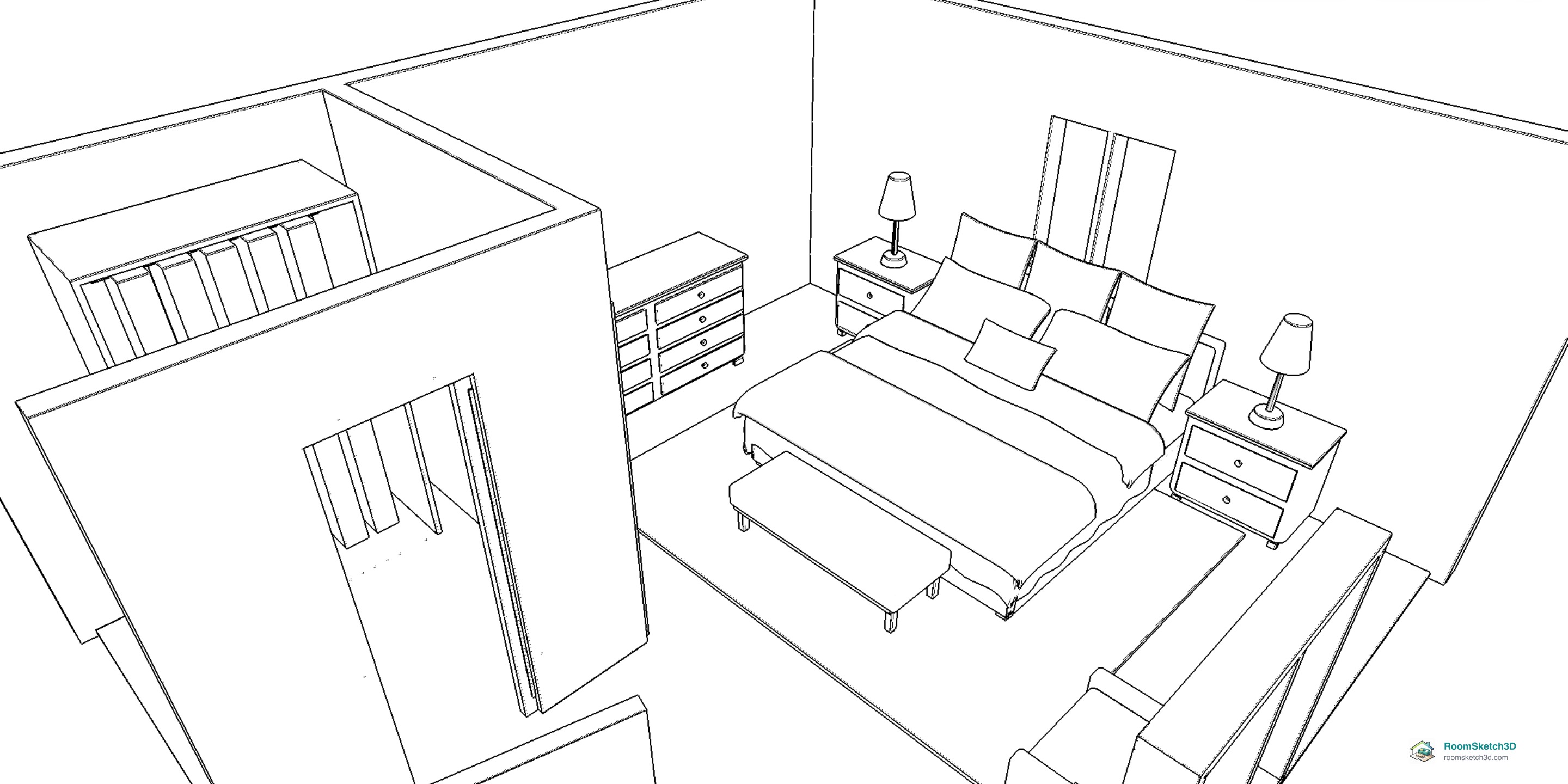
See your 3D view as a line drawing
One switch turns the 3D view into a black-and-white interior sketch you can turn, walk through and save.
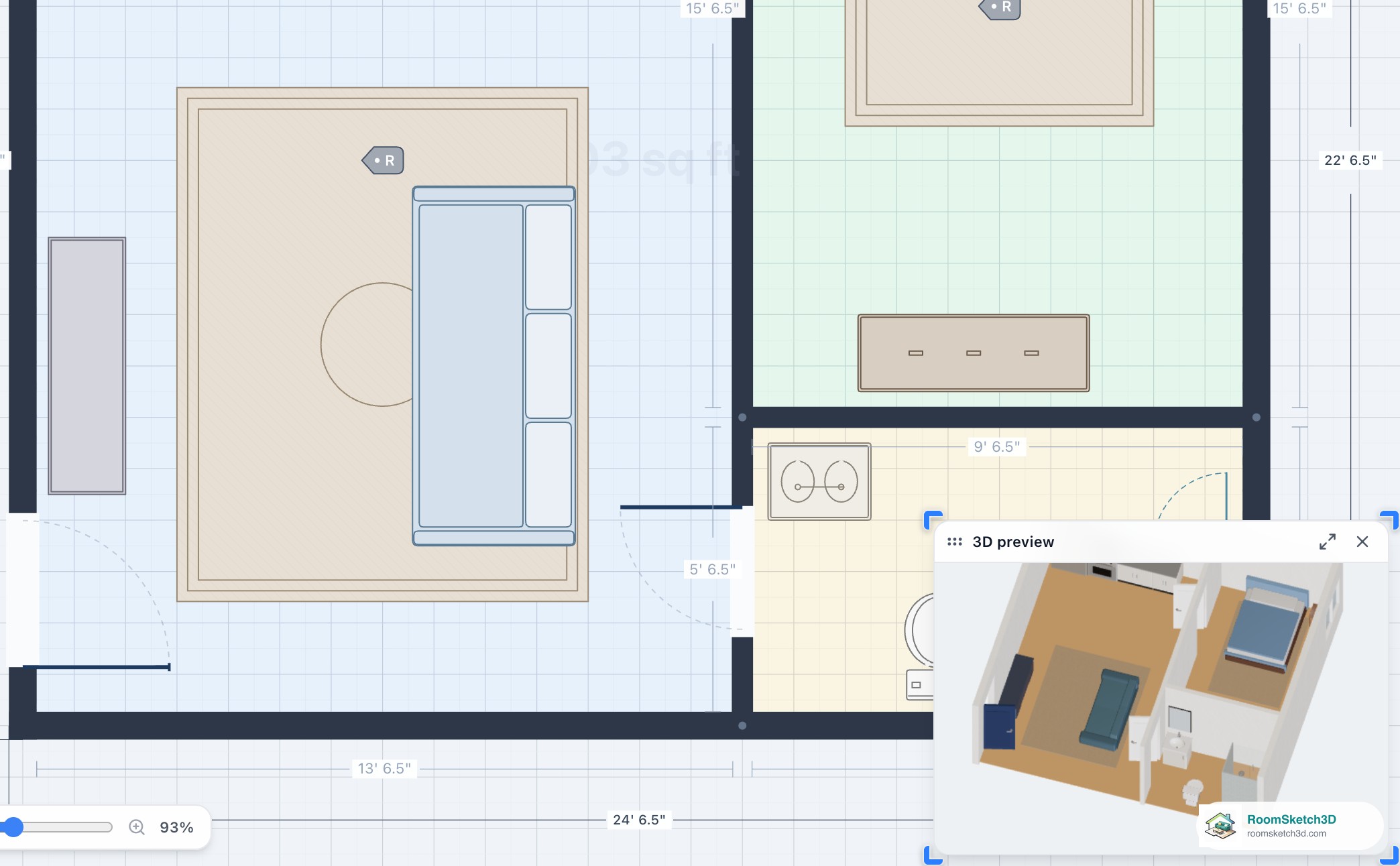
The live 3D preview: check your layout without leaving 2D
Tap 3D preview for a small live 3D view beside your plan: turn it, resize it, close it.
More help topics
Put it into practice
One-time purchase. Web, iOS, and Android. No subscription, ever.
Open RoomSketch3D

One-time purchase. No subscription ever.