
Mobile & AR Scanning
Use RoomSketch3D on iPhone, iPad, and Android — including measuring a room by walking it with AR.
Guides in Mobile & AR Scanning
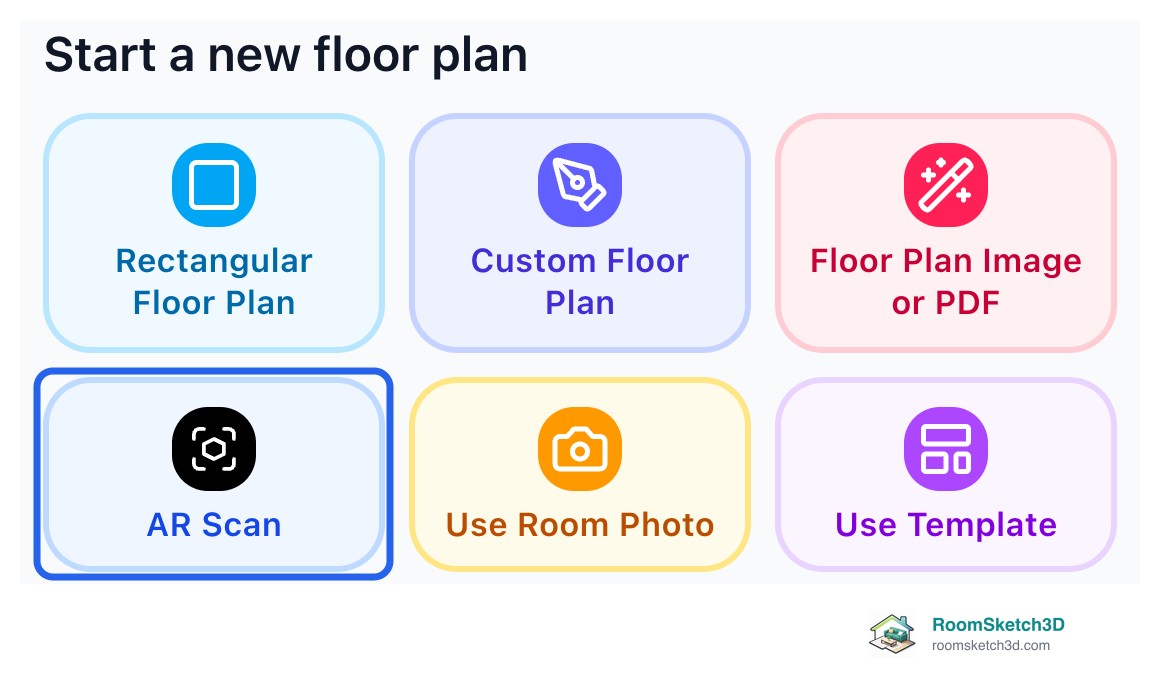
Measure your room by walking it: AR scan on iPhone
Tap each corner with your iPhone camera to measure one room. No LiDAR needed.
Screenshots7 min read
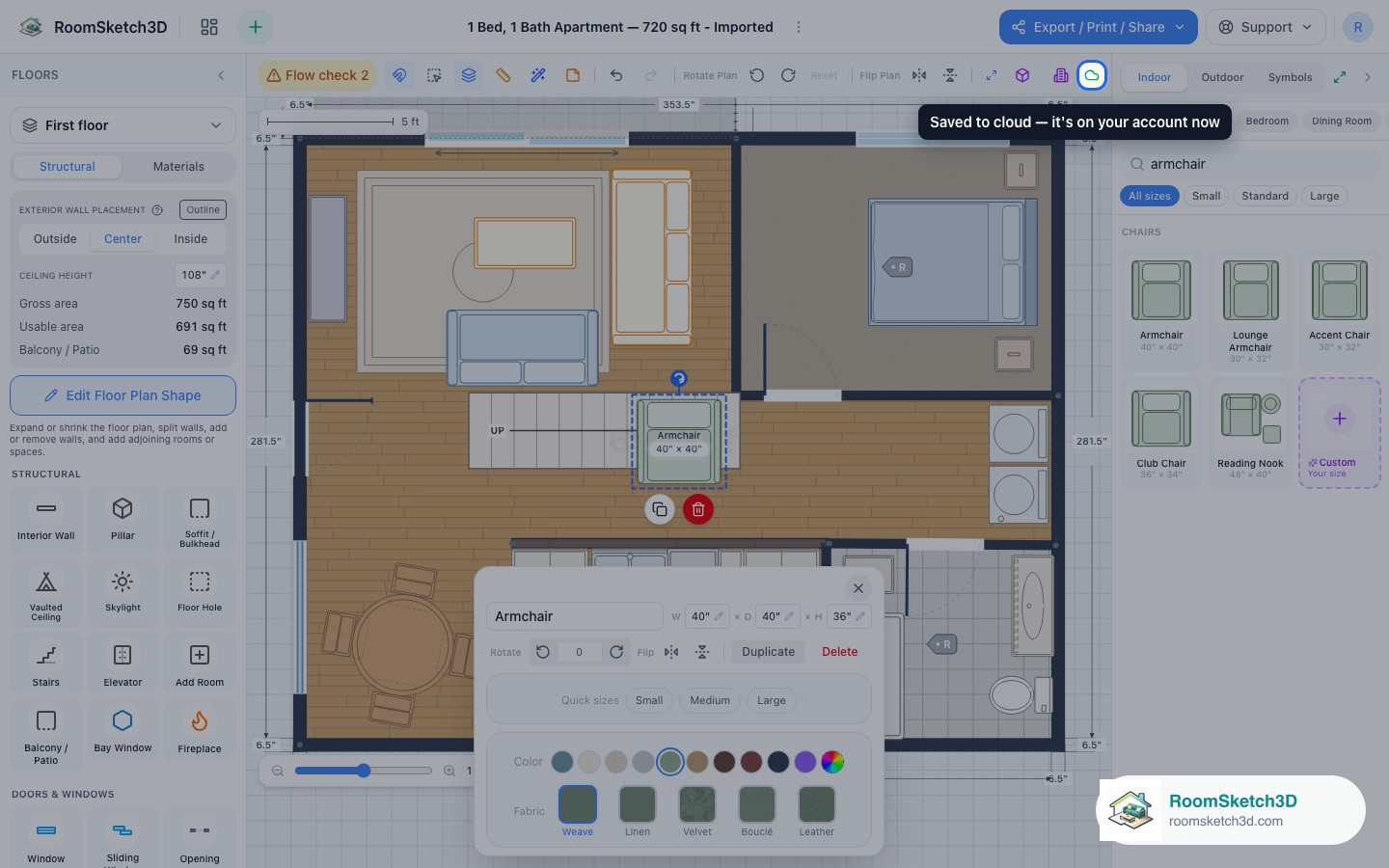
How sync works across web, iOS, and Android
One account across web, iOS, and Android — how designs move between them.
Video Screenshots4 min read
The iPhone & iPad app: what's different
What the iOS app adds over the web: AR scanning, touch editing, on-device exports.
Screenshots
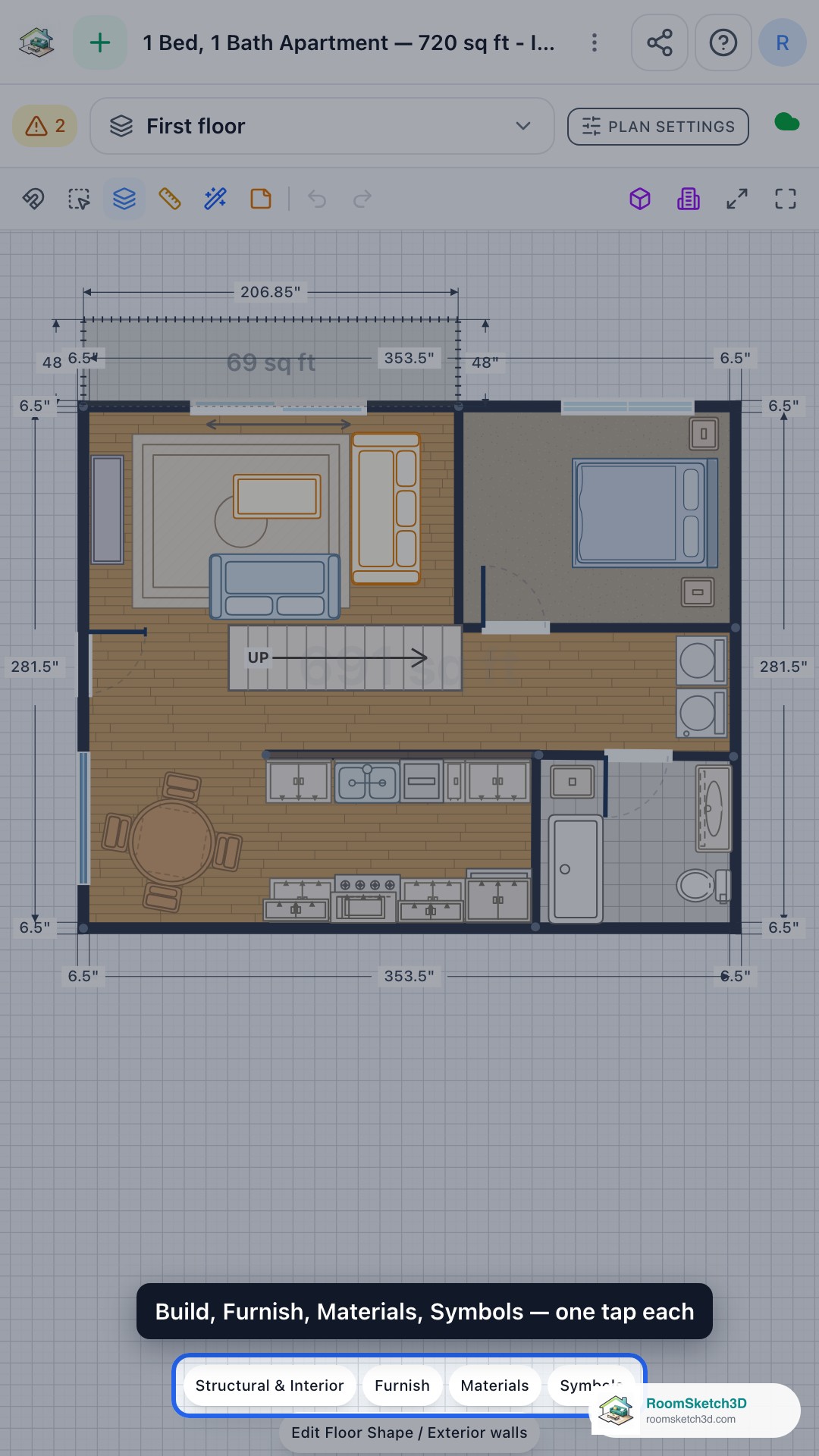
The Android app: getting started
Install, sign in, and pick up your designs on Android.
Screenshots4 min read
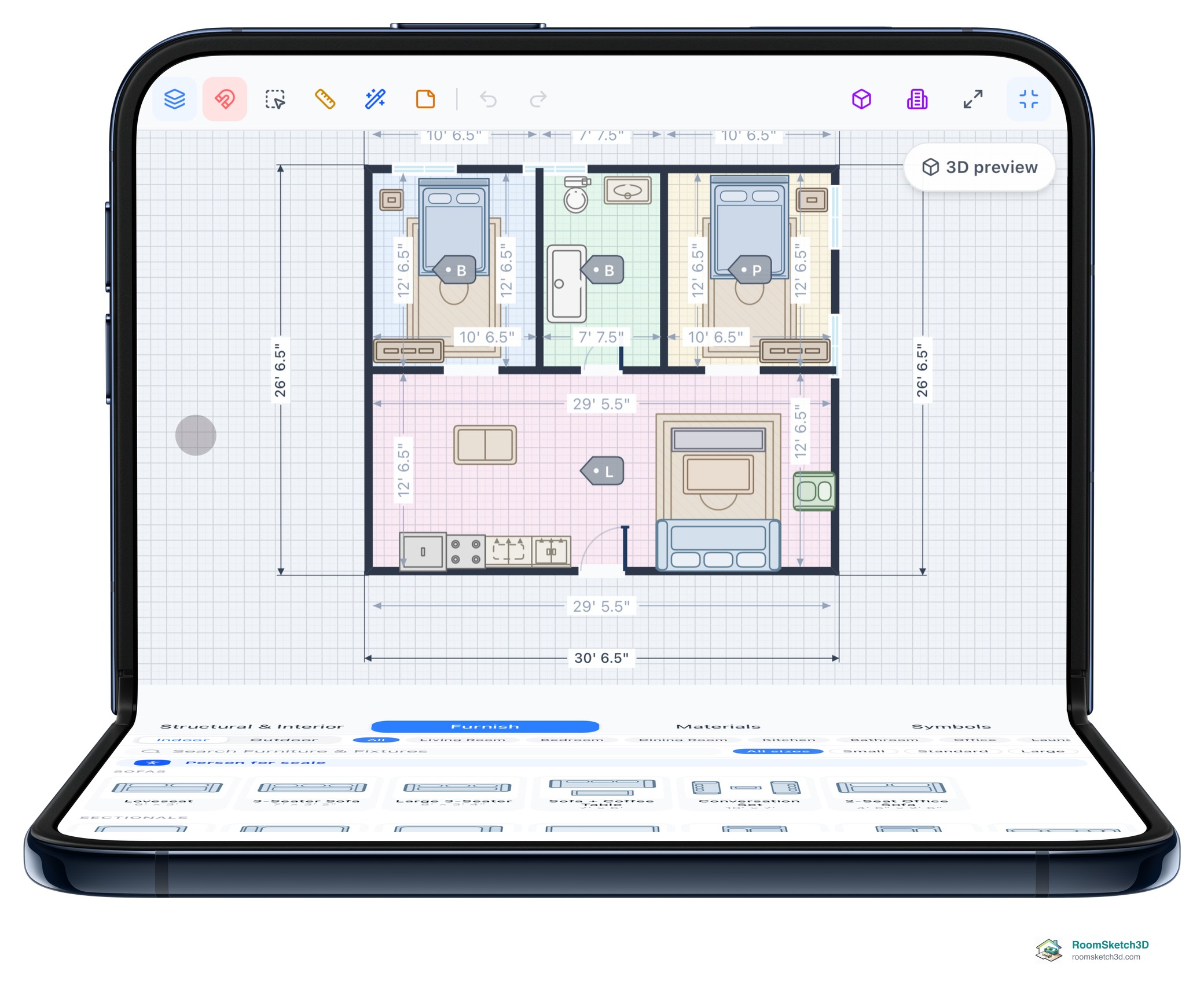
Using RoomSketch3D on the iPhone Duo
Open flat, half-open on a table or closed: how the floor plan editor lays itself out in each iPhone Duo pose, and how to get the most from the big screen.
Screenshots6 min read
More help topics
Put it into practice
One-time purchase. Web, iOS, and Android. No subscription, ever.
Open RoomSketch3D

One-time purchase. No subscription ever.