
Furnishing Your Space
Browse real-world items, place and arrange them, set any piece to your exact size, and check what actually fits.
Guides in Furnishing Your Space
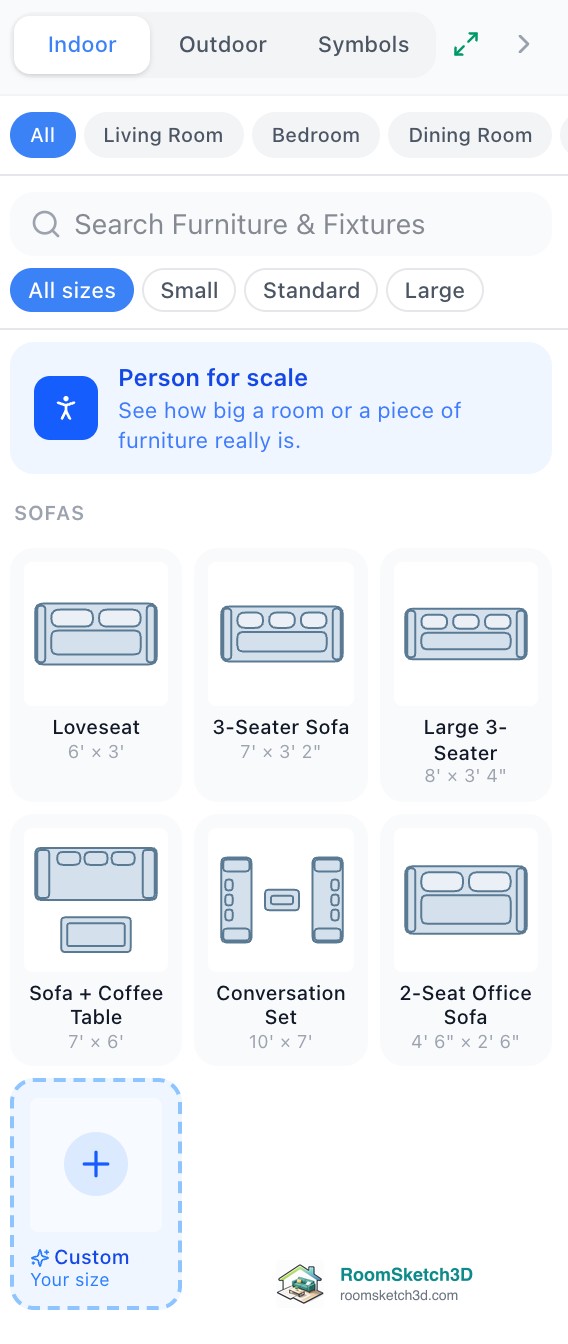
Browsing the furniture catalog
Search and filter real-world items by category, room, and size.
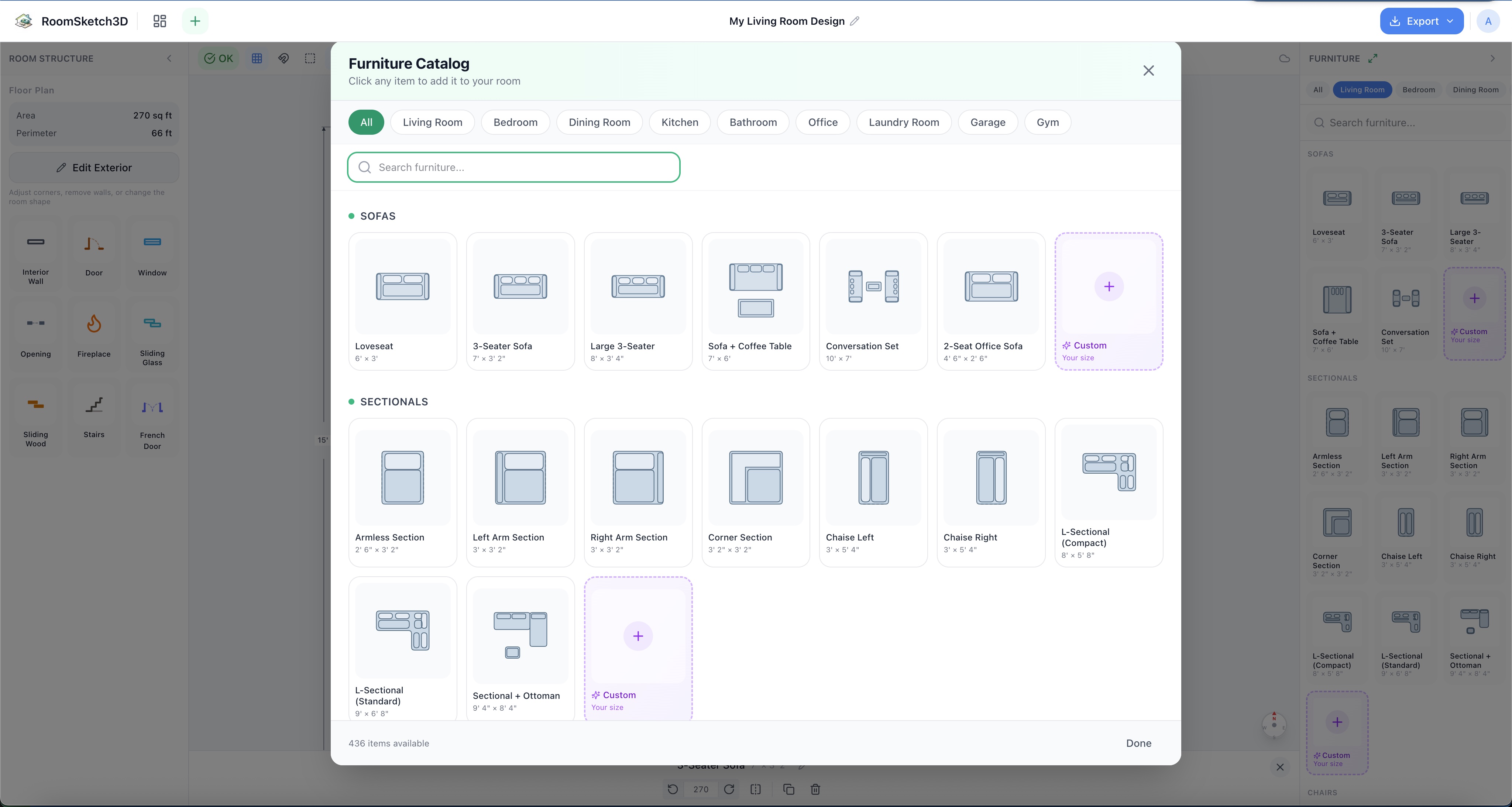
Adding, moving, and arranging furniture
Add, drag, rotate, and layer furniture — the core moves of arranging a room.
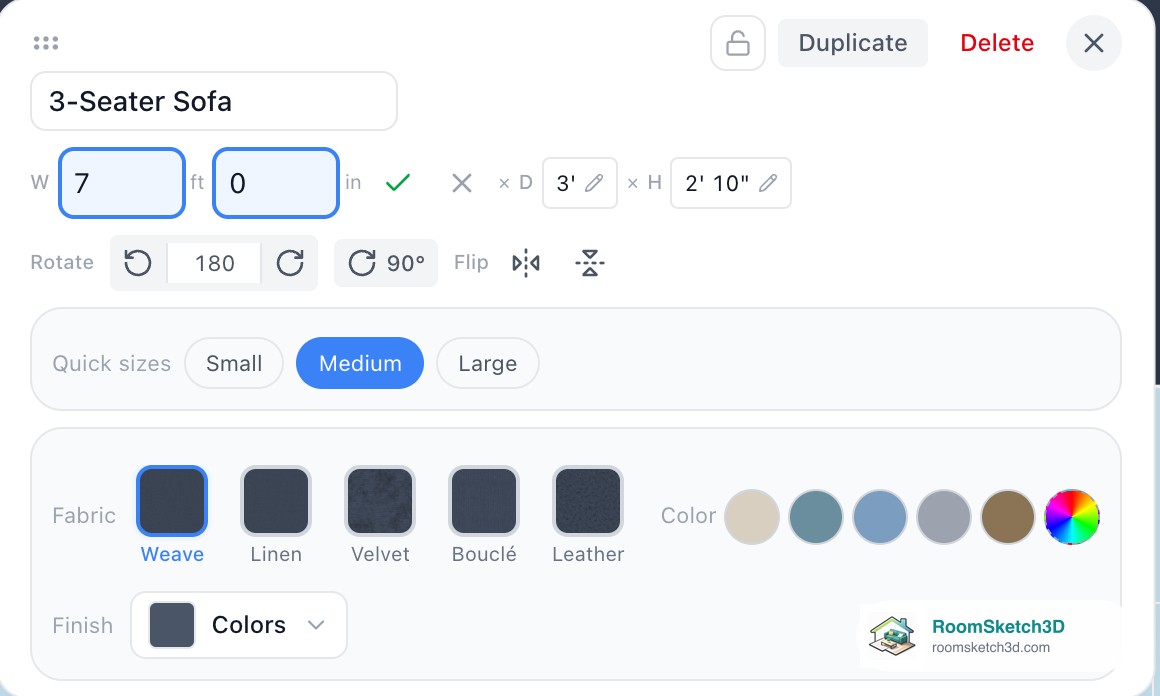
Add furniture in your exact size
Start from the closest piece, then type your own measurements, name and color in its panel.
Will it fit? Checking before you buy or move
Measure it, place it to scale, let Flow Check flag blocked doors and overlaps, see it in 3D — know whether it fits before you commit.
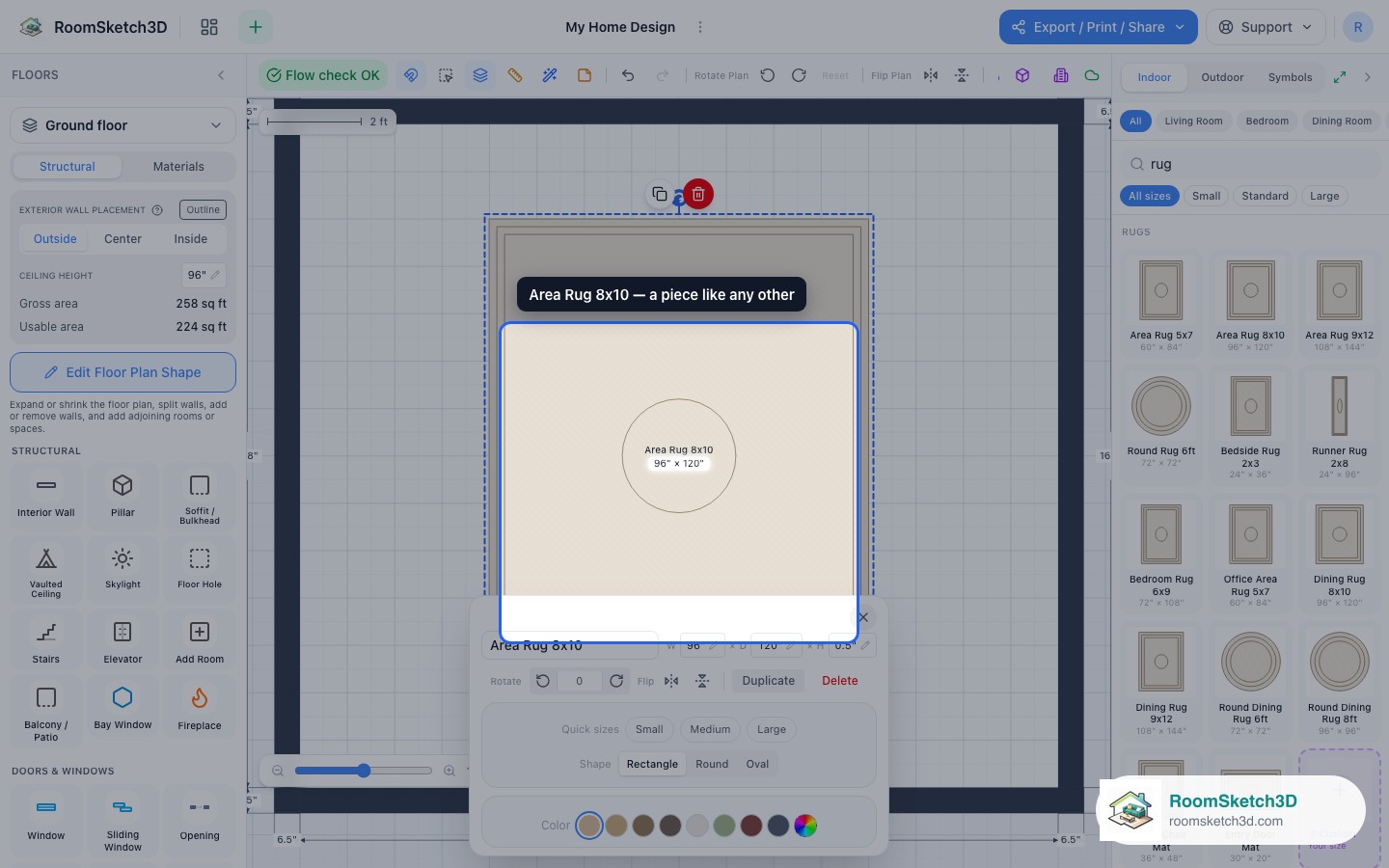
Working with rugs, underlays, and layering
Put rugs under furniture and control stacking order with z-index.
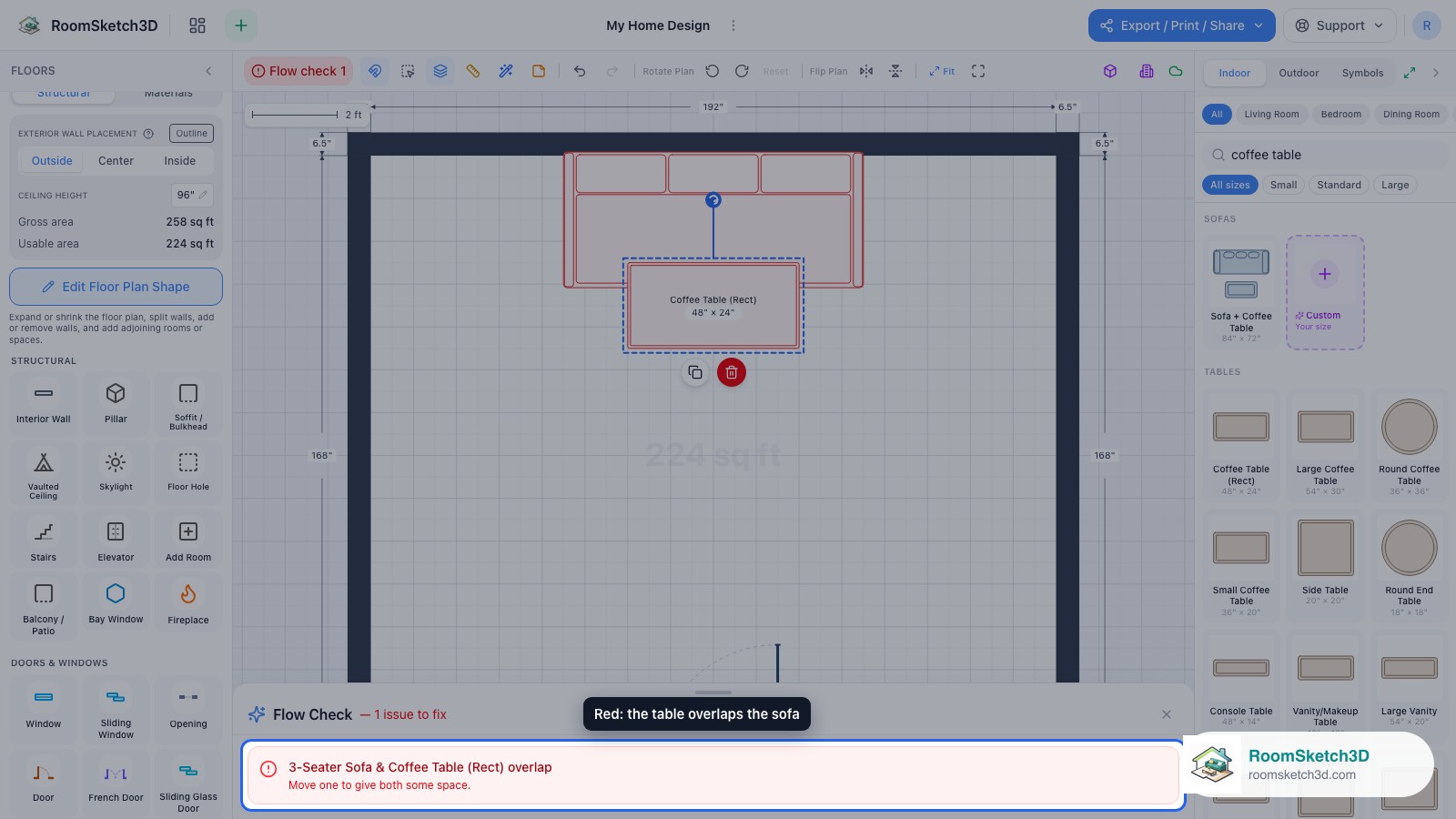
Furniture spacing and clearance best practices
Walkway widths, seating gaps, table distances, door clearances — the rules of thumb.
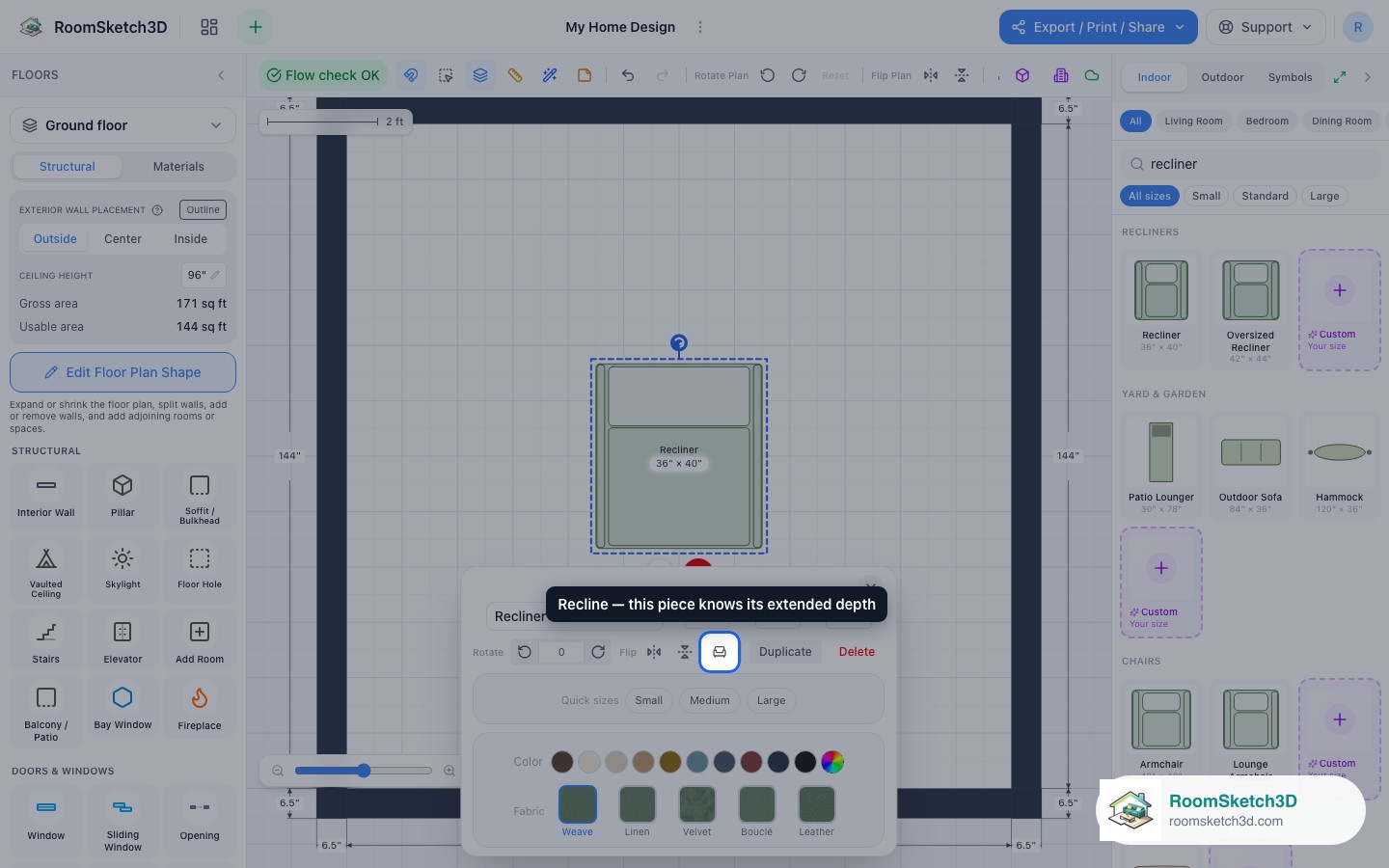
Recliner recline depth
Account for recline extension automatically.
Search tips and synonyms
How catalog search interprets your terms.
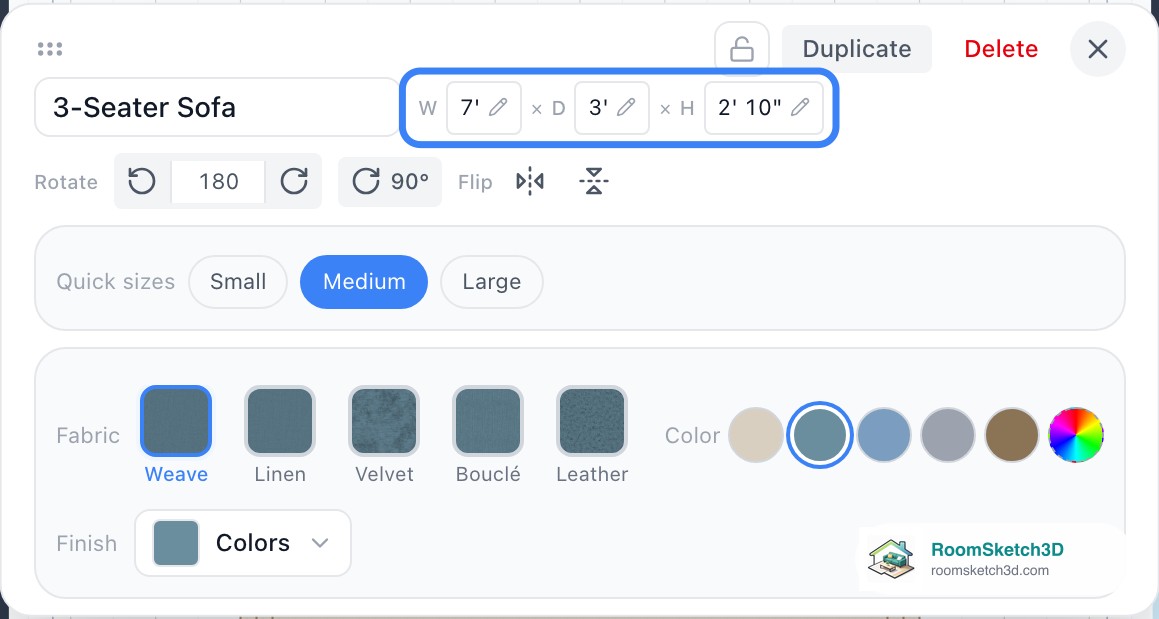
Exact sizes for anything — furniture, windows, doors, fireplaces
Type real measurements for any piece or fixture — no preset limits.

Measure anything on your plan with the tape measure
Measure any distance, then keep it on the plan as your own dimension.

Kitchen cabinets, configured like the real thing
Doors, drawers, glass or open fronts — per cabinet.

The furniture catalog — every room, every category
A guided tour of the true-size furniture catalog, room by room — plus symbols and custom sizes.
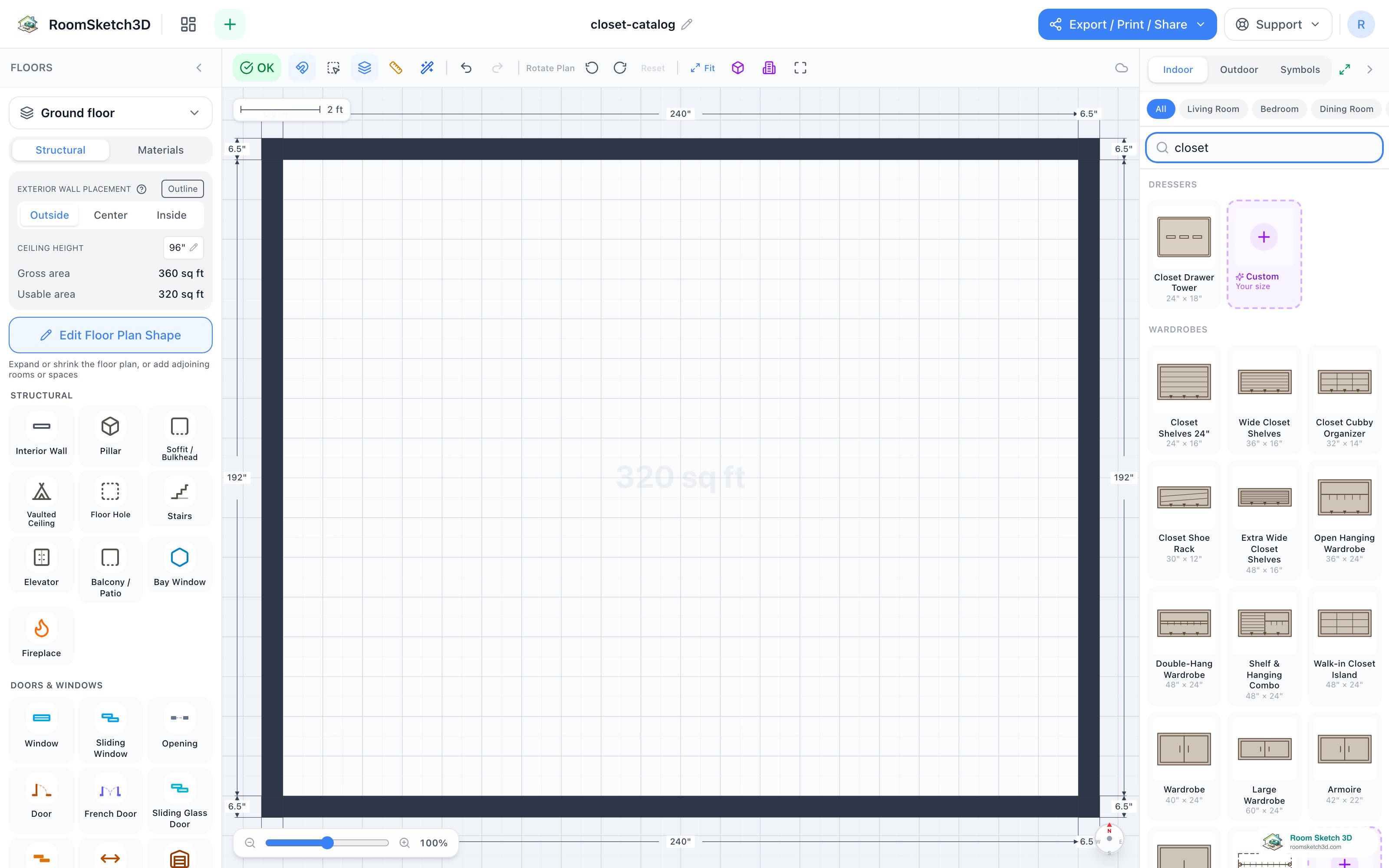
Design your closet — bay by bay, the way you'll build it
Build a closet bay by bay — hanging, shelves, drawers, shoe racks, and cubbies.

Knobs & pulls — real hardware on every cabinet and wardrobe
Real knobs & pulls — type, size, and finish — on cabinets and wardrobes.

Dressing your windows — curtains, blinds, shades, and valances
Curtains, drapes, blinds, shades & valances — attach to any window and layer.
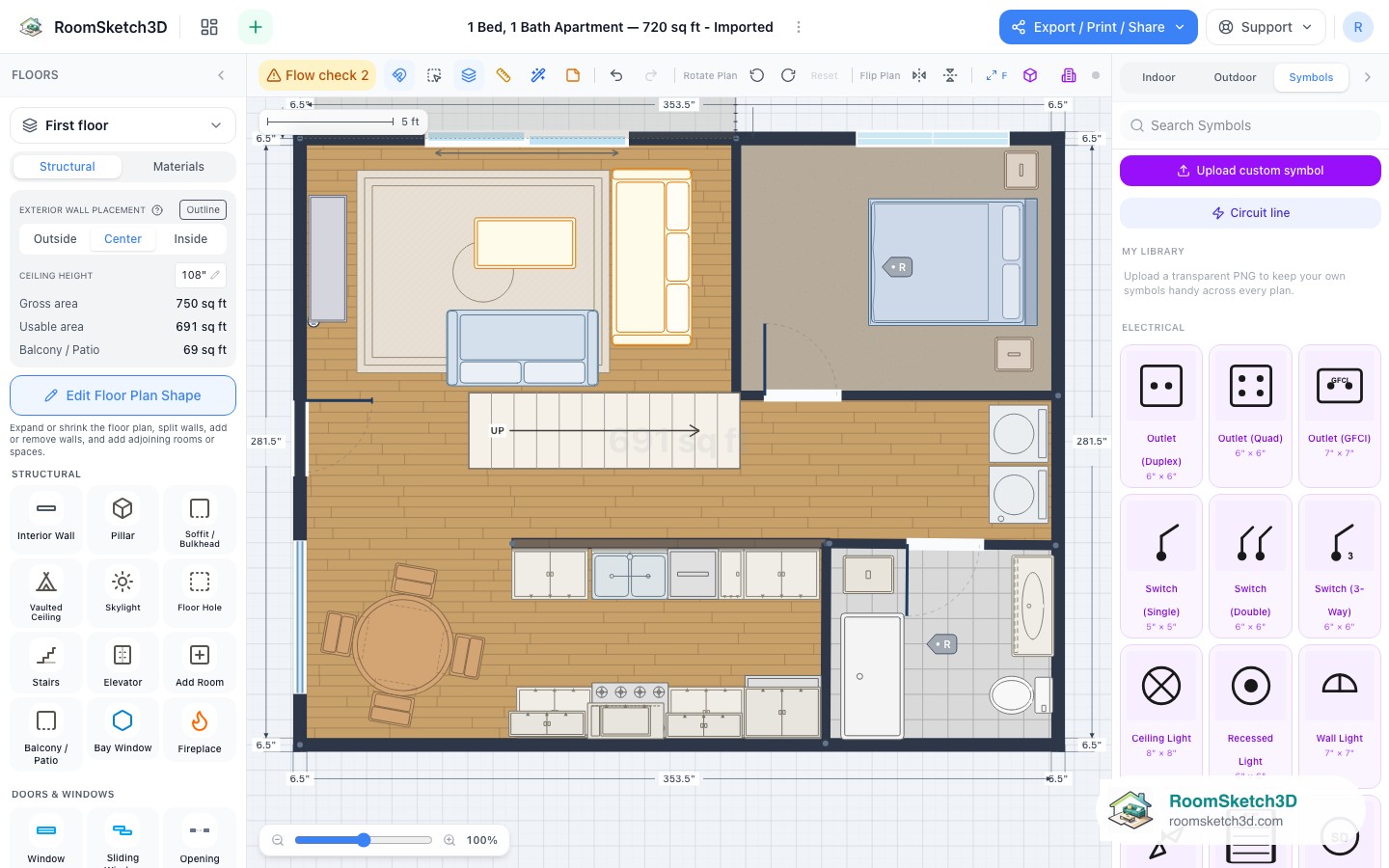
Upload custom symbols — panels, HVAC units, appliances
Turn any PNG into a placeable symbol in your personal library.
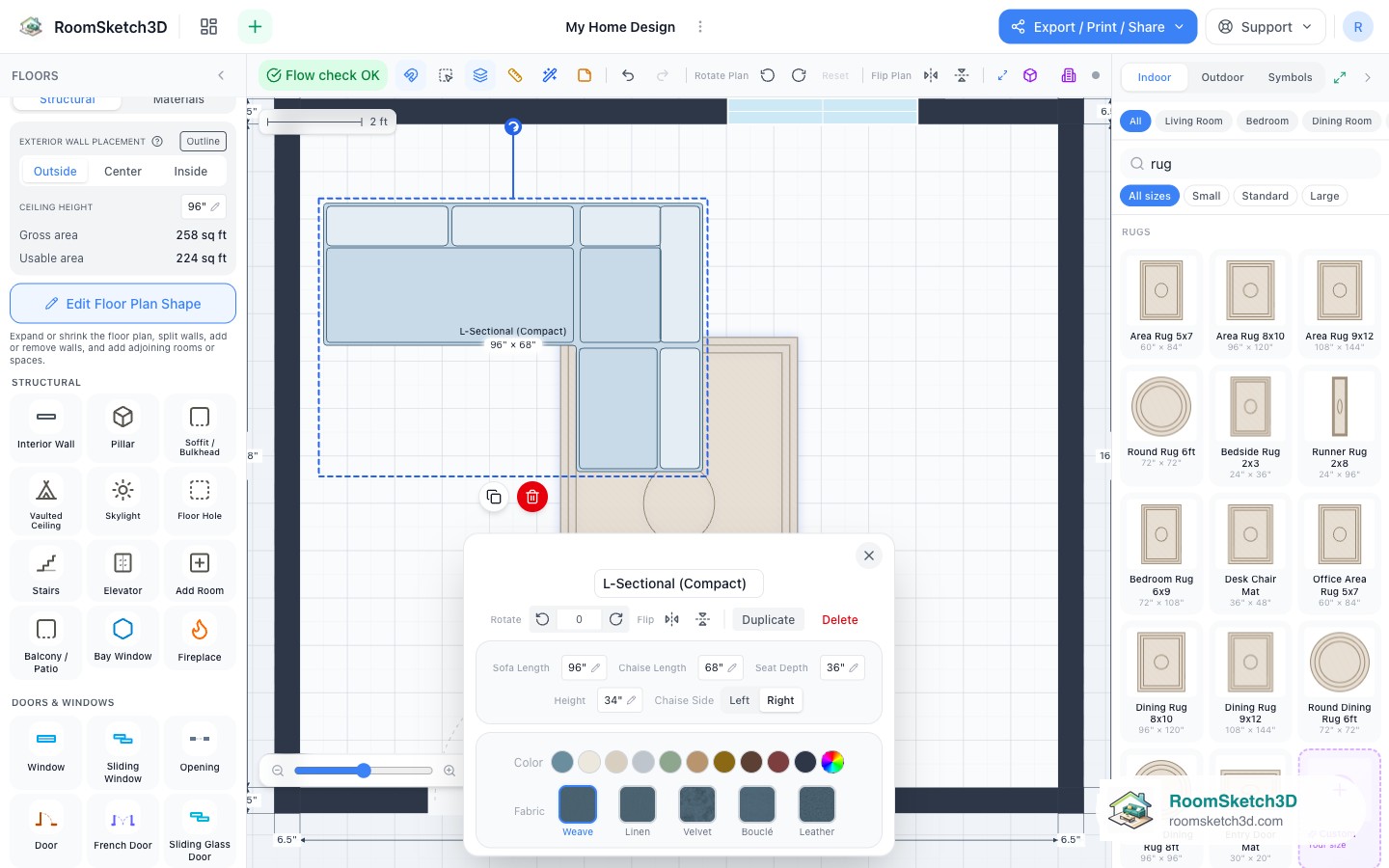
Rotate, flip, and mirror — a piece or the entire plan
Mirror a sectional to the opposite corner, or mirror the entire plan.
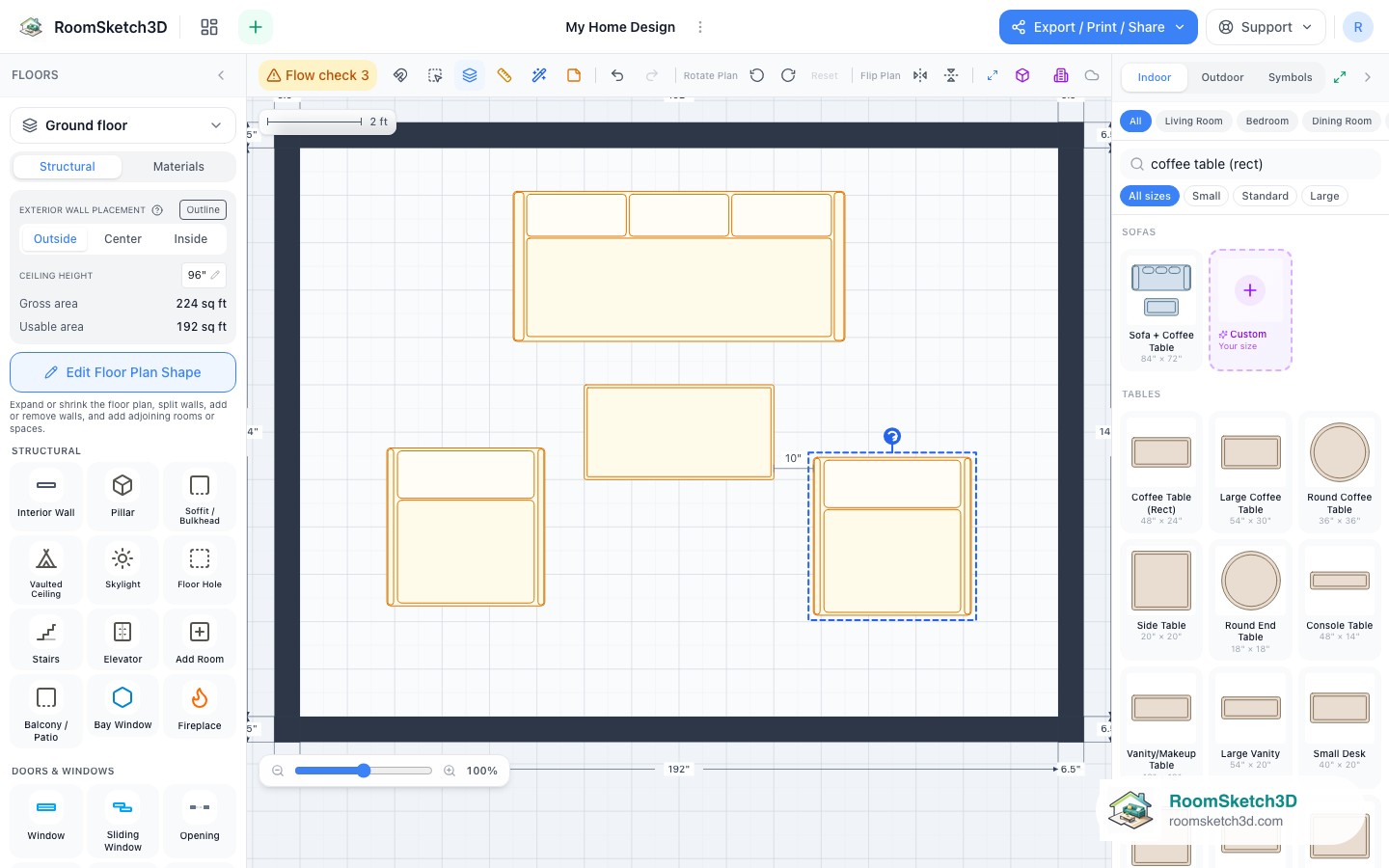
Line things up — alignment guides, live distances, and Snap
Perfectly aligned sofas, cabinet runs, and chair pairs with guides and Snap.
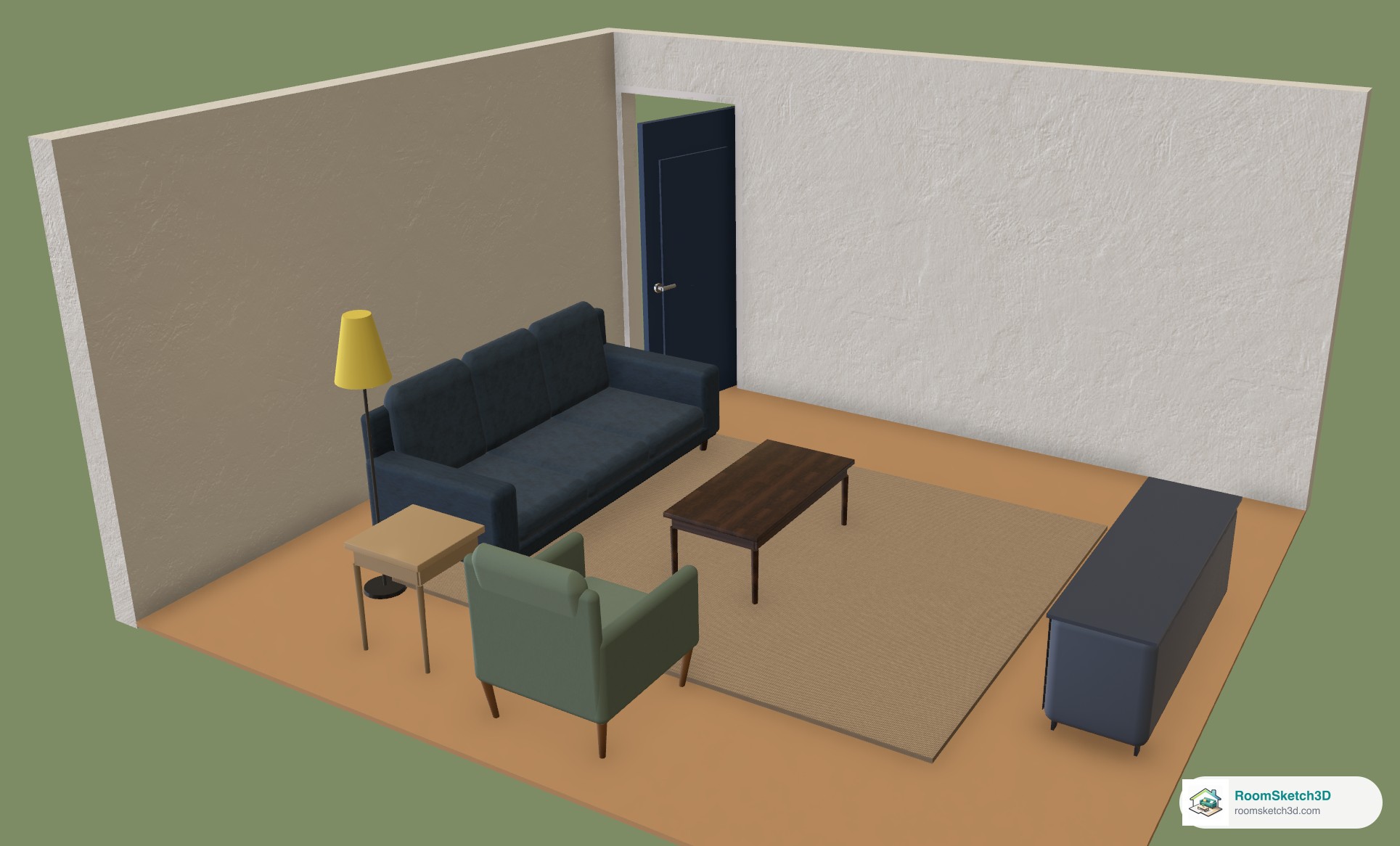
Change the color, fabric, or finish of any piece
Recolor any piece from its panel — swatches or a custom color — plus fabrics for upholstery and wood, paint or metal finishes for tables and cabinets.

Turn snapping on or off
The magnet button: switch snap-to-grid off to place furniture freely, or on to line it up.
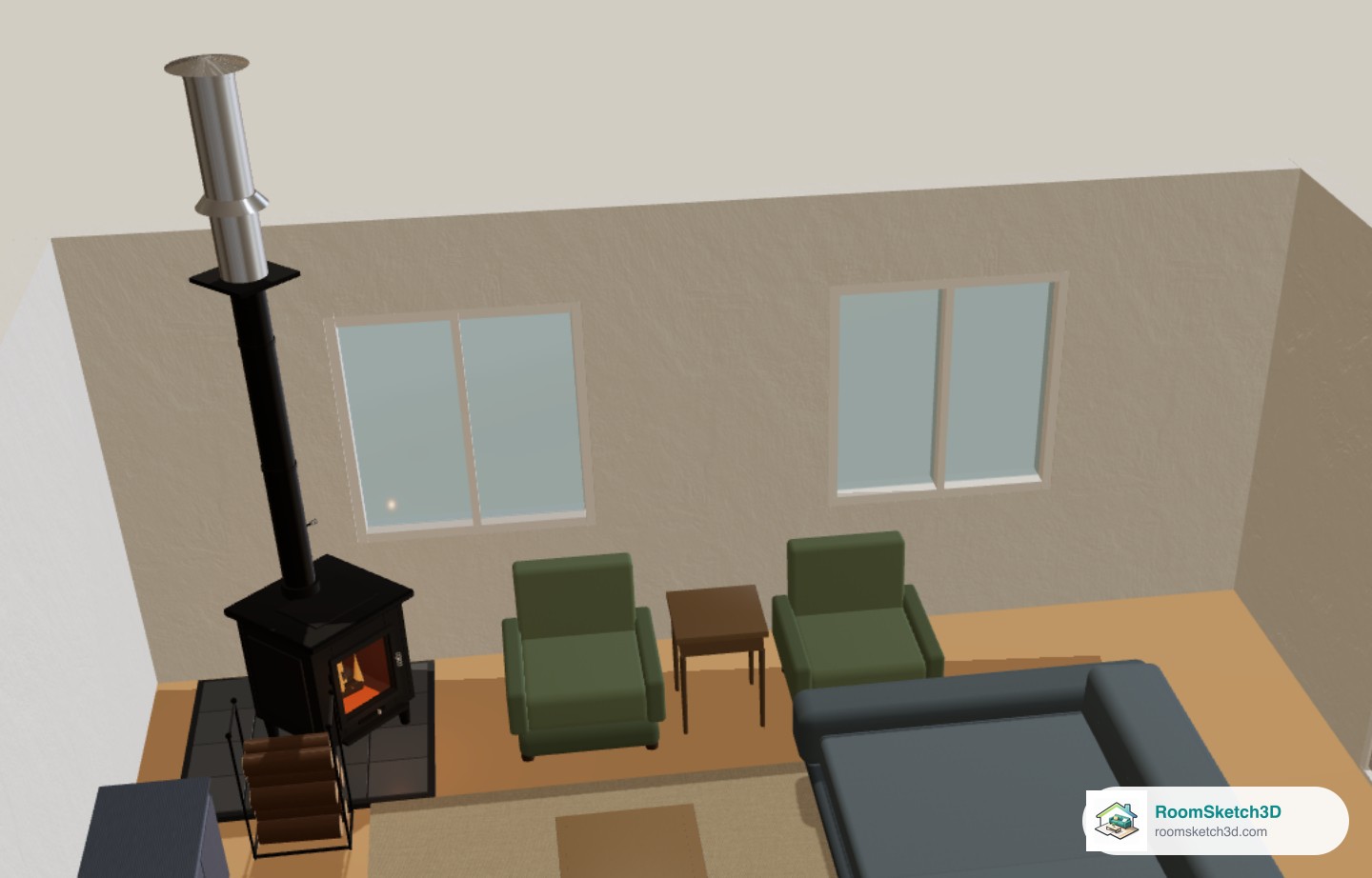
Add a freestanding wood stove, hearth pad and log holder
Search "wood stove" — three freestanding stoves, two hearth pads and a log holder, with the chimney pipe in 3D.
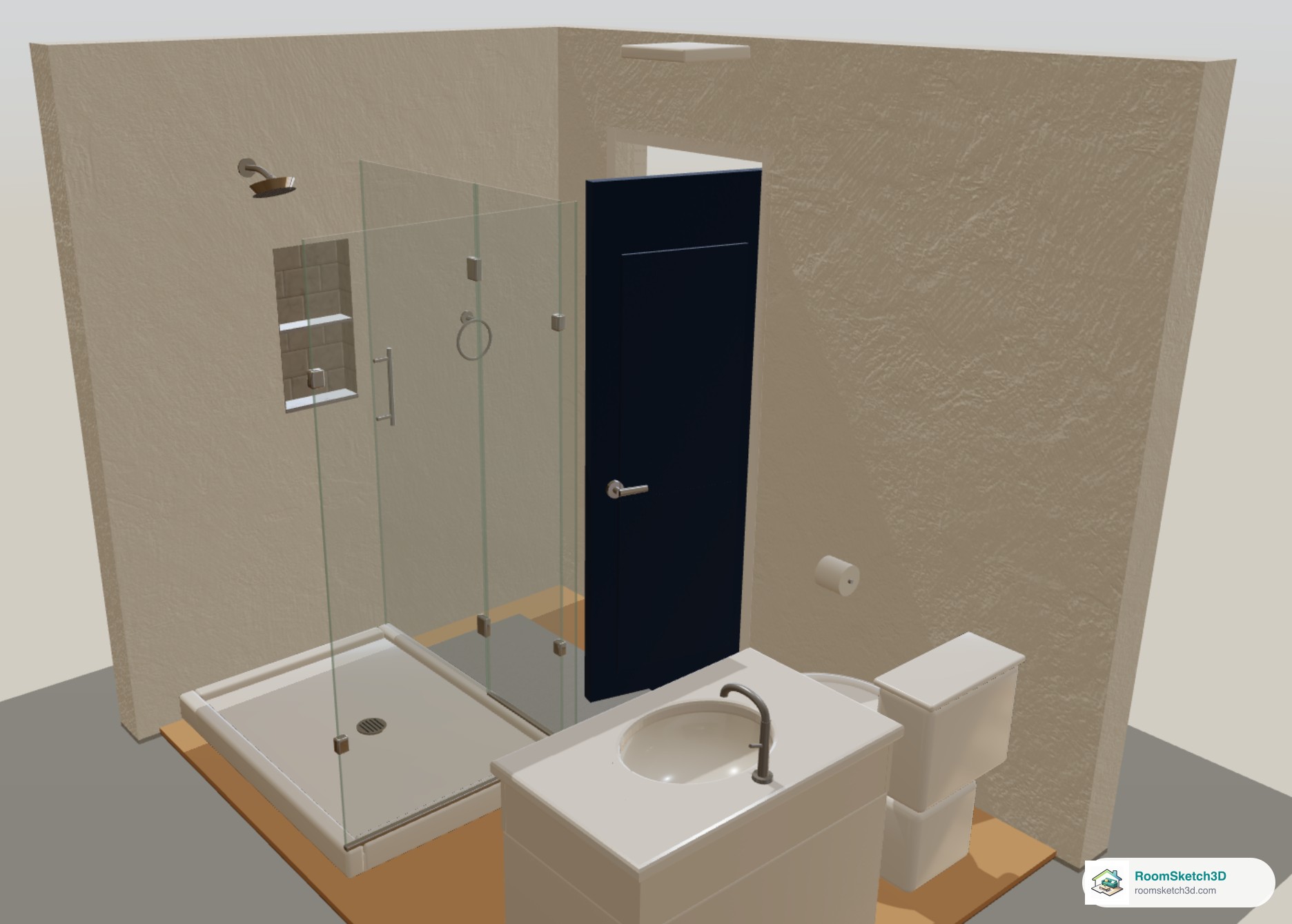
Shower heads, niches, drains and other bathroom fittings
Shower heads, recessed niches, shower and linear drains, the Floor Drain symbol, glass panels and grab bars — where to find each.
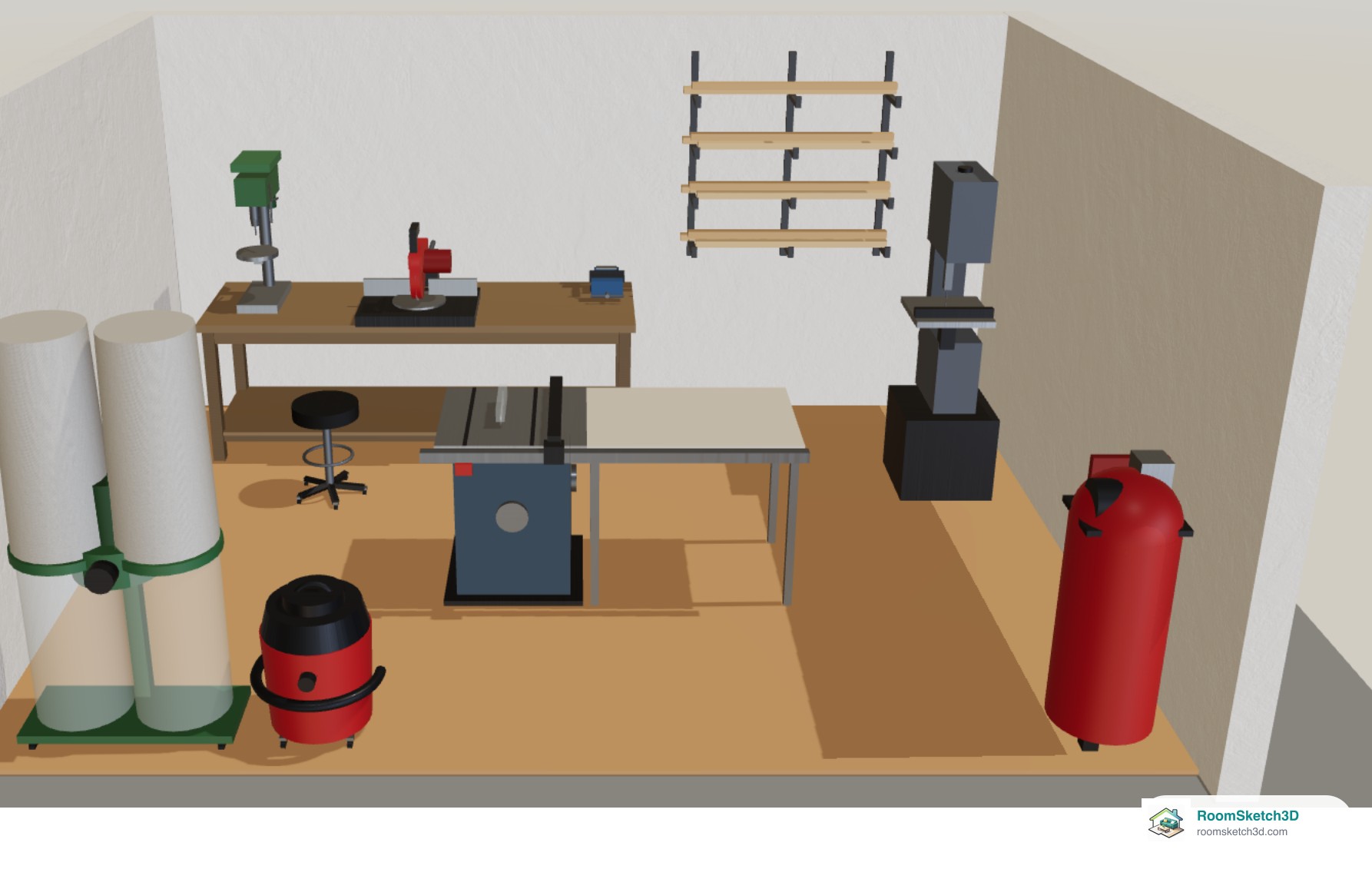
Plan a workshop with real shop tools
26 real-size shop tools — saws, drill presses, lathe, dust collector, compressor — and benchtop tools that sit on your workbench.
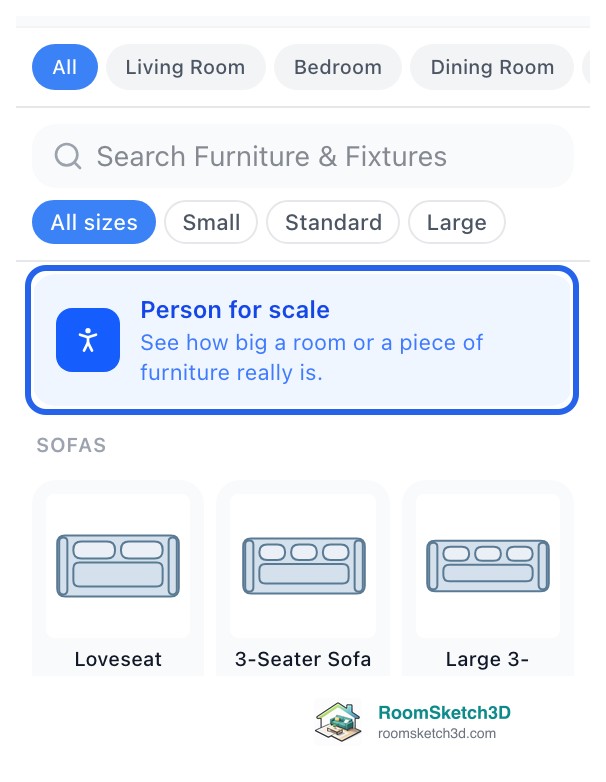
Add a life-size person to see how big things really are
A life-size person you can drop on the plan and see in 3D, set to any height, to judge how big a room or a piece of furniture really is.
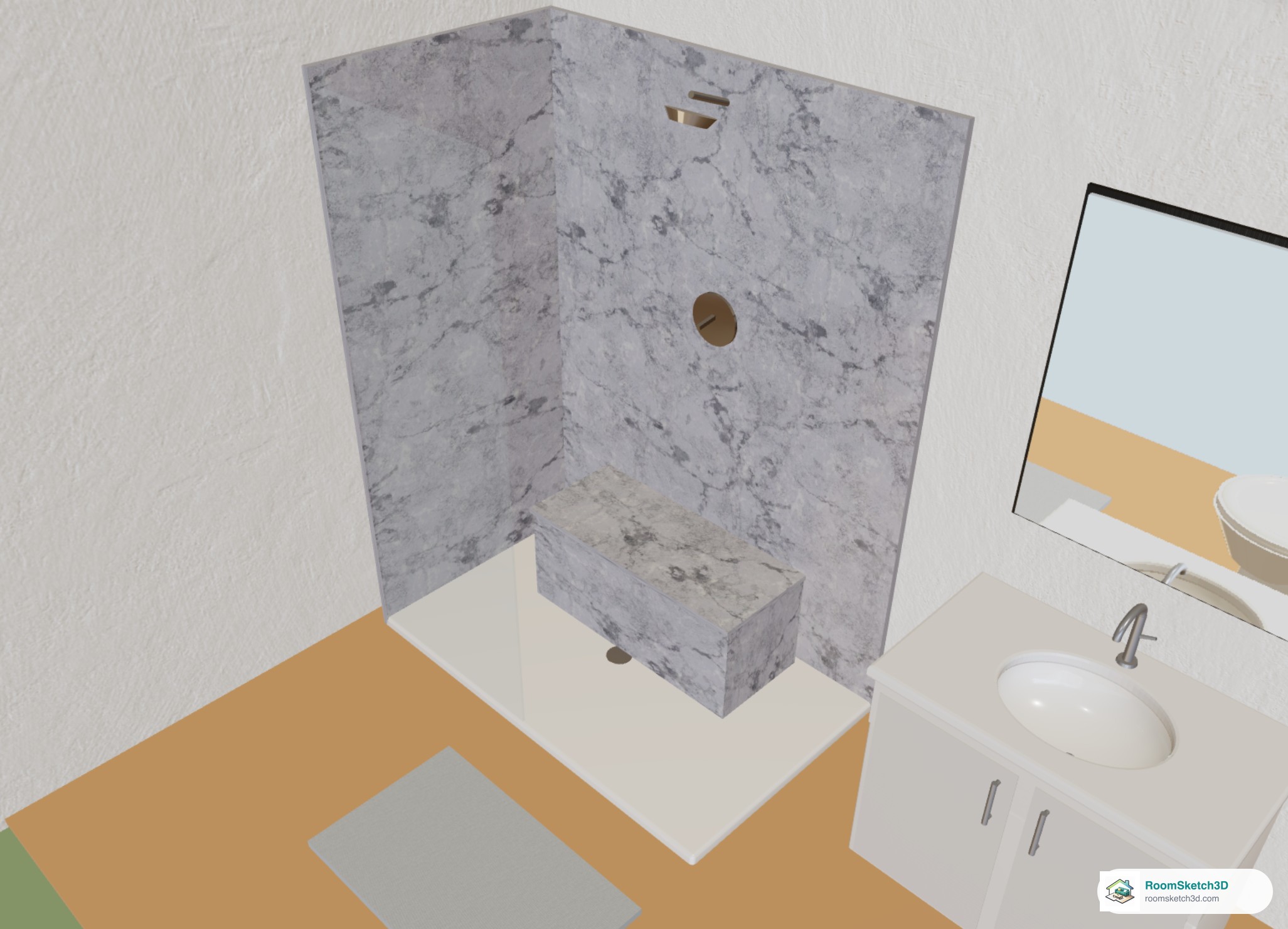
Choose the tile on your shower walls
Nine wall tiles for any ready-made shower, seen side by side in 3D, plus how benches, seats and curbs match or get their own.
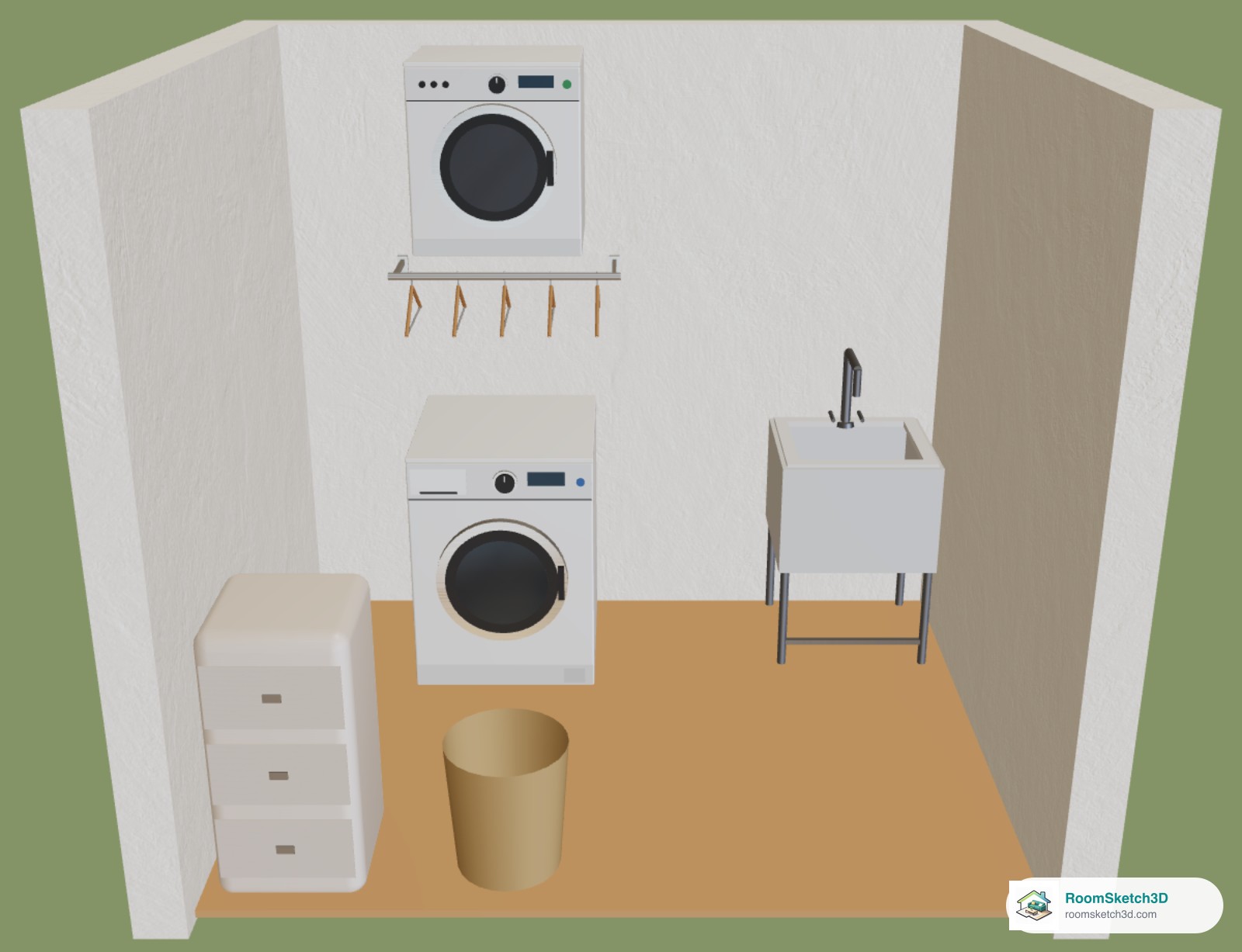
Hang a dryer on the wall above your washer
Wall-Mounted Dryer and Laundry Hanging Rail: tap a wall, set the Mount height, centre over the washer, see it in 3D.
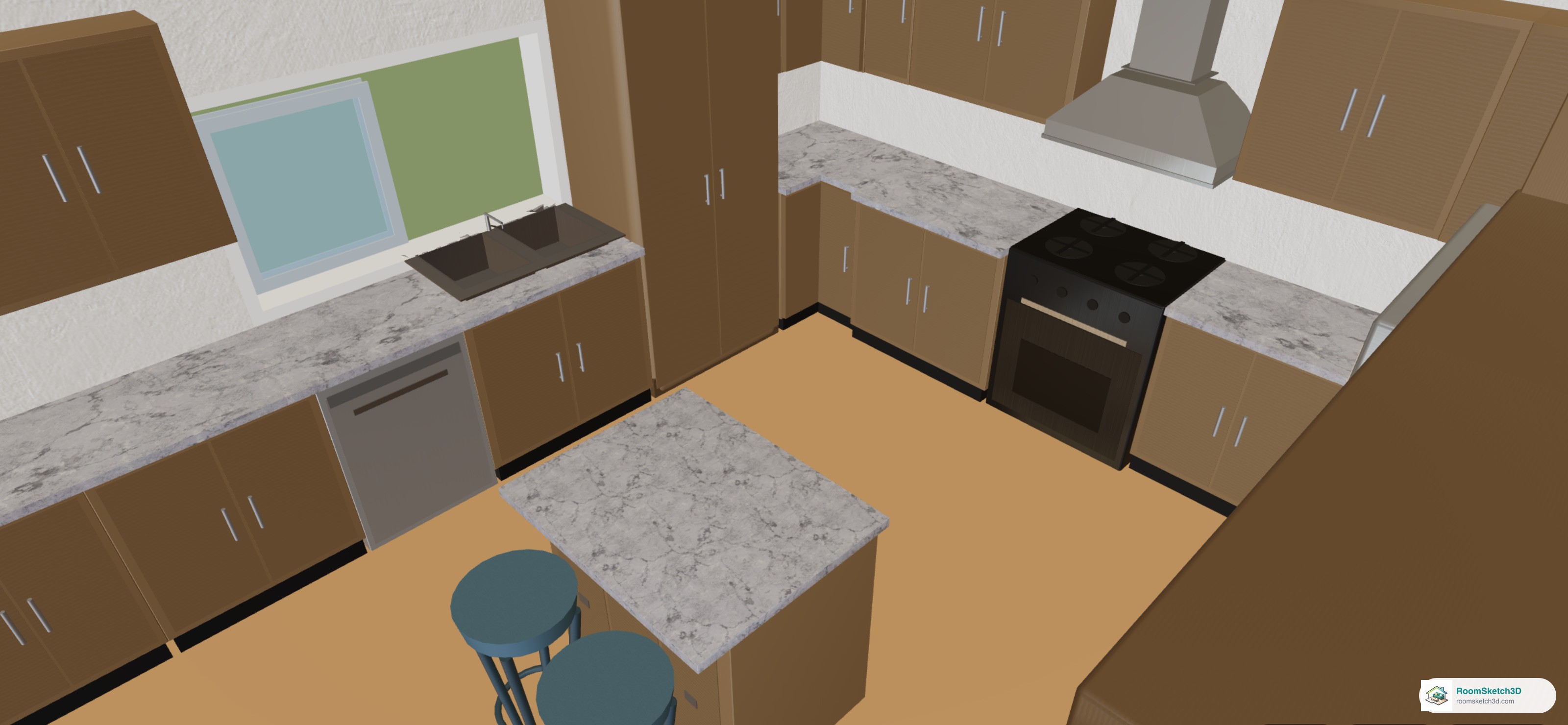
Change the countertop on cabinets, islands and vanities
Granite, quartz, marble, butcher block and more on any cabinet, island or vanity; one tap for the whole kitchen.
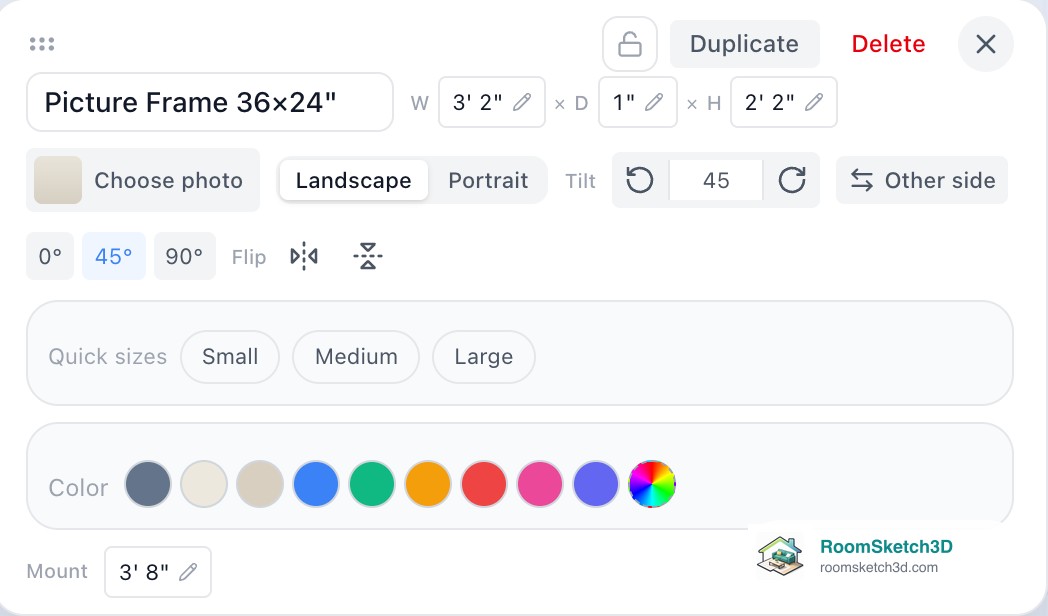
Hang your own photos in picture frames and canvases
Frames and canvases with your own photos, hung on any wall, in 3D. Your photos stay private.
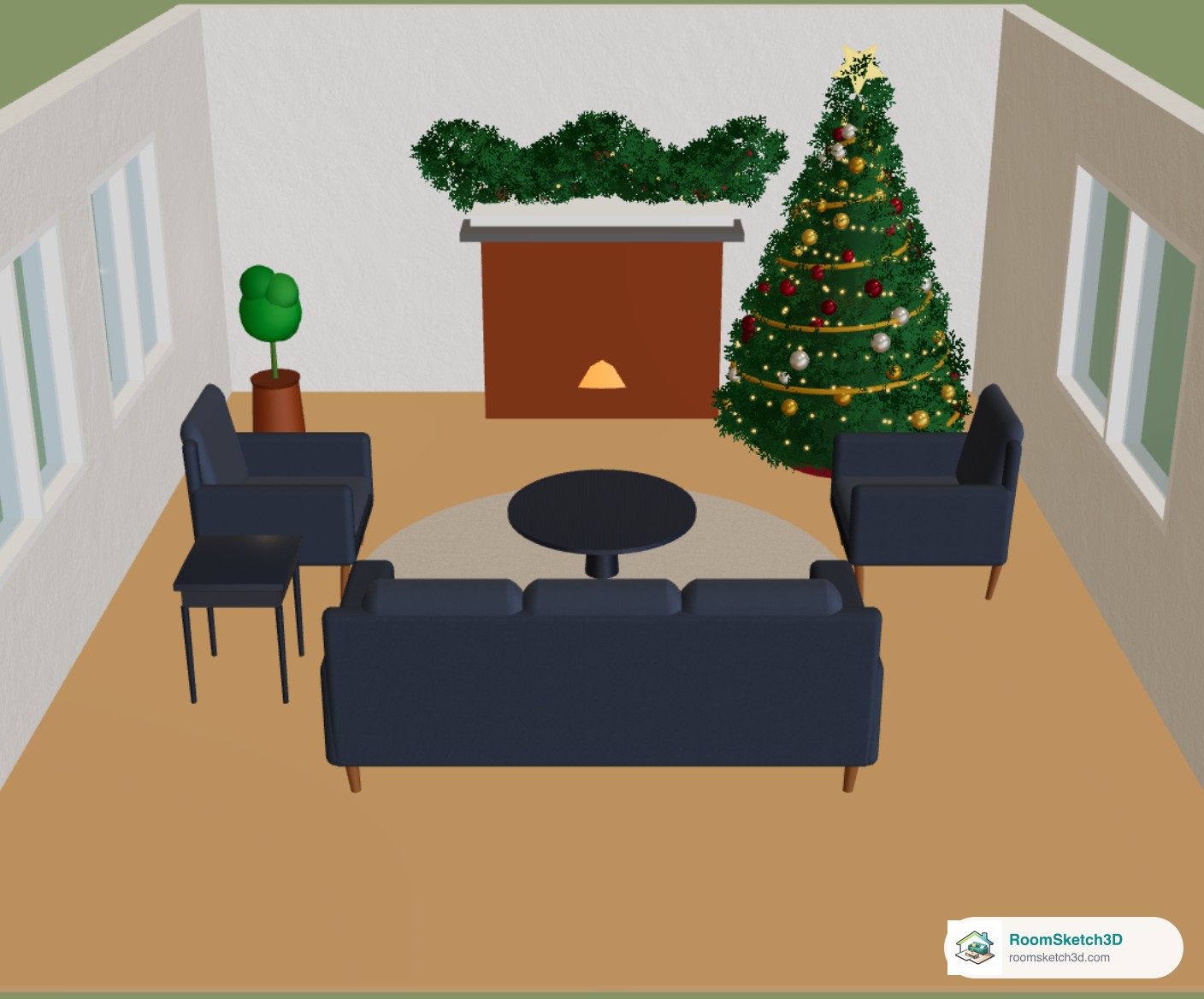
Plan your Christmas tree and holiday decor — check it fits first
Four real-size Christmas trees plus gifts, wreaths and garland. Find the spot where the tree fits before you buy it.
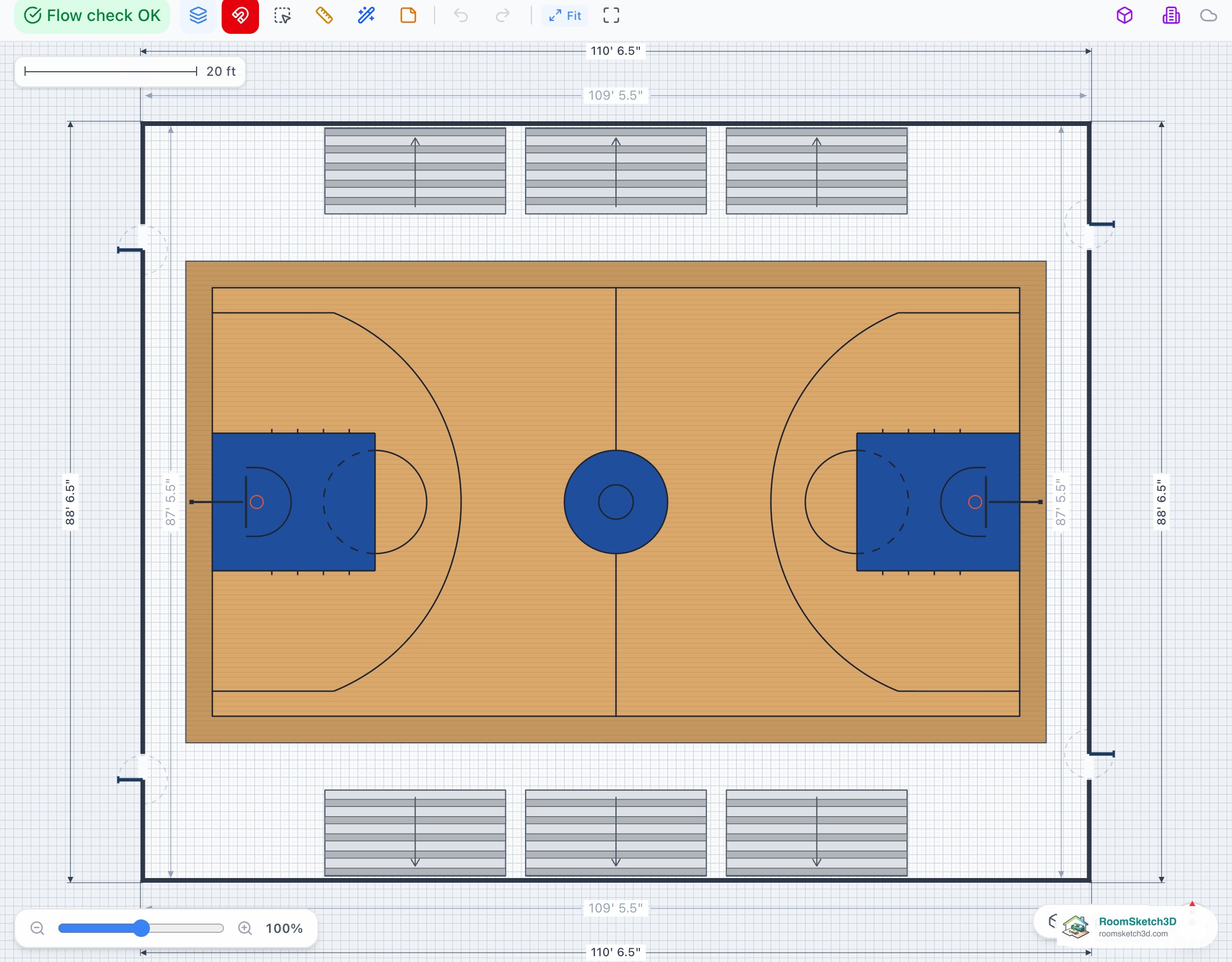
Plan a sports court: basketball, tennis, pickleball, volleyball, badminton, squash and hockey
Basketball, tennis, pickleball, volleyball, badminton and squash courts, ice rinks, hoops and the Sports Facilities templates.
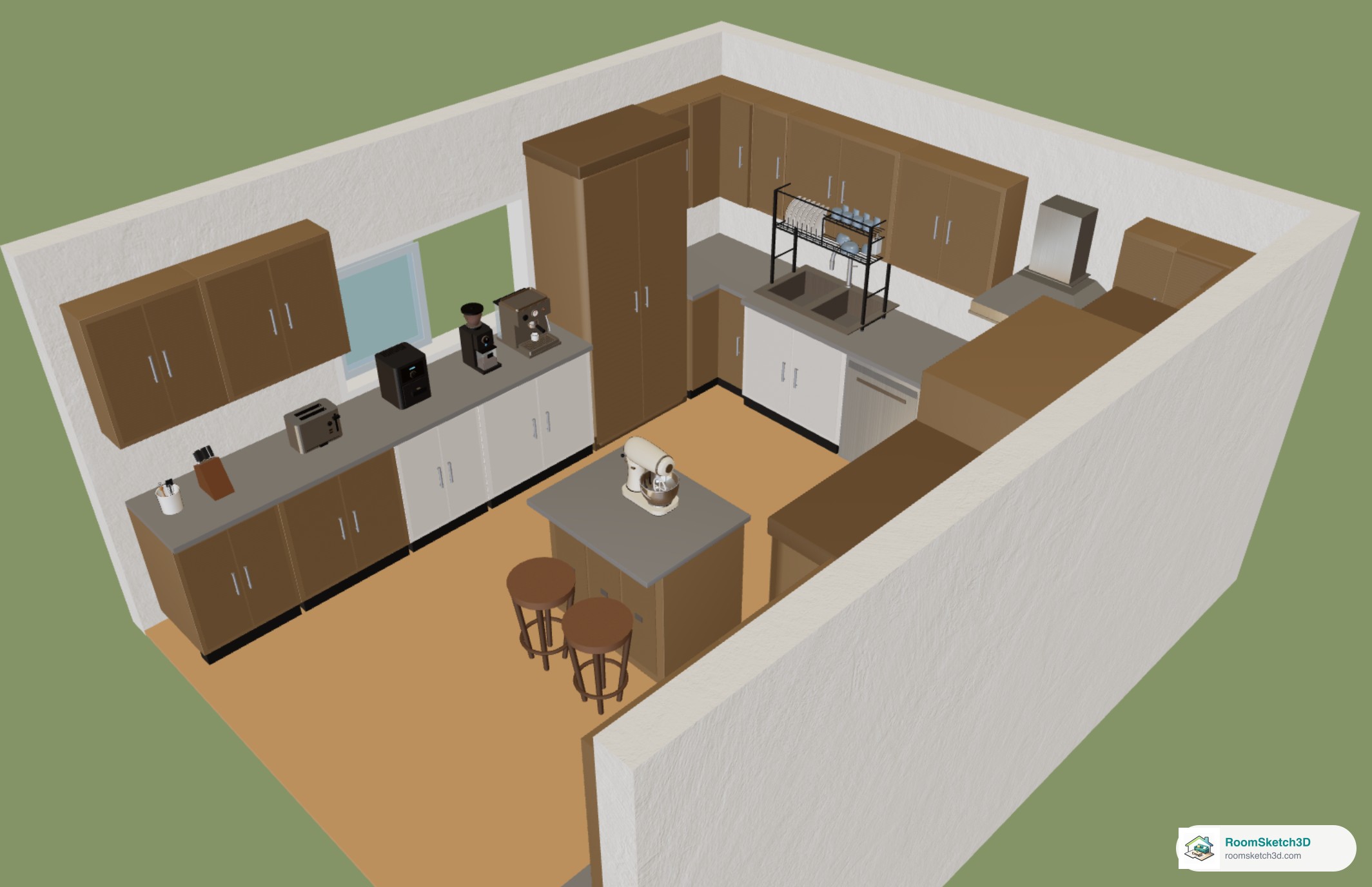
Put countertop appliances and accessories on your kitchen counters
Coffee machines, air fryers, mixers and 67 more pieces that stand on your real counters, at their real height, in your colour.
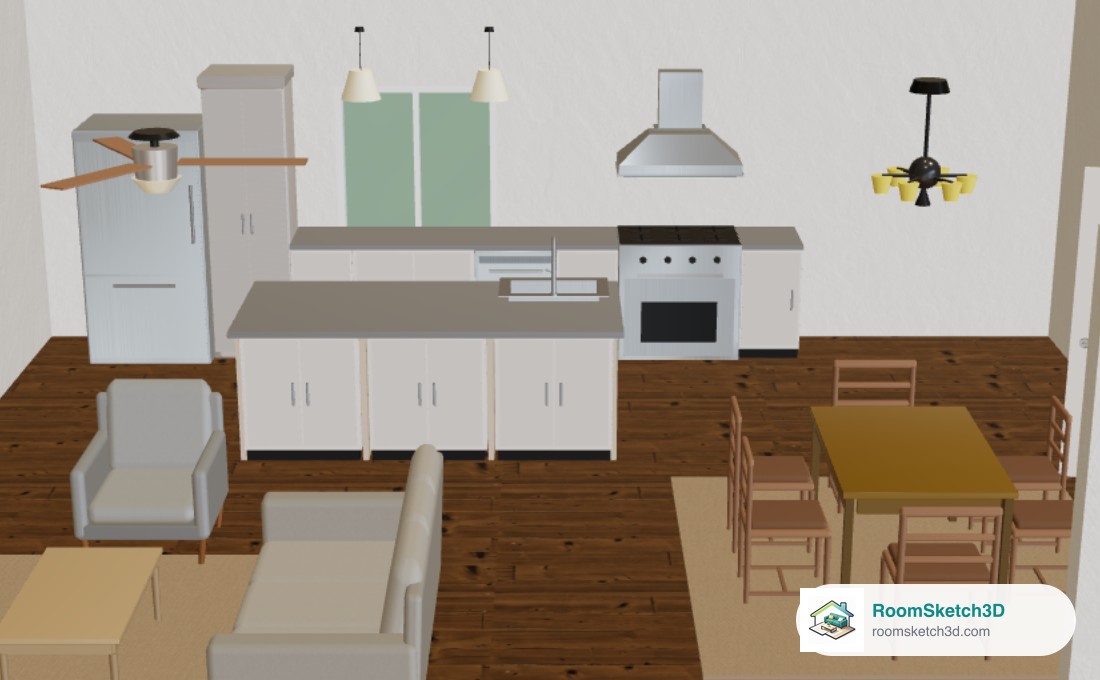
Put the island sink off center, with cabinets on both sides of the island
Sink left, center or right, front or back, with cabinets beside it and a row of cabinets facing the room.
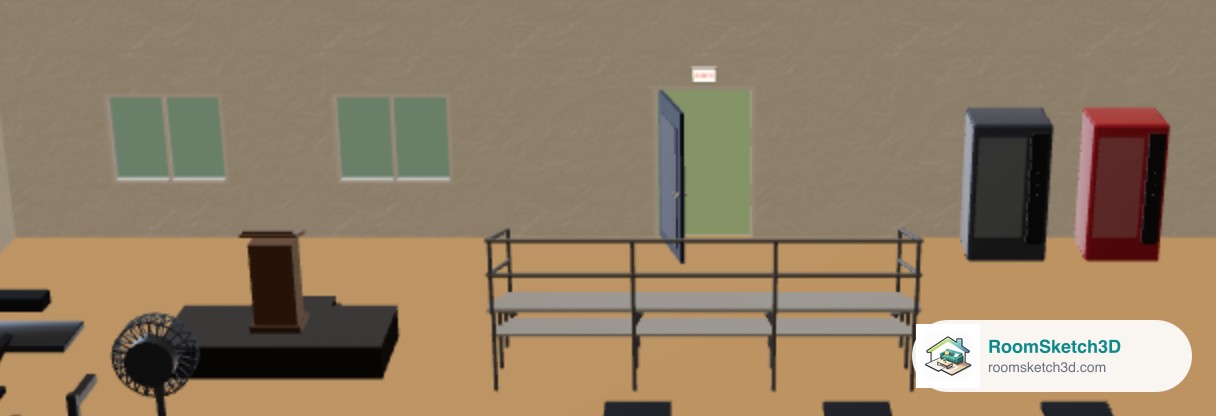
Plan a classroom, gym, stage or event space
Lecterns, stage risers, bleachers, exit signs, lunch tables and restroom fittings for schools, gyms and venues.
More help topics
Put it into practice
One-time purchase. Web, iOS, and Android. No subscription, ever.
Open RoomSketch3D

One-time purchase. No subscription ever.