
Getting Started
Create your account, draw your first room, and learn your way around the editor in a few minutes.
Guides in Getting Started
Take the guided tour of the editor
Let the app walk you through every panel, tool, and menu on a sample apartment — the best first five minutes in RoomSketch3D.
Seven ways to start a floor plan
Dimensions, custom shapes, floor plan images with AI, room photos, AR scan, templates, backups — pick the right starting point.
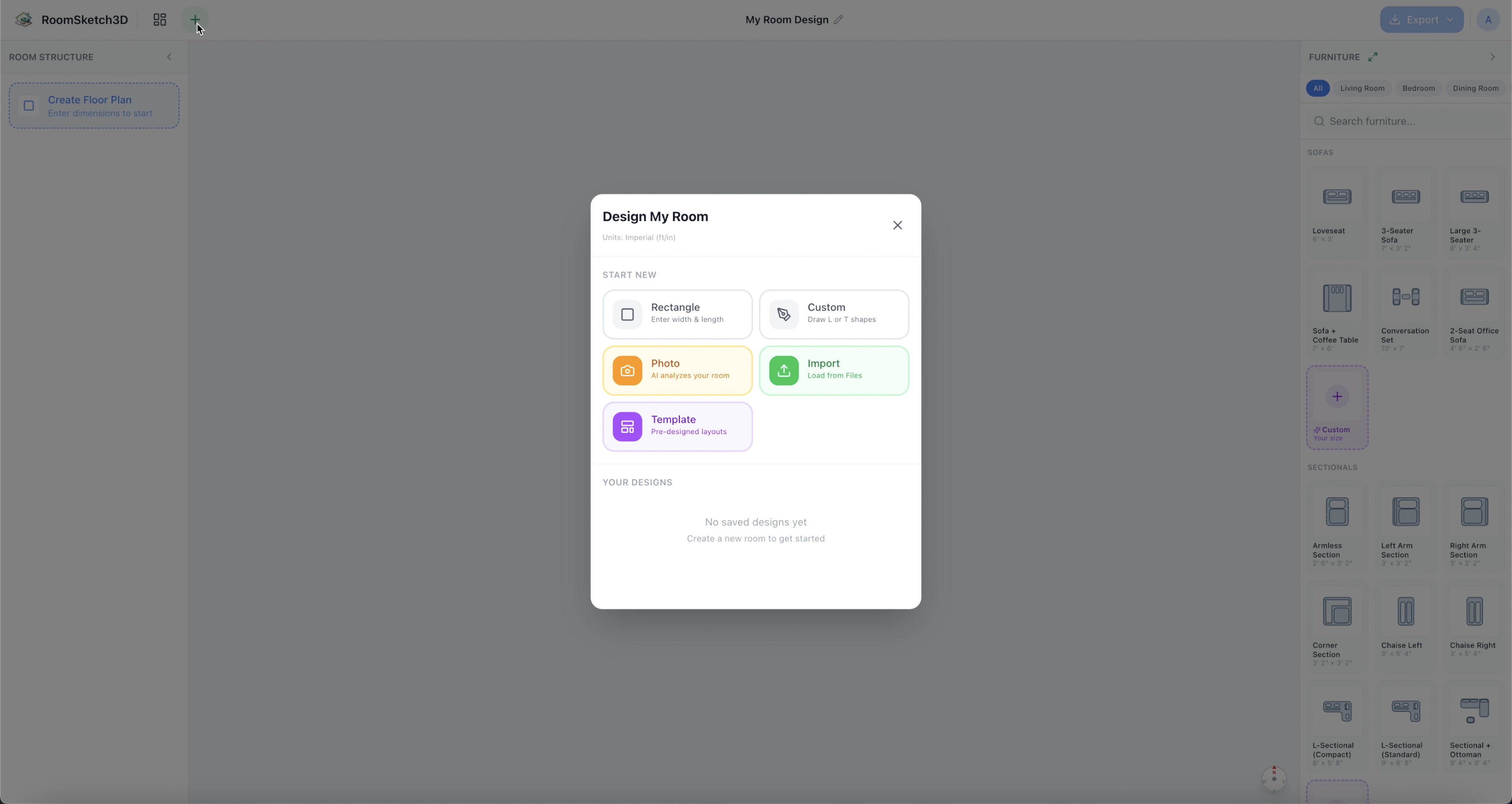
How to create a rectangular floor plan
Set up a basic rectangular room with accurate measurements in feet or meters — about a minute.
Complete walkthrough: draw a room, furnish it, and view it in 3D
The complete tour: blank canvas → furnished room → 3D walkthrough, in a few minutes.
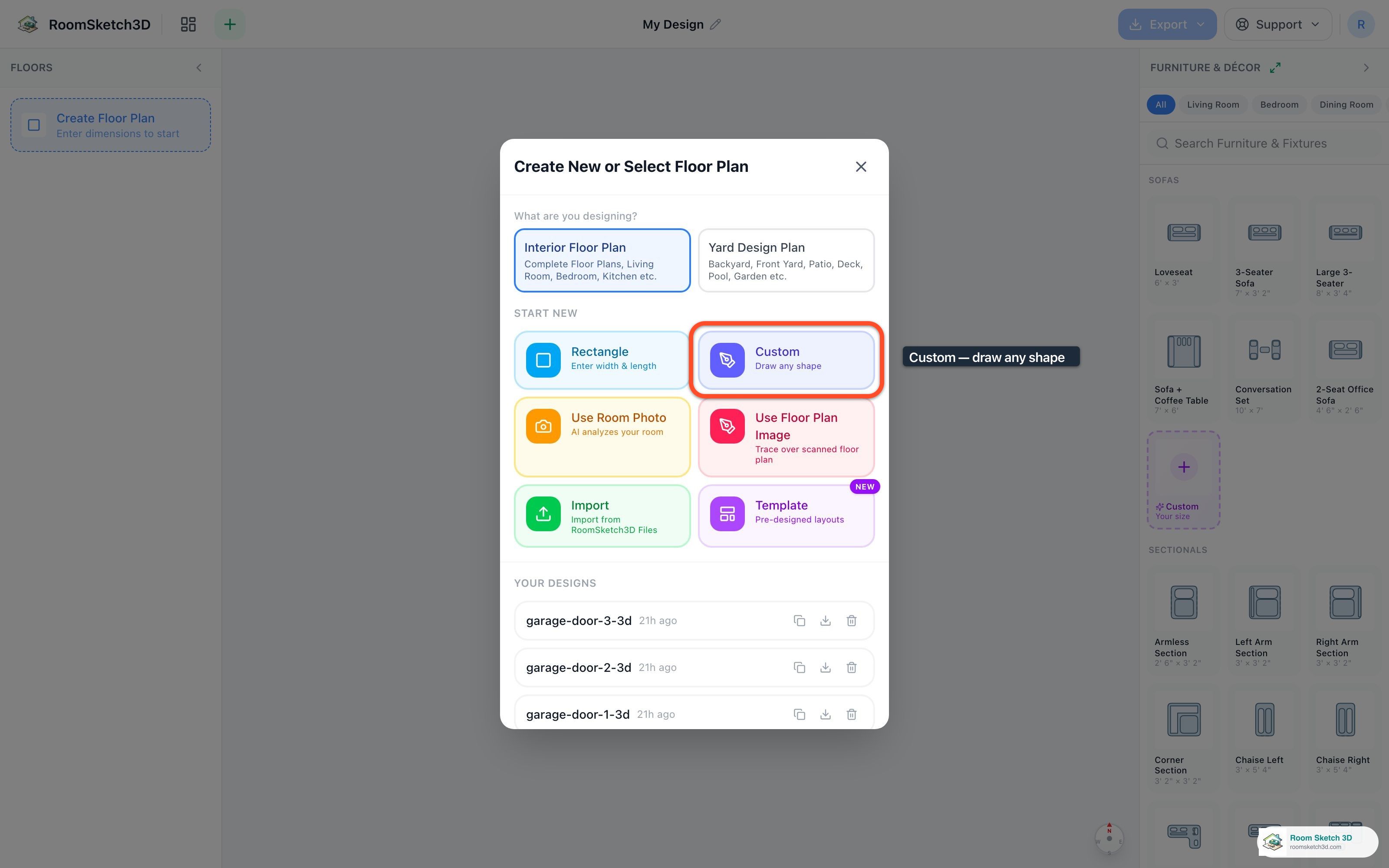
Drawing a custom-shaped room
Pick a preset or draw your own — six starting shapes plus a freehand corner-placement editor.
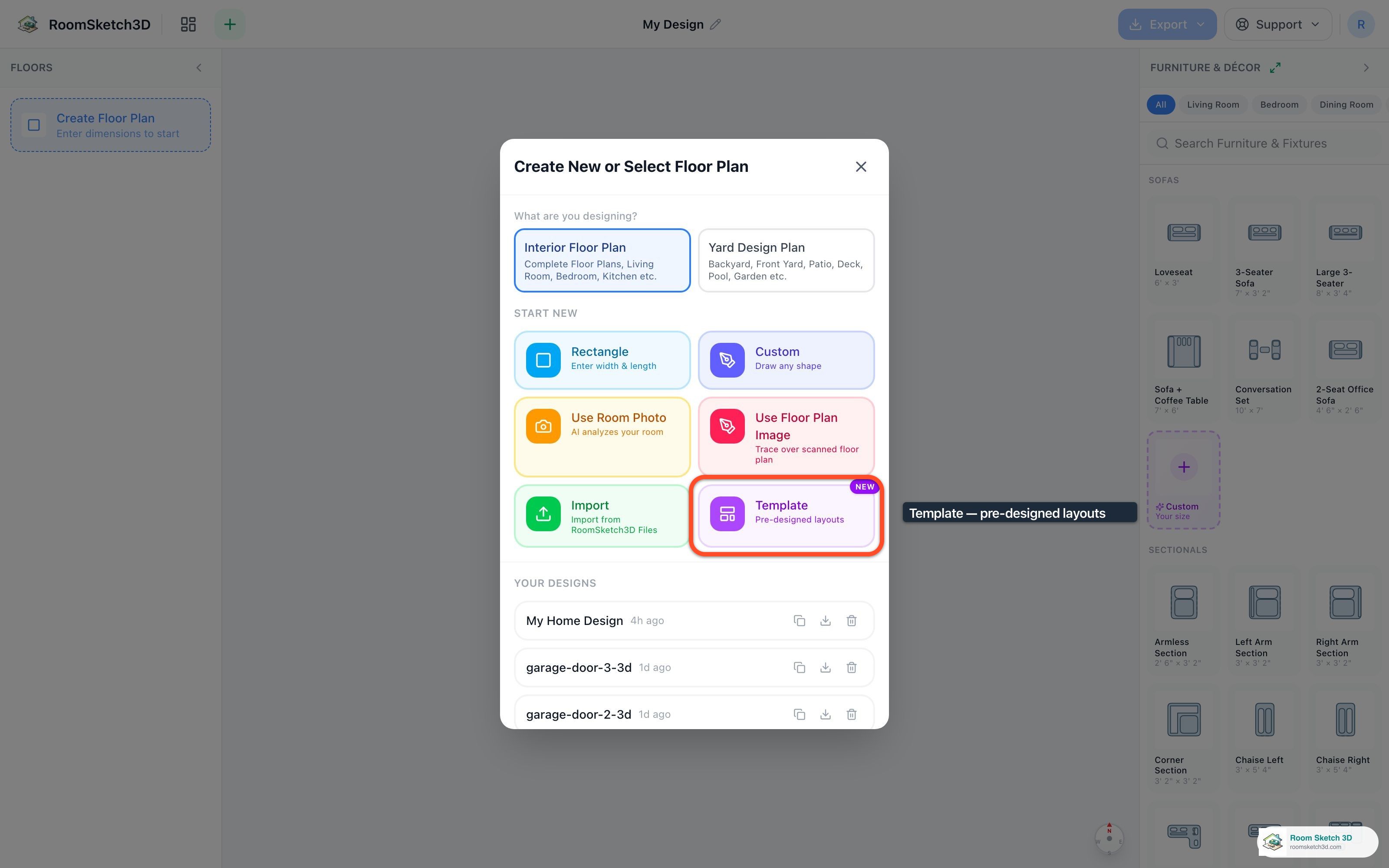
Starting from a furnished template
Two dozen ready-made layouts — living rooms, kitchens, apartments, cafés, restaurants, stores, a gym, a library. Tap, tune, done.
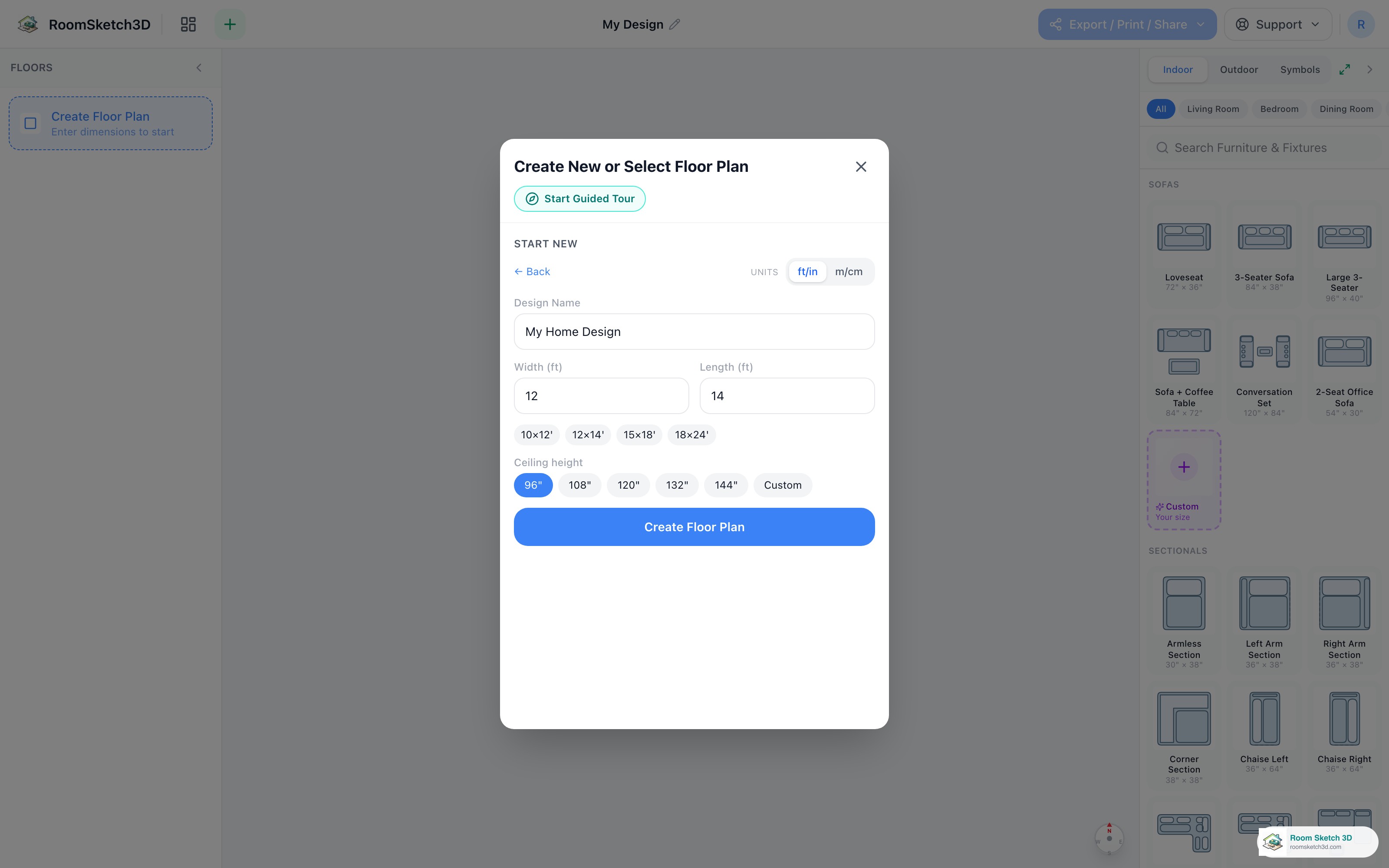
Units & measurement format — feet/inches, meters/centimeters, and plain inches or centimetres
Pick ft/in or m/cm — and now feet-and-inches vs inches-only (or metres vs centimetres). Applies everywhere.
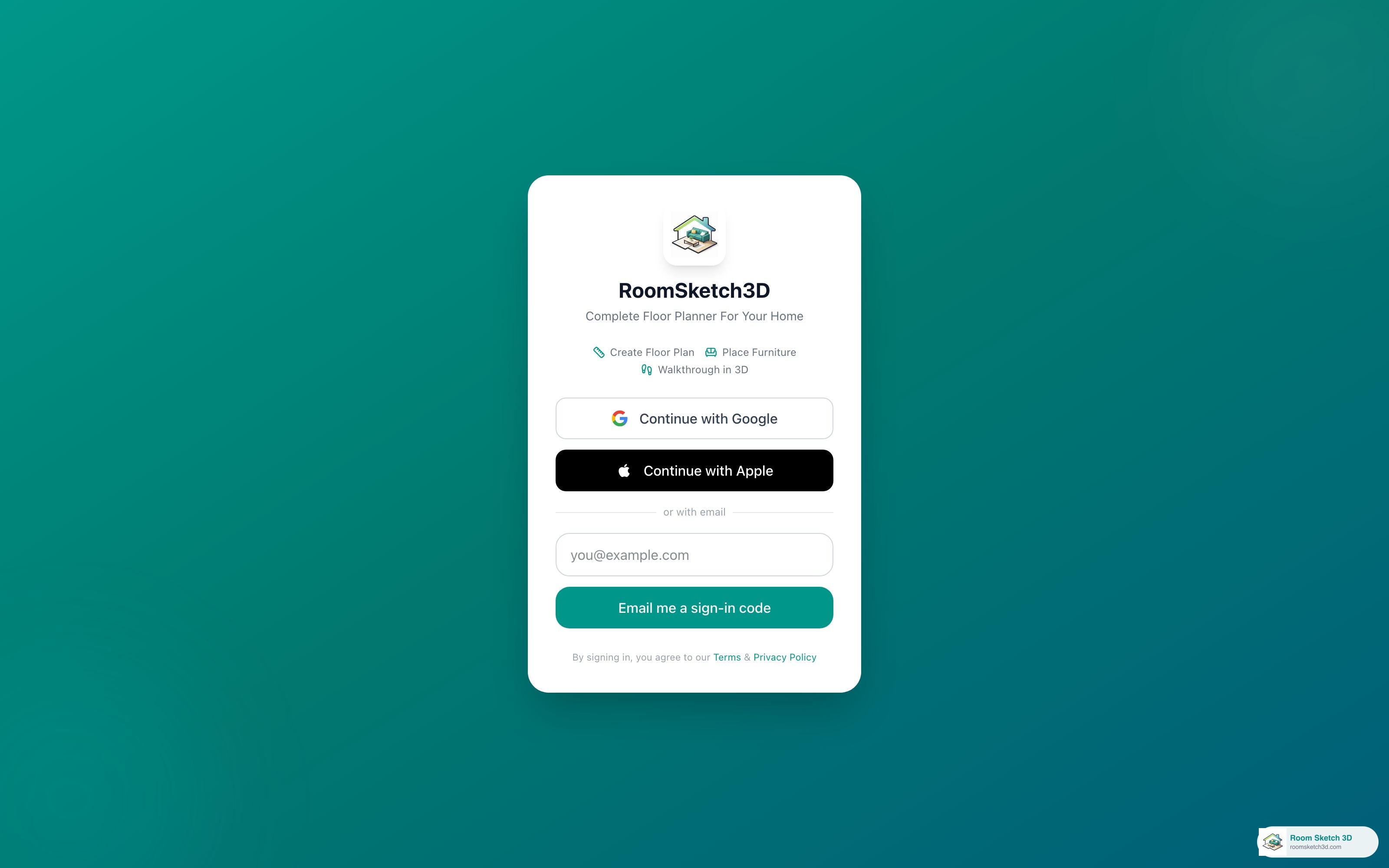
Sign in or create your account
Google, Apple, or email code — no password. Designs sync across every device.
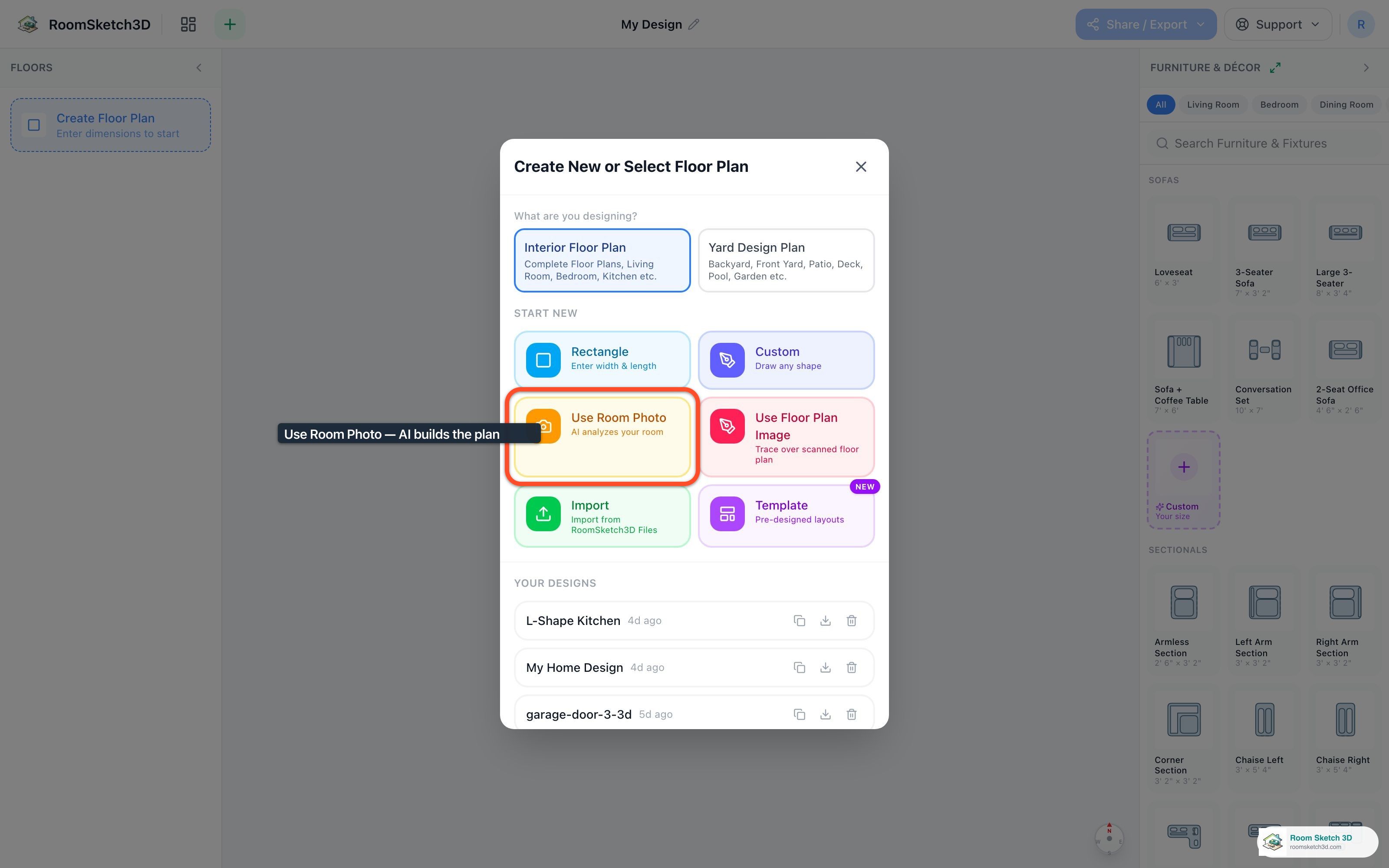
Creating a floor plan from a room photo
Pick a photo of your room; AI builds an approximate floor plan — walls, dimensions, furniture — in ~30 seconds.
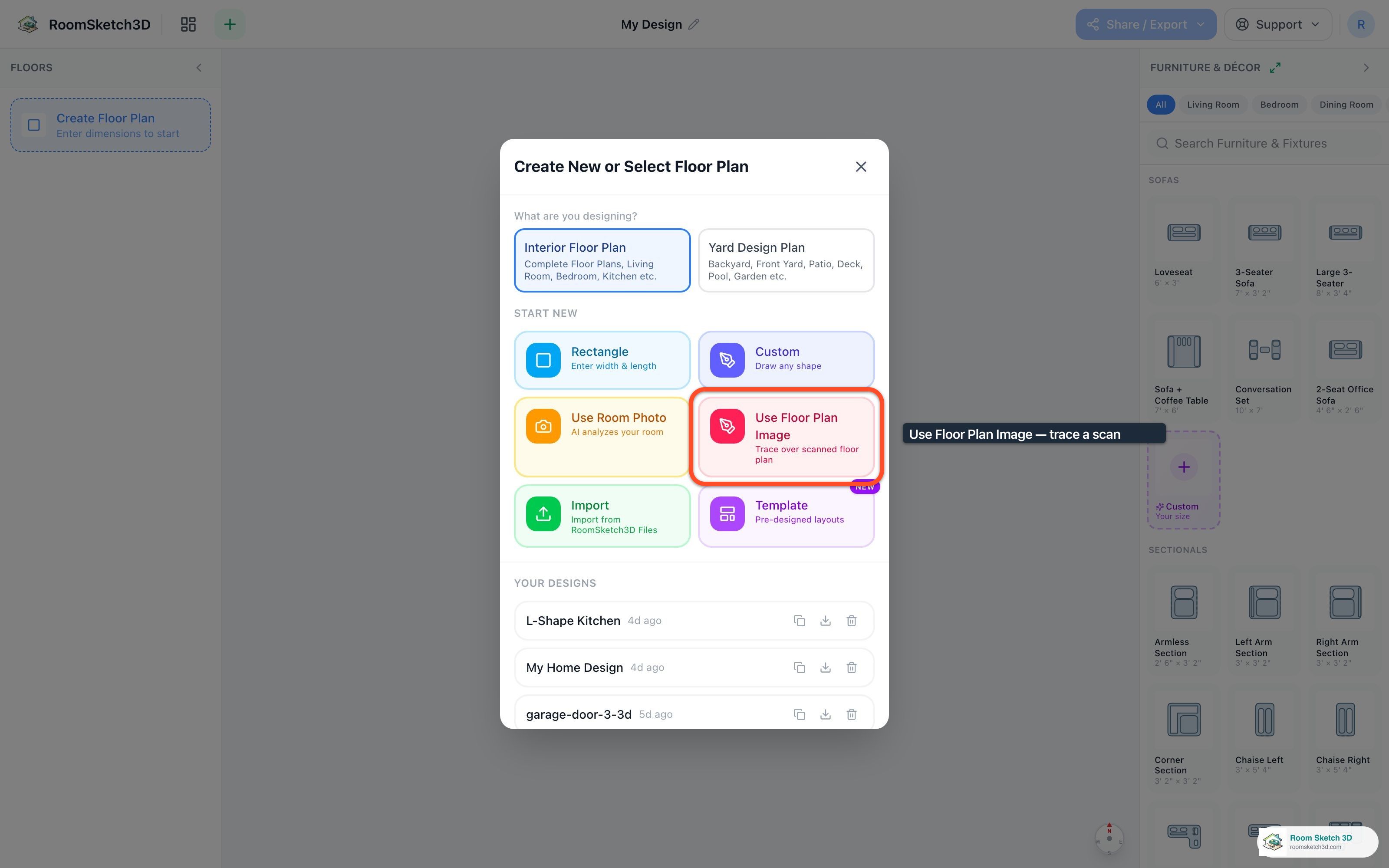
Importing and tracing an existing floor plan
Import an existing floor-plan image and trace over it to recreate it digitally.
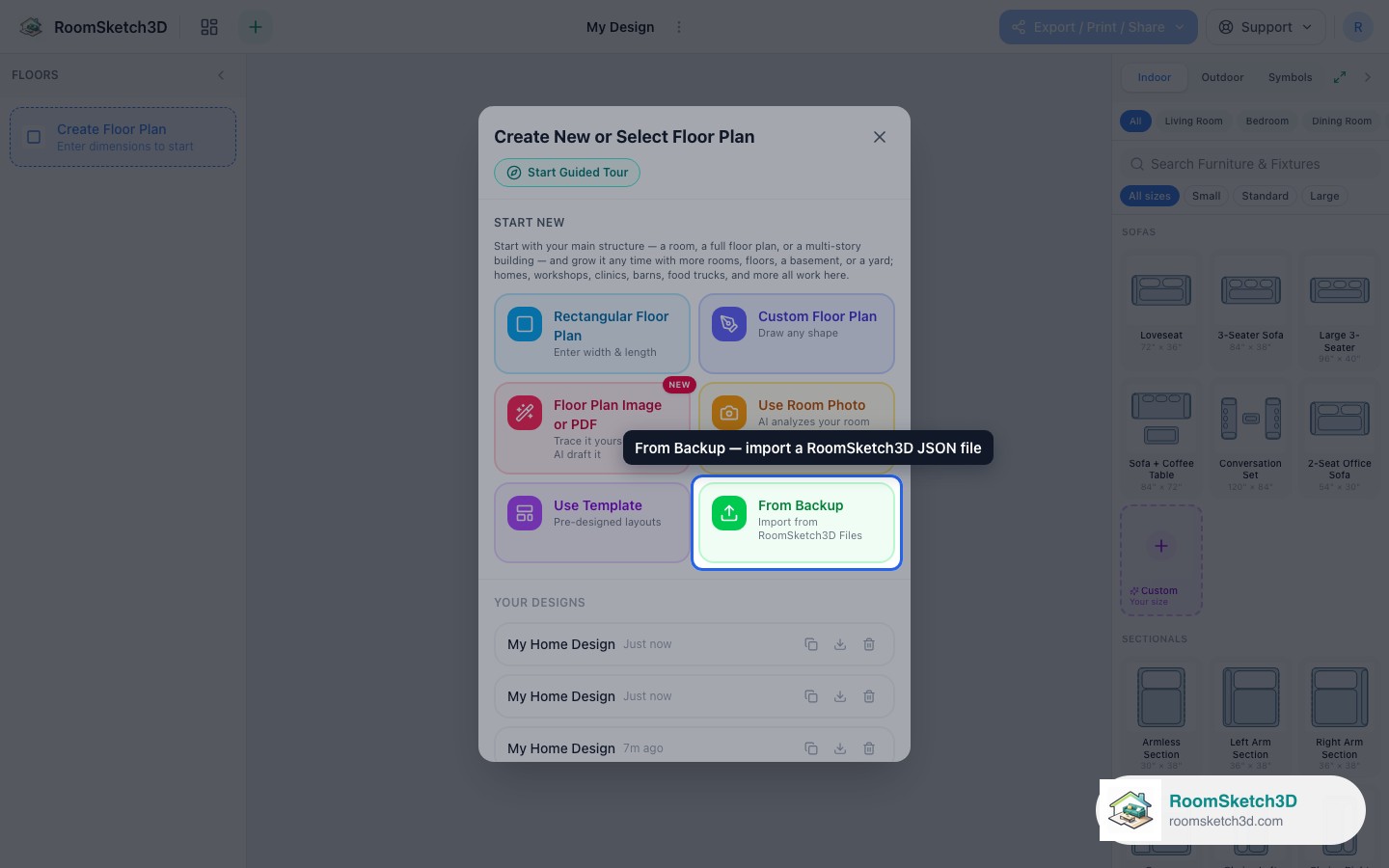
Importing a design from a JSON file
Load a design from a JSON file — restore a backup or move a design between accounts.

Every toolbar button, explained
What every button in the editor toolbar does, one by one.
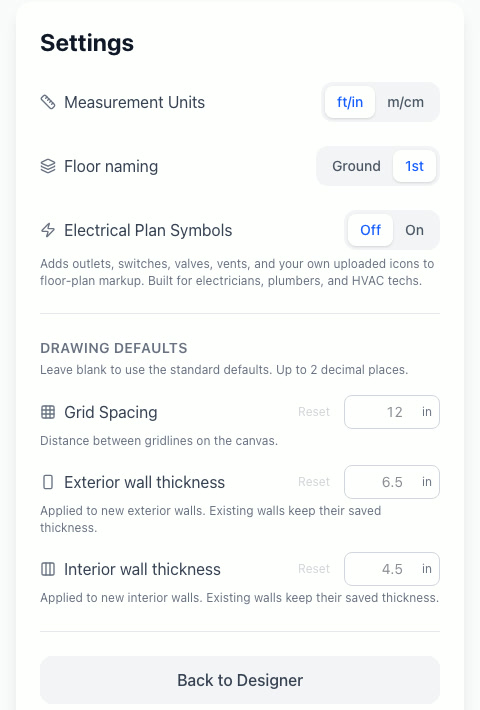
Every setting, explained
Units, floor naming, electrical symbols, and drawing defaults — explained.
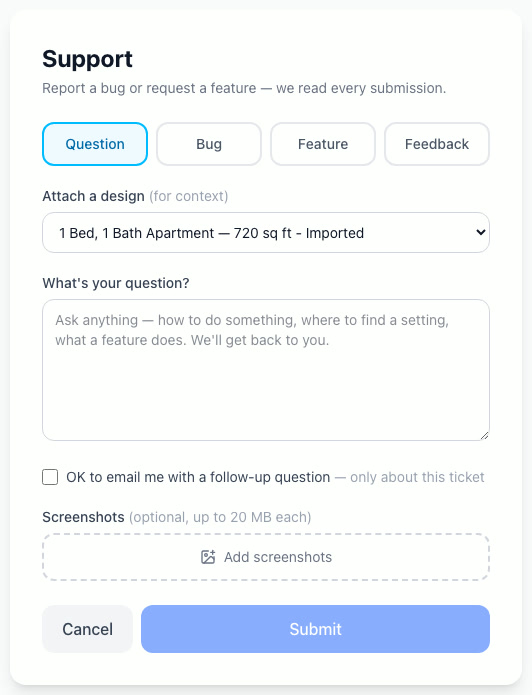
Getting help & support
Ask, report a bug, request a feature, or give feedback — we read every message.
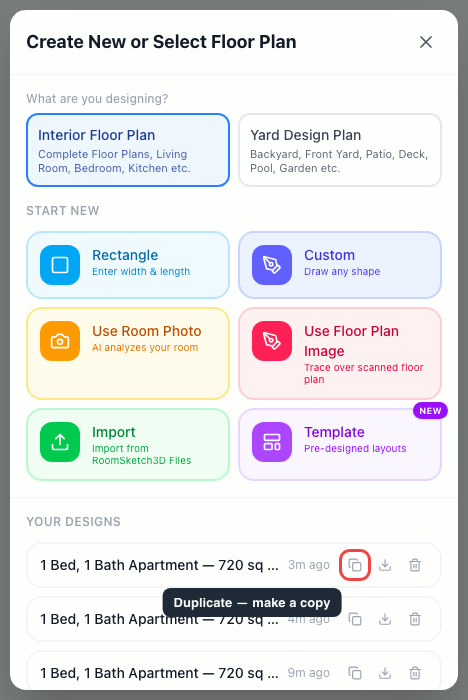
Duplicate or copy a floor plan
Copy a design to explore versions and variations, risk-free.
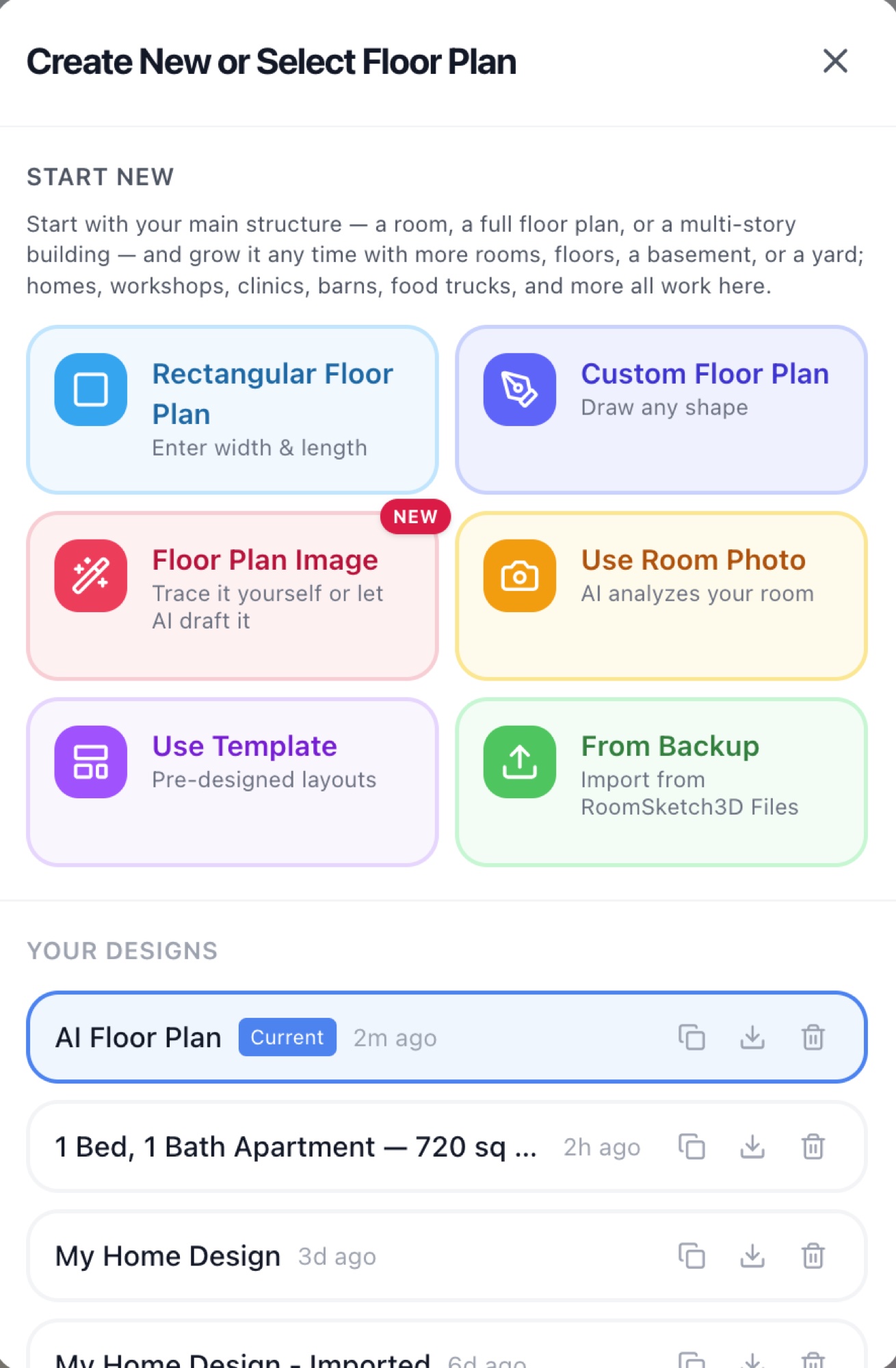
Importing a floor plan with AI tracing
Upload a floor-plan image and let AI draft the walls, doors, and windows for you to review.
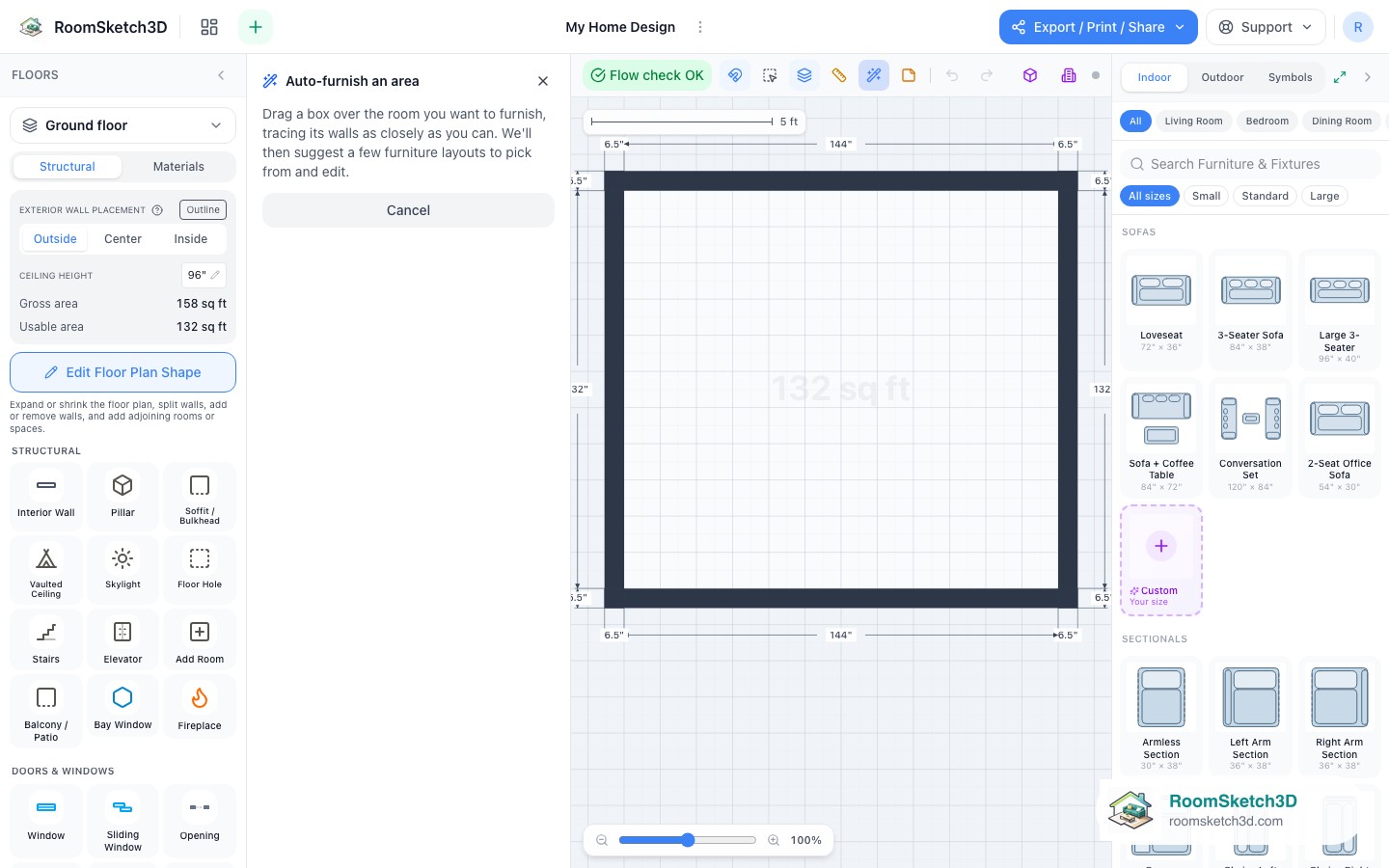
Auto-furnish — 62 design ideas you can pick from and edit
Draw a box and pick from 62 fit-ranked design ideas — or a whole-room layout — then edit.
Your first few minutes in RoomSketch3D
The intro tour and quick questions new users see — and how to skip straight to designing.
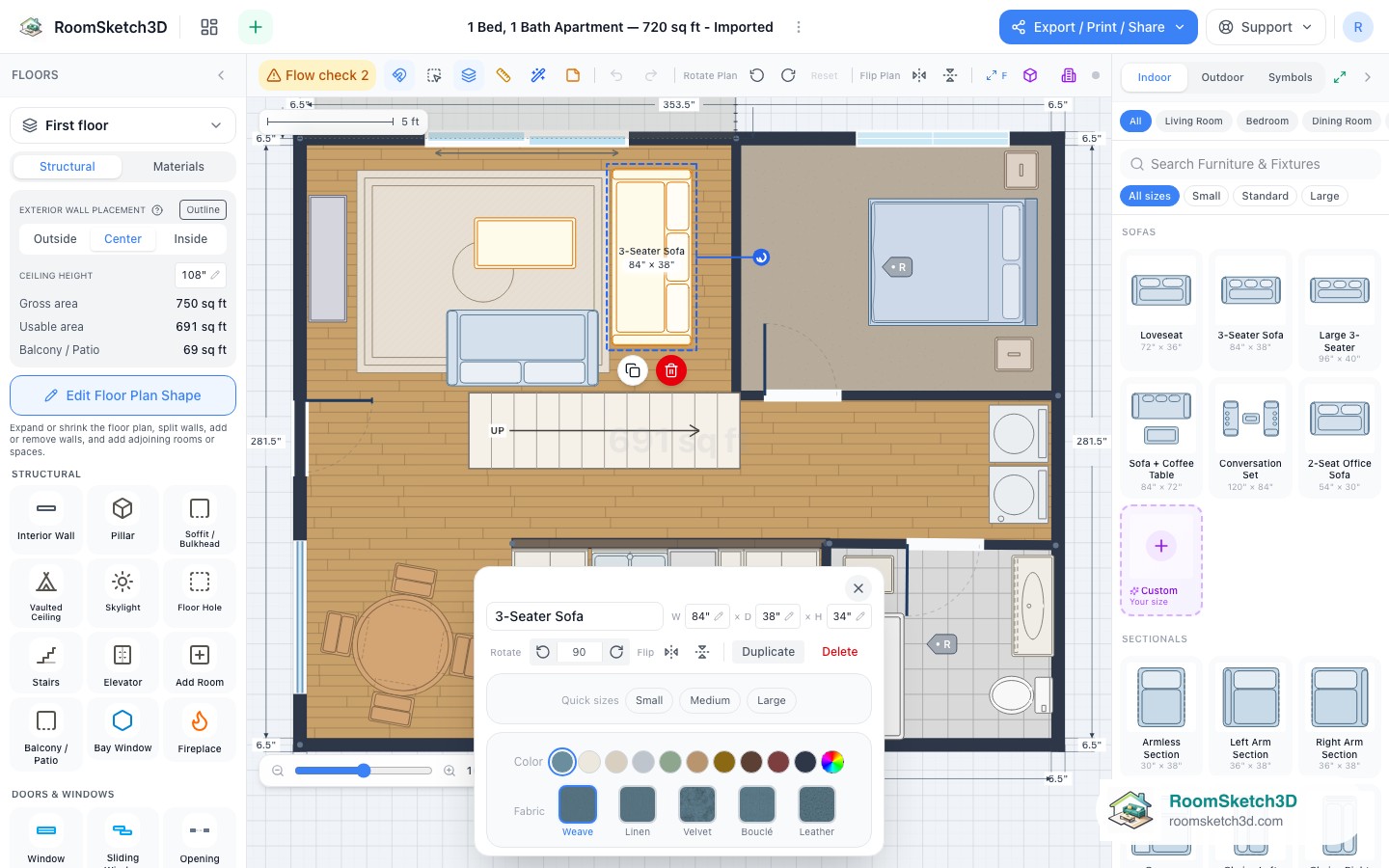
Select, multi-select, copy, paste, and delete
Group-select furniture and walls, then copy, paste, move, or delete them together.
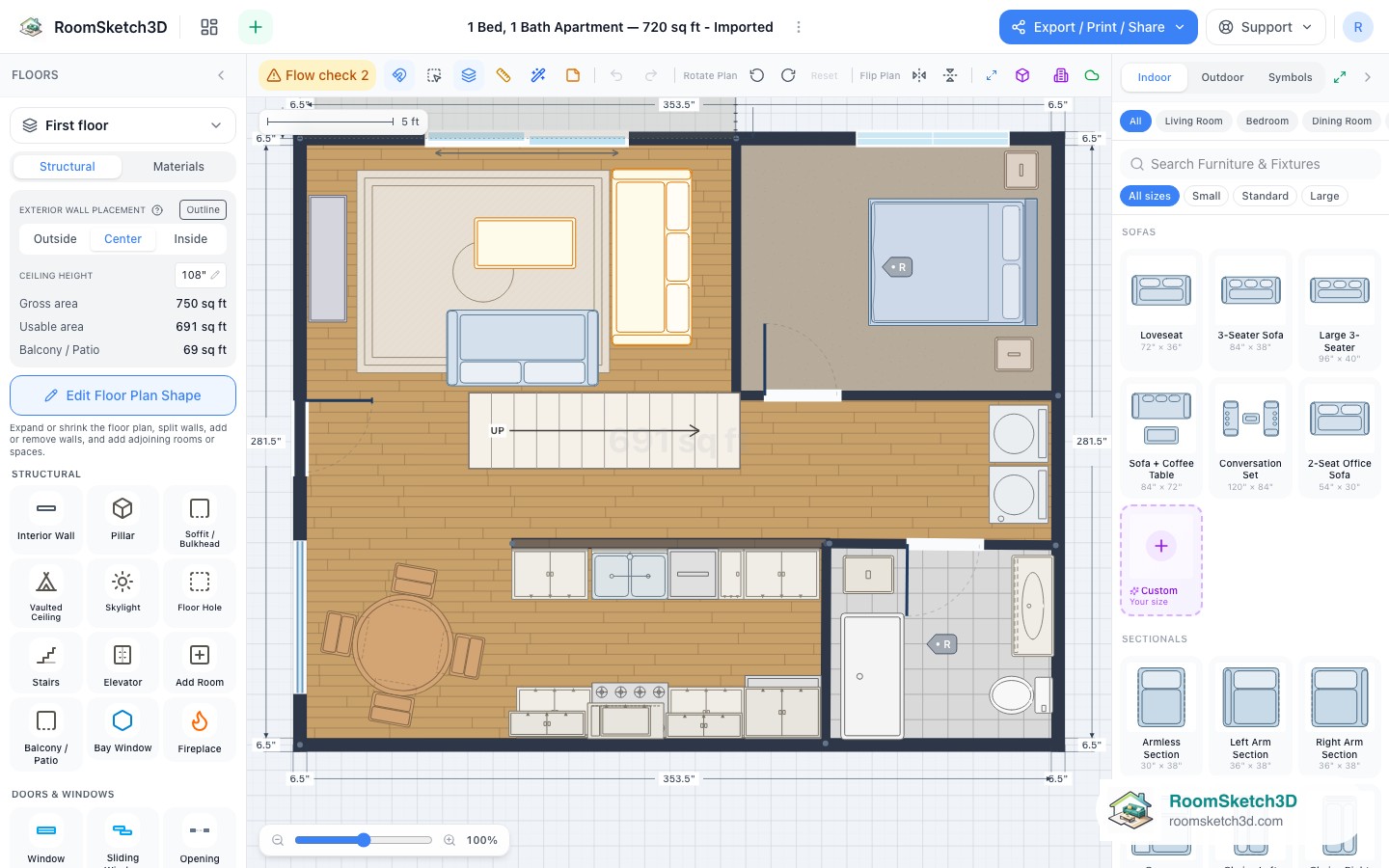
Labels, room tags, sticky notes — and naming any object
Annotate your plan with labels, notes, and custom names that carry into exports.
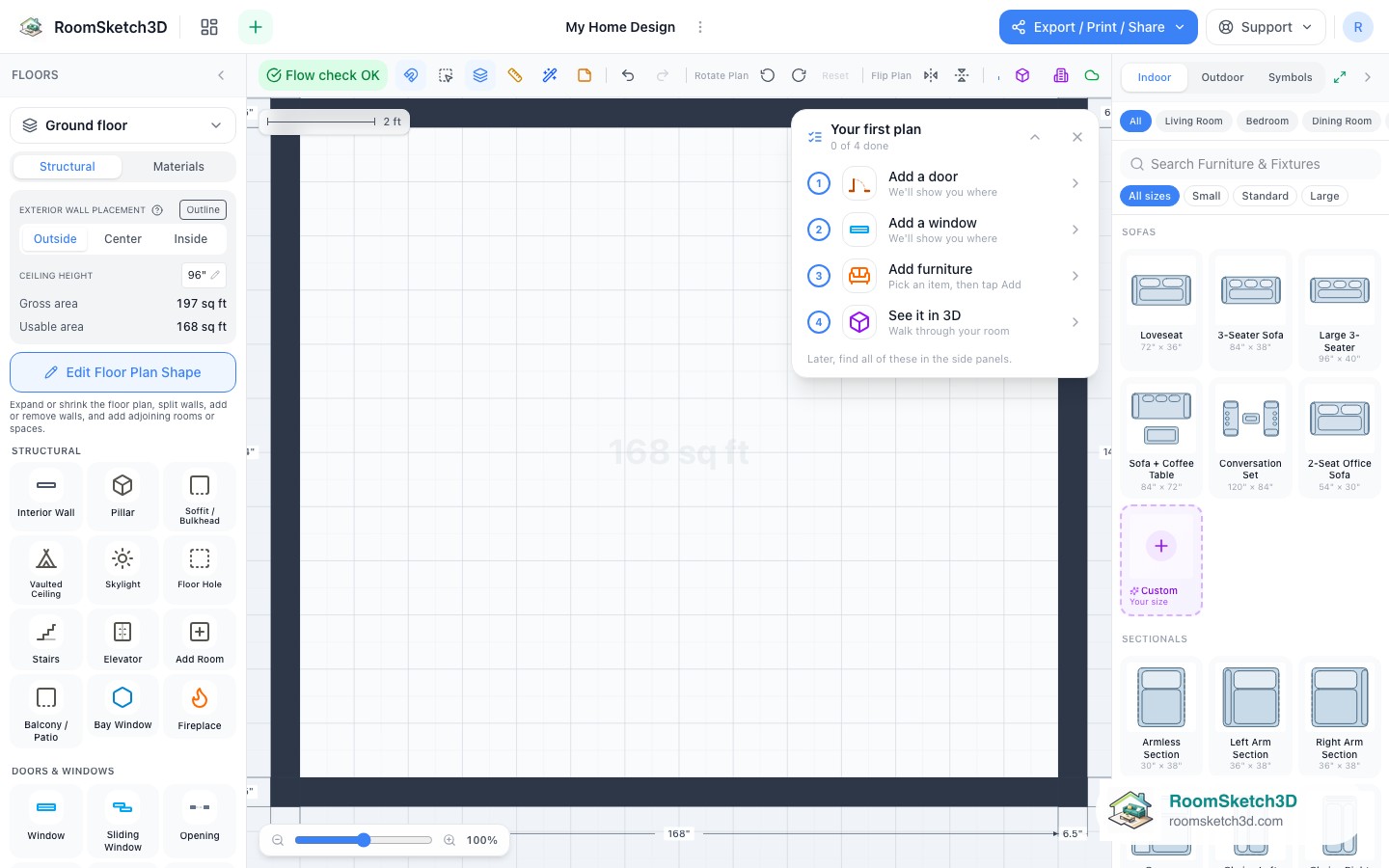
The getting-started checklist — your first four steps
A four-step guided checklist for your very first plan.
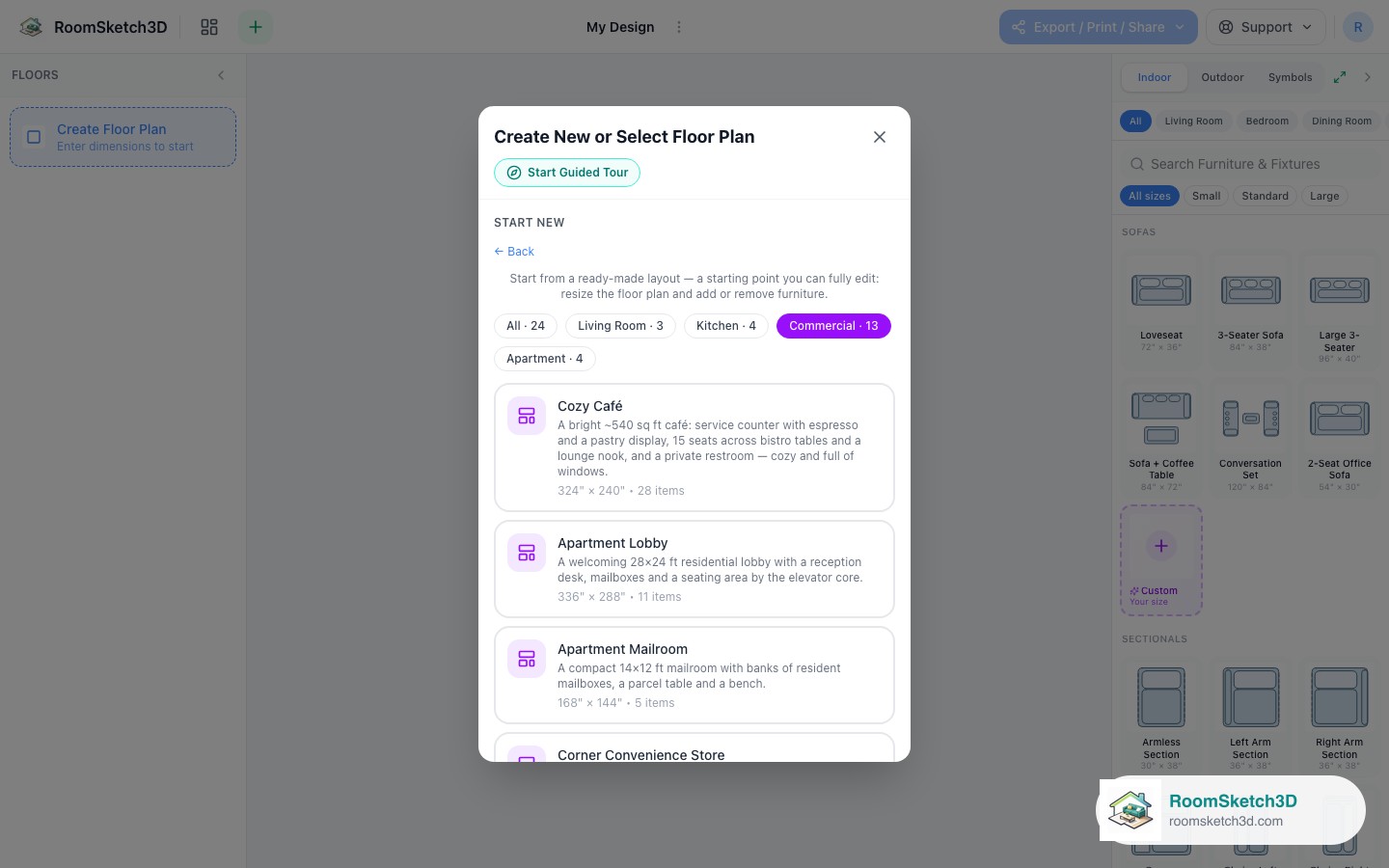
Plan a café, shop, or restaurant from a furnished template
Sixteen commercial templates plus a commercial fixtures catalog for small-business plans.
Put it into practice
One-time purchase. Web, iOS, and Android. No subscription, ever.
Open RoomSketch3DOne-time purchase. No subscription ever.